Best Cloud Security CSPM Services in 2026: 8 Tools Compared
Compare the best cloud security cspm services for multi-cloud posture, misconfigurations, compliance checks and attack-path risk in one place. before you buy.
- Editor's choice
 Wiz
Multi-cloud teams needing attack-path views
Starts atSee websiteVisit wiz.ioFull review - Great alternative
 Orca Security
Fast agentless deployment
Starts atSee websiteVisit orca.securityFull review - Also consider
 Palo Alto Networks Prisma Cloud
Enterprises on Palo Alto products
Starts atSee websiteVisit paloaltonetworks.comFull review
TL;DR:
- CSPM value comes from prioritisation, not from a long list of low-risk findings.
- Most enterprise CSPM pricing is quote based, so pilot on real accounts before you budget.
- Agentless tools deploy fast, but runtime protection may need an optional agent.
- Compliance frameworks help, but attack-path risk should decide what you fix first.
Quick comparison
| Tool | Best for | Starts at | Free plan? | |
|---|---|---|---|---|
| Wiz | Multi-cloud teams needing attack-path views | See website | Free trial | Visit |
| Orca Security | Fast agentless deployment | See website | Free trial | Visit |
| Palo Alto Networks Prisma Cloud | Enterprises on Palo Alto products | See website | Free trial | Visit |
 Microsoft Defender for Cloud | Azure-focused teams | Free | Free trial | Visit |
 CrowdStrike Falcon Cloud Security | CrowdStrike customers adding cloud posture | See website | Free trial | Visit |
 Lacework (Fortinet) | Teams wanting anomaly detection plus posture | See website | Free trial | Visit |
 Check Point CloudGuard | Multi-cloud compliance teams | See website | Free trial | Visit |
 Aikido Security | Developer-led smaller teams | $350 per month | Yes | Visit |
The best cloud security CSPM services
We compared cloud security posture management tools that scan cloud configuration, identities and workloads for misconfigurations and risk. We checked official product pages, pricing notes and trial options, and we favoured tools with clear prioritisation.
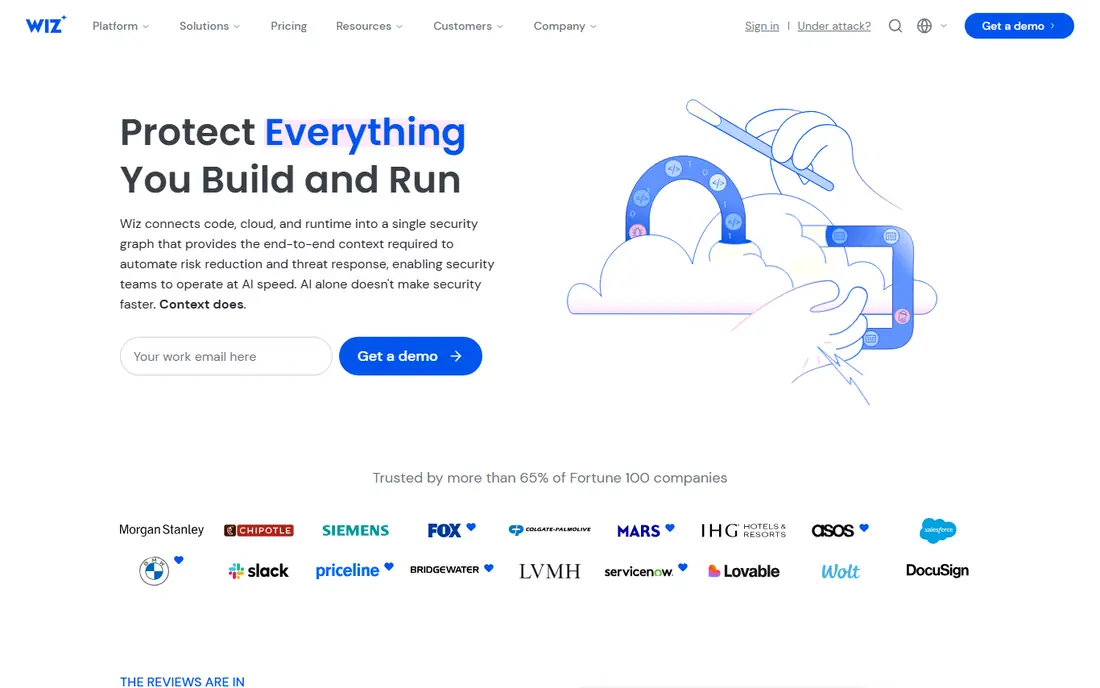
Wiz is a strong match for multi-cloud teams needing attack-path views. Its main draw is an agentless security graph that highlights real attack paths, which matters when a backup has to work without constant attention. We compared its official feature and pricing pages, and the plan structure is clear about what is included at the entry level and what costs extra. For a small team, that clarity helps when you are budgeting for the year ahead.
The honest catch is in the details. Check storage limits, retention periods and support hours before you commit, because those three items decide how useful a backup is during a real incident. Also test a restore early, while the stakes are low, so you learn the steps before you need them under pressure. A service that restores cleanly in a test is far more valuable than one with a longer feature list.
- Agentless visibility
- Security graph for attack paths
- Broad cloud coverage
- Pricing is quote based
- Small teams may not need the full platform
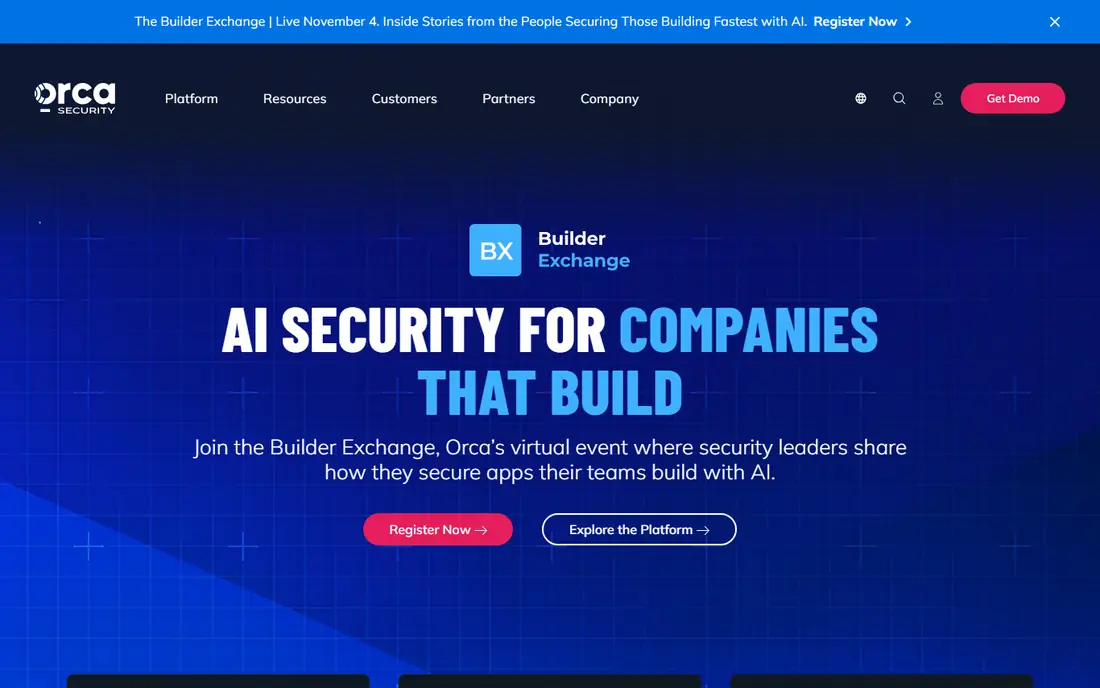
For teams that need fast agentless deployment, Orca Security deserves a close look. The standout point is agentless scanning that finds exposure, vulnerability and data risk together, and it pairs with a setup flow that most administrators can complete without a specialist. We checked its public documentation and pricing page to confirm the current offer. The result is a service that suits steady, day-to-day protection rather than a one-off archive.
The trade-off to weigh is fit against cost. A cheaper plan can look attractive until you add the storage, seats or retention you actually need, so price the full setup, not just the headline rate. Also confirm who can access backups and how access is logged. Those controls matter for audits, and they are easy to overlook when you are focused on speed alone.
- Agentless scanning
- Clear prioritisation
- Fast first findings
- Runtime depth needs an optional sensor
- Pricing is quote based
Palo Alto Networks Prisma Cloud
Best for: Enterprises on Palo Alto products

Teams focused on enterprises on palo alto products will find Palo Alto Networks Prisma Cloud practical rather than flashy. The key point is code-to-cloud coverage from infrastructure code to running workloads, which covers the everyday risks that cause most restore requests. Its documentation explains retention, recovery and account controls in plain terms. That makes it easier to explain the choice to colleagues who do not manage backups every day.
Before you buy, run a small trial on one machine or one data set. Watch how long the first backup takes, how it handles a changed file, and how clear the restore screen is. That short test reveals more than a sales page can. It also shows whether support answers quickly when a question comes up during setup.
- Code-to-cloud coverage
- Broad compliance frameworks
- Strong integrations
- Credit pricing is hard to estimate
- Best value inside Palo Alto stack
If azure-focused teams is your main need, Microsoft Defender for Cloud is worth shortlisting. It leads with native Azure posture checks with paid CSPM for deeper coverage, and the surrounding features support that core job instead of distracting from it. We reviewed its official pages for current pricing and plan limits. The service feels built for regular use, with controls that a busy administrator can actually keep up with.
The main weakness is usually scope, not quality. No single backup covers every system perfectly, so list your must-protect items first, then match them against the plan. If a key system needs a separate add-on, factor that into the total cost. A clear match on your top three systems beats a broad promise that fits none of them well.
- Foundational posture checks at no extra cost
- Strong Azure coverage
- Full CSPM features are paid
- Multi-cloud depth varies
CrowdStrike Falcon Cloud Security
Best for: CrowdStrike customers adding cloud posture
CrowdStrike Falcon Cloud Security is a strong match for crowdstrike customers adding cloud posture. Its main draw is cloud posture linked to endpoint and identity context, which matters when a backup has to work without constant attention. We compared its official feature and pricing pages, and the plan structure is clear about what is included at the entry level and what costs extra. For a small team, that clarity helps when you are budgeting for the year ahead.
The honest catch is in the details. Check storage limits, retention periods and support hours before you commit, because those three items decide how useful a backup is during a real incident. Also test a restore early, while the stakes are low, so you learn the steps before you need them under pressure. A service that restores cleanly in a test is far more valuable than one with a longer feature list.
- Strong endpoint and cloud link
- Clear runtime context
- Pricing is quote based
- Best fit with Falcon endpoint products
For teams that need teams wanting anomaly detection plus posture, Lacework (Fortinet) deserves a close look. The standout point is behaviour-based detection that flags unusual cloud activity, and it pairs with a setup flow that most administrators can complete without a specialist. We checked its public documentation and pricing page to confirm the current offer. The result is a service that suits steady, day-to-day protection rather than a one-off archive.
The trade-off to weigh is fit against cost. A cheaper plan can look attractive until you add the storage, seats or retention you actually need, so price the full setup, not just the headline rate. Also confirm who can access backups and how access is logged. Those controls matter for audits, and they are easy to overlook when you are focused on speed alone.
- Behaviour-based anomaly detection
- Posture and workload coverage
- Pricing is quote based
- Setup needs clear cloud scope
Teams focused on multi-cloud compliance teams will find Check Point CloudGuard practical rather than flashy. The key point is multi-cloud posture with compliance checks and network controls, which covers the everyday risks that cause most restore requests. Its documentation explains retention, recovery and account controls in plain terms. That makes it easier to explain the choice to colleagues who do not manage backups every day.
Before you buy, run a small trial on one machine or one data set. Watch how long the first backup takes, how it handles a changed file, and how clear the restore screen is. That short test reveals more than a sales page can. It also shows whether support answers quickly when a question comes up during setup.
- Broad compliance frameworks
- Network security links
- Posture management
- Pricing is quote based
- Console has many modules
If developer-led smaller teams is your main need, Aikido Security is worth shortlisting. It leads with developer-friendly code and cloud coverage with clear pricing, and the surrounding features support that core job instead of distracting from it. We reviewed its official pages for current pricing and plan limits. The service feels built for regular use, with controls that a busy administrator can actually keep up with.
The main weakness is usually scope, not quality. No single backup covers every system perfectly, so list your must-protect items first, then match them against the plan. If a key system needs a separate add-on, factor that into the total cost. A clear match on your top three systems beats a broad promise that fits none of them well.
- Clear seat-based pricing
- Code plus cloud coverage
- Free tier
- Smaller scale than enterprise CNAPP rivals
- Some features are newer
How we picked these
We started with services that clearly fit CSPM tools and are still offered today. We compared official feature pages, pricing pages and support documentation, and we set aside services with unclear pricing, missing security details or a poor fit for the topic. We gave weight to multi-cloud coverage, attack-path prioritisation, compliance support and deployment effort. We also checked for honest limits, because a backup, security tool or service that hides its limits creates risk later. The final list mixes widely used names with smaller options that do a specific job well.
Choosing CSPM that your team will actually fix findings from
Start with one cloud and real accounts
Pilot on real accounts, not a demo tenant, and measure time to first useful findings. A tool that finds thousands of low-risk issues without ranking them will slow your team. Look for attack-path views that combine public exposure, vulnerability and sensitive data.
Match frameworks to your audits
List the frameworks you must report against, such as CIS benchmarks or SOC 2 controls. Confirm the tool maps findings to those frameworks and exports evidence. A clean export saves time during audits and helps non-security managers understand risk.
Check pricing units before you sign
CSPM vendors price by workloads, resources, credits or seats, so the same footprint can cost very different amounts. Get a quote for your actual account and resource count. Also confirm retention, support and whether runtime features need a separate module.
FAQ
What is CSPM?
Cloud security posture management scans cloud accounts for misconfigurations, risky permissions and compliance gaps. It checks storage, network rules, identities and workloads against known good practice. The goal is to find and fix risky settings before an attacker can use them.
How is CSPM different from CNAPP?
CSPM focuses on posture and configuration risk, while a cloud-native application protection platform adds workload protection, identity management and runtime detection. CSPM suits teams that mainly need posture checks. CNAPP suits teams that want one platform for posture plus runtime.
Do I need agents for CSPM?
Many CSPM tools work agentless through cloud APIs, which speeds deployment and avoids installing software on every workload. Agents can add runtime depth, such as live process and network activity. Choose agentless for posture, and add agents only where runtime protection matters.
How much does CSPM cost?
Enterprise CSPM is usually quote based and priced by workloads, resources or credits, so costs vary widely. Smaller developer tools may publish seat-based pricing. Get a quote for your real footprint, and compare the same modules and retention period across vendors.
Which cloud providers do CSPM tools support?
Most leading CSPM tools support AWS, Microsoft Azure and Google Cloud, with varying depth for Oracle Cloud and smaller providers. Check coverage for the services you actually use, not just the cloud names. A gap in one key service can leave a blind spot.