Best Cloud Security Companies in 2026: 8 Compared
Compare the best cloud security companies in 2026, including Wiz, Prisma Cloud, Defender for Cloud, Orca, and CrowdStrike, with pricing and key features.
- Editor's choice
 Wiz
Multi-cloud posture and risk
Starts atSee websiteVisit wiz.ioFull review - Great alternative
 Palo Alto Prisma Cloud
Large enterprise CNAPP
Starts atSee websiteVisit paloaltonetworks.comFull review - Also consider
 Microsoft Defender for Cloud
Azure-centered estates
Starts atFreeVisit azure.microsoft.comFull review
TL;DR:
- Wiz is our pick for most multi-cloud teams, because its agentless posture scanning and attack path analysis help teams focus on risks that are actually reachable.
- Microsoft Defender for Cloud is the best choice for Azure-centered estates, with a free foundational tier and paid plans billed per resource.
- Orca Security suits teams that want agentless coverage across AWS, Azure, and Google Cloud without deploying agents on every workload.
- Palo Alto Networks Prisma Cloud, now part of Cortex Cloud, suits large enterprises that want posture, workload, and network security in one platform.
- Most leading cloud security platforms are quote based, so compare the unit of pricing, such as workloads, credits, or resources, before comparing totals.
Quick comparison
| Tool | Best for | Starts at | Free plan? | |
|---|---|---|---|---|
| Wiz | Multi-cloud posture and risk | See website | Free trial | Visit |
| Palo Alto Prisma Cloud | Large enterprise CNAPP | See website | Free trial | Visit |
| Microsoft Defender for Cloud | Azure-centered estates | Free | Yes | Visit |
 CrowdStrike Falcon Cloud Security | Runtime and workload protection | See website | Free trial | Visit |
 Orca Security | Agentless multi-cloud scanning | See website | Free trial | Visit |
 Lacework | Workload and cloud threat detection | See website | Free trial | Visit |
 Sysdig | Container and runtime security | See website | Free trial | Visit |
 Aqua Security | Cloud native application protection | See website | Free trial | Visit |
The best cloud security companies
We compared official product pages and pricing documentation for cloud security platforms that protect AWS, Azure, and Google Cloud workloads in October 2026. The list below favors platforms with posture management, workload protection, and runtime detection, not just a single point tool.

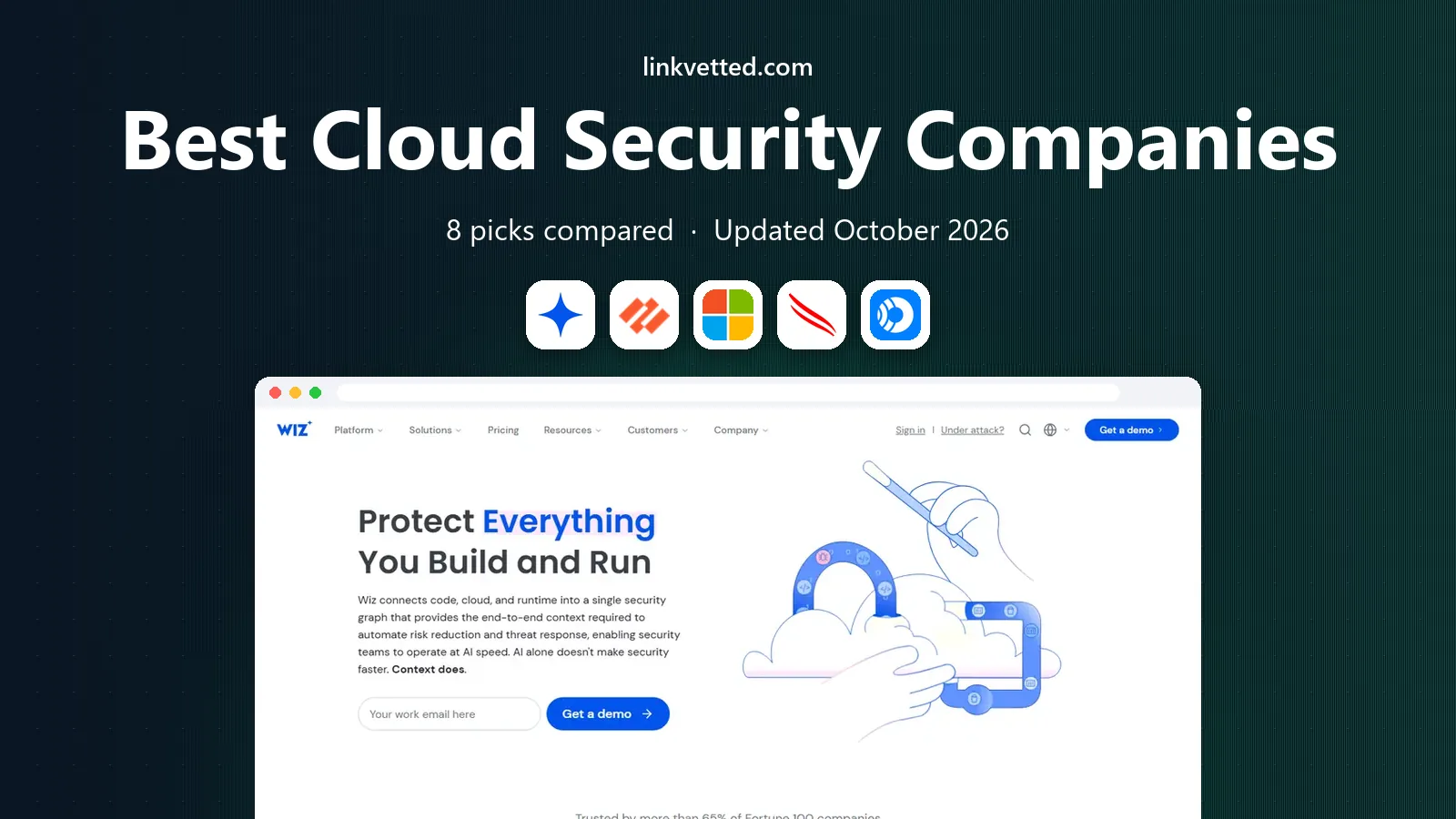
Wiz has become the default shortlist name for cloud security because it scans cloud estates without agents and then connects findings into attack paths. Instead of a long list of isolated alerts, teams see which misconfigurations, vulnerabilities, and exposed resources combine into a real path to sensitive data. That context helps a small security team fix the few issues that matter first, rather than chasing hundreds of low risk findings.
The drawback is price transparency. Wiz does not publish a standard rate card, and quotes scale by workload count and modules, so small teams should get a written quote early. For a multi-cloud company that needs clear risk prioritization and fast deployment, Wiz is still the strongest starting point on this list.
- Agentless scanning across major clouds
- Attack path analysis prioritizes reachable risks
- Broad workload and code coverage
- Pricing is quote based
- Enterprise totals can be high for small teams
Prisma Cloud, now positioned within Palo Alto Networks Cortex Cloud, aims to cover the full cloud native application protection stack: posture, workload protection, network security, and code security. Large enterprises that already use Palo Alto firewalls and security operations tools benefit from shared policies and integrations across network and cloud. Runtime depth, through its compute protection heritage, is also stronger than many posture-only tools.
Complexity is the cost. Credit-based pricing makes it hard to compare totals without a detailed sizing exercise, and tuning takes longer than with Wiz or Orca. For a large enterprise with a dedicated cloud security team, Prisma Cloud offers breadth that smaller tools cannot match. For a small team, that breadth may feel heavy.
- Broad CNAPP coverage across posture, workloads, and networks
- Deep runtime options
- Strong enterprise integrations
- Pricing is credit based and hard to compare
- Setup and tuning take more time than simpler tools
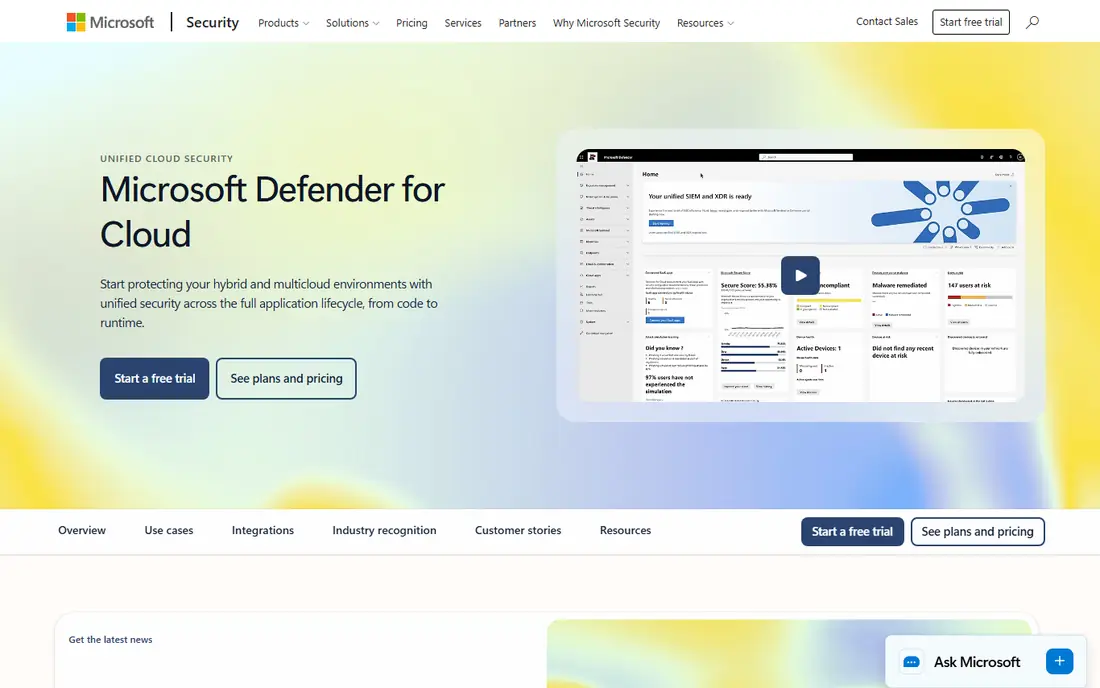
Microsoft Defender for Cloud is the natural pick for companies centered on Azure. The foundational posture tier is free, and paid plans, including Defender CSPM at about $5.11 per billable resource per month in published pricing, add threat protection and advanced posture features. Integration with Azure, Microsoft Sentinel, and Microsoft 365 makes alerts and remediation flow into tools many IT teams already use.
Outside Azure, Defender for Cloud can protect AWS and Google Cloud, but it feels less native than a multi-cloud specialist like Wiz or Orca. Teams that run mostly on AWS or Google Cloud should compare those tools first. For an Azure-first estate, Defender for Cloud gives strong value, especially with the free tier as a starting point.
- Free foundational CSPM tier
- Paid plans billed per resource
- Deep Azure integration
- Less complete outside Azure
- Some advanced features need higher plans
CrowdStrike Falcon Cloud Security brings the company's endpoint detection strength into cloud workloads, containers, and Kubernetes. It is a good fit for teams that already use CrowdStrike on endpoints and want the same detection and response approach in the cloud, with runtime visibility into active threats rather than just posture snapshots. Container and Kubernetes coverage is also a strength for teams running modern applications.
The platform is quote based, and the best value often comes when Falcon Cloud Security is paired with other Falcon modules, which raises the total. Teams that do not already use CrowdStrike should compare the quote against Wiz or Orca for posture, and Sysdig or Aqua for runtime, before committing.
- Strong endpoint and workload heritage
- Runtime detection and response
- Broad cloud and container coverage
- Pricing is quote based
- Full platform value needs other Falcon modules
Orca Security uses agentless side-scanning to inspect cloud workloads without installing agents on each host, which makes deployment fast and avoids agent maintenance. It covers virtual machines, containers, Kubernetes pods, serverless functions, and managed services, and it adds context such as whether a vulnerable package is actually installed and whether a workload is internet facing. That context helps teams cut alert noise.
Pricing is quote based and tied to workload counts, so costs can rise as estates grow, and buyers should model the price at their expected workload count. Runtime detection is also less deep than agent-based tools like Sysdig or CrowdStrike. For a team that wants fast, broad, agentless coverage, Orca remains a top choice.
- Agentless-first deployment across AWS, Azure, and Google Cloud
- Side-scanning covers VMs, containers, and serverless
- Clear risk context
- Pricing is quote based and scales by workload
- Runtime depth is less than some agent-based rivals
Lacework, now part of Fortinet, focuses on detecting threats and anomalies in cloud workloads, containers, and Kubernetes, using behavior baselines to spot unusual activity. Teams that already have posture covered, or that want stronger detection for active attacks, often pair Lacework with a posture tool. Its workload focus makes it useful for companies running many containers and cloud services.
The limit is breadth. Lacework does not match Wiz or Prisma Cloud as a single all-in-one posture platform, and pricing is quote based, so buyers need a sizing discussion. For detection-first teams, especially those already using Fortinet products, Lacework is a strong specialist pick.
- Anomaly detection for cloud threats
- Workload and container coverage
- Good for teams focused on detection
- Pricing is quote based
- Posture features are less broad than Wiz or Prisma Cloud
Sysdig is built for container-heavy teams that need runtime security, not just a posture scan. It watches system calls and container activity in real time, which helps teams detect attacks as they happen and investigate incidents with detailed forensics. DevOps and platform teams that run Kubernetes at scale often value Sysdig's runtime depth over a posture-only tool.
For a company with mostly virtual machines and few containers, Sysdig is not the best sole cloud security platform, and pricing is quote based. As a runtime layer alongside Wiz, Orca, or Defender for Cloud, though, Sysdig fills a gap that posture tools alone cannot cover.
- Deep runtime visibility for containers and Kubernetes
- Strong forensics for active incidents
- Good for DevOps teams
- Pricing is quote based
- Less suited as a sole posture tool for non-container estates
Aqua Security covers the full cloud native application lifecycle, from scanning code and images to protecting running containers and serverless workloads. DevSecOps teams that want security checks in the build pipeline, plus runtime protection in production, will find Aqua's breadth useful. It also supports Kubernetes security policies and compliance controls for regulated teams.
Setup takes more work than an agentless posture scan, and pricing is quote based, so small teams should weigh the effort against a simpler tool. For companies building and running cloud native applications at scale, Aqua is a credible, full lifecycle option.
- Full lifecycle coverage from code to runtime
- Strong container and serverless security
- Good for DevSecOps teams
- Pricing is quote based
- Setup is heavier than a simple posture scan
How we picked these
We reviewed vendor product pages, pricing pages, and CNAPP comparisons for cloud security platforms actively sold in October 2026. We favored platforms with multi-cloud support, posture management, and workload or runtime protection, and we noted where pricing was published versus quote based. We did not claim hands-on testing, and where a price could not be verified on the vendor site, we wrote See website.
What to check before you buy
Compare the pricing unit, not just the total
Wiz prices by workload, Prisma Cloud uses credits, Defender for Cloud bills per resource, and Orca prices by workload packs. A quote that looks cheaper on one unit can be more expensive on another. Ask each vendor to price the same estate, with the same workload count and modules, so totals are comparable.
Test alert quality, not alert count
Run a trial on a real cloud account and count how many alerts are actionable versus noise. A tool that produces 100 alerts a day with 80 false positives will cost more in analyst time than a tool with 20 clear alerts. Attack path and reachability context are worth more than raw finding counts.
Check agent versus agentless fit
Agentless scanning deploys fast and covers a broad estate, while agent-based runtime tools give deeper visibility into active attacks. Many teams need both: agentless posture for breadth, plus runtime agents for critical workloads. Decide which workloads need runtime depth before you buy, rather than after.
Confirm coverage for your clouds and services
Check support for AWS, Azure, Google Cloud, containers, Kubernetes, serverless, and code repositories you actually use. A platform that covers VMs well but misses serverless or code scanning will leave gaps. List your services, then ask each vendor to confirm coverage in writing.
FAQ
What is the best cloud security company?
Wiz is the best cloud security company for most multi-cloud teams, thanks to agentless scanning and attack path prioritization. Microsoft Defender for Cloud is best for Azure-centered estates, Orca is best for agentless multi-cloud coverage, and Prisma Cloud is best for large enterprises that want a full CNAPP. The best choice depends on your clouds, team size, and runtime needs.
What is the best cloud cybersecurity company for small teams?
Microsoft Defender for Cloud is a strong small team starting point, because the foundational tier is free and paid plans are metered per resource. Wiz and Orca also offer trials, but their enterprise quotes can be high for small estates. Small teams should start with Defender for Cloud or a free tier, then add a specialist tool as the estate grows.
How much does cloud security software cost?
Most leading platforms are quote based, with totals that vary by workload count, modules, and credits. Defender for Cloud publishes metered pricing, including about $5.11 per billable resource per month for Defender CSPM, while Wiz, Orca, Prisma Cloud, and others require a quote. Always ask for a price based on your actual workload count.
What is CNAPP in cloud security?
CNAPP stands for Cloud Native Application Protection Platform, which combines posture management, workload protection, network security, and code security in one platform. Wiz, Prisma Cloud, Orca, and Defender for Cloud all offer CNAPP features, though each emphasizes different parts of the stack. A CNAPP aims to replace several point tools with one connected system.
Do I need agents for cloud security?
Not always. Agentless tools like Wiz and Orca scan cloud workloads without installing agents, which speeds deployment and reduces maintenance. Agent-based tools like Sysdig and CrowdStrike give deeper runtime visibility for containers and active attacks. Many teams use agentless scanning for breadth and agents on critical workloads for depth.
Is Wiz better than Orca Security?
Wiz and Orca are close rivals, with Wiz often praised for attack path analysis and broad coverage, and Orca praised for agentless deployment and risk context. Pricing units differ, so the cheaper option depends on your workload count and modules. Trial both on the same cloud accounts and compare actionable alerts, not just total findings, before choosing.