Best Cloud Phone Service in 2026: 8 Services Compared
Compare the best cloud phone service for small business in 2026, from RingCentral and Nextiva to Google Voice, with pricing and trade-offs for your business.

- Editor's choice
 RingCentral
Growing businesses
Starts at$20 per user per monthVisit ringcentral.comFull review - Great alternative
 Nextiva
All-in-one communication and support
Starts at$15 per user per monthVisit nextiva.comFull review - Also consider
 Dialpad
AI transcription and coaching
Starts at$15 per user per monthVisit dialpad.comFull review
TL;DR:
- RingCentral at $20 per user per month on annual billing is our pick for growing businesses that want video, messaging, and calling in one app.
- Nextiva at $15 per user per month on annual billing is the best value for teams that want strong support and all-in-one communication.
- Google Voice at $10 per user per month is the cheapest route for teams already paying for Google Workspace.
- Watch annual versus monthly pricing closely, since several services cost far more month to month, and taxes and fees sit on top.
Quick comparison
| Tool | Best for | Starts at | Free plan? | |
|---|---|---|---|---|
| RingCentral | Growing businesses | $20 per user per month | Free trial | Visit |
| Nextiva | All-in-one communication and support | $15 per user per month | No | Visit |
| Dialpad | AI transcription and coaching | $15 per user per month | Free trial | Visit |
 Zoom Phone | Teams already using Zoom | $10.50 per user per month | No | Visit |
 Ooma Office | Small teams wanting simple pricing | $19.95 per user per month | Free trial | Visit |
 Google Voice | Google Workspace teams | $10 per user per month | No | Visit |
 Grasshopper | Solo operators and tiny teams | $14 per month | Free trial | Visit |
 Vonage | Businesses that may build on APIs later | $13.99 per line per month | No | Visit |
The best cloud phone service
A cloud phone service replaces an office phone system with calls that run over the internet, so staff can answer on a desk phone, a computer, or a mobile app using the same business number. The services below cover solo operators through growing companies, and pricing depends heavily on annual billing and included minutes.
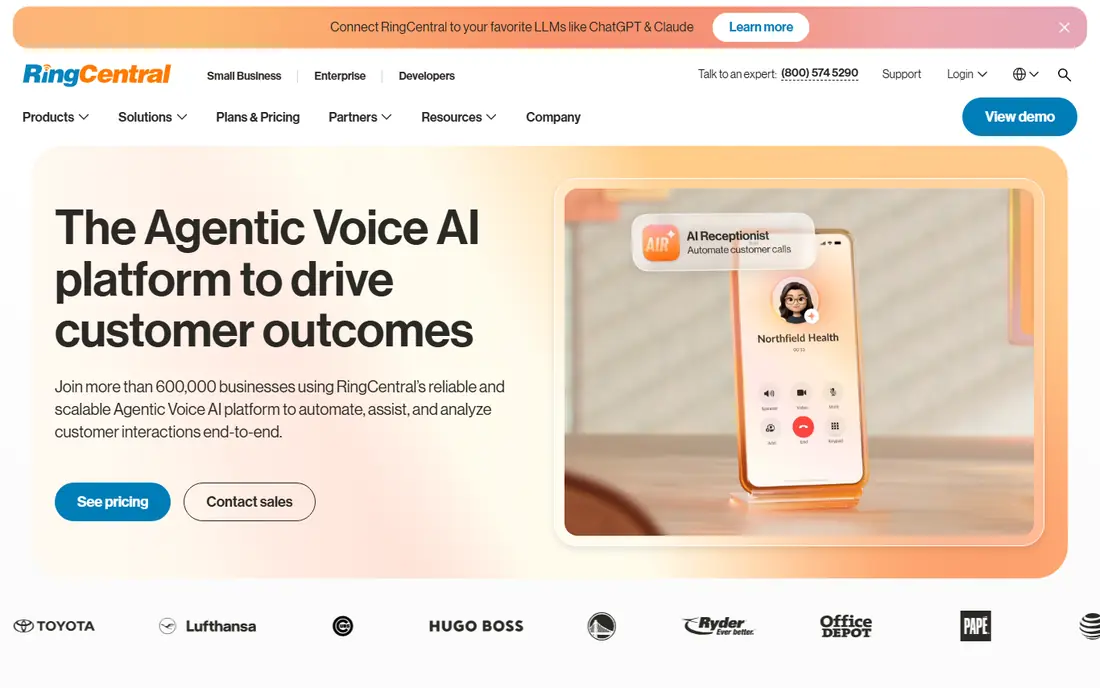
RingCentral is our pick for businesses that expect to grow past a handful of seats. Its Core plan, at $20 per user per month billed annually, covers calling, team messaging, and video meetings, and its integration library connects with common CRM, help desk, and productivity tools. That breadth means a company can start with phones and add contact center features later without switching vendors.
The honest catch is price structure. Month-to-month billing raises Core to $30 per user, so the annual rate is the real price for most teams. Small teams that only need a business number and basic routing may find a simpler service cheaper. For a growing team that wants one communication app, RingCentral remains the safest all-round choice.
- Phone, video, and messaging in one app
- More than 200 integrations
- Clear path to a full contact center
- Monthly billing costs $30 per user, well above the annual rate
- Small teams may pay for depth they rarely use
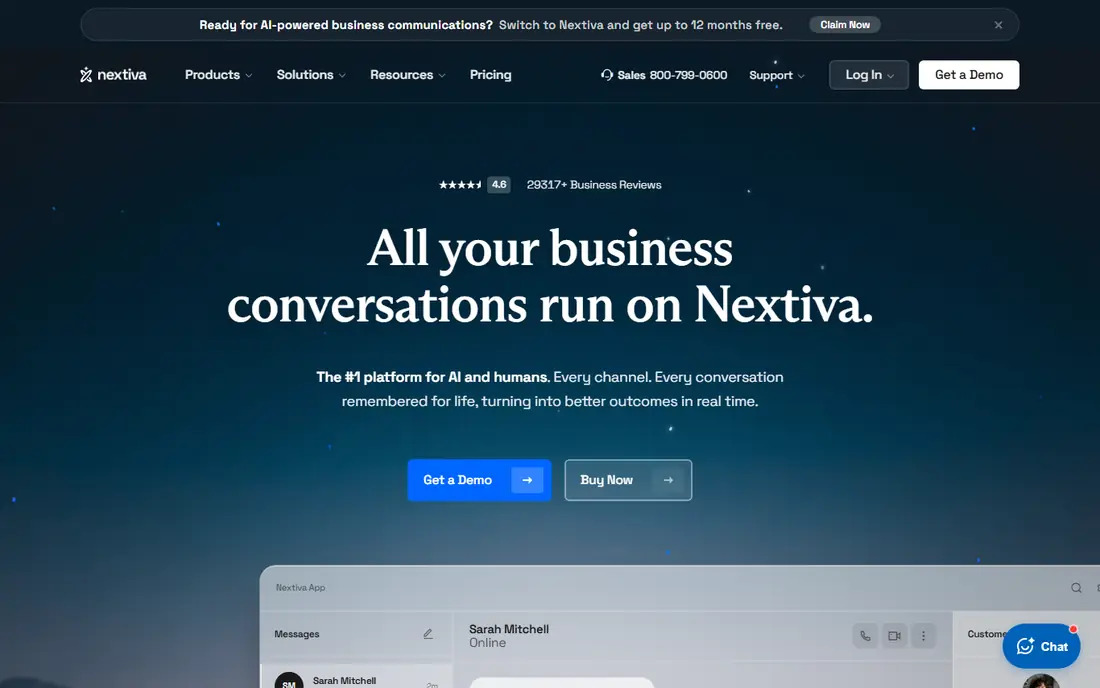
Nextiva is the value pick for small businesses that want a full communication system without a high entry price. Its Core plan starts at $15 per user per month billed annually, and the platform combines voice, messaging, and customer service tools as teams move up tiers. Support is a real selling point here, with live help that small businesses often need during setup and number porting.
The downsides are a lack of a free trial and a sharp jump to $23 per user on monthly billing. Teams should also check which features sit on which tier, since call recording, advanced routing, and contact center tools are not all on Core. For a team that values support and wants room to grow, Nextiva is a strong alternative to RingCentral.
- Low annual entry price
- Voice, SMS, and video in one thread on higher tiers
- Strong reputation for live support
- No free trial
- Monthly billing raises Core to $23 per user
- Higher tiers get expensive fast
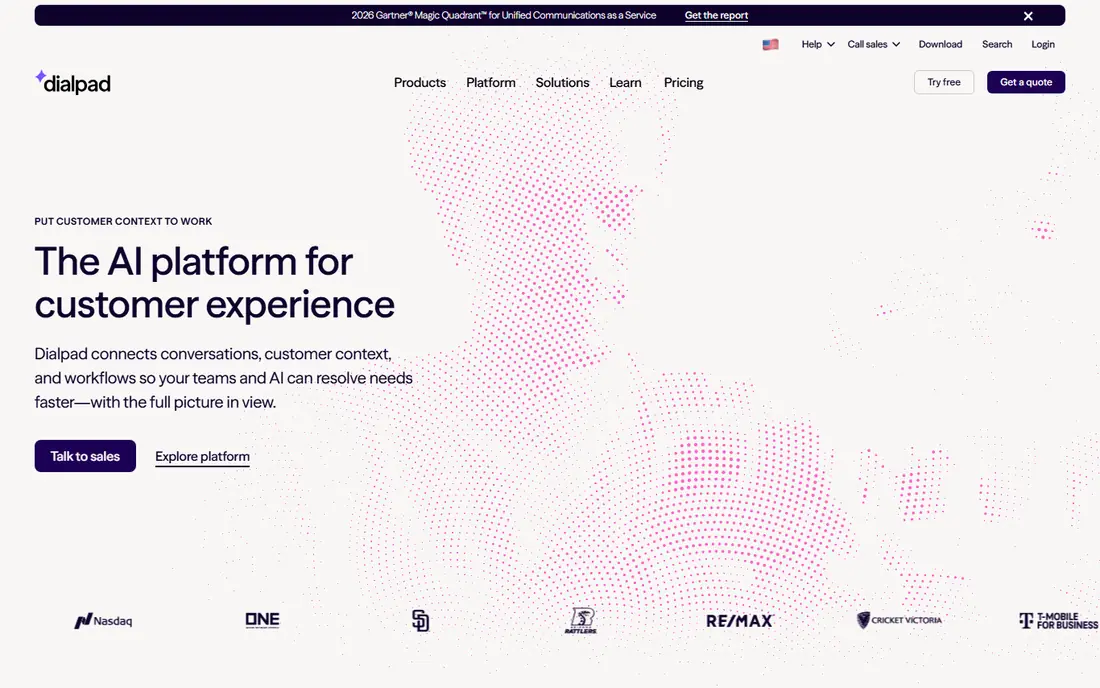
Dialpad stands out because its AI features are not reserved for premium plans. Every plan includes AI transcription and call summaries, which helps sales and support teams review calls, spot follow-ups, and coach new staff without buying a separate tool. The apps are clean and modern, and setup is fast for teams that live on computers and mobiles rather than desk phones.
The catch is tier gating elsewhere. CRM integration and some advanced routing sit on Pro and higher, so teams that need deep CRM links should price the full tier, not just Standard. A 14-day trial lets you test transcription quality on your own calls before committing. For AI-first teams, Dialpad is the most interesting pick on this list.
- AI transcription and summaries on every plan
- Clean modern apps
- Real-time coaching features for sales and support
- CRM integration sits on higher tiers
- Monthly billing is far higher than the annual rate
Zoom Phone is the obvious pick for teams that already run meetings in Zoom. Its US and Canada metered plan starts at $10.50 per user per month billed annually, and staff can make and take calls in the same app they use for video, without learning a second system. That familiarity speeds adoption and keeps support requests low.
The limits are scope and bundling. Zoom Phone works best as part of a Zoom Workplace setup, and its call routing and supervisor tools are less deep than those from RingCentral or Nextiva. Call-heavy support teams should compare those platforms first. For a Zoom-first office that needs solid business calling, Zoom Phone is the cheapest and simplest route.
- Adds calling inside the Zoom app teams already know
- Low metered entry price
- Easy move from video call to voice call
- Requires a Zoom Workplace plan in many cases
- Routing and supervisor tools are thinner than dedicated platforms
Ooma Office suits small teams that want clear pricing without an annual lock-in. Essentials costs $19.95 per user per month with no contract, and it includes a virtual receptionist, which many rivals reserve for higher tiers. Setup is straightforward, and the service is known for steady call quality, which matters for offices moving off landlines for the first time.
The trade-off is that advanced features cost more. Call recording and CRM integration require Pro or Pro Plus, so teams that need those tools should price the higher tier from the start. A 30-day trial helps a small office test number porting and call quality. For teams that value simplicity and no contract, Ooma is a reassuring choice.
- Flat pricing with no annual contract required
- Virtual receptionist on the entry plan
- Reliable call quality
- Call recording and CRM integration sit on higher tiers
- Per-user cost is higher than annual plans elsewhere
Google Voice is the cheapest cloud phone service for teams already paying for Google Workspace. Starter costs $10 per user per month and gives a business number, voicemail transcription, and calling inside Google apps. For a solo operator or micro-team that lives in Gmail and Calendar, that simplicity is hard to beat, and there is little new software to learn.
The limits appear quickly. Starter is basic, and teams that need multi-level auto attendants, advanced routing, or call recording will need Standard at $20 or Premier at $30 per user per month. Google Voice is also not a full contact center platform. Pick it when your team is small, already on Workspace, and wants simple business calling at a low price.
- Lowest entry price for Workspace teams
- Simple setup inside Google apps
- Familiar interface for Gmail and Calendar users
- Requires Google Workspace
- Meaningful features need Standard at $20 or Premier at $30 per user
Grasshopper is built for solos and tiny teams that need a professional business number without a per-user phone system. Its True Solo plan starts at $14 per month billed annually, and it routes calls to existing mobile phones, so there is no hardware to buy. That flat, per-account model can be far cheaper than per-user pricing for a one-person business with a few extensions.
The downside is depth. Grasshopper is a virtual phone system, not a full unified communications platform, so large teams and call centers will outgrow it. A 7-day trial is short, so test call handling and voicemail during that week. For a solo operator who wants to keep a personal number private, Grasshopper is a practical, low-cost pick.
- Flat per-account pricing, not per user
- Works on existing phones with no hardware
- Simple virtual number setup
- Lacks deep call center routing
- Higher tiers rise to $80 per month for small business plans
Vonage offers a low entry price at $13.99 per line per month billed annually on its Mobile plan, with calling and messaging tools for small businesses. Its wider platform also covers video and communications APIs, which is useful if a business later wants to build calling into its own app or website. That path from a simple phone plan to custom communications is a real, if uncommon, advantage.
The catch is add-on pricing. Call recording, call queues, voicemail transcription, and some CRM links can sit outside the base plan, so the final bill can rise above the headline rate. Compare the full feature list, not just the entry price, before choosing Vonage over Dialpad or Nextiva.
- Low entry price on annual billing
- Calling, messaging, and video options
- API platform for custom builds later
- Some features are paid add-ons
- Support and setup can feel less guided than Nextiva or Ooma
How we picked these
We compared official pricing pages and public guides for cloud phone and VoIP services in 2026, and we kept only services that are live, actively sold, and suited to small businesses. We favored published pricing, clear trial terms, and a mix of solo, small-team, and growing-business options, and we used annual billing rates where vendors publish both annual and monthly prices. We did not claim hands-on testing we did not do; our ranking reflects published prices, features, and fit for different team sizes.
How to choose the right cloud phone service
Start with headcount and call volume, not with features. A solo operator needs a business number and voicemail, a five-person office needs routing and a shared inbox for missed calls, and a support team needs queues, recording, and CRM links. Buying a contact center for a solo business wastes money, while buying a virtual number for a support team creates missed calls and frustrated customers.
Next, price the full year. Compare annual and monthly rates, check taxes and regulatory fees, and confirm what happens at renewal. Ask whether number porting is included, how long setup takes, and whether desk phones are required or optional. Test call quality on your actual internet connection during a trial, since a phone system is only as good as the calls it carries.
Finally, check the tools your team already uses. If you live in Zoom, Zoom Phone saves training time. If you live in Google Workspace, Google Voice is the simplest fit. If you need CRM-linked calling for sales, Dialpad or RingCentral will serve you better. The best cloud phone service is the one your team will actually answer on, every day.
FAQ
What is the best cloud phone service for small business?
For most growing small businesses, RingCentral at $20 per user per month on annual billing is a strong all-round pick. Nextiva at $15 per user per month is a better value if support matters most, while Google Voice at $10 per user per month suits Workspace teams.
What is the best cloud telephony service for a solo business?
Grasshopper at $14 per month and Google Voice at $10 per user per month are the best solo options on this list. Grasshopper uses flat per-account pricing, while Google Voice works best for teams already paying for Google Workspace.
How much does a cloud phone service cost?
Entry prices here range from $10 to $20 per user per month on annual billing, with Grasshopper at $14 per month per account. Monthly billing is often far higher, and taxes, fees, and add-ons sit on top, so always price the annual total.
Do I need desk phones for a cloud phone service?
No. Most cloud phone services work on computer and mobile apps, and desk phones are optional. Offices that want physical phones can buy or rent them, but many small teams run entirely on apps and headsets.
Can I keep my existing business number?
Yes, most providers support number porting from a landline or another VoIP provider. Ask how long porting takes, whether there is a fee, and what happens to calls during the switch before you cancel your old service.
Is a cloud phone service reliable?
Cloud phone quality depends on your internet connection, so a stable broadband link and a good router matter. Major providers publish high uptime figures, but you should test call quality during a trial and keep a mobile fallback for outages.