Best Cloud-Based Call Center Software in 2026: 8 Tools Compared
Compare the best cloud-based call center software in 2026, from Five9 and Genesys to Talkdesk and RingCentral, on voice, AI, pricing, and integrations.
- Editor's choice
 Five9
Large voice teams
Starts atSee websiteVisit five9.comFull review - Great alternative
 Genesys Cloud CX
Enterprise omnichannel
Starts atSee websiteVisit genesys.comFull review - Also consider
 Talkdesk
Fast growing teams
Starts atSee websiteVisit talkdesk.comFull review
TL;DR:
- Cloud call center software moves voice, chat, and email into one browser based workspace for agents and supervisors.
- Five9, Genesys Cloud CX, and Talkdesk lead for larger teams, while Aircall suits smaller teams that need fast setup.
- AI features help with routing, summaries, and quality checks, but they need clean data and human review to work well.
- Pricing often follows agent seats, minutes, and add ons, so compare a full quote for your call volume, not a starter price.
Quick comparison
| Tool | Best for | Starts at | Free plan? | |
|---|---|---|---|---|
| Five9 | Large voice teams | See website | No | Visit |
| Genesys Cloud CX | Enterprise omnichannel | See website | Free trial | Visit |
| Talkdesk | Fast growing teams | See website | No | Visit |
 RingCentral Contact Center | Unified communications teams | See website | Free trial | Visit |
 NICE CXone | AI and workforce tools | See website | No | Visit |
 Zoom Contact Center | Zoom centered teams | See website | Free trial | Visit |
 Twilio Flex | Custom contact centers | See website | Free trial | Visit |
 Aircall | Small sales and support teams | See website | Free trial | Visit |
The best cloud-based call center software
Cloud call centers run in a browser, so agents can work from an office or home without phone hardware. The tools below differ in scale, AI depth, and how much custom building they require.
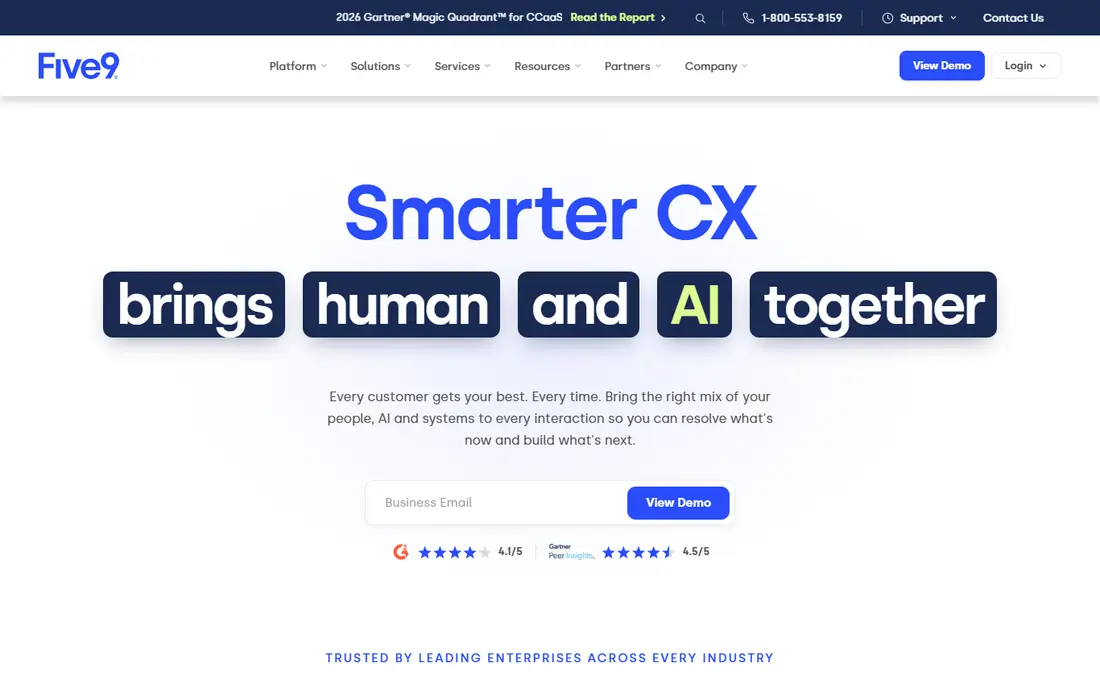
Five9 suits large voice teams that need reliable inbound routing, outbound dialing, and supervisor controls. Its platform covers interactive voice response, skills based routing, and workforce tools, with integrations for Salesforce and other CRMs. That depth helps high volume support and sales teams manage queues and staffing.
Pricing is quote based, so small teams should request a full quote for seats, minutes, and add ons before comparing. Setup also takes planning for large teams, including number porting, routing design, and agent training. For voice heavy operations, Five9 remains a proven choice.
- Strong voice routing and dialer
- Supervisor tools
- Many CRM integrations
- Pricing is quote based
- Setup can take time for large teams
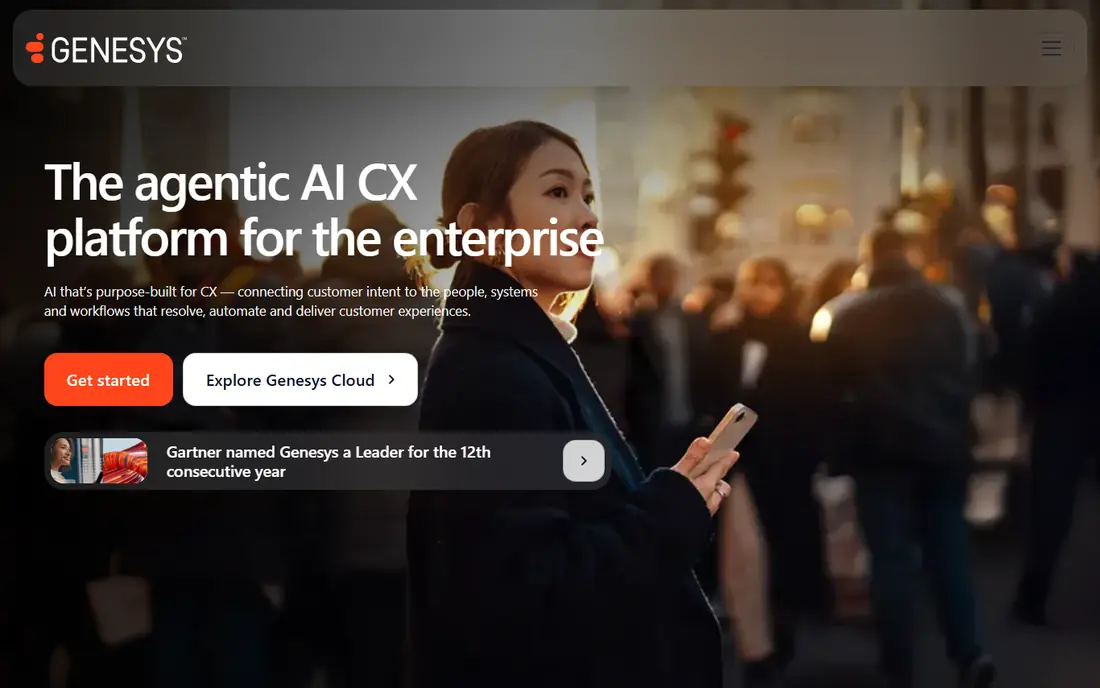
Genesys Cloud CX fits enterprises that need voice, chat, email, and social in one platform with deep analytics. Its AI tools help with routing, agent assist, and quality management, and its global infrastructure suits firms with teams in many countries. That breadth makes it a strong choice for large, complex contact centers.
The scope can feel complex for a small team, and pricing depends on seats, features, and usage. Smaller firms may prefer a simpler tool unless they need enterprise reporting and compliance features. For large omnichannel teams, Genesys offers depth few rivals match.
- Broad omnichannel support
- Strong AI and analytics
- Global scale
- Enterprise scope can feel complex
- Pricing follows seats and features
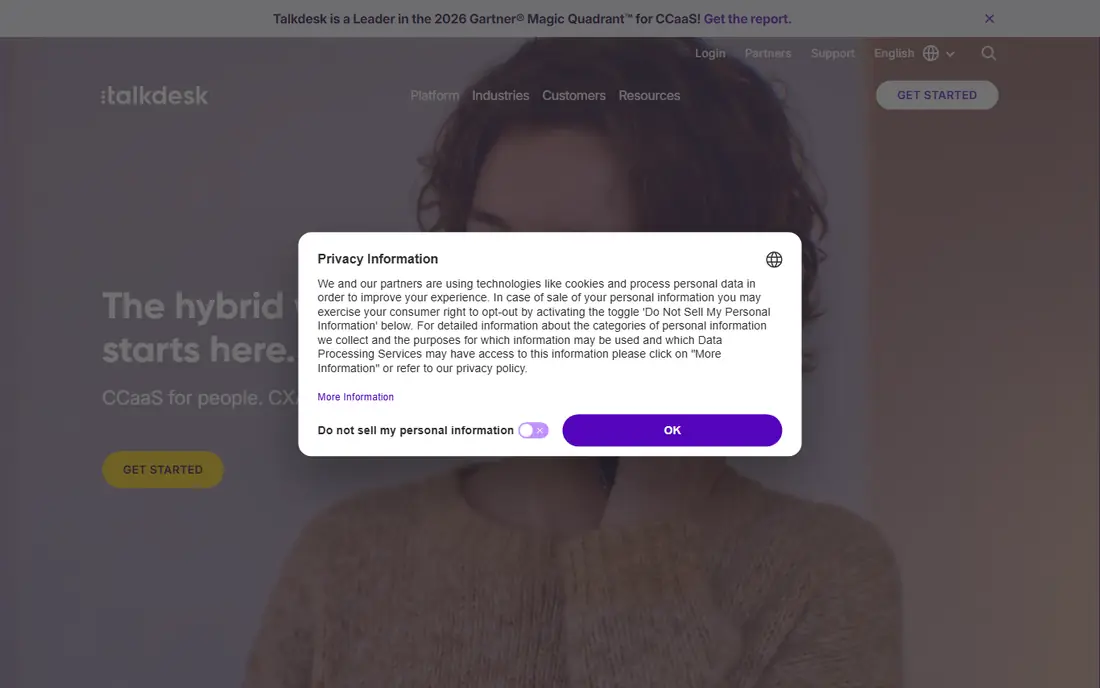
Talkdesk suits growing teams that want cloud setup without heavy infrastructure. Its platform covers voice, digital channels, AI routing, and agent assist, with integrations for Salesforce, Zendesk, and other tools. That mix helps support and sales teams scale seats as call volume grows.
Pricing is quote based, so teams should compare tiers by channels, AI features, and minutes. Advanced AI and workforce features may require higher plans. For teams that expect rapid growth, Talkdesk offers a clean path from a small team to a large operation.
- Fast setup for cloud teams
- AI routing and summaries
- Strong integrations
- Quote based pricing
- Advanced features sit on higher tiers
RingCentral Contact Center suits firms already using RingCentral for phone, video, and messaging. It adds contact center queues, routing, analytics, and digital channels on top of that unified base, so agents can move between internal calls and customer queues in one system. That unity helps small and mid size firms avoid managing separate phone systems.
Teams not already on RingCentral may find other platforms simpler for a standalone contact center. Some advanced features also require higher tiers. For RingCentral users, the contact center add on is a natural, integrated step.
- Pairs with RingCentral phone and meetings
- Omnichannel queues
- Supervisor dashboards
- Best value for existing RingCentral users
- Some features need higher plans
NICE CXone, from NICE, suits large teams that want AI, analytics, and workforce management in one platform. It covers voice and digital channels, agent assist, quality management, and forecasting, which helps firms plan staffing for busy periods. Its analytics can surface call reasons and trends that improve service over time.
Enterprise scope brings cost and setup time, so small teams may prefer a lighter tool. Firms with large agent counts, strict compliance needs, or complex forecasting will gain most from CXone. Request a detailed quote that includes AI and workforce add ons.
- Strong AI, analytics, and workforce management
- Omnichannel
- Enterprise scale
- Enterprise pricing and setup
- Smaller teams may find it heavy
Zoom Contact Center suits firms already using Zoom for meetings and phone. It adds voice and digital queues, routing, and video support options, so agents can move from a chat to a video call when a customer needs face to face help. The familiar Zoom interface can shorten agent training time.
Zoom Contact Center is newer than Five9 or Genesys, so some advanced workforce and AI features may be less deep. Teams should test routing, reporting, and integrations during a trial. For Zoom centered firms, it offers a practical, integrated contact center path.
- Integrates with Zoom meetings and phone
- Video support option
- Familiar interface
- Newer than some rivals
- Advanced contact center features vary by plan
Twilio Flex suits teams that want to build a custom contact center on Twilio voice, messaging, and video APIs. It provides a programmable agent desktop, routing, and studio flows, so developers can shape every part of the experience. That flexibility helps firms with unique workflows, custom CRMs, or embedded support inside an app.
Flex needs developer skill, and building a polished center takes time and testing. Teams without developers should choose a ready made platform such as Talkdesk or Aircall. For technical teams, Flex offers control that packaged tools cannot match.
- Highly customizable
- Programmable voice and messaging
- Pay for what you use
- Needs developer skill
- Building a full center takes time
Aircall suits small sales and support teams that need a cloud phone system with call center features fast. Agents can call, text, and manage queues from a browser, with integrations for HubSpot, Salesforce, Zendesk, and Slack. Setup is quick, and number porting and team onboarding are straightforward for small teams.
Very large enterprise centers with complex workforce planning may need a deeper platform such as Genesys or NICE. For teams under a few dozen agents, Aircall offers a clean balance of ease, price, and integrations.
- Fast setup
- Simple agent interface
- Many CRM and helpdesk integrations
- Less suited to very large enterprise centers
- Advanced AI sits on higher tiers
How we picked these
We compared official product pages, channel support, routing and AI features, integrations, and fit for different team sizes. We favored platforms with current US availability, clear documentation, and real contact center use, not just phone systems with a queue feature. We included enterprise, mid market, and small team options, plus a programmable option for technical teams.
How to choose cloud call center software
Start with your channels and volume. Count inbound calls, outbound calls, chats, and emails per day, and note peak hours. A voice heavy team needs strong routing and dialer tools, while a digital heavy team needs chat and email queues with the same agent desktop. Also check CRM fit: a tool that syncs calls, notes, and tickets to your CRM saves agents time every day.
Next, test with real agents during a trial. Have agents handle test calls, transfer calls, and use the supervisor dashboard. Check call quality on home internet connections, since cloud voice depends on bandwidth and headsets. Confirm number porting, compliance recording rules, and data retention before signing, since those are hard to change later.
AI and cost checks
AI summaries, routing, and quality checks can help, but they need review. Test AI summaries on your actual call types, and check whether AI features cost extra per seat or per minute. For cost, request a quote that includes seats, minutes, phone numbers, AI add ons, and implementation fees, then compare that total, not a headline seat price.
FAQ
What is the best cloud-based call center platform for a small business?
Aircall and RingCentral Contact Center suit many small businesses, since setup is fast and pricing is clearer for small seat counts. Aircall suits sales and support teams that need a simple cloud phone plus queues, while RingCentral suits firms already using RingCentral for meetings. Test both with your agents before choosing.
What are the best cloud-based call center platforms for large teams?
Five9, Genesys Cloud CX, and NICE CXone suit large teams with high volume, omnichannel needs, and workforce planning. Talkdesk also suits growing teams that expect rapid scale. Large teams should run a pilot with real call volume and check reporting, AI, and integration depth before a full rollout.
How much does cloud call center software cost?
Costs vary by seats, minutes, channels, AI features, and implementation. Many platforms use quote based pricing, so a small team may pay a low per seat rate while a large team pays for add ons and minutes. Request a full quote for your volume, and check whether minutes, numbers, and AI are included or extra.
Do cloud call centers work for remote agents?
Yes, cloud call centers are built for remote work, since agents use a browser and headset from home or office. Call quality depends on internet speed, headset quality, and network setup. Test remote agents during a trial, and provide headset and network guidance to keep quality steady.
What integrations should a call center platform have?
Look for CRM, helpdesk, and workforce integrations that match your stack, such as Salesforce, HubSpot, Zendesk, and Slack. Integrations should sync call logs, recordings, and customer notes without manual entry. Check whether an integration is native, or needs a third party connector with extra cost.