Top 5 Cloud-Based AI App Builders for 2026 (Prices and Free Plans)
Best Cloud-Based AI app builders, compared. 5 tools with published prices, free plans and limits. Honest caveats for every entry. Current for November 2026.
- Editor's choice
 Retool
Internal tools with AI assistance
Starts at$10 per builder a monthVisit retool.comFull review - Great alternative
 OutSystems
Enterprise modernization and AI agents
Starts atSee websiteVisit outsystems.comFull review - Also consider
 Microsoft Power Apps
Low-code business apps in Microsoft shops
Starts atSee websiteVisit powerapps.microsoft.comFull review
Direct answer
Retool comes first here, mainly for internal tools with AI assistance. Listed starting prices: Retool from $10 per builder a month and Google AppSheet from $5 per user a month. For a different need, OutSystems covers enterprise modernization and AI agents and Microsoft Power Apps covers low-code business apps in Microsoft shops. The remaining 2 options are covered below with prices and limits.
TL;DR:
- Number one here is Retool, a fit for internal tools with AI assistance.
- For the cheapest start, look at Google AppSheet: $5 per user per month.
- A free plan is available from 2 of the 5 tools: Retool, Microsoft Power Apps.
- For no-code apps from existing data, Google AppSheet is worth a look.
- A fair warning about Retool: focused on internal tools.
Last checked November 2026. Prices and plan details were read from the vendors' own pages in November 2026; vendors change plans often, so confirm the current price on the vendor site before you buy.
Quick comparison
| Tool | Best for | Starts at | Free plan? | |
|---|---|---|---|---|
| Retool | Internal tools with AI assistance | $10 per builder a month | Yes | Visit |
| OutSystems | Enterprise modernization and AI agents | See website | Not stated | Visit |
| Microsoft Power Apps | Low-code business apps in Microsoft shops | See website | Yes | Visit |
 Salesforce Platform | Apps tied to customer and agent workflows | See website | Not stated | Visit |
| Google AppSheet | No-code apps from existing data | $5 per user a month | Free trial | Visit |
The 5 tools in detail
Choosing Cloud-Based AI app builders usually comes down to price, fit and limits. This LinkVetted guide sets 5 tools side by side on those three points, with the facts kept short and checkable.
Retool works best for internal tools with AI assistance. Choose Retool when the priority is quick, connected internal tooling backed by your existing data sources. Some interface and logic needs may still call for custom code.
As for the details, Retool is designed for building internal software better with AI. It supplies a unified engine to build, deploy and handle internal tools, connecting to any database, API or LLM, and applies AI throughout the business. Its strength is internal software, so teams building customer-facing products may prefer a general app product. What you pay to start with Retool: $10 per builder per month. You can start on Retool without paying.
Limits to weigh: Centred on internal tools.
- Unified build and deploy engine
- AI applied across internal software
- Interface customization has limits
OutSystems works best for enterprise modernization and AI agents. The enterprise focus means the product can be more than a small team needs for a straightforward internal tool.
Getting value relies on having real modernization or scale requirements. Choose OutSystems when governance, legacy integration and long-lived custom applications are central to the project. This comparison lists no price for OutSystems; ask the vendor. Trial and free access: Not stated.
Limits to weigh: Overkill for small internal tools.
- Pitched at regulated enterprises
- Focus on legacy modernization
- Enterprise-oriented complexity
Microsoft Power Apps
Best for: Low-code business apps in Microsoft shops
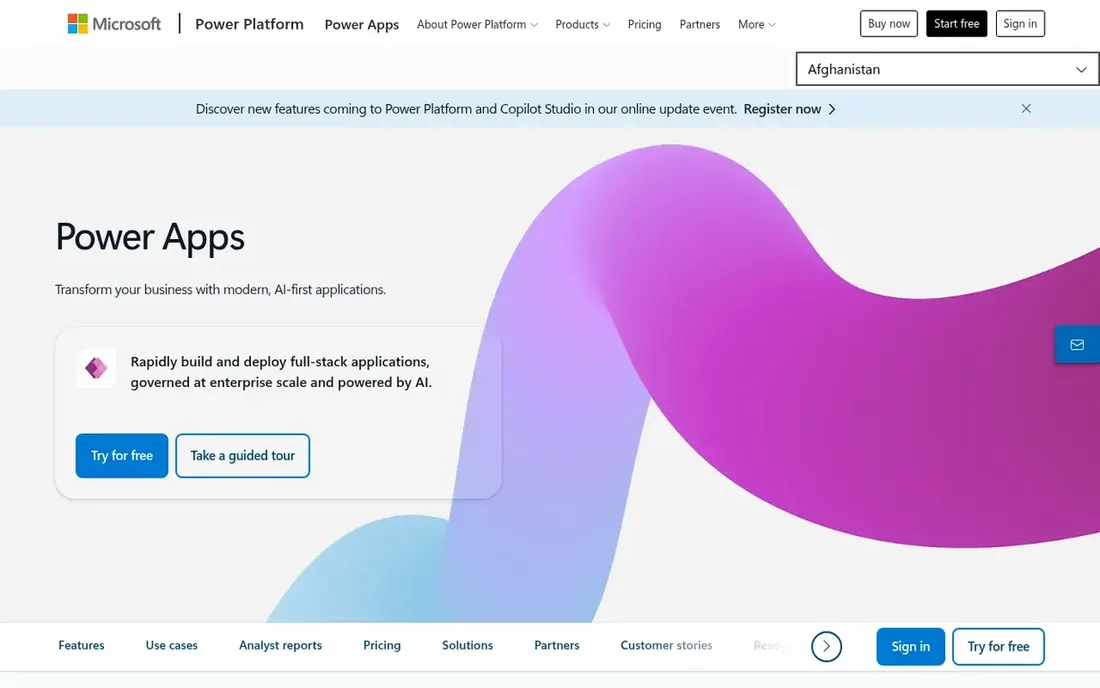
Microsoft Power Apps serves low-code business apps in Microsoft shops. Business analysts and citizen developers can assemble forms, approvals and data-driven tools, whereas IT keeps oversight of what gets published.
In practice, choose Power Apps when your organization is standardized on Microsoft and wants governed low-code apps. Pricing for Microsoft Power Apps is not stated here, so ask the vendor for current figures. Microsoft Power Apps includes a free tier.
Points against: Complicated apps may need developer help.
- Simplifies organizational processes
- Low-code custom business apps
- Best value inside the Microsoft ecosystem
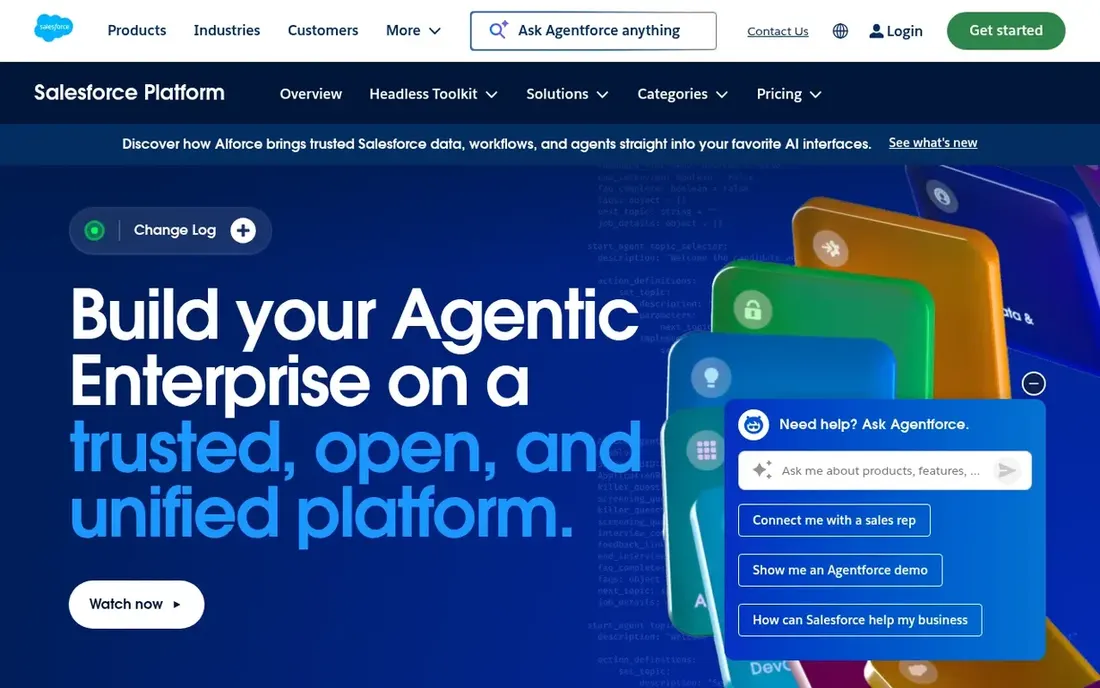
Salesforce Platform is a good fit for Apps tied to customer and agent workflows. The metadata approach supports consistent configuration, whereas integration and data services help link apps to the wider business.
Its breadth can also feel heavy for small, straightforward apps. Pricing for Salesforce Platform is not stated here, so ask the vendor for current figures. Trial and free access: Not stated.
Downsides: Wide product can feel complex.
- Metadata-driven product
- MuleSoft and Data Cloud included
- Needs Salesforce familiarity
Google AppSheet
Best for: No-code apps from existing data
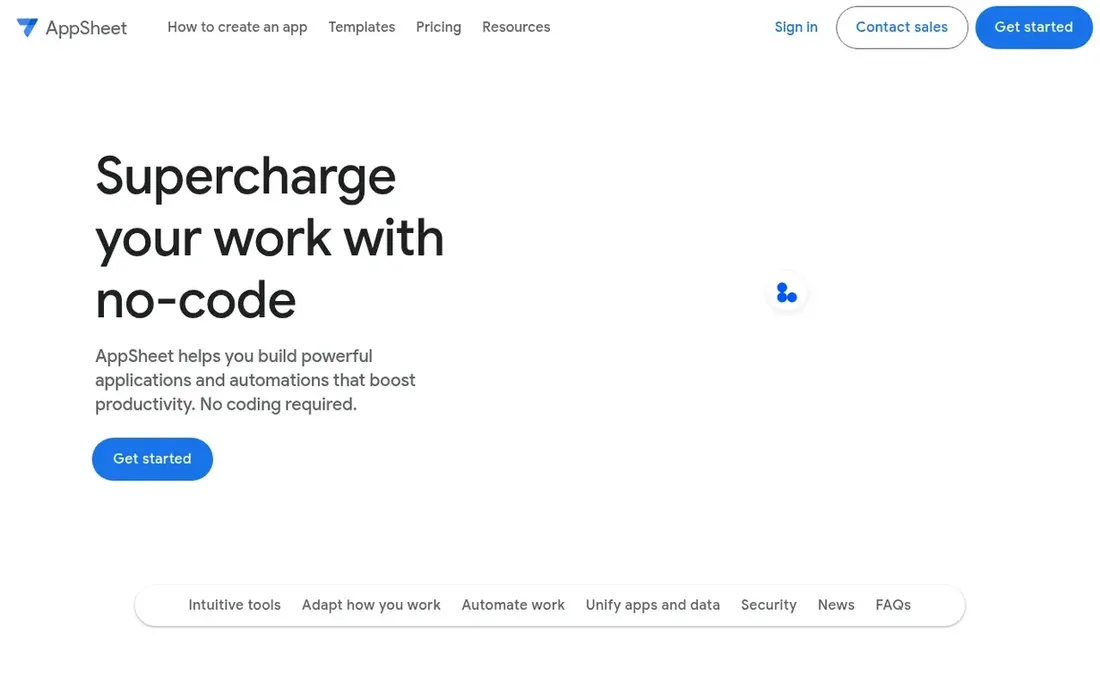
Where Google AppSheet fits: no-code apps from existing data. Google AppSheet is a no-code system for building applications that transform how a business operates.
Pick AppSheet when the goal is a quick, data-driven internal app instead of a refined public product. Users describe their data and app behavior, and AppSheet creates the application, which makes it a practical starting point for field and workflow tools. On cost, Google AppSheet starts like this: $5 per user per month. On free options: Free trial.
Where it is weaker: Advanced logic can hit limits.
- Works from business data sources
- No-code app building
- Less suited to heavily custom interfaces
What went into this list
LinkVetted looked at what each vendor publishes: pricing, plan limits, feature coverage for Cloud-Based AI app builders and stated drawbacks. No hands-on testing is claimed. Prices and plan limits come from vendor pages and can change, so confirm them on the vendor site before you buy. We ordered the tools by general fit, then by how clearly pricing is shown, then by free access. A buyer with unusual needs may reorder them.
What to confirm before you sign up
- Confirm the entry price on the vendor page. For OutSystems, Microsoft Power Apps and Salesforce Platform that means a quote rather than a fixed price.
- Look at free plan limits closely: Retool and Microsoft Power Apps have one, and the caps decide whether it is usable for real work.
- Use real work to test the free trial from Google AppSheet, rather than a demo project.
- Read the limits listed for Retool first: concentrated on internal tools.
- Pick one real project and run it in Microsoft Power Apps first; a small pilot shows fit faster than a checklist.
- List the apps you already depend on and check that OutSystems supports each one on the plan you would buy.
FAQ
What is a cloud-based AI app builder?
It is a hosted product for assembling applications, workflows and AI agents without managing servers yourself. These tools usually combine visual builders, data connections and AI assistance so teams can move from idea to working app quicker.
How are the tools for Cloud-Based AI app builders ordered?
Retool sits first and Google AppSheet last because the order follows typical fit for Cloud-Based AI app builders, then price clarity and free access. It is a judgement call, so read each profile for fit and limits.
Which options for Cloud-Based AI app builders have a free plan?
On this list, Retool and Microsoft Power Apps include a free plan. Caps on seats, usage or features are common, so test the free plan against your real workload. One other tool offers a trial instead.
Can I try these tools before paying?
Often, yes. Retool and Microsoft Power Apps have a free plan and Google AppSheet offers a free trial. Use your own data and a real task during the test, and check what the free tier or trial limits before you rely on it.
Which choice is a good match for a small team?
This list starts with Retool, which fits internal tools with AI assistance. For other needs, OutSystems is aimed at enterprise modernization and AI agents, and Microsoft Power Apps at low-code business apps in Microsoft shops. Check each tool's price and main limit first.
Is Retool the right pick for everyone comparing Cloud-Based AI app builders?
No single tool suits every team. Retool comes first because it fits internal tools with AI assistance, while OutSystems suits enterprise modernization and AI agents and Microsoft Power Apps suits low-code business apps in Microsoft shops. Match the tool to your own size, budget and workflow before deciding.
Sources
- https://retool.com
- https://www.outsystems.com
- https://powerapps.microsoft.com
- https://www.salesforce.com/platform
- https://about.appsheet.com