Best Cloud Backup Software for Business Needs (2026): 5 Picks Checked on Vendor Pages
Best cloud backup software for business needs in 2026: 5 contenders with entry costs and free tiers. Every pick includes one clear drawback. Choose faster.
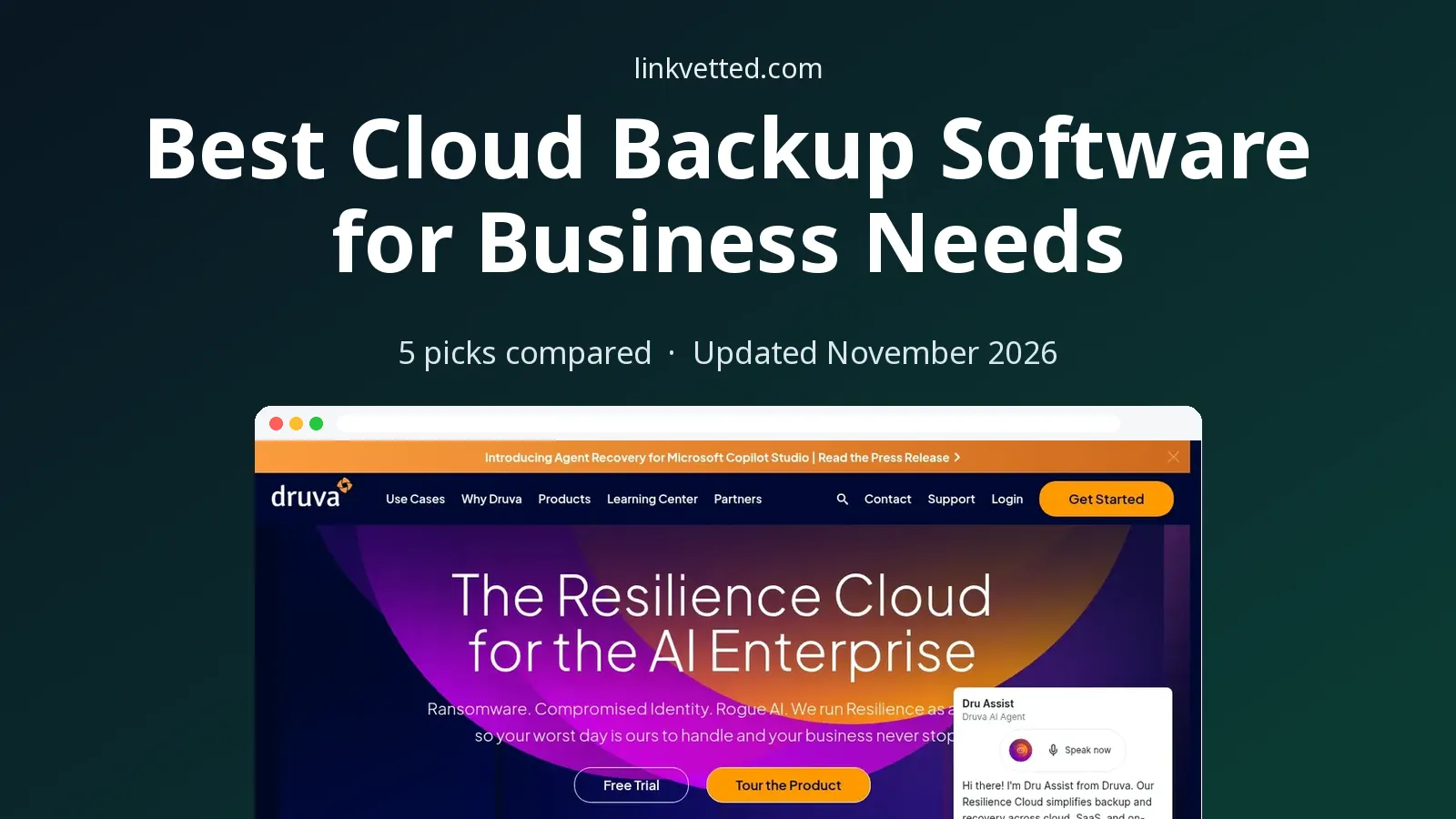
- Editor's choice
 Druva
Completely managed SaaS data protection
Starts atSee websiteVisit druva.comFull review - Great alternative
 Acronis Cyber Protect Cloud
Integrated backup and cybersecurity
Starts atSee websiteVisit acronis.comFull review - Also consider
 Carbonite
Straightforward automatic backup for small firms
Starts atSee websiteVisit carbonite.comFull review
Direct answer
For completely managed SaaS data protection, Druva is where this list starts. Listed starting prices: Backblaze from $99 per year. Acronis Cyber Protect Cloud is better for integrated backup and cybersecurity, and Carbonite is better for straightforward automatic backup for small firms. Details, prices and limits for the rest of the 5 tools are below.
TL;DR:
- Number one here is Druva, a fit for completely managed SaaS data protection.
- Druva, Veeam Backup & Replication and the 3 others all need a premium plan or a trial, since no free plan is listed.
- For Druva, Acronis Cyber Protect Cloud, Carbonite and Veeam Backup & Replication, you have to request a quote because no starting price is shown.
- Before buying Acronis Cyber Protect Cloud, weigh this: feature set may be overwhelming.
- Veeam Backup & Replication is the one to check for thorough backup and replication.
Last checked November 2026. Prices and plan details were read from the vendors' own pages in November 2026; vendors change plans often, so confirm the current price on the vendor site before you buy.
Quick comparison
| Tool | Best for | Starts at | Free plan? | |
|---|---|---|---|---|
| Druva | Completely managed SaaS data protection | See website | Free trial | Visit |
| Acronis Cyber Protect Cloud | Integrated backup and cybersecurity | See website | Not stated | Visit |
| Carbonite | Straightforward automatic backup for small firms | See website | Not stated | Visit |
 Backblaze | Scalable cloud storage for developers | $99 per year | Free trial | Visit |
| Veeam Backup & Replication | Thorough backup and replication | See website | Not stated | Visit |
Cloud Backup Software for Business Needs compared in detail
LinkVetted compared 5 cloud backup software for business needs. The goal is a practical shortlist: published prices, free plan facts, best-fit use cases and honest limits for every entry.
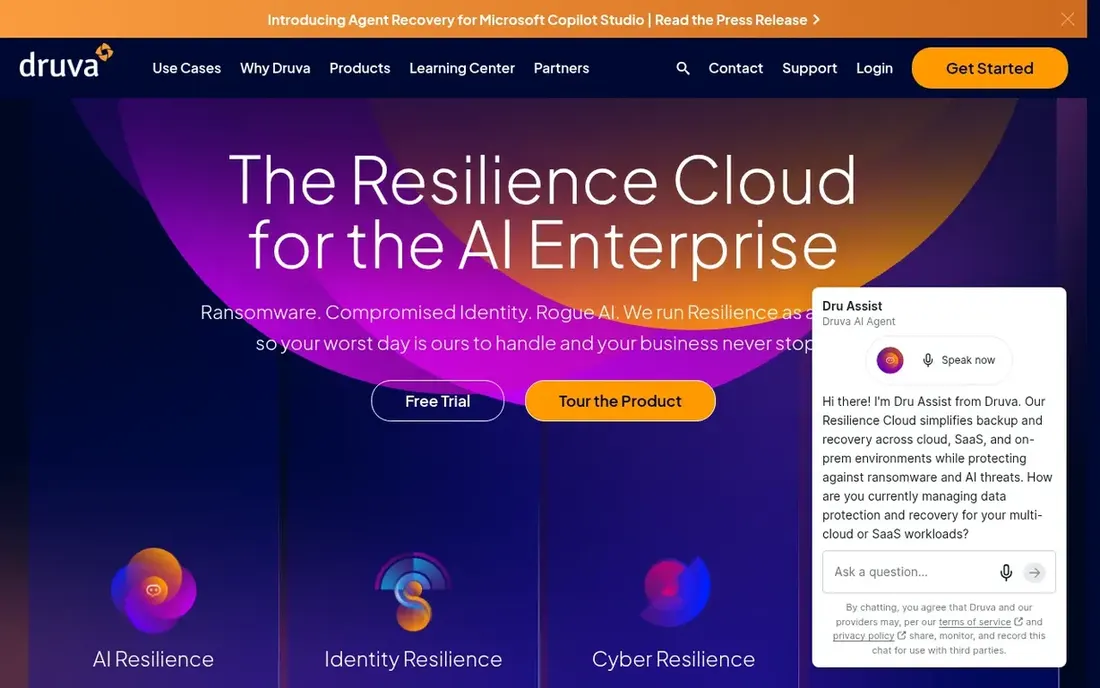
Where Druva fits: fully managed SaaS data protection. With AI-powered features, it makes it possible for quick recovery from ransomware and other threats.
Honest limits: Restricted customization choices.
This option fits companies that prefer a hands-off, subscription-based approach to data protection. This comparison lists no price for Druva; ask the vendor. Free plan details: Free trial.
- AI-powered data security
- Quick ransomware recovery
- Depends on internet connectivity
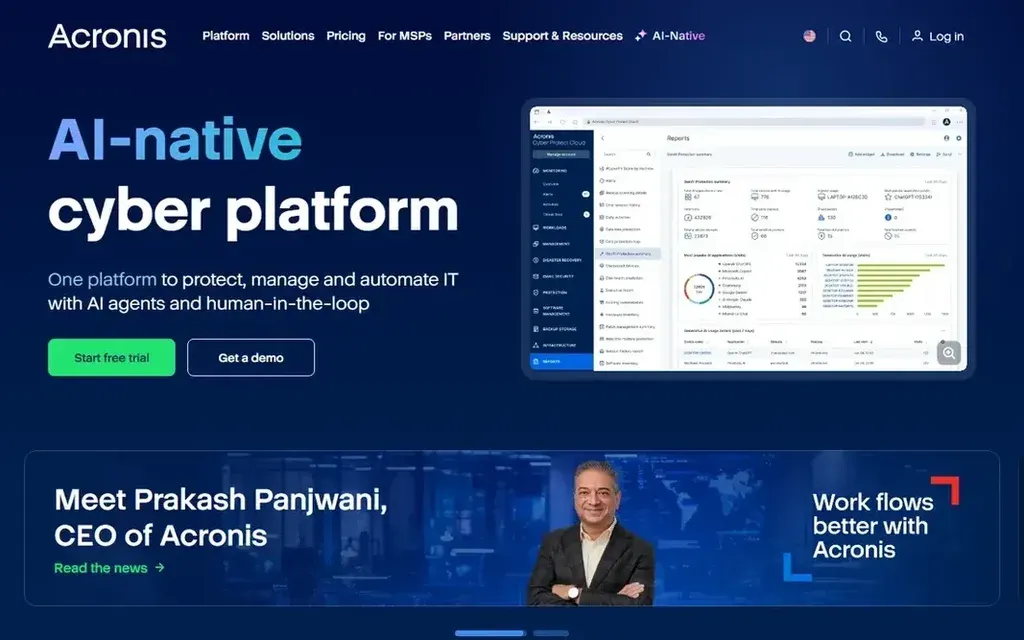
Acronis Cyber Protect Cloud works best for integrated backup and cybersecurity. This option is a strong match for organizations looking to consolidate tools and cut complexity.
The main drawbacks: Needs training to use completely.
On top of that, some may find the interface less easy-to-learn. This comparison lists no price for Acronis Cyber Protect Cloud; ask the vendor. As for free access: Not stated.
- Merges backup and endpoint management
- Made for MSPs and firms
- Feature set may be overwhelming
In short, Carbonite is for straightforward automatic backup for small businesses. Carbonite by OpenText offers automatic backup and data protection for both home and business users. It concentrates on simplicity, making it simple to set up and forget, which fits small companies or those without dedicated IT staff.
The main drawbacks: Entry-level reporting.
Also, the option ensures critical data is backed up continuously. In daily use, Carbonite may lack the advanced features and scalability required by bigger enterprises or those with complicated environments. Carbonite does not show a starting price in this comparison, so check the vendor site for current pricing. Free plan details: Not stated.
- Automatic backups
- Suited for home and business
- Restricted advanced features
Where Backblaze fits: scalable cloud storage for developers. For an all-in-one backup tool, consider Veeam or Acronis. Backblaze supplies high-performance cloud storage tailored for AI workloads and data-heavy applications.
Drawbacks to consider: Needs integration for backup.
Its B2 Cloud Storage is S3-compatible and supplies scalable object storage without limits, making it a strong match for developers and companies needing a dependable storage backend for backups or applications. It needs extra software or integration to function as a full backup system. Entry price for Backblaze: $99 per year. Trial and free access: Free trial.
- S3-compatible object storage
- No limits on data
- Not a full backup suite
Veeam Backup & Replication
Best for: Thorough backup and replication
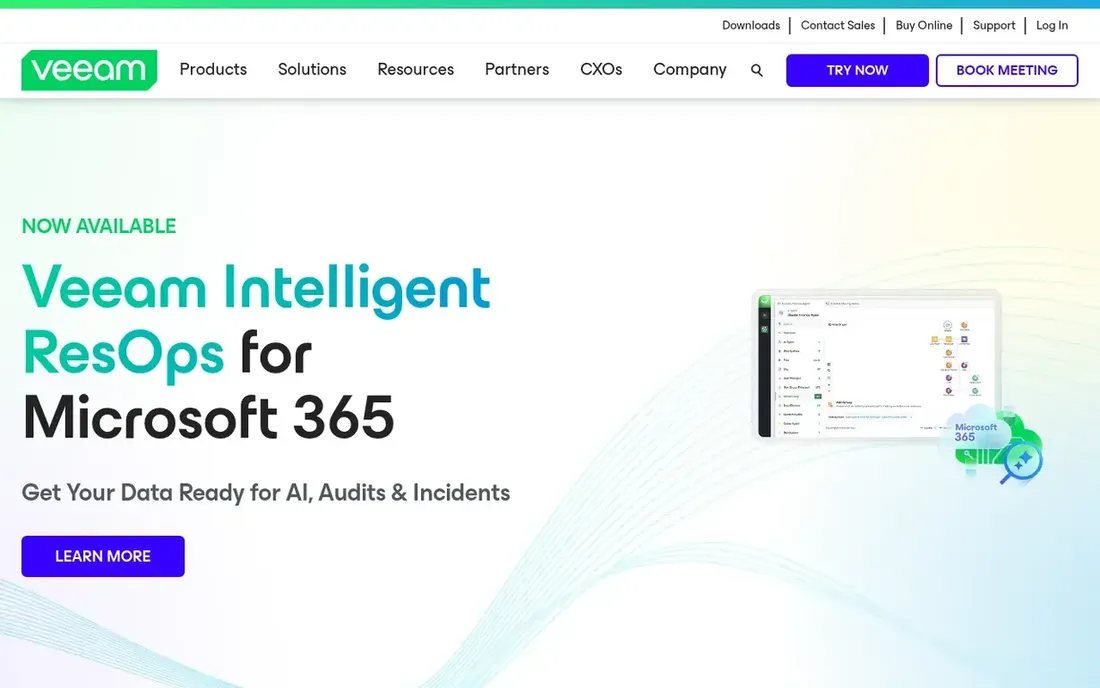
For thorough backup and replication, Veeam Backup & Replication is a natural candidate. Veeam Backup & Replication is a solid option made for businesses seeking cyber-resilient backup and replication across diverse environments. It addresses AI and data challenges by enabling secure data movement, compliance, and risk visibility.
Even so, Veeam may demand significant technical knowledge to deploy and handle effectively. From a buyer's view, if you prefer a more managed or simplified option, consider Druva or Acronis instead. Beyond that, smaller firms without dedicated IT staff might find it overwhelming. Check the vendor site for Veeam Backup & Replication pricing; none is listed in this comparison. On free options: Not stated.
Honest limits: May need technical expertise.
- Secure data movement
- Supports AI and data challenges
- Can be complicated to configure
How we compared the tools
The comparison looks at four things: starting price, free access, how well the feature set matches cloud backup software for business needs, and the main limit of each tool. Prices and plan limits come from vendor pages and can change, so confirm them on the vendor site before you buy. The order reflects how well each tool fits the most common buying scenario for cloud backup software for business needs, then price clarity, then free plan access. It is a starting point, not a verdict.
Things to verify first
- Get a written quote from Druva, Acronis Cyber Protect Cloud, Carbonite and Veeam Backup & Replication; the list shows no starting price for them.
- Take the trial from Druva and Backblaze and push a live task through it before you pay.
- Before choosing Druva, weigh its main limit: restricted customization choices.
- Confirm you can export your data from Acronis Cyber Protect Cloud, so leaving later does not mean losing records.
- Confirm that Veeam Backup & Replication connects to the apps your team already uses, on the plan you would actually buy.
FAQ
What should I look for in cloud backup software for business?
Consider factors like compatibility with your systems, recovery speed, security features like encryption and immutable backups, scalability, and ease of management. Also, evaluate vendor support and compliance with industry regulations.
Is Druva the right pick for everyone comparing cloud backup software for business needs?
No single tool suits every team. Druva comes first because it fits fully managed SaaS data protection, while Acronis Cyber Protect Cloud suits integrated backup and cybersecurity and Carbonite suits simple automatic backup for small businesses. Match the tool to your own size, budget and workflow before deciding.
Can I try these tools before paying?
Often, yes. Druva and Backblaze offer a free trial. Use your own data and a real task during the test, and check what the free tier or trial limits before you rely on it. Prices, free plan details and limits for all 5 tools in this cloud backup software for business needs roundup sit on the individual cards above.
How are the tools for cloud backup software for business needs ordered?
Druva sits first and Veeam Backup & Replication last because the order follows typical fit for cloud backup software for business needs, then price clarity and free access. It is a judgement call, so read each profile for fit and limits.
Do these tools publish their prices?
Not all of them. Druva, Acronis Cyber Protect Cloud, Carbonite and Veeam Backup & Replication publish no starting price, so expect a quote request for those. The rest, Backblaze included, show a starting price, though seats and billing terms still change the final cost.
Sources
- https://www.druva.com
- https://www.acronis.com
- https://www.carbonite.com
- https://www.backblaze.com
- https://www.veeam.com