Choosing Chroma Key Software for Video Podcasters in 2026: 6 Options Compared
Need the best chroma key software for video podcasters? We compare 6 tools on cost, free access and who each suits. Verdicts stay brief and factual. Start here.
- Editor's choice
 DaVinci Resolve
Color-focused keying and finishing
Starts atPricing on requestVisit blackmagicdesign.comFull review - Great alternative
 Final Cut Pro
Mac and iPad podcast editing
Starts atPricing on requestVisit apple.comFull review - Also considerCorel VideoStudio
Accessible consumer editing
Starts atPricing on requestVisit videostudiopro.comFull review
Direct answer
If you need color-focused keying and finishing, DaVinci Resolve is the first tool to look at here. Final Cut Pro is better for Mac and iPad podcast editing, and Corel VideoStudio is better for accessible consumer editing. The full list of 6 tools follows, with free plan facts. None of these vendors publish plan prices, so pricing is on request for every option.
TL;DR:
- DaVinci Resolve is the opening pick, best for color-focused keying and finishing.
- Pricing across the list, from DaVinci Resolve to OBS Studio, is by quote only.
- DaVinci Resolve, OBS Studio and the 4 others all need a premium plan or a trial, since no free plan is listed.
- OBS Studio is the one to check for live chroma key streaming.
- Corel VideoStudio comes with a trade-off: not geared toward professional workflows.
Last checked November 2026. Pricing on request: vendors did not publish plan prices when this guide was last checked (November 2026), so ask each vendor for a written quote.
Quick comparison
| Tool | Best for | Starts at | Free plan? | |
|---|---|---|---|---|
| DaVinci Resolve | Color-focused keying and finishing | Pricing on request | Not stated | Visit |
| Final Cut Pro | Mac and iPad podcast editing | Pricing on request | Not stated | Visit |
| Corel VideoStudio | Accessible consumer editing | Pricing on request | Not stated | Visit |
 Filmora | Fast keyed edits for beginners | Pricing on request | Not stated | Visit |
 Adobe Premiere Pro | Professional podcast editing with keying | Pricing on request | Not stated | Visit |
 OBS Studio | Live chroma key streaming | Pricing on request | Not stated | Visit |
Chroma Key Software for Video Podcasters compared in detail
LinkVetted put together this guide to chroma key software for video podcasters for readers who want a clear shortlist without reading every vendor page. It compares 6 tools on starting price, free plans, who each one suits and where each one falls short.
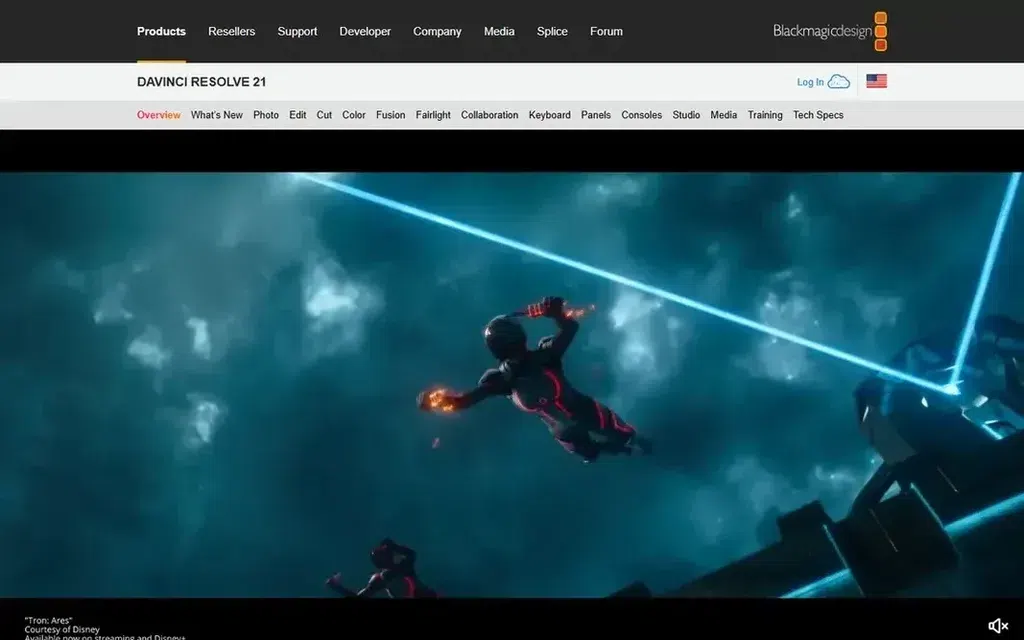
Choose DaVinci Resolve for color-focused keying and finishing. DaVinci Resolve merges professional editing, color correction, visual effects and audio post production in a single application. Its node-based effects approach hands podcasters fine control over chroma key cleanup, spill suppression and background replacement.
What works well: Available for Mac.
Trade-offs to know: Needs a capable computer. On top of that, on modest hardware, the full feature set can feel heavy. Beyond that, pick DaVinci Resolve when color quality and adaptable effects work matter more than a minimal interface. Pricing for DaVinci Resolve is not stated here, so ask the vendor for current figures. As for free access: Not stated.
- VFX and audio in one app
- Editing, color
- Feature depth can overwhelm beginners
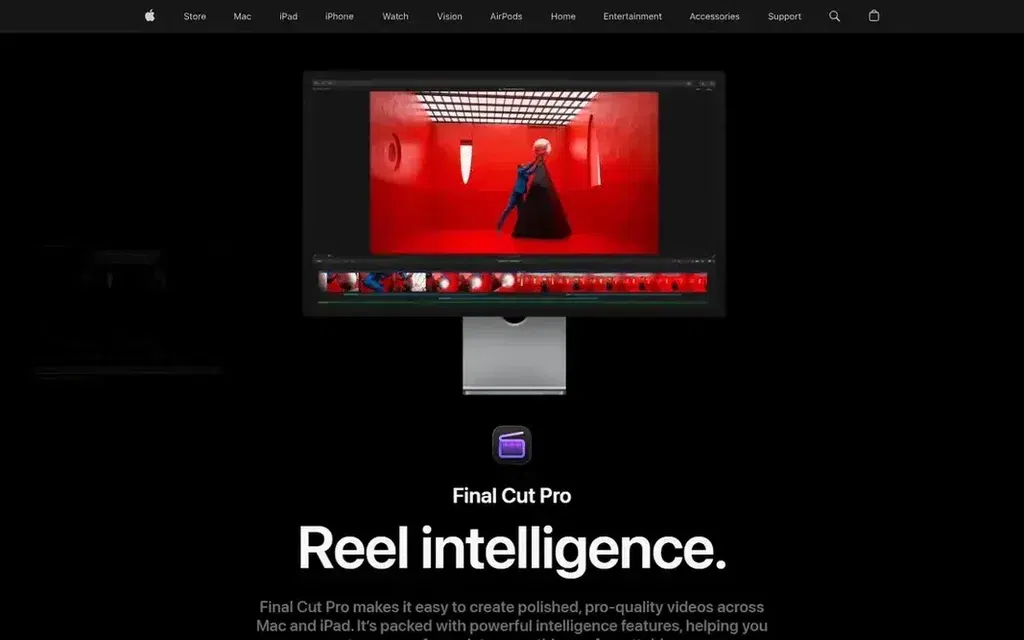
For Mac and iPad podcast editing, Final Cut Pro is a natural candidate. Choose Final Cut Pro when your workflow is Mac or iPad based and you want a responsive editor with solid built-in intelligence features.
It contains intelligent features that accelerate editing, and its timeline is made for fast assembly of talking-head footage. The software is restricted to Apple hardware, so mixed-platform teams may need a different choice. No starting price is listed for Final Cut Pro here; confirm pricing on the vendor site. Trial and free access: Not stated.
Where it is weaker: Apple products only.
- Quick timeline workflow
- Optimized for Mac and iPad
- Library management takes adjustment
Corel VideoStudio
Best for: Accessible consumer editing
Think of Corel VideoStudio for accessible consumer editing. Corel VideoStudio is a consumer-oriented video editing application with product information, updates and tutorials on its official site.
What to check first: Not targeted at professional workflows.
In practice, for podcasters, it offers an accessible way to apply chroma key effects and assemble episodes without professional complexity. This comparison lists no price for Corel VideoStudio; ask the vendor. Free access: Not stated.
- Guided editing features
- Friendly interface for newcomers
- Fewer advanced keying controls
Filmora targets fast keyed edits for beginners. Filmora is AI-powered video editing software for desktop and mobile, with timeline tools, effects, captions and audio features.
Points against: Less depth than pro suites.
In daily use, choose Filmora when speed and simplicity matter more than deep technical control. More specifically, the tool is built for accessibility, so editors who require very granular keying control may find it less adaptable than professional suites. Check the vendor site for Filmora pricing; none is listed in this comparison. Free plan details: Not stated.
- Desktop and mobile versions
- Easy-to-learn timeline tools
- Advanced workflows may feel restricted
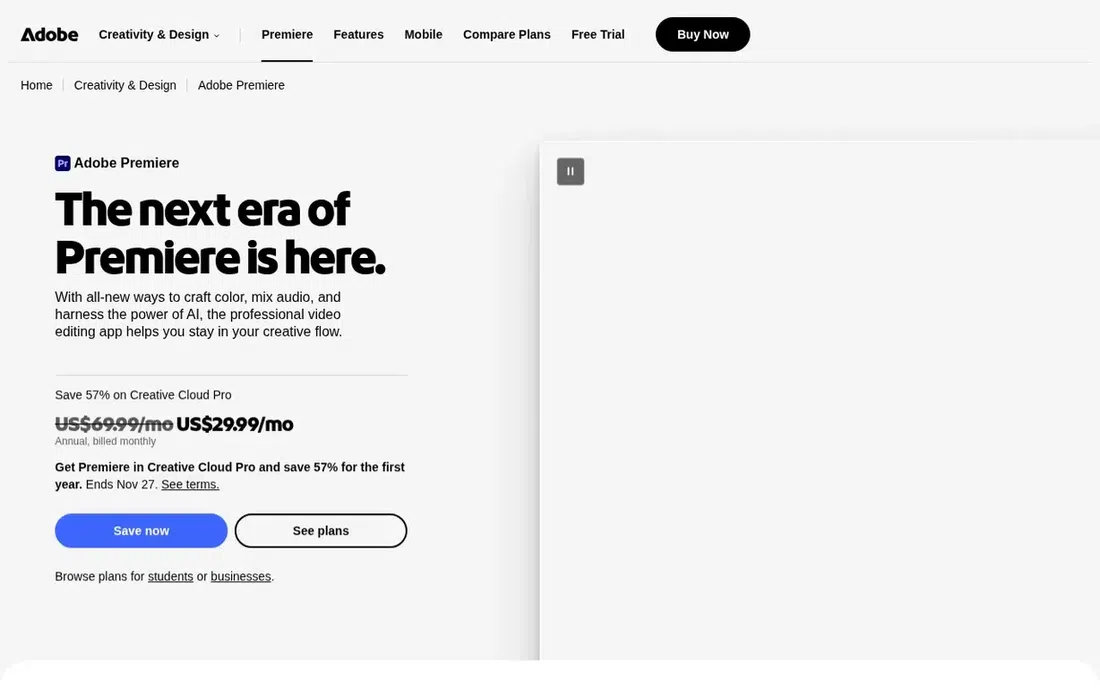
For professional podcast editing with keying, Adobe Premiere Pro is a natural candidate. Adobe Premiere Pro is professional video editing software for trimming, effects, audio mixing and more. The software assumes a certain level of editing knowledge, and its hardware demands can be noticeable on older machines.
Honest limits: Subscription required.
Podcasters who only have to key a static background for a live stream may find a more straightforward or live-focused tool more direct. More specifically, choose Premiere Pro when recorded episodes need broader editing and finishing work. As for the details, for video podcasters, it supplies a complete post-production environment where chroma keying sits alongside color work, titles and audio cleanup. Check the vendor site for Adobe Premiere Pro pricing; none is listed in this comparison. Free access: Not stated.
- Deep audio and effects workflow
- Plugs into other Adobe apps
- Can be demanding on older hardware
Where OBS Studio fits: live chroma key streaming. Its scene and source model makes it straightforward to apply a chroma key filter to a camera source in live.
Pick OBS Studio when live keying and streaming are the priority, and pair it with an editor for post-production polish. The settings can feel technical for newcomers. Check the vendor site for OBS Studio pricing; none is listed in this comparison. Trial and free access: Not stated.
Where it is weaker: Restricted post-production editing.
- Scene and source based layout
- Made for live streaming and recording
- Setup can be technical
Selection criteria
The comparison looks at four things: starting price, free access, how well the feature set matches chroma key software for video podcasters, and the main limit of each tool. Where a vendor does not publish a price, the entry says quote. Where a price depends on seats or billing term, the entry says so. We ordered the tools by general fit, then by how clearly pricing is shown, then by free access. A buyer with unusual needs may reorder them.
What to confirm before you sign up
- Ask each vendor, from DaVinci Resolve to OBS Studio, for a written quote; none of them publishes a starting price.
- Before choosing DaVinci Resolve, weigh its main limit: feature depth can overwhelm beginners.
- Find out what support OBS Studio includes on your plan, and whether onboarding help costs extra.
- Confirm you can export your data from Final Cut Pro, so leaving later does not mean losing records.
- A short pilot of Adobe Premiere Pro with your real workflow tells you more than a feature table.
FAQ
Do I need a professional editor for chroma keying?
Not necessarily. Professional suites like Adobe Premiere Pro and DaVinci Resolve supply finer control when backgrounds, spill and color need careful treatment.
How are the tools for chroma key software for video podcasters ordered?
DaVinci Resolve sits first and OBS Studio last because the order follows typical fit for chroma key software for video podcasters, then price clarity and free access. It is a judgement call, so read each profile for fit and limits.
Do these tools publish their prices?
No. None of the tools, from DaVinci Resolve to OBS Studio, shows a fixed starting price here, so budget time for quotes.
Does any tool for chroma key software for video podcasters here have a free plan?
A permanent free plan is not offered by DaVinci Resolve, OBS Studio or the other tools here. Plan a short evaluation period instead.
Is DaVinci Resolve the right pick for everyone comparing chroma key software for video podcasters?
No single tool suits every team. DaVinci Resolve comes first because it fits color-focused keying and finishing, while Final Cut Pro suits Mac and iPad podcast editing and Corel VideoStudio suits accessible consumer editing. Match the tool to your own size, budget and workflow before deciding.
Sources
- https://www.blackmagicdesign.com/products/davinciresolve
- https://www.apple.com/final-cut-pro
- https://www.videostudiopro.com
- https://filmora.wondershare.com
- https://www.adobe.com/products/premiere.html
- https://obsproject.com