Best Christmas Countdown Apps in 2026: 7 Apps Compared
We compare the best christmas countdown apps for widgets, gift lists and family fun, with free plans and honest notes on ads, widgets and paid extras.
- Editor's choice
 Christmas Countdown by Jupli
All-round countdown
Starts atFreeVisit jupli.comFull review - Great alternative
 Christmas Countdown Widget
Widgets and gift lists
Starts atFreeVisit countdowntothemouse.comFull review - Also consider
 Christmas Countdown 2026
Festive wallpapers and widgets
Starts atFreeVisit yuliya-shamshiyeva.github.ioFull review
TL;DR:
- Christmas Countdown by Jupli is the best all-round pick, with themes, music, widgets and a gift list in one free app.
- Christmas Countdown Widget is the best choice for families who want a home-screen widget, photo slideshows and gift lists.
- Time and Date and Days.to are the best no-install options, since they run in a browser and need no app at all.
- Elfster is the best companion app for the countdown itself, because it organizes the gift exchange the countdown is building toward.
- Most countdown apps are free with ads or a small paid upgrade, so check what the free tier includes before paying.
Quick comparison
| Tool | Best for | Starts at | Free plan? | |
|---|---|---|---|---|
| Christmas Countdown by Jupli | All-round countdown | Free | Yes | Visit |
| Christmas Countdown Widget | Widgets and gift lists | Free | Yes | Visit |
| Christmas Countdown 2026 | Festive wallpapers and widgets | Free | Yes | Visit |
 Time and Date | Browser countdown | Free | Yes | Visit |
 Days.to | Simple web countdowns | Free | Yes | Visit |
 ChristmasCountdown.co.uk | UK-focused countdown | Free | Yes | Visit |
 Elfster | Gift exchanges | Free | Yes | Visit |
The best christmas countdown apps
A countdown app has a simple job: show the days, hours and minutes until December 25, and make the wait fun. We compared official app listings and developer pages, and we favored apps that are still updated, offer widgets or themes, and keep the core countdown free. Some of these are mobile apps and some are websites, so you can pick the format that fits your phone.
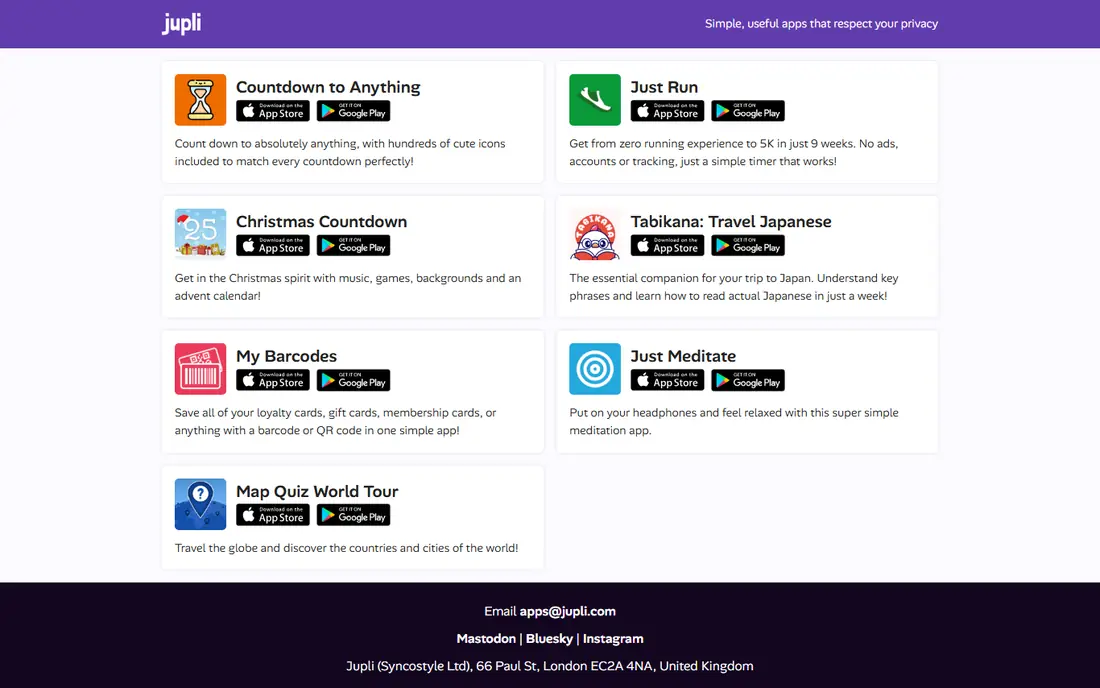
Christmas Countdown by Jupli is the most complete countdown app on this list. It shows the time left until Christmas in days, hours, minutes and seconds, with festive backgrounds, Christmas music and daily quotes to keep the season feeling present. A gift list and calendar integration help turn the countdown into actual planning, rather than just a number on a screen.
The free version carries ads, and some design options are reserved for paid upgrades. That is normal for this category, and the core countdown, music and quotes work without paying. For a single app that covers countdown, themes and basic planning, Jupli is the safest first download.
- Real-time countdown with festive themes
- Christmas music and daily quotes
- Calendar integration and sharing
- Some themes and features sit behind paid upgrades
- Free version includes ads

Christmas Countdown Widget is built for people who want the countdown on their home screen rather than inside an app they must open. Widgets come in many colors, mini countdowns can track several events, and a weather view helps answer the yearly question of a white Christmas. Gift lists and printable lists add practical value for families.
The widget, colors and mini countdowns work without paying, while built-in photos, personal photos, slideshows and unlimited list items need a one-time Premium purchase or ad credits. That one-time model is friendlier than a subscription for an app used mainly in December. For a widget-first countdown, this is the pick.
- Home-screen widgets in many colors
- Photo slideshows and gift lists
- Weather for any city included
- Full photo features and unlimited lists need a one-time Premium purchase
- Android-focused history
Christmas Countdown 2026
Best for: Festive wallpapers and widgets

Christmas Countdown 2026 leans into atmosphere. Alongside the countdown itself, it offers Christmas wallpapers, a home-screen widget, a to-do list for holiday tasks, festive music and falling snow effects. For someone who wants their phone to feel seasonal from November onward, the combination is appealing.
The app comes from a small independent developer, so support and long-term updates are less certain than with larger apps. Its store listing also discloses data collection, so read the privacy details before installing if that matters to you. As a free festive countdown with wallpapers, it earns its place, but privacy-conscious users may prefer the browser options below.
- Christmas wallpapers included
- Home-screen widget
- To-do list for Christmas planning
- Festive music and snow effects
- Smaller developer with limited support history
- Data collection disclosures deserve a read before installing
Time and Date is the practical choice for anyone who does not want another app. Its countdown pages show days, hours, minutes and seconds until Christmas, adjusted for your time zone, and the same site offers calendars, holiday dates and countdowns for other events. It works on any device with a browser and needs no account.
The tradeoff is charm. There are no festive themes, music or gift lists, and the countdown is a tool rather than an experience. For a classroom display, a work computer or a quick check of how many days remain, that plain accuracy is exactly right. Pair it with a festive app on your phone if you want both.
- Accurate countdown to December 25 in your time zone
- No install needed
- Calendars and holiday dates alongside
- Not a dedicated Christmas app
- No festive themes or gift lists
- Widgets are basic
Days.to keeps countdowns as simple as possible. Create a countdown to Christmas, share the link with family, and open it anywhere to see the time remaining. There is no install, no account hurdle and no festive clutter, which suits people who want a number and nothing else.
That simplicity is also the limit. There are no themes, music, gift lists or widgets of the kind dedicated apps offer, and it needs web access to load. For sharing a countdown in a family group chat or embedding one on a page, Days.to is the fastest route. For a full festive experience, pair it with one of the apps above.
- Very simple countdown creation
- Shareable countdown links
- Works in any browser
- Minimal design and features
- No native app extras such as music or themes
- Relies on web access
ChristmasCountdown.co.uk is a UK-focused countdown site with a live clock and seasonal planning tips, including last posting dates for cards and parcels. That local detail is genuinely useful in December, when delivery deadlines matter more than the countdown itself. Like Time and Date, it needs no install and works in any browser.
The site is a website rather than an app, so there are no home-screen widgets or festive music, and the UK focus is less relevant outside Britain. For UK households that want a quick countdown plus practical posting guidance, it is a handy bookmark. International users will get more from Time and Date.
- Live countdown to Christmas
- UK planning tips such as last posting dates
- No install needed
- UK focus may matter less elsewhere
- Website only, no app widgets
- Limited interactivity
Elfster is not a countdown app, and we include it because it answers the question every countdown raises: what are we actually giving? It organizes Secret Santa exchanges with a generator that respects exclusions, so couples or family members are not drawn together, and wishlists can pull items from any store. Groups of any size can join, and the draw stays secret.
The catch is scope. Elfster will not show a countdown widget or play Christmas music, so it works best alongside one of the countdown apps above. Used together, the countdown builds excitement and Elfster turns it into a plan. For families and workplaces running a gift exchange, it is the most useful companion app in this list.
- Secret Santa generator with exclusions
- Shareable wishlists from any store
- Works for groups of any size
- Not a countdown app itself
- Gift exchange only, so pair it with a countdown
- Some features vary by plan
How we picked these
We compared official app listings, developer pages and countdown sites, and we favored options that are still updated, keep the core countdown free and offer something beyond a bare number, such as widgets, themes, gift lists or planning tips. We left out apps that had not been updated in years or whose listings gave no credible developer information.
We did not claim hands-on testing. Countdown apps change yearly, and some are renamed or replaced each season, so check the current store listing before downloading. The browser options here are the most stable choices, since they do not depend on a single app surviving until December.
Choosing the right countdown setup
Decide where you want to see the number
A home-screen widget suits people who check their phone often, while a browser countdown suits a shared display or a work computer. Widgets need an app install and permission to run in the background, while browser countdowns need nothing. Pick the placement first, then the app.
Check what is free before paying
Most countdown apps are free with ads, and paid upgrades usually add themes, extra photos or ad removal. Try the free tier through a week of December before buying, since many paid features matter less than they appear to in screenshots. One-time purchases beat subscriptions for an app used mainly in one month.
Add a gift list early
A countdown without a plan becomes a source of December panic. Add gift ideas and a rough budget in November, while the countdown still shows plenty of days. Apps with gift lists, or Elfster for exchanges, turn the countdown from decoration into a planning tool.
Keep it fun for children
For families, a countdown with characters, music or daily surprises keeps children engaged without needing a new app each year. Check the age rating and any chat or sharing features before handing the app to a child, and prefer apps that work offline or without an account for younger users.
FAQ
What is the best Christmas countdown app?
Christmas Countdown by Jupli is our all-round pick for its themes, music, widgets and gift list in one free app. Christmas Countdown Widget is better for widget-first users, and Time and Date is better for a no-install browser countdown. The best choice depends on whether you want a widget, themes or simple accuracy.
Are Christmas countdown apps free?
Most are free to download, with ads or optional paid upgrades for extra themes, photos or ad removal. The core countdown is free on every app here. Check the store listing for in-app purchases before downloading, since prices and included features vary by app and platform.
Do Christmas countdown apps work on both iPhone and Android?
Many do, but not all, and widget support differs between the two systems. iPhone widgets and Android widgets are built differently, so check the listing for your device before choosing. Browser countdowns from Time and Date and Days.to work on any device without that concern.
Can I put a Christmas countdown on my home screen?
Yes, on both iPhone and Android, using a widget from an app such as Christmas Countdown Widget or Christmas Countdown by Jupli. Add the widget from your home-screen editor, choose a size and place it where you will see it daily. Some apps reserve larger or themed widgets for paid upgrades.
When should I start using a countdown app?
Any time from November onward works, and families often start on December 1 for an advent-style countdown. Starting earlier helps with gift planning, since the countdown pairs well with a gift list. There is no wrong start date, since the app counts down to December 25 automatically each year.
Do countdown apps drain battery?
A simple countdown widget uses very little battery, since it only updates the day count. Apps with animated snow, music or frequent background refresh can use more, so turn off animations if battery life matters. Browser countdowns use no battery at all when the page is closed.