Best Chatting Apps in 2026: 9 Apps Compared
Looking for the best chatting apps? We compared 9 apps for chatting, groups, calls and privacy to help you pick the right messenger for friends and work.

- Editor's choice
 WhatsApp
Everyday chatting worldwide
Starts atFreeVisit whatsapp.comFull review - Great alternative
 Signal
Privacy-first chatting
Starts atFreeVisit signal.orgFull review - Also consider
 Telegram
Large groups and channels
Starts atFreeVisit telegram.orgFull review
TL;DR:
- WhatsApp suits most people for everyday chatting, since nearly everyone already has it and messages are end-to-end encrypted by default.
- Signal is the strongest pick for privacy, with default encryption, minimal data collection and no ads.
- Telegram suits large groups and channels, while Discord suits communities that mix text, voice and video in one place.
- Slack and Microsoft Teams suit work chatting, but they are poor substitutes for personal messaging, since they need an organization account.
Quick comparison
| Tool | Best for | Starts at | Free plan? | |
|---|---|---|---|---|
| WhatsApp | Everyday chatting worldwide | Free | Yes | Visit |
| Signal | Privacy-first chatting | Free | Yes | Visit |
| Telegram | Large groups and channels | Free | Yes | Visit |
 Discord | Communities with voice and text | Free | Yes | Visit |
 Facebook Messenger | Chatting with Facebook contacts | Free | Yes | Visit |
 Google Messages | Android texting with RCS | Free | Yes | Visit |
 Apple iMessage | iPhone and Mac chatting | Free | Yes | Visit |
 Slack | Work team chatting | Free | Yes | Visit |
 Microsoft Teams | Work chatting in Microsoft 365 | Free | Yes | Visit |
The best chatting apps
The best apps for chatting depend less on features and more on who you talk to. A messenger is only useful if your friends, family or team already use it. This list covers the best chatting software for personal use and the best online chatting app options for work, with honest notes on privacy, group size and cost, so you can pick based on your actual contacts.
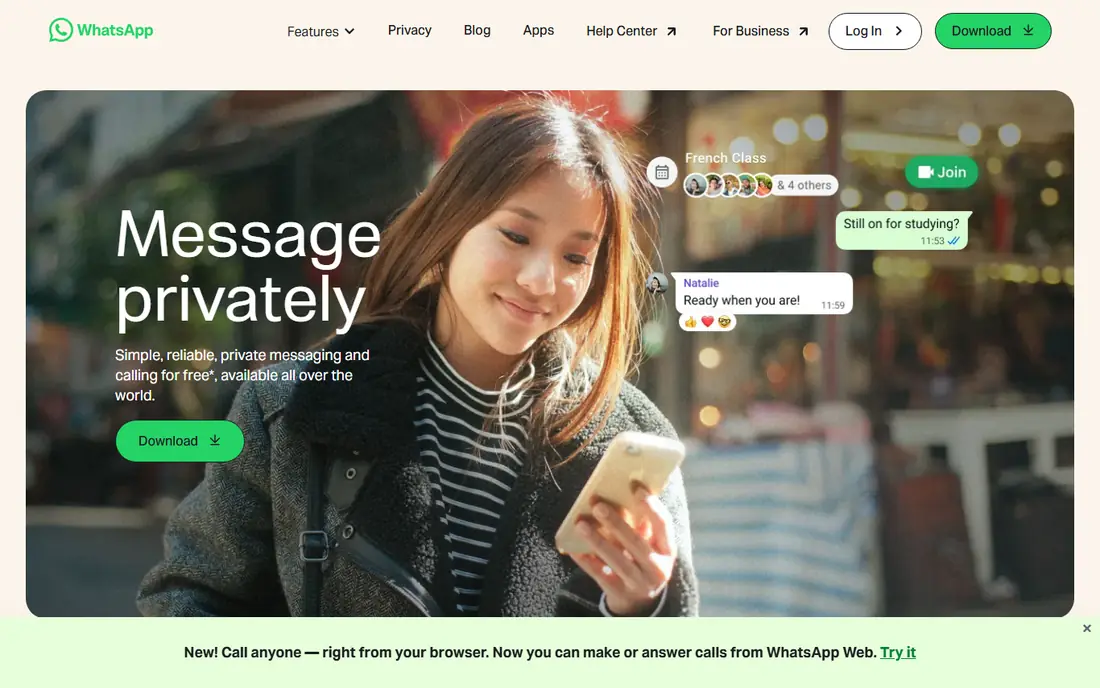
WhatsApp is the safest default for personal chatting, simply because so many people already have it. You can message, call, share photos and files, and run group chats without asking contacts to install something new. Messages and calls use end-to-end encryption by default, and the app works on phones, desktop and web.
The trade-offs are real but manageable for most users. WhatsApp requires a phone number, and its owner Meta collects metadata even though message content stays encrypted. WhatsApp Business adds tools for small businesses, including catalogs and quick replies. If your contacts span countries and age groups, WhatsApp is usually the app they already check daily.
- Huge global user base
- Default end-to-end encryption
- Voice, video and group calls
- Tied to a phone number
- Owned by Meta, with data sharing concerns for some users
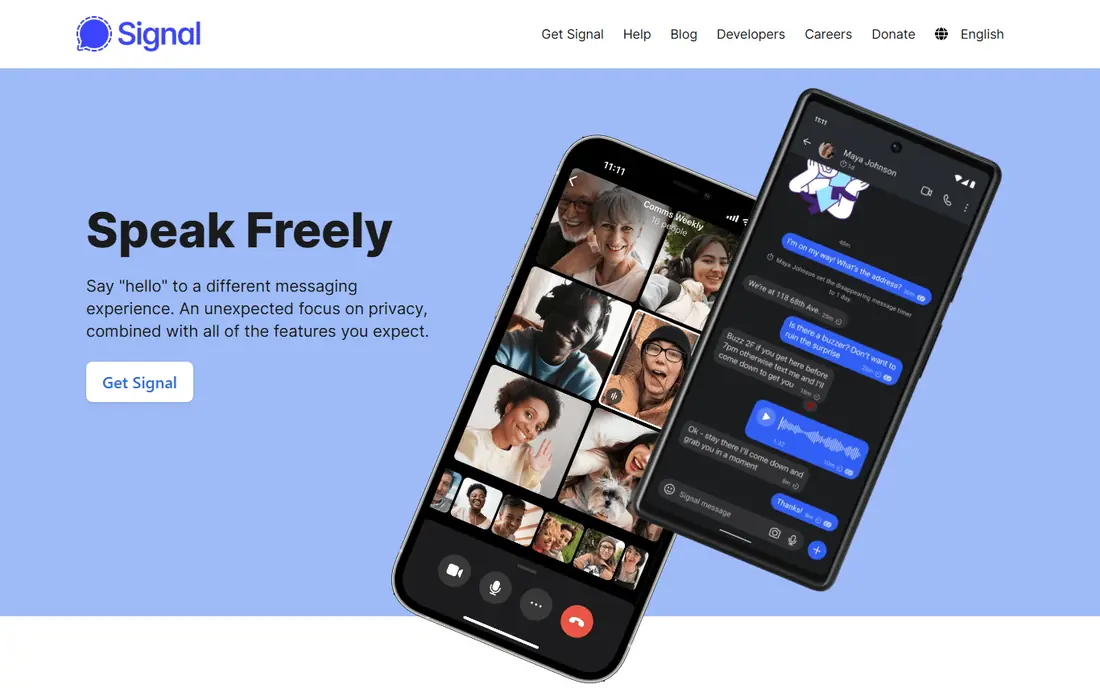
Signal is the pick when privacy matters most. It encrypts messages, calls and group chats by default, collects very little metadata, and runs as a nonprofit without ads or tracking. Disappearing messages, sealed sender and a simple interface make it easy to use without changing how you chat.
The limit is network size. Fewer friends and family members use Signal than WhatsApp, so you may need to convince contacts to install it. Signal also keeps extras modest, with less emphasis on channels, bots or commerce. For sensitive conversations, journalists, activists and anyone who wants the strongest default privacy, Signal is the clear leader.
- Default end-to-end encryption for all chats
- Minimal metadata collection
- Nonprofit and ad-free
- Smaller user base than WhatsApp
- Fewer fun extras like large sticker stores

Telegram suits communities, creators and large groups. Groups can hold huge numbers of members, channels broadcast to unlimited subscribers, and cloud sync means your chats appear on every device without a phone connection. Bots, file sharing and a paid Premium tier, around 4.99 dollars per month, add features like larger uploads and faster downloads.
Privacy needs care here. Regular Telegram chats use server-side encryption, not end-to-end encryption, so only Secret Chats get full end-to-end protection, and those do not sync across devices. If you run a community or follow creators, Telegram is excellent. If you need private one-to-one chats by default, Signal or WhatsApp fits better.
- Huge groups and broadcast channels
- Cloud sync across devices
- Bots and file sharing up to large sizes
- Default chats are not end-to-end encrypted
- Secret chats are needed for full encryption
Discord started for gamers and now hosts study groups, hobby clubs, creator communities and work teams. Servers organize chats into topic channels, voice channels let people drop in and talk without a call, and bots handle moderation, music and games. That mix makes Discord feel more like a clubhouse than a simple messenger.
Discord chats are not end-to-end encrypted, so it suits public or semi-public communities better than sensitive private talks. New users can also find servers confusing at first, with many channels and roles. Nitro, around 9.99 dollars per month, adds larger uploads and server perks, but the free tier covers most community needs.
- Servers with text and voice channels
- Good for gaming and hobby groups
- Bots and community tools
- Not end-to-end encrypted
- Interface can overwhelm newcomers
Messenger remains useful because Facebook contacts are already there. You can message friends without sharing a phone number, run group chats, make video calls and share photos and files. It works on phones, desktop and web, and it integrates with Instagram messaging for some users.
Privacy is the weak point. Many Messenger chats are not end-to-end encrypted by default, and Meta shows ads and collects data across its apps. End-to-end encrypted chats are available as an option, but you must check your settings. Messenger suits casual chatting with Facebook friends, not private conversations you want fully encrypted by default.
- Works for anyone with a Facebook account
- Video calls and group chats
- No phone number needed
- Ads and Meta data collection
- Encryption is opt-in for many chats
Google Messages is the default texting app on many Android phones, and it is the simplest online chatting app for Android users who do not want another account. RCS, where supported, adds read receipts, typing indicators and higher-quality photos and videos, while SMS and MMS remain as a fallback for contacts without RCS.
The catch is consistency. RCS support varies by carrier, device and contact, and chats with iPhone users fall back to SMS or MMS, losing RCS features. Google Messages also lacks the large community and channel features of Telegram or Discord. For everyday Android texting with friends and family, it is free, simple and already installed.
- Preinstalled on many Android phones
- RCS adds typing indicators and better media
- SMS fallback
- RCS features depend on carrier and contact app
- Less useful for iPhone contacts
iMessage is the best chatting app for households and friend groups that all use Apple devices. It is built into every iPhone, iPad and Mac, syncs across devices, and encrypts iMessages end to end. Group chats, reactions, photo sharing and FaceTime links all work without installing anything new.
The limit is platform lock-in. Chats with Android contacts use SMS or RCS instead of iMessage, with fewer features and no end-to-end encryption. If your circle is mostly Apple, iMessage is effortless. If your contacts mix iPhone and Android, WhatsApp or Signal gives everyone the same experience.
- Built into iPhone, iPad and Mac
- End-to-end encryption for iMessages
- Good media and group features
- Apple devices only
- Messages to Android phones fall back to SMS or RCS with fewer features
Slack is the standard for work chatting in tech, agencies and startups. Channels organize conversations by project or team, threads keep replies tidy, and integrations connect Slack to calendars, code tools, docs and customer support. Search, file sharing and huddles for quick voice chats make it a full work hub.
The free plan limits searchable message history, and paid plans start around 8.75 dollars per user per month. Slack also needs an organization workspace, so it cannot replace a personal messenger for friends and family. For a team that needs organized, searchable work chat, Slack remains the benchmark, even as Teams gains ground in Microsoft shops.
- Channels and threads for work topics
- Huge app integration catalog
- Searchable message history on paid plans
- Free plan limits message history
- Per-user paid pricing
- Not suited to personal chatting
Microsoft Teams suits organizations already paying for Microsoft 365. Chat, video meetings, file storage and Office apps live in one place, and Teams channels organize work by department or project. Large companies value its admin controls, compliance tools and integration with Outlook and SharePoint.
Teams can feel heavy for small teams that only need simple chat, and its best features sit behind Microsoft 365 plans. A free tier covers basic chat and meetings. If your company runs on Microsoft tools, Teams is the natural work chatting pick. If your team is small and tool-agnostic, Slack or Discord may feel lighter.
- Deep Microsoft 365 integration
- Chat, meetings and files in one app
- Good for large organizations
- Interface can feel heavy
- Best value requires a Microsoft 365 subscription
How we picked these
We compared official feature pages, pricing pages, encryption policies, platform availability, group limits and public reviews for each app. We kept only chatting apps that are live in October 2026, work for US users, and serve a real personal or work chatting need. We favored a mix of personal messengers, community platforms and work tools, and we noted where encryption is default, optional or absent, since that detail matters for privacy.
How to choose the right chatting app
Start with your contacts, not the feature list. Ask which app your friends, family or team already open daily, since the best messenger with no contacts is useless. For personal use, pick WhatsApp for reach, Signal for privacy, or Telegram for large groups. For Apple-only circles, iMessage needs no setup, and for Android texting, Google Messages is already there.
For work, match the app to your existing tools. Microsoft 365 shops should test Teams first, while tool-agnostic teams should test Slack. For communities, Discord gives you text, voice and moderation in one place. Finally, check privacy settings after you install any app: turn on disappearing messages or encryption options where offered, review who can add you to groups, and keep sensitive talks on an app with default end-to-end encryption.
FAQ
What is the best chatting app overall?
WhatsApp is the best chatting app for most people, thanks to its huge user base, free price and default encryption. Signal is better for privacy, Telegram is better for large groups, and Discord is better for communities. The best pick depends on who you talk to and how much privacy you need.
What are the best apps for chatting privately?
Signal leads for private chatting, with default end-to-end encryption and minimal data collection. WhatsApp also encrypts messages by default. Telegram requires Secret Chats for full end-to-end encryption, and Discord and Slack do not offer end-to-end encryption for most chats. For sensitive talks, use Signal.
What is the best online chatting software for work?
Slack suits most work teams, with channels, threads and a large integration catalog. Microsoft Teams suits Microsoft 365 organizations, with chat, meetings and files in one app. Discord can work for creative or community teams, but it lacks the admin and compliance tools that larger companies need.
Is Telegram safe for chatting?
Telegram is safe for general community chatting, but default chats are not end-to-end encrypted. Use Secret Chats for private one-to-one talks that need full encryption, and be careful with public groups and channels, where messages are visible to many people. For default private encryption, Signal or WhatsApp is a better choice.
Can I use these chatting apps for free?
Yes. WhatsApp, Signal, Telegram, Discord, Messenger, Google Messages, iMessage and the basic tiers of Slack and Teams are all free. Paid tiers add extras like larger uploads, longer message history or server perks, but core chatting costs nothing on every app on this list.