Best Cash Flow Forecasting Software in 2026: 9 Tools Compared
Compare the best cash flow forecasting software and tools for small and mid-size firms, with pricing, integrations, and forecast horizons covered for your firm.
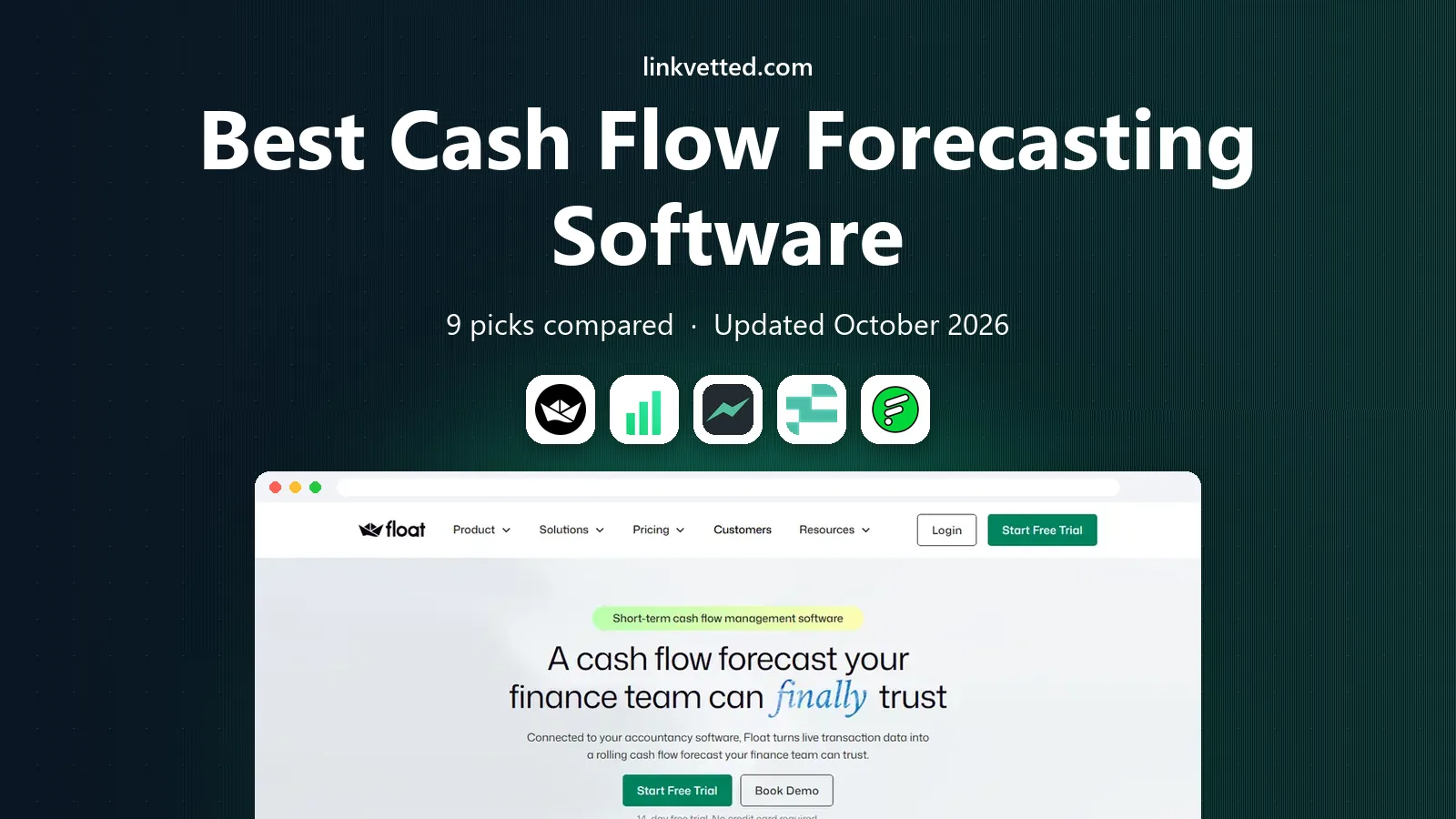
- Editor's choice
 Float
Rolling forecasts with scenarios
Starts at$130 per monthVisit floatapp.comFull review - Great alternative
 Pulse
Simple owner-friendly cash views
Starts at$29 per monthVisit pulseapp.comFull review - Also consider
 Dryrun
Hands-on forecast control
Starts atSee websiteVisit dryrun.comFull review
TL;DR:
- Float is our pick for finance teams on Xero or QuickBooks Online that need a trusted rolling forecast with scenarios.
- Pulse suits owners who want a simple cash view without finance training, at a lower starting price.
- Fathom and Jirav go further, combining cash forecasts with reporting, budgeting, and three-statement models.
- A forecast is only as good as your books, so connect the tool to live accounting data rather than typing figures by hand.
Quick comparison
| Tool | Best for | Starts at | Free plan? | |
|---|---|---|---|---|
| Float | Rolling forecasts with scenarios | $130 per month | Free trial | Visit |
| Pulse | Simple owner-friendly cash views | $29 per month | Free trial | Visit |
| Dryrun | Hands-on forecast control | See website | Free trial | Visit |
 Fathom | Reporting plus forecasting | $59 per month | Free trial | Visit |
 Futrli | Three-statement forecasts | $40 per month | Free trial | Visit |
 Cash Flow Frog | Low-cost rolling forecasts | $69 per month | Free trial | Visit |
 Jirav | Budgeting and forecasting together | $50 per month | Free trial | Visit |
 Clockwork | AI-assisted financial models | $599 per month | Free trial | Visit |
 Agicap | Multi-entity treasury views | See website | Free trial | Visit |
The best cash flow forecasting software
Cash flow forecasting answers a simple question with real stakes: will you have enough cash, on the dates you need it, to pay staff, suppliers, and tax? These tools pull actuals from your accounting system, project future inflows and outflows, and let you test what happens if a big customer pays late or a hire starts early. The best tools for cash flow forecasting make those scenarios easy to build and easy to trust.

Float is the tool we would shortlist first for a finance team that already uses Xero or QuickBooks Online. It builds a rolling forecast from live actuals, lets you create scenarios for best and worst cases, and shows runway and cash position in a way non-finance managers can follow. The 13-week view helps with near-term decisions, while longer horizons support planning.
The price reflects that depth. Essentials starts at $130 per month, with Growth and Scale higher, and each company is priced separately, so groups with many entities should budget carefully. There is a 14-day trial with no card required, which is enough to test a real forecast. If you only need a simple cash chart, Pulse will cost less, but Float earns its price when scenarios drive decisions.
- Strong scenario planning
- Connects to Xero and QuickBooks Online
- Clear cash runway view
- Priced per company, so multi-entity costs add up
- Higher starting price than simple tools
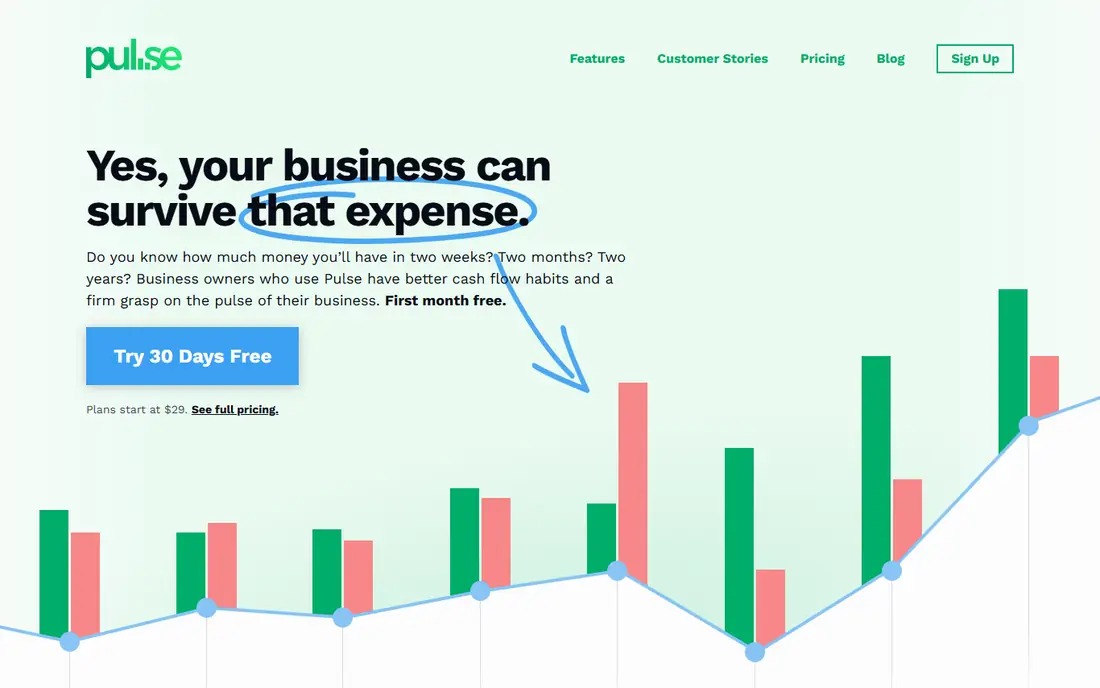
Pulse is built for owners, not finance teams. It imports income and expenses from your accounting system, shows cash in and out on a clear timeline, and lets you add expected payments or adjust assumptions without learning a modeling language. For a service business with predictable revenue, that simplicity is a genuine advantage.
The limit is scope. Pulse is less suited to multi-entity groups or businesses that need driver-based models with many linked assumptions. Plans start at $29 per month with a 30-day trial, so the cost of trying it is low. If you want to understand next quarter's cash without hiring a finance analyst, Pulse is a sensible first step.
- Very easy to understand
- Low starting price
- Connects to QuickBooks, Xero, and FreshBooks
- Less depth for multi-entity or complex models
- Scenario features are simpler than Float
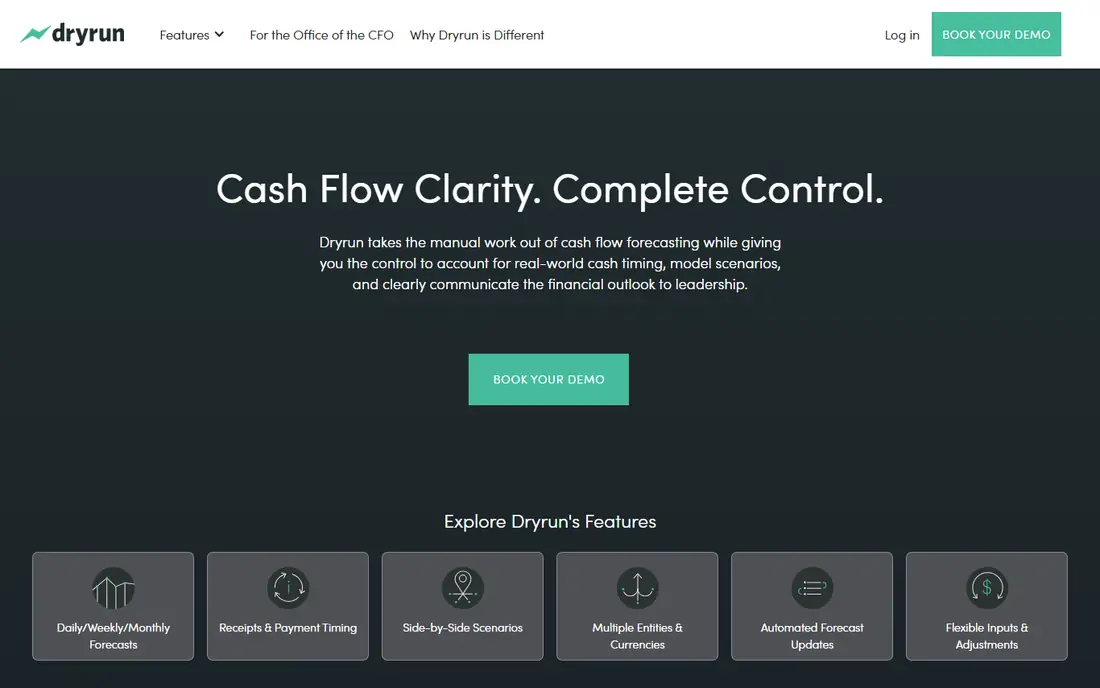
Dryrun appeals to CFOs, advisors, and owners who want to control every assumption. You can build forecasts by day, by week, or by month, adjust individual cash events, and model the effect of a delayed payment or a new hire. Integrations with QuickBooks Online, Xero, Sage Intacct, and Dynamics 365 keep actuals current.
The drawback is pricing transparency. Dryrun does not publish standard prices, so you will need a quote, and directories list a range of figures that may be out of date. We therefore list See website. If you like hands-on modeling and you advise several clients, Dryrun's control may justify the sales process. If you want a price before a call, Float or Pulse will be faster to evaluate.
- Fine control over forecast assumptions
- Daily, 13-week, and monthly views
- Works with major ledgers
- Pricing is quoted, not published
- Needs more setup time than simpler tools
Fathom is broader than a cash-only tool. It combines management reporting, KPI tracking, and forecasting, including three-statement models that link profit, balance sheet, and cash. That breadth suits accounting firms and multi-entity businesses that need board-ready reports as well as a cash view. Horizons run up to five years, with monthly detail.
Pricing is per company, starting at $59 per month for one company in published comparisons, so groups should model the total across entities. Fathom is a good fit when reporting matters as much as forecasting. If you only need a cash forecast and nothing else, a narrower tool may be cheaper and simpler.
- Combines reporting, KPIs, and forecasting
- Up to five-year horizons
- Multi-entity consolidation
- Priced per company
- Forecasting depth varies by plan
Futrli, now part of Sage, builds forecasts that link the profit and loss account, balance sheet, and cash flow, which gives a fuller picture than cash alone. It connects to Sage Accounting, Xero, and QuickBooks Online, and it supports daily and three-way views. For firms already on Sage, the fit is natural.
The learning curve is steeper than Pulse, and some advanced features require higher tiers. Starting prices in published comparisons sit around $40 per month for a small number of licenses, excluding tax. If your team values a complete financial model over a quick cash chart, Futrli is worth the extra setup time.
- Three-statement forecasting
- Works with Sage, Xero, and QuickBooks Online
- Scenario support
- Interface takes time to learn
- Some features sit on higher plans
Cash Flow Frog focuses on one job: a rolling cash forecast that stays current as your books change. It connects to QuickBooks Online, QuickBooks Desktop, Xero, Sage Intacct, Odoo, Zoho Books, and FreshBooks, plus bank feeds, and it projects up to 36 months ahead. Published pricing starts at $69 per month, or lower when billed annually.
That focus keeps the price reasonable, but reporting and budgeting features are narrower than Fathom or Jirav. For a growing business that mainly needs to see cash ahead and test a few scenarios, that trade-off is fine. The 14-day trial is enough to check whether the forecast matches your actual bank movements.
- Rolling forecasts up to 36 months
- Broad ledger integrations
- Clear published pricing
- Less known than Float or Fathom
- Reporting features are narrower
Jirav is a planning system, not just a cash tool. It combines budgeting, forecasting, and reporting, with driver-based models where changing a driver, such as headcount or price, flows through the whole model. That suits companies that have outgrown spreadsheets and want one plan that finance, sales, and operations can share.
The starting price in published comparisons is $50 per month for a Controller Essentials plan, but the full value comes with setup time and a clear planning process. Small businesses that only need a cash view will find Pulse or Cash Flow Frog simpler. Growing firms that need budgets, forecasts, and variance reporting in one place will get more from Jirav.
- Budgeting, forecasting, and reporting in one system
- Driver-based models
- Good for growing firms
- More than a cash-only tool needs
- Setup takes longer than simple forecasters
Clockwork pairs a full financial model with an AI analyst that can answer questions about the numbers and surface risks. It is aimed at growing companies that want more than a chart: a model they can interrogate, with scenarios and variance tracking built in. Published pricing puts the Predict plan at $599 per month when billed annually, with a 14-day trial.
That price puts Clockwork out of reach for most small businesses, and it is more than a simple cash tool needs to be. For a finance team that spends real time explaining forecasts to a board or investors, the AI layer and model depth may justify it. Smaller firms should start with Float or Pulse and revisit Clockwork when the planning workload grows.
- AI analyst features plus full models
- Strong for growing companies
- Integrates with major ledgers
- High starting price
- More than small businesses need
Agicap is closer to a treasury tool than a simple forecaster. It pulls daily cash positions from hundreds of banks, consolidates them across entities, and projects cash over treasury horizons. Mid-market finance teams managing cash across several companies and bank accounts will find that daily, consolidated view valuable.
Pricing is quoted, and published comparisons note a minimum term, so Agicap is a considered purchase rather than a quick signup. We list See website for that reason. If you run one company with one bank account, a simpler tool will serve you better. If cash sits across entities and currencies, Agicap's consolidation is the reason to shortlist it.
- Daily cash across banks and entities
- Treasury horizons
- Strong bank connectivity
- Quote-only pricing
- Minimum terms reported in comparisons
How we picked these
We compared vendor pricing pages, integration lists, and independent comparisons of cash flow tools, keeping only tools that forecast cash from live accounting or bank data. We checked starting prices where vendors publish them and wrote See website where pricing is quoted. We did not claim hands-on testing; our comparison rests on vendor documentation, pricing pages, and public reviews. This is general information, not financial advice, and a forecast does not guarantee future cash.
How to get a forecast you can trust
A forecast built on stale books will mislead you, however good the tool looks. Connect the tool to your accounting system, reconcile bank accounts regularly, and enter known future payments, such as tax, rent, and payroll, as dated cash events. Then review the forecast weekly at first, comparing predicted balances with actual bank balances, and adjust the assumptions that were wrong.
Scenarios worth running
Run at least three versions: your expected case, a late-payment case where your largest customers pay 30 days late, and a cost case where a planned hire or purchase lands early. If any version shows a shortfall, you have time to act, whether that means chasing invoices, delaying spending, or arranging a credit line before you need it. A tool that makes these scenarios easy to build is worth more than one with a longer feature list.
FAQ
What is the best cash flow forecasting software for a small business?
For most small businesses, Pulse is the easiest starting point at $29 per month, while Float is the stronger choice once scenarios and a longer horizon matter. Both connect to Xero and QuickBooks Online, so your forecast stays tied to real books. Pick Pulse for simplicity, Float for depth, and test both on a trial with your own data.
What are the best tools for cash flow forecasting if I use Xero?
Float, Fathom, Futrli, Pulse, and Cash Flow Frog all connect to Xero, and Xero itself includes a short-term cash view on eligible plans. For a short view of 30 to 180 days, the built-in Xero tool may be enough. For a rolling 12-month forecast with scenarios, Float or Fathom will give you more control.
What are the top cash flow forecasting software options for multi-entity businesses?
Fathom and Agicap are the strongest picks here. Fathom consolidates reporting and forecasting across companies, while Agicap consolidates daily bank cash across entities. Both price per company or by quote, so model the total cost across your group before you commit, and check how consolidation and currency handling work on a trial.
How far ahead should a cash flow forecast look?
A 13-week forecast is the standard for near-term cash management, because it covers payroll, supplier payments, and tax dates you can see clearly. A 12-month rolling forecast helps with hiring and investment decisions. Longer horizons, up to three or five years, are useful for planning but become less reliable, so treat them as direction, not precision.
Can cash flow forecasting software replace a spreadsheet?
Yes, for most businesses, because it pulls live actuals, updates automatically, and keeps scenarios in one place. Spreadsheets still work for one-off models, but they go stale quickly and break when formulas are edited by hand. If your forecast lives in a spreadsheet that no one updates, a connected tool will give you a more honest picture.