Best Career Pathing Software in 2026: 8 Tools Compared
We compared the best career pathing software for 2026, covering skills, internal moves, mentoring, and growth plans, to help HR teams choose well today.
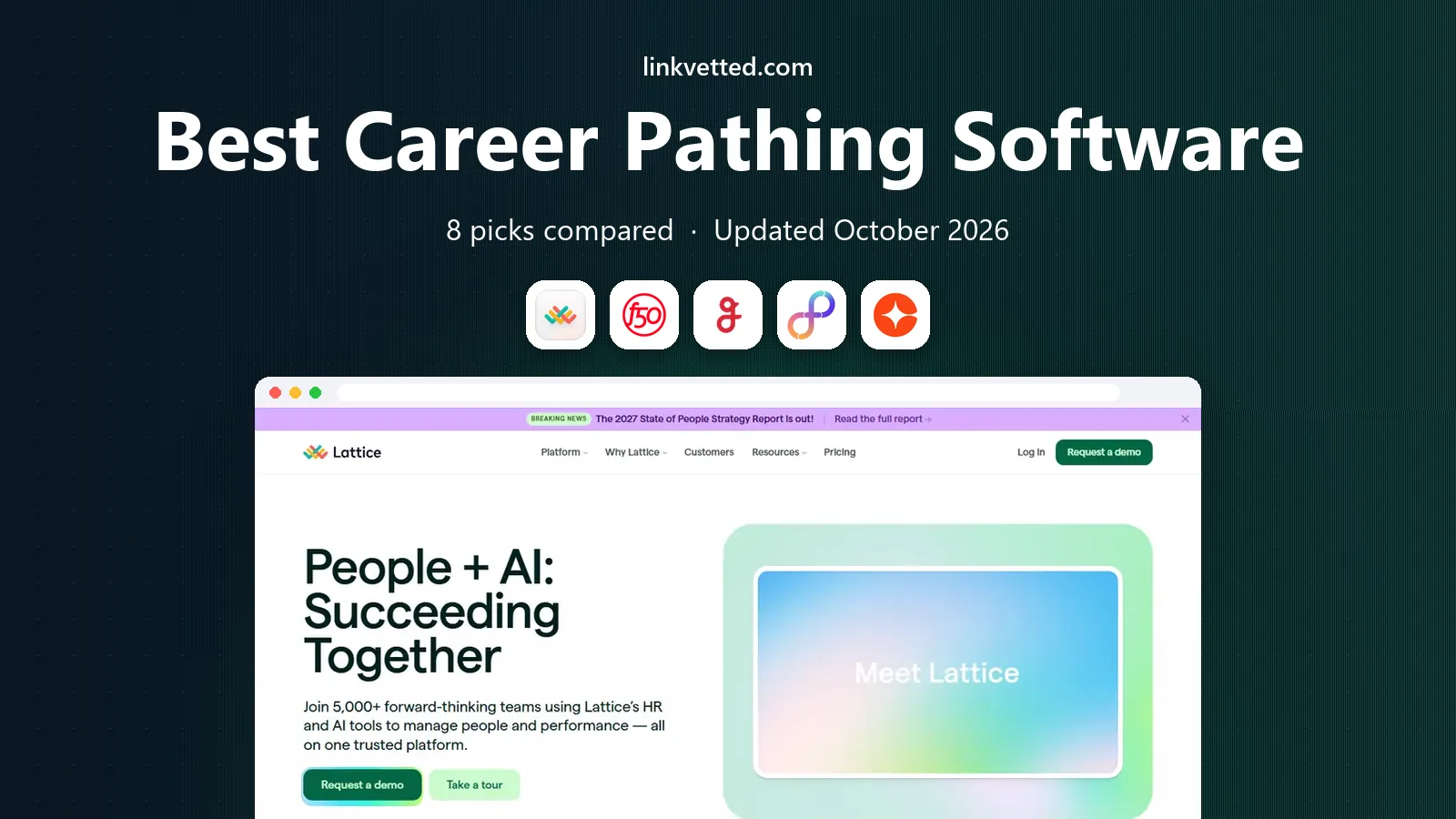
- Editor's choice
 Lattice
Performance-linked growth plans
Starts atSee websiteVisit lattice.comFull review - Great alternative
 Fuel50
Skills-based internal mobility
Starts atSee websiteVisit fuel50.comFull review - Also consider
 Gloat
AI-matched internal opportunities
Starts atSee websiteVisit gloat.comFull review
TL;DR:
- Career pathing works best when it shows real next roles, the skills each role needs, and the learning that closes each gap.
- Tools tied to performance and learning data give better paths than standalone career maps that sit apart from daily work.
- Internal mobility features, such as open roles and project matches, turn a career map into actual moves rather than a poster.
- Pricing is often quote-based, so ask for a total cost that includes implementation, integrations, and any per-employee minimum.
- A pilot with one department reveals whether employees trust the paths and whether managers use them in reviews.
Quick comparison
| Tool | Best for | Starts at | Free plan? | |
|---|---|---|---|---|
| Lattice | Performance-linked growth plans | See website | No | Visit |
| Fuel50 | Skills-based internal mobility | See website | Free trial | Visit |
| Gloat | AI-matched internal opportunities | See website | No | Visit |
 Eightfold AI | Talent intelligence at scale | See website | No | Visit |
 Cornerstone | Learning-linked career paths | See website | No | Visit |
 TalentGuard | Structured career frameworks | See website | Free trial | Visit |
 Leapsome | Mid-sized team growth and reviews | See website | Free trial | Visit |
 Workday Talent | Large enterprise career planning | See website | No | Visit |
The best career pathing software
These tools help employees see possible next roles and help employers plan skills and internal moves. We compared official feature pages, pricing pages, and public documentation.

Lattice suits teams that already run reviews and goals in one place and want career paths to connect to that work. Managers can build growth plans with competencies, track progress in reviews, and link learning to the skills a next role requires. That connection is the main advantage over a standalone career map, since the path shows up where promotion decisions actually happen.
The catch is cost and scope. Lattice sells modules, and the career features work best as part of a wider bundle, which raises the total price and the annual minimum for smaller teams. Teams that only need career paths may find a focused tool cheaper. Teams that want one people platform, though, will value how tightly the pieces fit together.
- Growth plans sit beside reviews, goals, and feedback
- Clear role levels and competencies
- Strong HR system integrations
- No free tier
- Pricing is modular, so the full bundle costs more than a single module
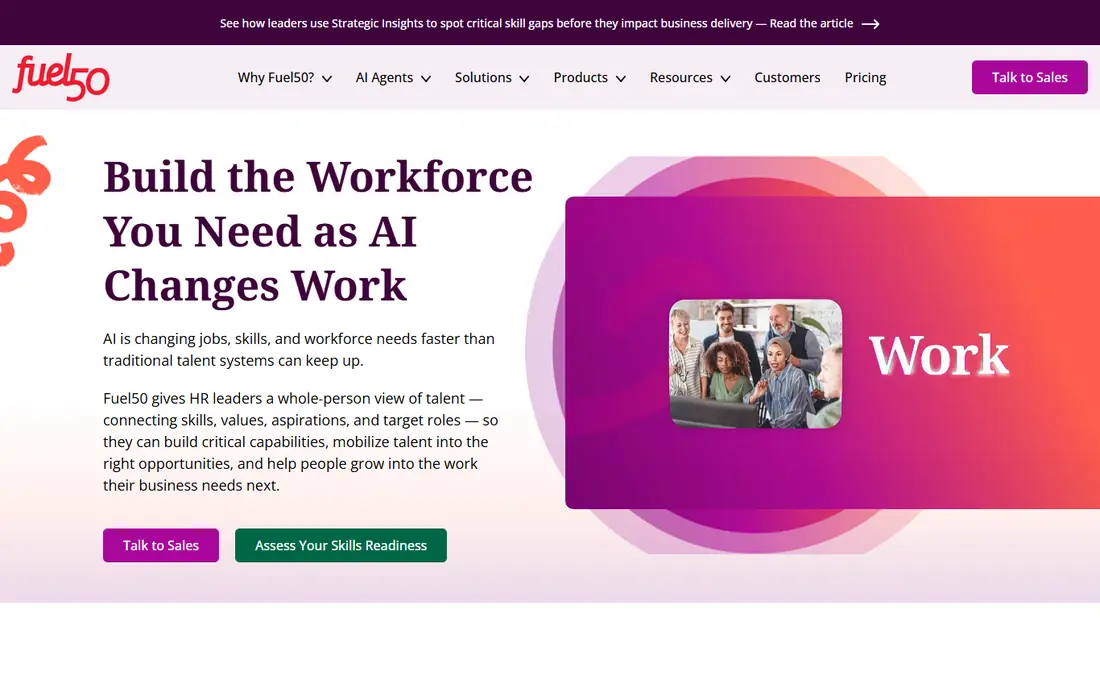
Fuel50 starts from the employee, not the org chart. Staff build a profile of skills, interests, and career drivers, and the platform matches them to roles, projects, and mentors inside the company. That approach suits employers worried about retention, since people who can see a future inside the company are less likely to look outside it.
The quality of the matches depends on the data underneath them. Roles need clear skill profiles, and employees need to keep their own profiles current, or the suggestions feel generic. Pricing is also quote-based, so buyers should ask for costs at their headcount and for implementation help. With clean role data, Fuel50 is one of the most employee-friendly options here.
- Employee-first career profiles
- Skills and values drive matches
- Strong focus on internal moves and retention
- Pricing is not published
- Needs good skills data to give useful matches

Gloat is a talent marketplace that matches people to open roles, short projects, and mentoring, based on skills and interests. For large employers, that marketplace model is powerful, since it surfaces talent that hiring managers would never find through a normal internal posting. Leaders also get views of skill supply and gaps across the company, which helps workforce planning.
Smaller companies may not have enough internal roles to keep a marketplace lively, and enterprise pricing reflects the large-company focus. Gloat also needs integration with HR systems to keep profiles and roles current. For enterprises with thousands of staff and frequent internal moves, it is a strong fit.
- Talent marketplace for roles, projects, and gigs
- Skills-based matching
- Workforce planning views for leaders
- Enterprise focus and pricing
- Works best with large internal talent pools
Eightfold uses talent intelligence to infer skills from resumes, profiles, and work history, then maps people to roles and career paths. That inference helps when employee profiles are incomplete, which is common in large companies. The platform also links career paths to hiring and workforce planning, so leaders can see whether internal talent can fill future roles.
The trade-off is scale and cost. Eightfold is built for large enterprises, and implementation takes time and data work. Smaller employers will find simpler tools faster to launch. For global companies planning skills at scale, Eightfold offers depth that focused career tools do not match.
- Deep skills inference from resumes and work history
- Covers hiring, mobility, and planning in one platform
- Strong enterprise integrations
- Enterprise cost and implementation
- Smaller teams may not need its full depth
Cornerstone is a natural pick for employers that already run learning through Cornerstone. Career paths can point straight to courses, certifications, and skill checks, so an employee sees not just the next role but the exact learning that prepares them for it. Reporting also helps learning teams prove that development activity links to mobility and retention.
The suite is broad, and teams that buy only for career pathing may pay for more than they use. Implementation also takes planning, especially for skills frameworks and content mapping. Employers that want learning and career growth in one system, though, will find the link between paths and courses hard to beat.
- Career paths link directly to courses and skills
- Broad learning and performance suite
- Strong compliance and reporting tools
- Large suite can feel heavy
- Career features work best inside the wider Cornerstone platform
TalentGuard suits employers that need structured, auditable career frameworks, such as healthcare, government, and regulated industries. It supports competency models, career lattices, succession plans, and development plans in one place, with a focus on showing employees transparent steps between roles. That structure helps managers give consistent answers about what a promotion requires.
The look and feel is more traditional than Lattice or Fuel50, and some employees may find it less engaging at first. Pricing also requires a quote. For employers that value clear frameworks and audit trails over a consumer-style experience, TalentGuard is a practical choice.
- Clear career frameworks and competency libraries
- Succession and development planning
- Suits regulated and structured employers
- Interface feels more traditional than newer rivals
- Pricing is quote-based
Leapsome gives mid-sized teams a single place for reviews, goals, learning, and career development, without enterprise complexity. Career paths sit beside competency frameworks and review cycles, so managers can discuss growth in the same conversation as performance. The platform is also quicker to set up than the large suites here, which matters for teams without a large HR systems staff.
Very large global employers may need deeper workforce planning and marketplace features than Leapsome offers. Pricing tiers also gate some advanced features. For companies with tens to hundreds of staff that want a joined-up people platform, Leapsome hits a useful balance of depth and simplicity.
- Combines reviews, goals, learning, and career paths
- Easier to launch than enterprise suites
- Good fit for mid-sized teams
- Less depth for very large global enterprises
- Some advanced talent features need higher tiers
Workday Talent suits employers already running Workday for HR. Career paths draw on the same job, skills, and staffing data as the rest of the system, which keeps paths consistent with real roles and openings. Security, reporting, and global support meet enterprise standards, and managers can plan moves without exporting data to a separate tool.
The obvious limit is that it is not a standalone purchase in any practical sense. Employers without Workday would face a full HR system project just to get career pathing. For Workday customers, though, adding talent features is usually more coherent than bolting on a separate platform, and it keeps employee data in one governed system.
- Career paths use the same HR data as payroll and staffing
- Strong security and reporting
- Global enterprise scale
- Requires Workday as the core HR system
- Implementation is a major project
How we picked these
We compared official product pages, pricing pages, and documentation for tools that show career paths, skill gaps, or internal opportunities, not generic HR systems with no career feature. We favored products still sold and supported in October 2026, with clear career, skills, or mobility features, and we noted where pricing is quote-based rather than repeating third-party estimates.
How to choose the right career pathing tool
Start with how employees will actually use the tool, not with the feature list.
Match the tool to your size
Small and mid-sized teams usually do better with a joined-up people platform such as Lattice or Leapsome, where career paths sit beside reviews. Large employers with thousands of staff get more value from a marketplace or talent intelligence platform such as Gloat or Eightfold, where internal matching at scale is the point.
Check the skills data first
Every tool here is only as good as its role and skills data. Before buying, list ten real roles, write the skills each one needs, and ask vendors to show paths between them using your examples. If the demo only uses polished sample data, the real rollout will disappoint.
Plan for manager adoption
Career paths fail when managers never mention them. Choose a tool that fits the review cycle, train managers to use paths in one-to-ones, and track whether employees update profiles and apply for internal roles. A pilot in one department, with clear success measures, beats a company-wide launch with no follow-up.
FAQ
What is career pathing software?
It is software that shows employees possible next roles, the skills those roles need, and the learning or experience that closes each gap. Good tools also surface internal openings, projects, and mentors that help people move toward those roles.
Does career pathing software replace performance reviews?
No. It works best beside reviews, since reviews are where managers and employees agree on growth goals. Tools such as Lattice and Leapsome build that link in, while standalone tools need a process that ties paths back to review conversations.
How much does career pathing software cost?
Most enterprise tools in this list use quote-based pricing tied to headcount, modules, and implementation. Smaller people platforms publish per-seat prices for some modules, but the full bundle often costs more. Ask for a written quote that includes implementation and integrations.
Will employees actually use it?
Use depends on trust and relevance. Paths built from real internal roles and real openings get used, while generic paths copied from a template do not. Keep profiles easy to update, show internal roles early, and have managers refer to paths in regular check-ins.
Is AI matching safe for career decisions?
AI matching should support human decisions, not replace them. Ask vendors how skills are inferred, how employees can correct their profiles, and how bias is checked. Managers should always review AI suggestions before they shape a promotion or hiring decision.