Best BYOD Security Software in 2026: Prices, Free Plans and 5 Picks
5 tools for the best BYOD security software, compared on pricing, free plans and best-fit use. Concise write-ups of every option. Pick with confidence.
- Editor's choice
 Palo Alto Networks Prisma Access
Cloud-delivered secure remote access
Starts atPricing on requestVisit paloaltonetworks.comFull review - Great alternative
 Cisco Umbrella
DNS-layer cloud network security
Starts atPricing on requestVisit umbrella.cisco.comFull review - Also consider
 Microsoft Intune
Unified endpoint management with Zero Trust
Starts atPricing on requestVisit microsoft.comFull review
Direct answer
This list puts Palo Alto Networks Prisma Access first for cloud-delivered secure remote access. Look at Cisco Umbrella for DNS-layer cloud network security, and at Microsoft Intune for unified endpoint management with Zero Trust. The other 2 tools in the list cover narrower or pricier cases. None of these vendors publish plan prices, so pricing is on request for every option.
TL;DR:
- Top of the list is Palo Alto Networks Prisma Access, which targets cloud-delivered secure remote access.
- A fair warning about Netskope: wide feature set needs careful scoping.
- Pricing across the list, from Palo Alto Networks Prisma Access to Lookout Mobile Endpoint Security, is by quote only.
- Lookout Mobile Endpoint Security fits Mobile threat defense and compliance.
Last checked November 2026. Pricing on request: vendors did not publish plan prices when this guide was last checked (November 2026), so ask each vendor for a written quote.
Quick comparison
| Tool | Best for | Starts at | Free plan? | |
|---|---|---|---|---|
| Palo Alto Networks Prisma Access | Cloud-delivered secure remote access | Pricing on request | Not stated | Visit |
| Cisco Umbrella | DNS-layer cloud network security | Pricing on request | Not stated | Visit |
| Microsoft Intune | Unified endpoint management with Zero Trust | Pricing on request | Not stated | Visit |
 Netskope | Unified cloud and data security | Pricing on request | Not stated | Visit |
| Lookout Mobile Endpoint Security | Mobile threat defense and compliance | Pricing on request | Not stated | Visit |
5 options for BYOD security software in detail
If you are comparing BYOD security software, this page covers 5 tools in one place: what each is best for, what it costs to start, whether it has a free plan, and the main limit to know about.
Palo Alto Networks Prisma Access
Best for: Cloud-delivered secure remote access
Palo Alto Networks Prisma Access makes the most sense for cloud-delivered secure remote access. Prisma Access is a cloud-delivered security system from Palo Alto Networks that offers secure remote access for the hybrid workforce. BYOD programs often use it to combine remote access with threat inspection in one cloud service.
Downsides: Best fit for Palo Alto ecosystems.
Organizations not already using Palo Alto Networks tools may face a steeper ramp-up time. It is a solid choice when remote access and cloud-delivered security are the core needs. But it does not replace dedicated mobile device management. On top of that, Prisma Access is a wide system, and tuning policies for a BYOD population can take planning and expertise. Pricing for Palo Alto Networks Prisma Access is not stated here, so ask the vendor for current figures. As for free access: Not stated.
- Cloud-delivered security system
- Consolidates networking and security
- Wide system can be complicated to tune
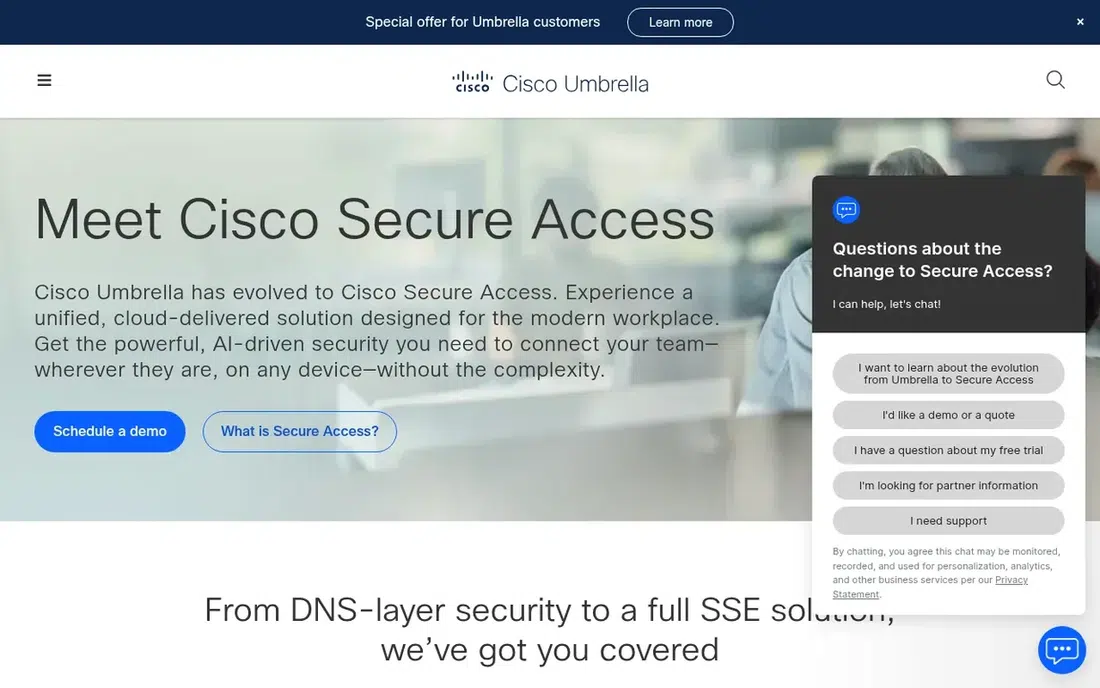
Choose Cisco Umbrella for DNS-layer cloud network security. It is a solid fit for organizations that want to block malicious destinations before connections are made, including for remote and personal devices. In daily use, Security teams commonly layer it with endpoint management to include both device configuration and internet traffic.
Points against: Not a full device management tool.
As for the details, Umbrella is not a device management system. So it does not deal with enrollment, app policies or compliance checks on BYOD devices. It also sits within a wide Cisco security portfolio, and teams already using other network security vendors may see overlap. Cisco Umbrella does not show a starting price in this comparison, so check the vendor site for current pricing. Free options: Not stated.
- DNS-layer protection
- Cloud-delivered network security
- Overlaps with other Cisco security products
Where Microsoft Intune fits: unified endpoint management with Zero Trust. Microsoft Intune is a cloud-based unified endpoint management option built on Zero Trust. It lets IT teams handle, secure and govern devices, apps and endpoints from a single cloud service.
The main drawbacks: Best value within Microsoft ecosystem.
Where Microsoft Intune stands out: Handles devices. On top of that, Intune can be complicated to configure and may feel heavy for small teams without dedicated IT staff. Its deepest integration is with Microsoft services, so organizations standardized on other ecosystems may find competing tools more natural. Also, consider alternatives when you need specialized Apple management or pure network-layer security instead of full endpoint management. Microsoft Intune does not show a starting price in this comparison, so check the vendor site for current pricing. Free access: Not stated.
- Apps and endpoints
- Built on Zero Trust principles
- Complex setup for smaller teams
Netskope was built for unified cloud and data security. Netskope supplies modern security and networking for the cloud and AI era, with unified visibility, advanced SASE and SSE protection, and optimized performance. Security teams commonly choose it when data protection and visibility into cloud activity are central to the BYOD policy.
It is not a device management system, so enrollment and configuration controls must come from elsewhere. In daily use, consider it when cloud and data security are the priority instead of endpoint administration. Pricing for Netskope is not stated here, so ask the vendor for current figures. On free options: Not stated.
Downsides: Wide feature set needs careful scoping.
- Optimized performance for cloud access
- Unified visibility across cloud and data
- Policy design can take time
Lookout Mobile Endpoint Security
Best for: Mobile threat defense and compliance
Lookout Mobile Endpoint Security targets Mobile threat defense and compliance. Lookout focuses on mobile endpoints, so it does not include laptops and desktops in the same way as broader endpoint products. Choose it when mobile threat defense and mobile compliance are the central gaps in your BYOD security stack.
What to check first: Mobile-centric scope.
Worth adding: Lookout Mobile Endpoint Security is a mobile security product that gives you zero trust access, threat defense and compliance for the modern mobile workforce. It is pitched at organizations that need to protect personal and corporate phones and tablets from mobile threats. Lookout Mobile Endpoint Security shows no starting price here, so confirm the cost on the vendor site. Free plan details: Not stated.
- Zero trust access for mobile
- Threat defense on mobile devices
- Needs integration with management tools
How we built this list
Things to verify first
- Confirm the entry price with every vendor: no tool from Palo Alto Networks Prisma Access to Lookout Mobile Endpoint Security shows a fixed starting price.
- Read the limits listed for Palo Alto Networks Prisma Access first: wide product can be complex to tune.
- Confirm minimum seats and billing terms with Lookout Mobile Endpoint Security before you commit to an annual plan.
- Before you load data into Palo Alto Networks Prisma Access, check what an export looks like and who can run it.
- Work out what Cisco Umbrella costs with your real seat count, add-ons and usage, not just the entry price.
FAQ
Is Palo Alto Networks Prisma Access the right pick for everyone comparing BYOD security software?
No single tool suits every team. Palo Alto Networks Prisma Access comes first because it fits cloud-delivered secure remote access, while Cisco Umbrella suits DNS-layer cloud network security and Microsoft Intune suits unified endpoint management with Zero Trust. Match the tool to your own size, budget and workflow before deciding.
How are the tools for BYOD security software ordered?
The order follows typical fit for BYOD security software, with Palo Alto Networks Prisma Access first and Lookout Mobile Endpoint Security last, then price clarity and free access. It is editorial judgement, not a score, so another team could rank the tools differently.
Do these tools publish their prices?
No. None of the tools, from Palo Alto Networks Prisma Access to Lookout Mobile Endpoint Security, shows a fixed starting price here, so budget time for quotes.
Can I try these options before paying?
Not by default. None of the tools, from Palo Alto Networks Prisma Access to Lookout Mobile Endpoint Security, lists a free plan or a free trial here, so ask each vendor for a demo before committing.
Sources
- https://www.paloaltonetworks.com/prisma/access
- https://umbrella.cisco.com
- https://www.microsoft.com/en-us/security/business/microsoft-intune
- https://www.netskope.com
- https://www.lookout.com/products/mobile-endpoint-security