Business Phone Software for Universities in 2026: The 6 Best Options Side by Side
Need the best business phone software for universities? We compare 6 tools on cost, free access and who each suits. Every pick gets a straight assessment.
- Editor's choice
 Microsoft Teams Phone
Calling inside Microsoft Teams
Starts atSee websiteVisit microsoft.comFull review - Great alternativeCisco Unified Communications Manager
On-premises enterprise call control
Starts atSee websiteVisit cisco.comFull review - Also consider
 Dialpad
AI-driven conversation intelligence
Starts at$15 per user a monthVisit dialpad.comFull review
Direct answer
If you need calling inside Microsoft Teams, Microsoft Teams Phone is the first tool to look at here. Listed starting prices: Dialpad from $15 per user a month, RingCentral MVP from $52 per month and Nextiva from $15 per user a month. Cisco Unified Communications Manager is the stronger choice for on-premises enterprise call control, while Dialpad suits AI-driven conversation intelligence. Prices, free plans and limits for all 6 tools follow.
TL;DR:
- Number one here is Microsoft Teams Phone, a fit for calling inside Microsoft Teams.
- The lowest published monthly entry price here is $15 per user per month, from Dialpad.
- Check the limits for Cisco Unified Communications Manager before you commit: on-premises deployment demands infrastructure and staff.
- For adaptable voice with APIs, Vonage Business Communications is worth a look.
- None of the 6 tools, from Microsoft Teams Phone to Vonage Business Communications, has a free plan, so budget for a subscription or use a trial.
Last checked November 2026. Prices and plan details were read from the vendors' own pages in November 2026; vendors change plans often, so confirm the current price on the vendor site before you buy.
Quick comparison
| Tool | Best for | Starts at | Free plan? | |
|---|---|---|---|---|
| Microsoft Teams Phone | Calling inside Microsoft Teams | See website | Not stated | Visit |
| Cisco Unified Communications Manager | On-premises enterprise call control | See website | Not stated | Visit |
| Dialpad | AI-driven conversation intelligence | $15 per user a month | Free trial | Visit |
| RingCentral MVP | Cloud calling with AI assistance | $52 per month | Free trial | Visit |
 Nextiva | Unified CX and business phone | $15 per user a month | No | Visit |
| Vonage Business Communications | Adaptable voice with APIs | See website | Not stated | Visit |
Business Phone Software for Universities profiles
LinkVetted put together this guide to business phone software for universities for readers who want a clear shortlist without reading every vendor page. It compares 6 tools on starting price, free plans, who each one suits and where each one falls short.
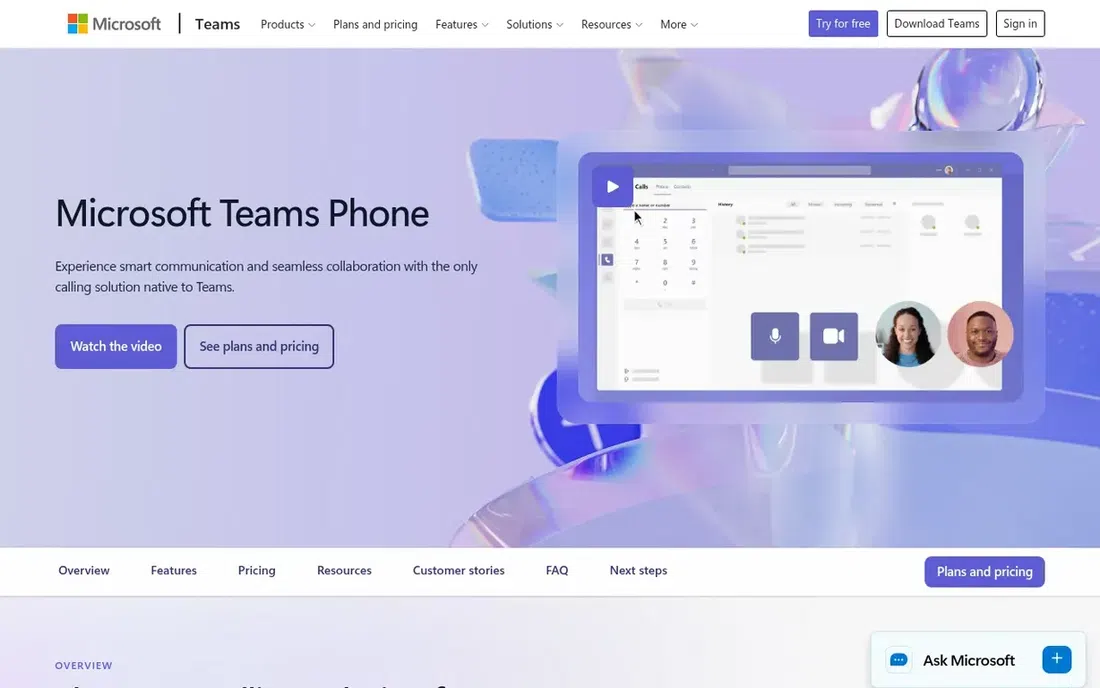
Microsoft Teams Phone works best for calling inside Microsoft Teams. Universities already using Microsoft collaboration tools can consolidate calling into the same workspace staff and faculty use daily, reducing the number of separate applications.
Trade-offs to know: Value relies on existing Teams adoption.
Institutions needing specialized contact center capabilities or on-premises call control may pair it with other systems or choose a dedicated telephony system instead. This comparison lists no price for Microsoft Teams Phone; ask the vendor. Free plan details: Not stated.
- External number dialing from Teams
- Cloud-based phone system
- Calling setup needs configuration
Cisco Unified Communications Manager
Best for: On-premises enterprise call control
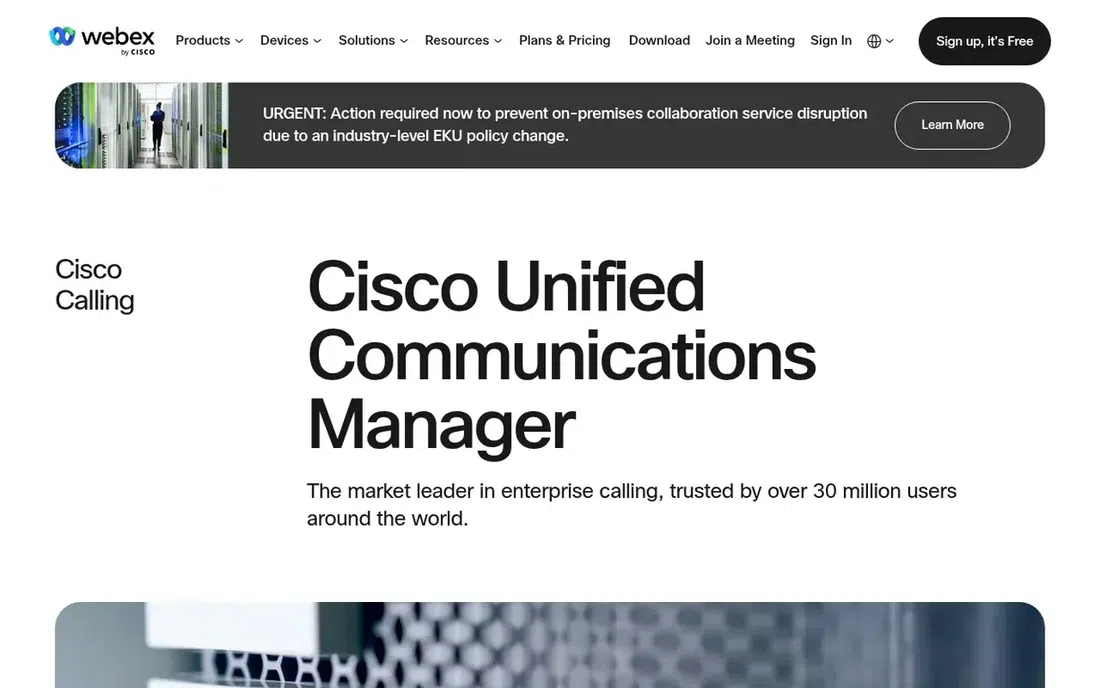
Cisco Unified Communications Manager is designed for on-premises enterprise call control. Cisco Unified Communications Manager is an on-premises call control product for secure, dependable voice and video.
Worth adding: institutions moving toward completely hosted communications may find cloud alternatives more straightforward to run, whereas those with established Cisco environments can evaluate UCM as a continuity option. On-premises call control needs server infrastructure, patching and specialist staff, which can be heavy for smaller colleges or departments. Pricing for Cisco Unified Communications Manager is not stated here, so ask the vendor for current figures. Trial and free access: Not stated.
Where it is weaker: On-premises deployment demands infrastructure and staff.
- Secure voice and video delivery
- On-premises call control product
- Less suited to small, straightforward phone setups
Choose Dialpad for AI-driven conversation intelligence. Dialpad brings AI agents, contact center, sales and business communications together, positioning conversations as a source of intelligence that drives resolution.
Where it falls short: AI focus may suit service teams more than general staff.
Universities can apply this to admissions inquiries, IT help desks and student service centers where understanding call patterns matters. Starting cost for Dialpad: $15 per user per month. Trial and free access: Free trial.
- Business communications in one platform
- AI agents and contact center included
- Confirm coverage for campus-wide deployments
RingCentral MVP
Best for: Cloud calling with AI assistance
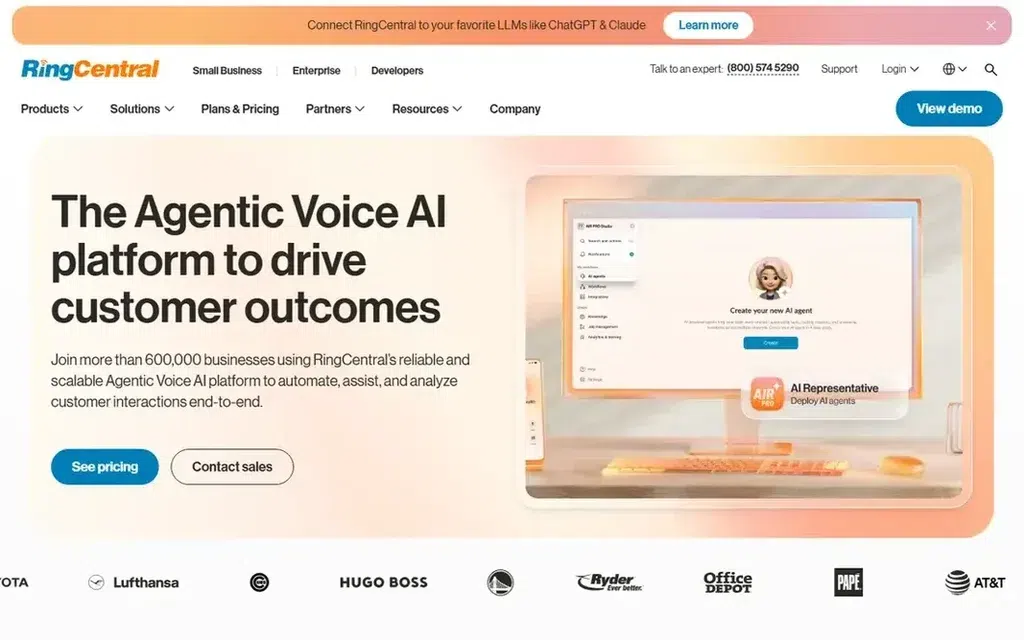
RingCentral MVP is designed for cloud calling with AI assistance. It suits institutions that want a hosted system with AI tooling built in instead of assembled separately.
Institutions with strict on-premises requirements or existing PBX investments may prefer a different approach, whereas those prioritizing AI-assisted call handling can keep RingCentral on the shortlist. Starting cost for RingCentral MVP: $52 per month. Trial and free access: Free trial.
Where it is weaker: Feature depth may exceed straightforward campus needs.
- Cloud-based voice system
- AI receptionist and virtual assistant features
- Needs dependable internet connectivity
Pick Nextiva if this describes you: Unified CX and business phone. Nextiva presents itself as an AI customer experience system combining business phone, contact center, AI receptionist and unified CX.
On top of that, the customer experience emphasis may be more than a straightforward departmental phone line needs, and multi-department routing needs careful configuration. Institutions primarily seeking internal extension calling may prefer a more conventional system, whereas service-heavy departments can evaluate Nextiva for inbound call handling. The starting price for Nextiva: $15 per user per month. No free plan comes with Nextiva.
What to check first: CX emphasis may exceed entry-level campus calling.
- Business phone with contact center tools
- Unified customer experience focus
- Confirm fit for multi-department routing
Vonage Business Communications
Best for: Adaptable voice with APIs
Vonage Business Communications serves adaptable voice with APIs. Vonage Business Communications gives you adaptable voice, messaging, video and data capabilities across Unified Communications, contact centers and communications APIs.
Institutions wanting a tightly bundled, single-vendor stack may compare other choices, whereas those with in-house development teams can explore Vonage for API-driven communications. No starting price is listed for Vonage Business Communications here; confirm pricing on the vendor site. On free options: Not stated.
Drawbacks to consider: Confirm fit for academic department workflows.
- Video and data capabilities
- Communications APIs for integration
- Plenty of capabilities need integration planning
What went into this list
The comparison looks at four things: starting price, free access, how well the feature set matches business phone software for universities, and the main limit of each tool. Where a vendor does not publish a price, the entry says quote. Where a price depends on seats or billing term, the entry says so. The sequence is a judgement call: typical use case first, then pricing transparency, then free access. Use the profiles to check fit.
A buyer's checklist
- Get a written quote from Microsoft Teams Phone, Cisco Unified Communications Manager and Vonage Business Communications; the list shows no starting price for them.
- Take the trial from Dialpad and RingCentral MVP and push a live task through it before you pay.
- Read the limits listed for Microsoft Teams Phone first: value relies on existing Teams adoption.
- Ask whether RingCentral MVP integrates with your current software, and whether that comes standard or as an add-on.
- Find out whether the entry plan of Microsoft Teams Phone covers your must-haves or only a trimmed-down version.
FAQ
What is the cheapest option for business phone software for universities in this list?
On published monthly entry prices, Dialpad is the lowest here at $15 per user per month. Entry price is only part of the cost, because seats, add-ons and billing terms can change the total. Each of the 6 options in this business phone software for Universities guide has its own card above with the price, free plan and limits.
Can I try these tools before paying?
Often, yes. Dialpad and RingCentral MVP offer a free trial. Use your own data and a real task during the test, and check what the free tier or trial limits before you rely on it. All 6 picks in this business phone software for Universities comparison list a starting price, free plan details and the main limits on their cards above.
Does any tool for business phone software for universities here have a free plan?
A permanent free plan is not offered by Microsoft Teams Phone, Vonage Business Communications or the other tools here. Dialpad, RingCentral MVP offer a trial. Plan a short evaluation period instead.
Is Microsoft Teams Phone the right pick for everyone comparing business phone software for universities?
No single tool suits every team. Microsoft Teams Phone comes first because it fits calling inside Microsoft Teams, while Cisco Unified Communications Manager suits on-premises enterprise call control and Dialpad suits AI-driven conversation intelligence. Match the tool to your own size, budget and workflow before deciding.
Is cloud or on-premises calling better for universities?
Cloud choices like RingCentral MVP and Microsoft Teams Phone ease operations and remote access, whereas on-premises call control for example Cisco Unified Communications Manager hands institutions direct control over infrastructure. The right choice relies on IT resources and existing investments.
Can these systems support campus contact centers?
Universities should confirm queue handling, reporting and agent capacity for admissions, help desk and student services teams.
Sources
- https://www.microsoft.com/en-us/microsoft-teams/microsoft-teams-phone
- https://www.cisco.com/c/en/us/products/unified-communications/unified-communications-manager-callmanager/index.html
- https://www.dialpad.com
- https://www.ringcentral.com
- https://www.nextiva.com
- https://www.vonage.com/business