Best Business Networking Apps in 2026: 9 Apps Compared
The best business networking apps, compared for job seekers, founders and local owners, from LinkedIn and Meetup to Lunchclub, events and digital cards.
- Editor's choice
 LinkedIn
Professional profiles and hiring
Starts atFreeVisit linkedin.comFull review - Great alternative
 Meetup
Group events and local communities
Starts atFreeVisit meetup.comFull review - Also consider
 Lunchclub
Curated one to one introductions
Starts atFreeVisit lunchclub.comFull review
TL;DR:
- LinkedIn remains the base layer for most professionals, since hiring managers and buyers check profiles there before replying to a message.
- Lunchclub and Meetup solve opposite problems, with Lunchclub arranging one to one calls and Meetup organizing group events around a shared interest.
- Alignable is the strongest pick for local small business owners who want referrals from nearby firms rather than a global audience.
- Digital card apps like HiHello and Blinq matter most at conferences, where a paper card is easy to lose and hard to follow up.
- Shapr and Bumble Bizz no longer appear active in 2026 lists, so older recommendations for those apps should be treated as out of date.
Quick comparison
| Tool | Best for | Starts at | Free plan? | |
|---|---|---|---|---|
| LinkedIn | Professional profiles and hiring | Free | Yes | Visit |
| Meetup | Group events and local communities | Free | Yes | Visit |
| Lunchclub | Curated one to one introductions | Free | Yes | Visit |
 Alignable | Local business referrals | Free | Yes | Visit |
 Whova | Conference and event networking | See website | No | Visit |
 Brella | Event matchmaking | See website | No | Visit |
 Grip | Event networking at scale | See website | No | Visit |
 HiHello | Digital business cards | Free | Yes | Visit |
 Blinq | Card scanning and sharing | Free | Yes | Visit |
The best business networking apps
Networking apps are not interchangeable, since a job seeker, a founder raising money and a plumber looking for local referrals need different kinds of introductions. We compared official feature pages, pricing pages and current availability to pick apps that are active in 2026 and that serve a distinct goal.
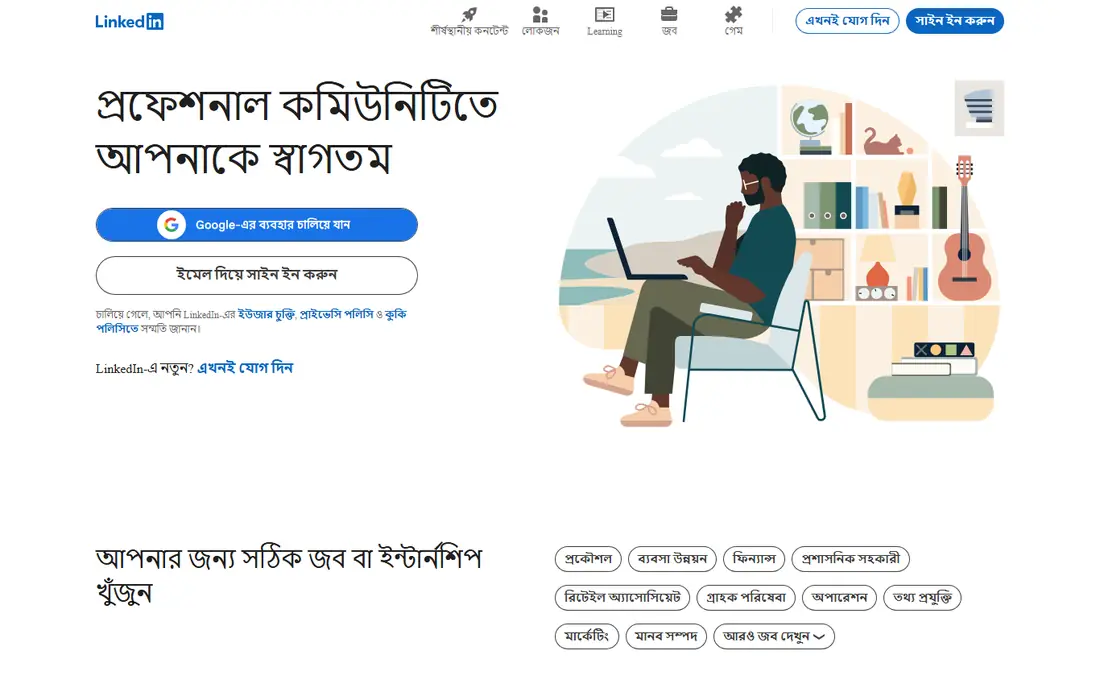
LinkedIn is the safe starting point because it is where most professional introductions are checked. A complete profile with a clear headline, recent work and a few recommendations gives a stranger a reason to accept a connection or reply to a message. Recruiters, buyers and partners use its search to find people by role, company and location, which no smaller app can match.
The free account covers profiles, posts, messaging and job search, while Premium adds deeper search, InMail credits and applicant insights. The weakness is volume. The feed rewards frequent posting, and cold messages are easy to ignore, so LinkedIn works best when paired with a real reason to connect, such as a shared event, a referral or a specific project. Use it as the public record, then move real conversations to a call or a smaller app.
- Largest professional audience
- Hiring and sales search tools
- Content and recommendations build credibility
- Feed noise grows with network size
- Premium features cost extra
- Cold outreach has low reply rates
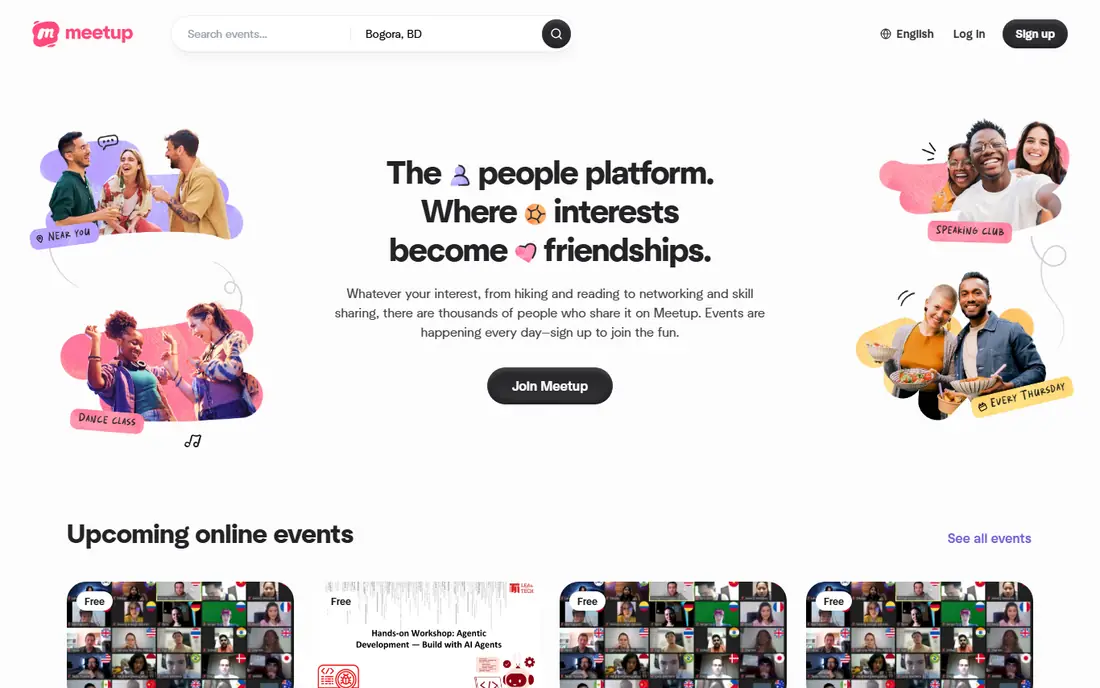
Meetup organizes people around a scheduled event, which removes the awkwardness of asking a stranger for coffee. A founder can join a startup group, a designer can join a portfolio review night, and a new arrival in a city can find a professional community in a week. Groups range from formal industry meetups to casual coworking sessions, and the event page shows who is attending before arrival.
Joining and attending is free for members, while group organizers pay a subscription to run a group. That model keeps most events open, but it also means some groups go quiet when an organizer steps back. Check recent event history and attendance before committing time to a group, and treat the first visit as a test. For local, face to face networking, Meetup is still the most practical tool available.
- Huge range of professional and industry groups
- Local in person events
- Easy to host a group
- Quality varies by city and group
- Organizers pay to run groups
- Some groups are inactive
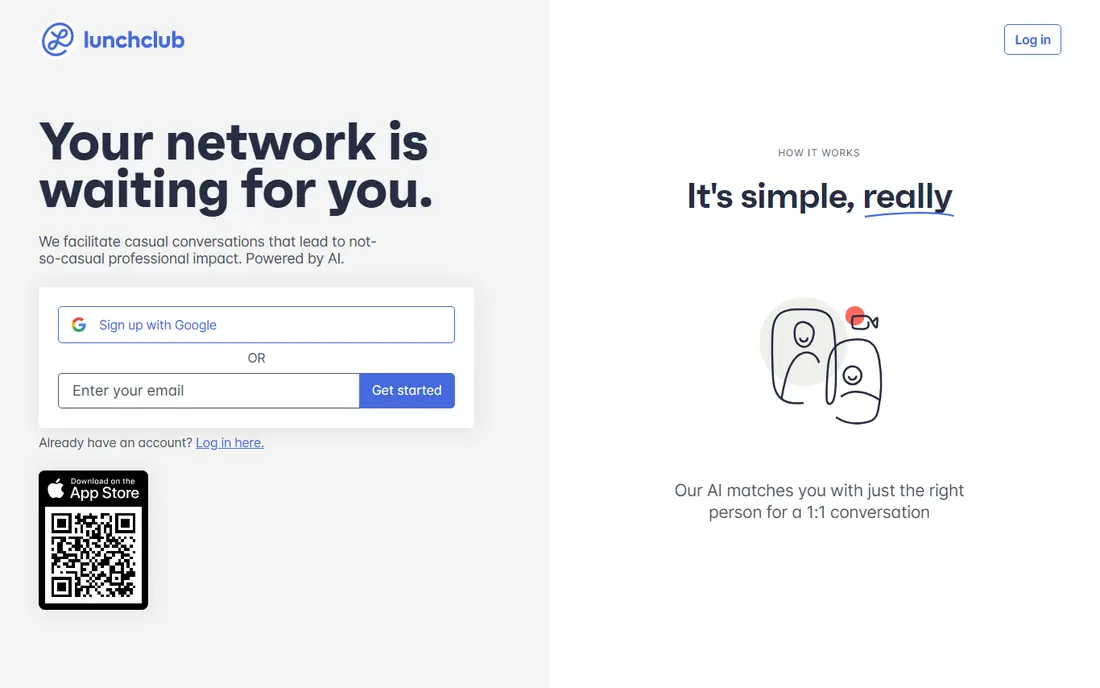
Lunchclub takes the opposite approach to LinkedIn, by arranging the meeting instead of asking users to hunt for it. Members state goals such as mentorship, fundraising or hiring, and the system matches them for short video calls, usually around 15 minutes, with a shared intent set before the call starts. That shared intent is the point, since both people agreed to the topic in advance.
The trade off is pace. Lunchclub favors depth over breadth, so it will not build a large network quickly, and a very specific goal may take longer to match. It works best for career changers, early founders and people who dislike cold outreach, since the awkward first message is handled by the match itself. Pair it with LinkedIn, so a good Lunchclub call can turn into a lasting connection on the larger platform.
- AI matching based on goals and interests
- Short structured video calls
- No need to build a public profile
- Match volume is low by design
- Niche goals may match slowly
- Calls depend on both people showing up
Alignable is designed for the owner of a shop, agency or trade firm who wants customers and referrals from nearby businesses. Members create a business profile, join local groups, ask for recommendations and connect with complementary firms, such as a photographer connecting with event planners or a bookkeeper connecting with local accountants. That local focus is the advantage, since a nearby referral is often worth more than a distant follower.
The free plan covers profiles, connections and community participation, with paid plans adding promotion and deeper outreach tools. The limit is geography. In a small town or outside North America, the member base may be thin, and LinkedIn or Meetup may work better. For a local service business in a covered market, Alignable is the most direct route to referral partners.
- Built for small and local businesses
- Referral and recommendation features
- Local community groups
- Less useful outside the United States and Canada
- Audience is smaller than LinkedIn
- Some features need paid plans
Whova is an event app rather than a general network, and it shines when everyone at a conference is using it. Attendees can browse profiles, message each other, arrange meetings and join community boards before the event starts, so the first day is not spent figuring out who is in the room. Organizers add agendas, speaker pages, exhibitor lists and live polls in the same app.
Pricing is set per event, so individual users usually access Whova through an event ticket rather than buying it directly. That is also the risk. If only a small share of attendees use the app, the networking value drops sharply. For organizers, Whova is a strong pick, and for attendees, it is worth using fully at any event that provides it, since the pre event messaging window is where most meetings are actually set.
- Attendee profiles and messaging before events
- Agenda and session tools
- Virtual and hybrid event support
- Pricing is event based and quoted per event
- Value depends on attendee adoption
Brella focuses on one job at large events, which is matching the right attendees and booking meetings between them. Attendees set interests and goals, the system suggests matches, and meetings can be booked into a schedule without back and forth emails. Organizers get data on meetings held and connections made, which helps justify the event budget.
Like Whova, Brella is sold to organizers, so an individual cannot simply download it and start networking. Its value also depends on attendee participation and on the quality of the interest data people enter. For trade shows and large conferences, where random hallway meetings waste time, Brella turns networking into a scheduled activity. For small meetups, Meetup or a simple group chat will do the same job for free.
- Interest based matchmaking for events
- Meeting scheduling built in
- Analytics for organizers
- Bought through event organizers, not individuals
- Smaller events may not justify the cost
Grip is built for very large events, where thousands of attendees make manual networking impractical. Its recommendation engine suggests people, exhibitors and sessions based on profile data and behavior, and it supports scheduled video and in person meetings. Organizers use it for trade shows, expos and multi day conferences where matchmaking is a selling point for tickets.
Pricing is enterprise level and quoted per event, so Grip is not a tool for an individual job seeker. The setup burden also matters, since recommendations are only as good as the profile data attendees provide. When that data is rich and the event is large, Grip can surface introductions that a human organizer would miss. For anything under a few hundred attendees, a simpler event app is the better choice.
- AI powered recommendations across large attendee lists
- Meeting scheduling
- Hybrid and virtual event support
- Enterprise pricing
- Overkill for small gatherings
- Needs strong organizer setup
HiHello replaces the paper business card with a digital card that can be shared by QR code, link, text or email. A card can carry a photo, role, company, links and social profiles, and recipients can save the contact straight to their phone. For conferences and trade shows, that removes the pile of paper cards that usually gets lost on the trip home.
The free plan covers basic cards and sharing, with paid plans adding multiple cards, branding and team features. The honest limit is that a card is not a relationship. HiHello makes the exchange clean, but the follow up message the next day is what turns a scan into a conversation. Used with Meetup or a conference app, it closes the loop between meeting someone and staying in touch.
- Easy card creation and sharing
- QR codes and links
- Contact capture without paper
- Free plan limits card features
- Contacts still need follow up to become relationships
Blinq covers the same ground as HiHello, with an emphasis on speed and on turning paper cards into digital contacts. Users can create a card, share it by QR code or link, and scan a paper card to save the details without typing. Team plans let a company keep branding consistent and collect contacts from events into one place.
The free plan is enough for an individual at a few events a year, while business plans add analytics, integrations and admin controls. As with HiHello, the card itself does not do the networking, and the value comes from prompt follow up. Blinq is a good pick for sales and event heavy roles, where dozens of contacts in a day need to be captured accurately and followed up quickly.
- Fast card creation and sharing
- Scans paper cards into contacts
- Team features for companies
- Premium features need a subscription
- Some teams will duplicate LinkedIn contact data
How we picked these
We checked current availability first, since several older networking apps have closed or gone quiet, then compared official feature and pricing pages for apps that serve a distinct goal. We favored tools with a free entry point for individuals and clear event pricing for organizers, and we left out apps that only duplicate LinkedIn without a separate strength. The result covers profiles, events, curated introductions and card exchange, which are the four jobs most networkers actually need.
Choosing the right mix for your goal
Job seekers should start with LinkedIn and one local channel, either Meetup or a professional group, since hiring still runs through profiles and in person trust. Founders should add Lunchclub for warm introductions and a conference app when attending a major event, since a scheduled meeting beats a cold email. Local owners should start with Alignable and Meetup, then add a digital card app for markets and trade shows.
Whatever the mix, keep it small. Two active networks beat five dormant profiles, and a single follow up message after an event is worth more than a hundred new connections that never hear from you again. Set a simple rule, such as one event a month and one follow up within two days, and judge each app by meetings booked, not by connection counts.
FAQ
What is the best networking app for most people?
LinkedIn, because it is the profile that employers, buyers and partners check first, and because its search and job tools have no equal at scale. Pair it with one local or curated app for actual meetings, since LinkedIn alone tends to produce connections rather than conversations.
Is Lunchclub free?
Lunchclub offers free membership with matched video calls based on stated goals, and it lists paid options for heavier use. Check the current pricing page before relying on a specific tier, since match volume and features change over time.
What is the best networking app for small business owners?
Alignable, for local referrals and community, with Meetup as a second channel for in person events. LinkedIn still matters for credibility, but local referrals usually convert faster for service businesses.
Are Shapr and Bumble Bizz still available?
Recent 2026 guides report that Shapr and Bumble Bizz are no longer active as standalone networking apps, so older lists that recommend them are out of date. Use Lunchclub for curated introductions and Meetup for group events instead.
Do digital business cards replace LinkedIn?
No, they complement it. A card app captures a contact at an event, while LinkedIn keeps the professional record and the long term connection. The best flow is to exchange a digital card in person, then connect on LinkedIn the same week.
How do I network at a conference without feeling awkward?
Use the event app to message two or three people before arrival and suggest a short meeting, then attend one small session or roundtable rather than only the main hall. A specific question about their work opens a better conversation than a generic pitch.