Best Business Backup Software in 2026: 9 Tools Compared
Compare the best business backup software in 2026 for small businesses, with prices, storage models, ransomware protection, and restore options compared.
- Editor's choice
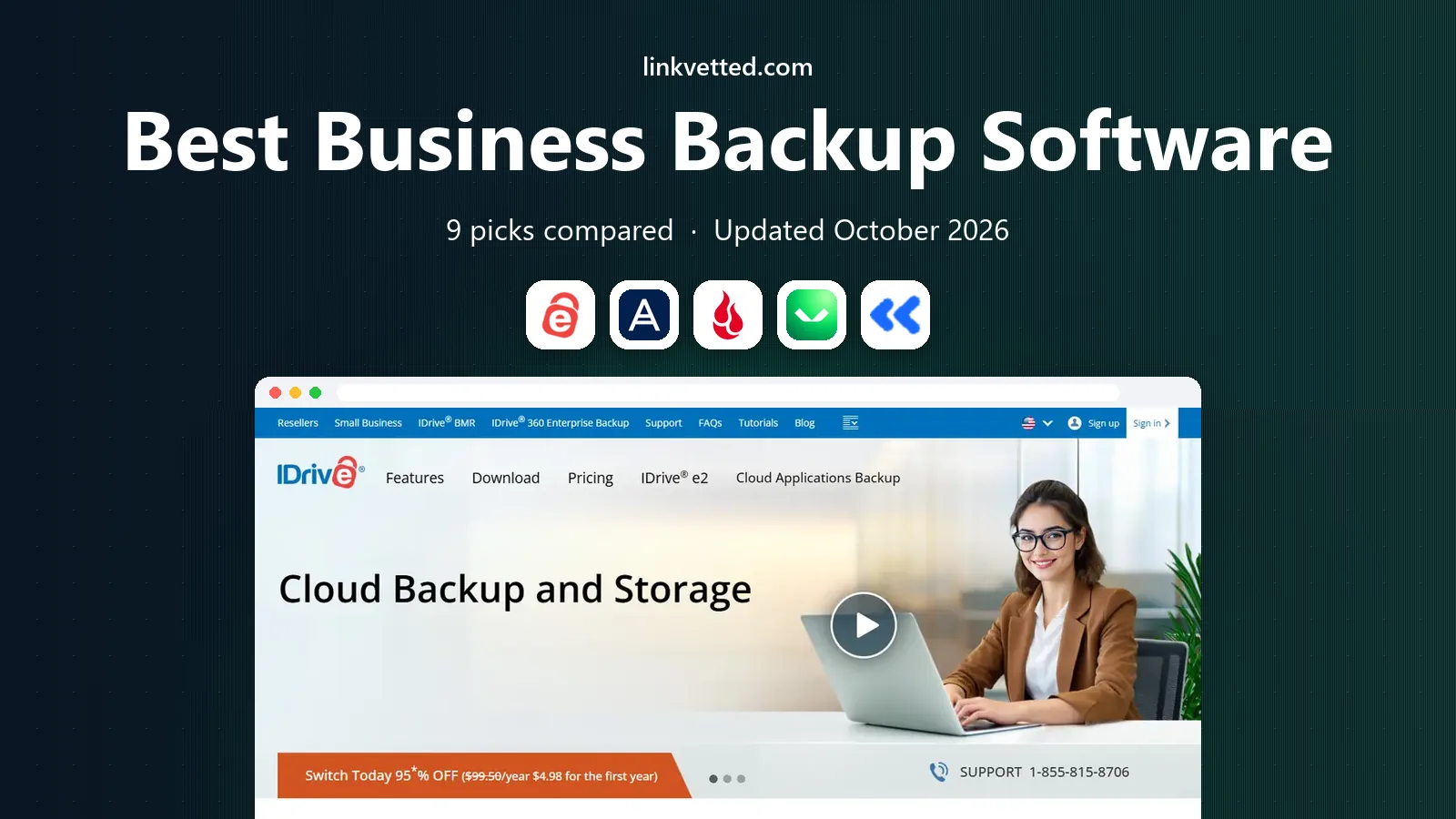
 IDrive Business
Pooled storage value
Starts at$99.50 per yearVisit idrive.comFull review - Great alternative
 Acronis Cyber Protect
Backup plus security
Starts at$85 per yearVisit acronis.comFull review - Also consider
 Backblaze Business
Simple unlimited device backup
Starts at$99 per yearVisit backblaze.comFull review
TL;DR:
- IDrive Business is our pick for value, with pooled storage across unlimited devices starting at $99.50 per year for 250 GB.
- Backblaze suits simple per-device backup with unlimited storage, while Acronis suits firms that want backup plus endpoint security.
- Veeam is best for virtualized and hybrid infrastructure, but it needs more setup and separate storage.
- Test a restore before you need one: a backup you have never restored is only a hope, not a plan.
Quick comparison
| Tool | Best for | Starts at | Free plan? | |
|---|---|---|---|---|
| IDrive Business | Pooled storage value | $99.50 per year | Yes | Visit |
| Acronis Cyber Protect | Backup plus security | $85 per year | No | Visit |
| Backblaze Business | Simple unlimited device backup | $99 per year | No | Visit |
 Veeam Data Platform | Virtual and hybrid infrastructure | See website | No | Visit |
 Carbonite | Set-and-forget business backup | See website | No | Visit |
 CrashPlan | Small business endpoint backup | See website | No | Visit |
 Druva | Cloud-first SaaS backup | See website | No | Visit |
 Datto | Managed backup and recovery | See website | No | Visit |
 Cove Data Protection | MSP-style business backup | See website | No | Visit |
The best business backup software
Business backup software protects files, servers, and cloud apps from hardware failure, accidental deletion, and ransomware. The right tool depends on what you run: laptops only, servers and virtual machines, or cloud apps such as Microsoft 365 and Google Workspace. We compared storage models, restore options, ransomware features, and pricing.

IDrive Business is the best value for a small business with many devices and modest data volume. Pricing starts at $99.50 per year for 250 GB of pooled storage across unlimited devices, so a 25-person firm with mostly documents can back up every laptop without paying per device. It also offers a 10 GB free plan for testing, and an optional private key for client-side encryption.
The pricing model needs care. IDrive bills annually, first-year promotional rates do not continue, and overage charges apply above your storage limit. For a firm with a few terabytes of video or design files, per-device unlimited tools may be cheaper. For typical office data, IDrive Business is hard to beat on price.
- Pooled storage across unlimited devices
- 10 GB free plan
- Optional private encryption key
- Annual billing only
- First-year promotions do not continue at renewal
- Overage fees apply

Acronis Cyber Protect suits firms that want backup and endpoint security together. One agent backs up workstations and servers, scans for malware, patches vulnerabilities, and defends against ransomware, with bare-metal recovery when a machine must be rebuilt from scratch. Standard workstation pricing starts at about $85 per year, with server pricing far higher.
That breadth is also the cost. If you already pay for endpoint security, Acronis adds overlap, and per-workload pricing grows with every device and server. For a firm without a separate security stack, Acronis reduces tool sprawl. For a firm that only needs file backup, IDrive or Backblaze will cost less.
- Backup plus antivirus and ransomware defense in one agent
- Bare-metal recovery
- Central console
- Per-workload pricing adds up
- Server licenses cost far more
- More complex than file-only tools

Backblaze Business is the simplest option here. Each licensed computer gets unlimited backup storage for $99 per year, with monthly, one-year, and two-year billing options. Setup is straightforward, restores can be done by download or shipped drive, and the business tier adds admin controls for managing many devices.
Per-device pricing is the limit. A 25-computer firm pays about $2,475 per year, which is far more than IDrive pooled storage for the same office data. Backblaze is also less suited to server and virtual machine backup than Veeam or Acronis. For simple, unlimited laptop backup with minimal management, it remains a strong choice.
- Unlimited storage per device
- Simple setup
- Business tier with admin controls
- Per-device pricing for many machines
- Basic features compared with Acronis or Veeam
Veeam is the standard choice for firms running VMware, Hyper-V, or hybrid infrastructure. It backs up virtual machines, physical servers, and cloud workloads, with fast restores, granular file recovery, and strong ransomware protection features such as immutable backups. It also works with many storage targets, from local disks to AWS, Azure, Wasabi, and Backblaze B2.
Veeam is not plug-and-play. Licensing is per workload, reported at roughly $155 to $227 per workload per year, and storage is a separate cost, so the total depends on your setup. Small firms with only laptops do not need this depth. Firms with servers and virtual machines will find Veeam worth the setup effort.
- Fast VM and granular recovery
- Strong ransomware protection
- Broad storage targets
- Complex setup
- Licensing is per workload
- Storage costs are separate
Carbonite is built for owners who want backup to run without thinking about it. Install the agent, choose what to protect, and let automatic backup handle the rest, with unlimited storage on some business plans. That set-and-forget model suits small firms without IT staff, and Carbonite has served business customers for many years.
Base plans include limited storage in some comparisons, with overage fees for larger data volumes, and server backup costs more than workstation backup. A 25-computer comparison with servers put Carbonite near $2,400 per year once overages were counted. Check storage limits and server pricing carefully before choosing Carbonite for a data-heavy firm.
- Simple automatic backup
- Unlimited storage on some plans
- Long business history
- Limited storage on base plans
- Overage fees can raise the total
- Server plans cost more
CrashPlan suits small businesses that want continuous endpoint backup without storage math. Business plans offer unlimited storage per user, so a laptop that gains data over time does not trigger overage fees. Backup runs continuously in the background, and admins can manage users and restores from a central console.
CrashPlan is priced per user, so a large team will pay more than with IDrive pooled storage. It is also focused on endpoints rather than servers and virtual machines. For a laptop-heavy small business that wants simple, unlimited backup, CrashPlan is a practical, low-friction choice.
- Unlimited storage per user on business plans
- Continuous backup
- Simple admin console
- Per-user pricing
- Fewer server features than Veeam
- Restore speed varies by data size
Druva is the pick for cloud-first firms. Its Data Resiliency Cloud backs up endpoints, Microsoft 365, Google Workspace, and other SaaS data from the cloud, with no on-premises backup server to manage. That design suits remote teams and firms that have moved most work to cloud apps, and it includes ransomware recovery features.
Druva is less suited to firms with many physical servers or legacy on-premises systems. Pricing is quote-based, with reports putting it around $4 to $10 per user per month depending on coverage. For a SaaS-heavy small business, Druva covers the data that laptop-only tools miss, such as cloud mailboxes and shared drives.
- Strong Microsoft 365 and Google Workspace backup
- Cloud-native design
- Ransomware recovery
- Limited on-premises support
- Quote-based pricing
- Less suited to physical servers
Datto is commonly sold through managed IT providers, which is a plus for firms that want backup handled by experts. It covers endpoints and servers, with recovery options that include file restore, bare-metal recovery, and virtualization of a failed server. That range helps a business get running again after hardware failure or ransomware, not just recover a single file.
The provider model is also a limit. Firms that want to buy direct and manage backup themselves may find Datto less straightforward than IDrive or Backblaze. Pricing is quote-based through a provider. For a firm that already uses a managed IT provider, Datto is a strong, well-supported choice.
- Strong recovery options
- Managed through IT providers
- Endpoint and server coverage
- Usually bought through a managed provider
- Pricing is quote-based
- Less direct for DIY firms
Cove Data Protection, from N-able, is built for managing backup across many devices and sites from one console. It is cloud-first, supports endpoints and servers, and is widely used by managed service providers that look after many small business clients. That central view helps when a firm has several offices or a remote team.
Cove is usually bought through a provider, and pricing is quote-based, so a single-office firm may find direct tools simpler and cheaper. For a multi-site business, or a firm that wants its IT provider to manage backup centrally, Cove offers a level of control that simpler tools do not match.
- Central management for many devices
- Cloud-first backup
- Strong for multi-site firms
- Quote-based pricing
- Best through a provider
- Complex for a single-office firm
How we picked these
We compared official pricing pages, storage models, restore options, and ransomware features for business backup tools active in October 2026. We favored tools that clearly serve businesses, not just consumers, and that state their storage and pricing model. We did not claim hands-on testing, and we treated quote-based enterprise pricing as quote-based.
How to build a backup plan that actually works
Follow the 3-2-1 rule as a starting point: three copies of important data, on two different media, with one copy off site. Cloud backup covers the off-site copy for most small firms, but it does not replace a local copy for fast restores. Decide what matters most: customer records, financial files, and work in progress should be backed up first, with continuous or daily schedules.
Test restores and watch ransomware features
Schedule a test restore each quarter, including one full machine or server restore if you run servers. Check retention, version history, and whether backups are immutable, meaning ransomware cannot alter or delete them. A backup plan that has never been tested, or that ransomware can encrypt along with live files, is not a real safety net.
FAQ
What is the best business backup software?
IDrive Business is our pick for value, with pooled storage across unlimited devices. Backblaze suits simple unlimited laptop backup, Acronis suits backup plus security, and Veeam suits servers and virtual machines. Druva is best for cloud apps such as Microsoft 365 and Google Workspace.
How much does small business backup software cost?
Costs vary by model. IDrive Business starts at $99.50 per year for 250 GB pooled storage, Backblaze costs $99 per year per device, and Acronis starts at about $85 per year per workstation. Veeam, Druva, Datto, and Cove use quote-based or per-workload pricing, so get a quote based on your device and data counts.
What is the best backup software for small business laptops?
For laptops only, IDrive Business is best on value when data volume is modest, while Backblaze and CrashPlan offer unlimited storage per device or user. Choose IDrive when you have many devices and little data, and choose Backblaze or CrashPlan when data volume is large or hard to predict.
Does backup software protect against ransomware?
Good backup software helps, but it is not a guarantee. Look for immutable backups, version history, and ransomware detection, as offered by Acronis, Veeam, and Druva. Keep one copy off site and disconnected from live systems where possible, and test restores, since ransomware can also target backups that are always online.
Should I back up Microsoft 365 or Google Workspace?
Yes, if your business depends on cloud mail, drives, or documents. Cloud providers protect their infrastructure, but they do not guarantee recovery of files you delete or that ransomware alters. Druva, Veeam, and Acronis offer SaaS backup for these apps, while laptop-only tools may not cover cloud data at all.
How often should business backups run?
Continuous or daily backup suits most small businesses, with more frequent schedules for files that change often. Servers and databases may need hourly or more frequent protection, depending on how much work you can afford to lose. Set retention to cover at least a few weeks, so a problem discovered late can still be rolled back.