Best Bug Tracking Software for Law Firms in 2026: Prices, Free Plans and 6 Picks
Best bug tracking software for law firms in 2026: 6 contenders with entry costs and free tiers. Each tool gets a one-line verdict. Checked this month.

- Editor's choice
 ClickUp
Consolidating tasks, docs and issues
Starts at$9 per user per monthVisit clickup.comFull review - Great alternativeZoho BugTracker
Dedicated bug and issue tracking
Starts atSee websiteVisit zoho.comFull review - Also consider
 Jira
Structured defect and issue tracking
Starts atSee websiteVisit atlassian.comFull review
Direct answer
ClickUp leads the list, best for consolidating tasks, docs and issues. Listed starting prices: ClickUp from $9 per user per month, Asana from $10.99 per user a month and Smartsheet from $12 per Member/month. Zoho BugTracker is better for dedicated bug and issue tracking, and Jira is better for structured defect and issue tracking. The full list of 6 tools follows, with prices and free plan facts.
TL;DR:
- This list starts with ClickUp, which is built for consolidating tasks, docs and issues.
- A fair warning about ClickUp: feature density can overwhelm.
- ClickUp, Asana, Monday.com: these are the 3 tools out of 6 that offer a free plan.
- For the cheapest start, look at ClickUp: $9 per user per month.
- For visual work and issue boards, Monday.com is worth a look.
Last checked November 2026. Prices and plan details were read from the vendors' own pages in November 2026; vendors change plans often, so confirm the current price on the vendor site before you buy.
Quick comparison
| Tool | Best for | Starts at | Free plan? | |
|---|---|---|---|---|
| ClickUp | Consolidating tasks, docs and issues | $9 per user per month | Yes | Visit |
| Zoho BugTracker | Dedicated bug and issue tracking | See website | Not stated | Visit |
| Jira | Structured defect and issue tracking | See website | Not stated | Visit |
 Asana | Coordinating legal operations workflows | $10.99 per user a month | Yes | Visit |
 Smartsheet | Governed tracking with spreadsheet familiarity | $12 per Member/month | Not stated | Visit |
 Monday.com | Visual work and issue boards | $9 per seat a month | Yes | Visit |
Bug Tracking Software for Law Firms, one by one
LinkVetted put together this guide to bug tracking software for law firms for readers who want a clear shortlist without reading every vendor page. It compares 6 tools on starting price, free plans, who each one suits and where each one falls short.
ClickUp makes the most sense for consolidating tasks, docs and issues. The broad feature set can overwhelm new users, and defect tracking is not its core specialty, so teams must build consistent structures.
Drawbacks to consider: Needs structure to stay tidy.
Best features of ClickUp: Wide feature coverage. ClickUp starts at: $9 per user per month. Free access exists with ClickUp.
- Docs and goals
- Plenty of views for tracking work
- Feature density can overwhelm
Zoho BugTracker
Best for: Dedicated bug and issue tracking
Zoho BugTracker is designed for dedicated bug and issue tracking. Businesses that require issue tracking woven into wider operations may pair it with other tools or choose a broader system instead.
Pricing for Zoho BugTracker is not stated here, so ask the vendor for current figures. Free access: Not stated.
Where it falls short: Narrower than full work products.
- Centred on bug and issue tracking
- Straightforward defect reporting flow
- Less suited to general project work
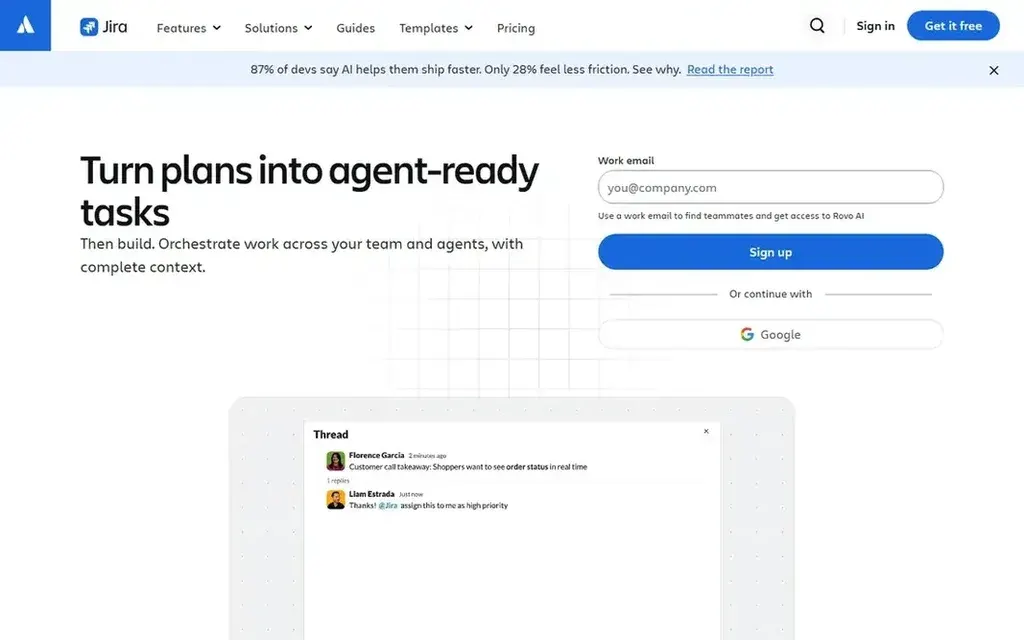
In short, Jira is for structured defect and issue tracking. For law businesses, it suits legal technology, knowledge management and support teams that require a disciplined way to log defects, assign owners and follow issues to resolution across several matters or systems.
Where it falls short: Can feel heavy for small teams.
Also, if a firm primarily needs light task lists instead of in-depth issue workflows, a general work management tool may be simpler to adopt. No starting price is listed for Jira here; confirm pricing on the vendor site. Free options: Not stated.
- Solid tracking and planning features
- Highly customizable issue workflows
- Setup can be complicated
In short, Asana is for coordinating legal operations workflows. Asana is work management software for teams and AI agents, built to plan, automate and execute critical workflows together. Also, Asana is not designed for defect tracking, so bug logging depends on project structure and custom fields.
More specifically, law businesses use this style of tool to coordinate intake, document requests and internal issue resolution, giving operations leads a shared view of who owns each item and what comes next. On top of that, businesses with heavy software quality needs may prefer a dedicated tracker, whereas Asana fits best for cross-team coordination around issues. Entry price for Asana: $10.99 per user per month. Asana has a free plan.
Downsides: Complicated programs need discipline.
- Supports human and agent teams
- Clear task and project views
- Restricted dedicated bug features

Smartsheet is designed for governed tracking with spreadsheet familiarity. Law businesses commonly appreciate the spreadsheet-like structure since staff can adapt it to issue logs, matter trackers and compliance checklists without deep technical training, while partners retain oversight of how work progresses.
Trade-offs to know: Less specialized for defect tracking.
Firms that want out-of-the-box bug workflows should look at a purpose-built tracker instead, and bigger rollouts need planning to keep sheets consistent. The starting price for Smartsheet: $12 per Member/month. Free access: Not stated.
- Familiar spreadsheet-style layout
- Supports varied work processes
- Advanced setups take planning
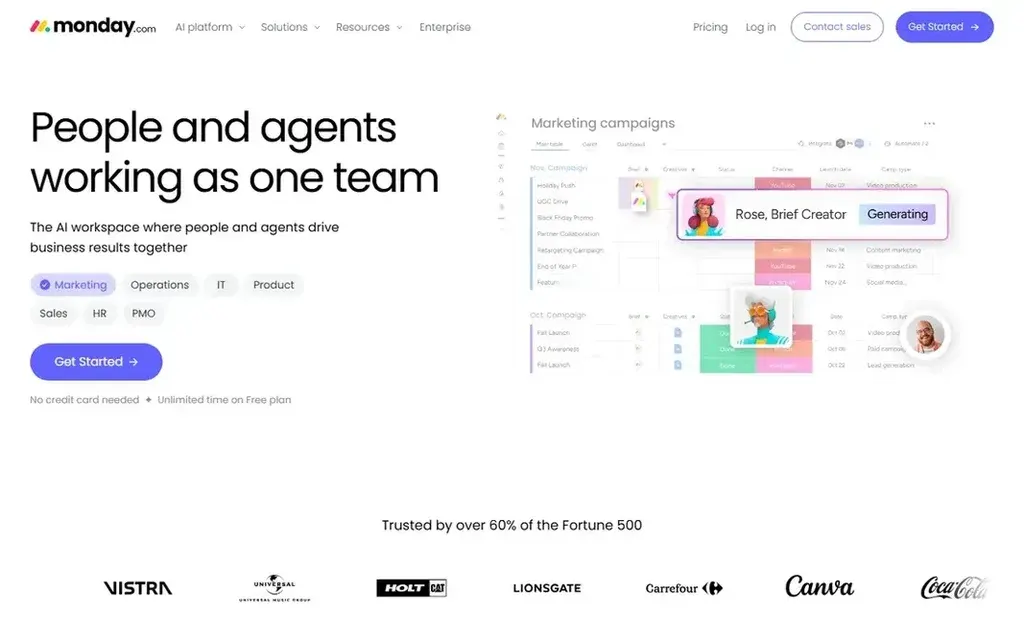
Monday.com is designed for visual work and issue boards. Monday.com describes itself as an AI workspace where people and agents work side by side to execute and handle work.
Where it is weaker: Can sprawl without governance.
On top of that, where strict audit trails or deep issue hierarchies matter, a more specialized tracker or a heavily governed product may be the better fit. On top of that, for law businesses, it fits teams that want a visual way to log issues, track status and coordinate between IT, operations and practice groups, with boards that non-technical users can pick up rapidly. Entry price for Monday.com: $9 per seat per month. You can start on Monday.com without paying.
- Adaptable for numerous workflows
- AI agents alongside people
- Bug tracking needs configuration
How we built this list
For each of the 6 tools we noted price, free plan or trial, fit for bug tracking software for law firms and the main limit, using vendor pages and documentation. Treat prices as a snapshot: vendors change plans often, so check the vendor site for the figure that applies today. The order reflects how well each tool fits the most common buying scenario for bug tracking software for law firms, then price clarity, then free plan access. It is a starting point, not a verdict.
Before you commit
- Confirm the entry price on the vendor page. For Zoho BugTracker and Jira that means a quote rather than a fixed price.
- Read the fine print on the free plans from ClickUp, Asana and Monday.com; seat, project and feature caps differ.
- Read the limits listed for ClickUp first: feature density can overwhelm.
- Confirm minimum seats and billing terms with Monday.com before you commit to an annual plan.
- Test the integrations you rely on with Jira before committing; some connectors sit on upper tiers.
FAQ
Do these tools publish their prices?
Not all of them. Zoho BugTracker and Jira publish no starting price, so expect a quote request for those. The rest, ClickUp included, show a starting price, though seats and billing terms still change the final cost.
Is Jira right for non-technical legal staff?
Jira is highly customizable, so businesses can tailor it, but it can feel complicated for users without technical backgrounds. Plenty of businesses limit access to IT and operations teams whereas giving lawyers more straightforward views or reports.
How are the tools for bug tracking software for law firms ordered?
The order follows typical fit for bug tracking software for law firms, with ClickUp first and Monday.com last, then price clarity and free access. It is editorial judgement, not a score, so another team could rank the tools differently.
Which options for bug tracking software for law firms have a free plan?
ClickUp, Asana and Monday.com offer a free plan in this list. Free plans usually cap users, projects or features, so check the limits on the vendor page.
What is the cheapest option for bug tracking software for law firms in this list?
On published monthly entry prices, ClickUp is the lowest here at $9 per user per month. Entry price is only part of the cost, because seats, add-ons and billing terms can change the total. Prices, free plan details and limits for all 6 tools in this Bug tracking software for law firms roundup sit on the individual cards above.
Sources
- https://clickup.com
- https://www.zoho.com/bugtracker
- https://www.atlassian.com/software/jira
- https://asana.com
- https://www.smartsheet.com
- https://monday.com