The 5 Best Broadcast Monitoring Tools in 2026, Ranked
A practical guide to the best broadcast monitoring tools for 2026, compared from vendor documentation and public sources, with limits and buying checks.
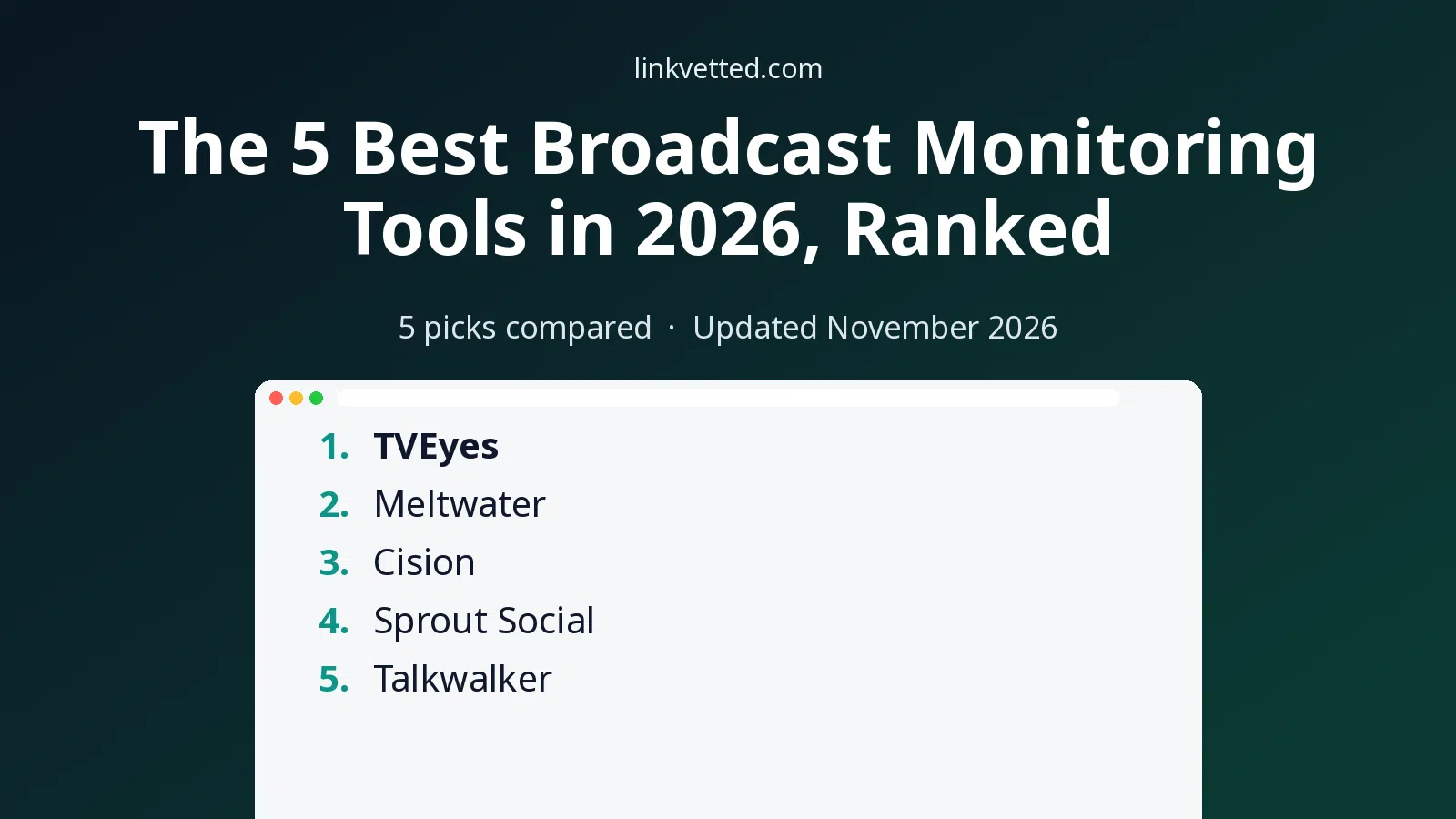
- Editor's choiceTVEyes
TV and radio clip monitoring
Starts atSee websiteVisit tveyes.comFull review - Great alternative
 Meltwater
Cross-channel media listening
Starts atSee websiteVisit meltwater.comFull review - Also consider
 Cision
Media database plus monitoring
Starts atSee websiteVisit cision.comFull review
Direct answer
My top pick is TVEyes, because it covers TV and radio capture, search and clip sharing in one workflow that suits PR and comms teams. For social and web listening alongside broadcast, Meltwater is the broader choice. If you mainly need media database and press release distribution tied to monitoring, Cision fits that pattern. Each one solves a different part of the same job, so the right pick depends on whether your priority is clip capture, cross-channel listening or contact-led outreach.
TL;DR:
- Broadcast monitoring tools capture TV and radio mentions, then let you search, clip and report on them.
- Coverage varies by country and channel set, so confirm your target markets before you commit.
- Clip sharing and export options matter as much as search, because most teams need to send proof to stakeholders.
- Social and web listening is often sold as a separate module, so check what is included in the base package.
- Ask vendors for a short trial or demo using your own brand terms and your own market list.
Last checked November 2026. Plan prices are not quoted in this guide because they change often; see each vendor's own pricing page for current figures before you buy.
Quick comparison
| Tool | Best for | Starts at | Free plan? | |
|---|---|---|---|---|
| TVEyes | TV and radio clip monitoring | See website | Not stated | Visit |
| Meltwater | Cross-channel media listening | See website | Not stated | Visit |
| Cision | Media database plus monitoring | See website | Not stated | Visit |
 Sprout Social | Social listening next to broadcast | See website | Free trial | Visit |
 Talkwalker | Social and web listening at scale | See website | Not stated | Visit |
The best broadcast monitoring tools compared
I put this list together from vendor documentation, public product pages and published help material. I did not run hands-on tests of these platforms, and I have not measured their accuracy or speed myself. What follows is a fit-and-limits comparison, so you can shortlist tools and then verify the details with each vendor before you buy.
TVEyes
Best for: TV and radio clip monitoring
TVEyes is a media monitoring service built around television and radio content. It records broadcasts, makes them searchable by keyword, and lets users pull clips for sharing or reporting. It suits PR teams, comms departments and agencies that need to show exactly what was said on air, rather than a summary or a transcript alone.
In a broadcast monitoring workflow, the value is in the search and clip steps. You set up your brand terms, spokespeople and campaign phrases, then review matches and cut the relevant segment. Alerts help you catch mentions without checking manually each day. Shared clips make it easier to send proof to clients or internal stakeholders.
The limit is scope. If your monitoring brief includes social posts, forums and news sites, you will likely need a second tool or a wider platform. Teams that only need occasional checks may find a full subscription more than they need.
- Searchable TV and radio archive
- clip creation and sharing
- email alerts for keywords
- Broadcast focus rather than social listening
- coverage depends on market
Meltwater is a media intelligence platform that brings news, social and broadcast monitoring into one interface. It is commonly used by PR and communications teams that want a single view of coverage across channels. The platform also includes media relations features, such as contact data and outreach support, which some teams value alongside monitoring.
For broadcast monitoring, the appeal is consolidation. Instead of running one tool for TV and radio and another for social, you can review coverage in one place and build reports from the same dataset. That helps when you need to show a campaign's reach across channels to a client or an executive team.
The trade-off is complexity. Smaller teams may find the platform broader than their needs, and the sales-led packaging means you need a proper demo to understand what is included. Teams that only clip TV and radio may prefer a narrower tool.
- Combines media, social and broadcast monitoring
- reporting dashboards
- media contact database
- Large platform with a learning curve
- packaging is sales-led
Cision is a PR and media intelligence company with a long history in media databases, press release distribution and monitoring. Its monitoring offering sits alongside contact data and reporting, which makes it a fit for PR teams that want outreach and coverage tracking from one vendor. It is often considered by agencies and in-house comms teams with an established media relations process.
For broadcast monitoring specifically, Cision can be part of a wider coverage workflow: you track mentions, pull the relevant items and report on them next to earned media from other channels. Teams already using its database may find the combined workflow simpler than stitching together separate tools.
The main limit is transparency. Pricing and module details are not published, so you need to talk to sales and confirm exactly which broadcast markets and channels are covered. Small teams with a narrow brief may find it more than they need.
- Media contact database alongside monitoring
- reporting and analysis features
- established in PR workflows
- Pricing is not published
- modules vary by package
Sprout Social is a social media management and listening platform. It covers scheduling, engagement, analytics and social listening, and it is widely used by marketing and communications teams. It does not capture TV or radio broadcasts itself, so it belongs on this list as the social half of a combined monitoring setup.
The practical pattern is to pair a broadcast tool with a social listening tool. You track on-air mentions in one system and social conversation in another, then combine the findings in a report. Sprout Social's dashboards and team features make that second half easier to manage, especially when several people handle responses.
Skip it if you expect one tool to cover everything. It is a strong social platform, but broadcast capture is outside its scope, and you should budget for a separate service if TV and radio matter to your brief.
- Social listening and engagement tools
- reporting dashboards
- team workflow features
- No native TV or radio capture
- broadcast coverage needs another tool
Talkwalker is a consumer intelligence and social listening platform. It tracks conversations across social networks, news sites and forums, and it offers analysis features such as sentiment and image recognition. It is used by brands and agencies that need a wide view of online conversation around a topic or campaign.
In a broadcast monitoring context, Talkwalker is the companion tool rather than the main one. You might use it to see how an on-air campaign travels across social channels, or to compare broadcast messaging with online reaction. That makes it useful for campaign analysis, provided someone on the team can set up and maintain the queries.
The limit is setup effort. Broad listening needs well-built queries, or the results get noisy. Teams without someone to manage that work may get more value from a narrower tool with simpler configuration.
- Broad social and web coverage
- visual and image recognition features
- reporting options
- Query setup needs care
- broadcast capture is not its core focus
How I chose
I built this list from vendor documentation and public sources, including product pages, help centres and published feature descriptions. I did not run hands-on tests, and I have not benchmarked accuracy, latency or coverage myself. The aim is to help you shortlist tools by fit, then verify the specifics directly with each vendor.
The selection weighs three things: whether broadcast capture is central to the product, whether the workflow covers search, clip and report, and whether the tool's limits are clear enough to plan around. I also considered how each tool fits next to others, because most teams end up combining a broadcast tool with social listening or a media database.
I left out tools where I could not confirm current operation or a clear product scope. That is a deliberate choice: a shorter list of verifiable options is more useful than a long list of uncertain ones. Treat this as a starting point for your own demo and trial process.
What to check before you buy
- Confirm which countries and channels are covered, including regional stations and radio, not just national TV.
- Ask how quickly mentions appear after broadcast, and whether alerts are near real time or batched.
- Check clip rights and sharing rules, because sending clips to clients or posting them publicly can have limits.
- Test search with your own brand terms, spokesperson names and common misspellings during a demo.
- Confirm export formats and reporting options, so you can move data into your own dashboards if needed.
- Ask what is included in the base package and what costs extra, especially social listening and contact data.
FAQ
What are broadcast monitoring tools used for?
They capture TV and radio content, make it searchable and let teams clip and report on mentions. PR and communications teams use them to track brand coverage, verify what was said on air and share proof with clients or executives. Some tools also cover social and web listening, but that is often a separate module or product.
Do I need a separate social listening tool?
Often, yes. Many broadcast monitoring services focus on TV and radio capture, while social listening platforms track posts, comments and forums. If your brief covers both, check whether your chosen vendor includes social in the base package or whether you need a second subscription. Combining two tools is common and can be cheaper than one broad platform.
How do I check coverage in my market?
Ask the vendor for a demo using your own market list and brand terms. Confirm the specific channels, including regional and radio stations, and ask how far back the archive goes. Coverage claims can be broad, so test the exact stations and programmes that matter to your campaign before you sign.
Can I share clips with clients?
It depends on the vendor and the source material. Many tools let you create and share clips internally or with clients, but public posting and redistribution can be restricted by rights. Ask the vendor to explain clip sharing rules in writing, and check how links or downloads are handled before you send anything externally.
Is a free trial available?
It varies. Some platforms list a free trial, while others work through a sales demo and a paid pilot. Ask for a short evaluation period with your own keywords and markets, and confirm what access you get during it. A trial that uses your real search terms tells you more than a generic product tour.
Sources
- https://www.tveyes.com
- https://www.meltwater.com
- https://www.cision.com
- https://sproutsocial.com
- https://www.talkwalker.com
Related guides
- 5 Best API Monitoring Tools for Third-Party Integrations for 2026, Vetted and Compared
- The 5 Best API Observability Tools for Monitoring in 2026, Ranked
- Best Application Monitoring Service in 2026: 8 Platforms Compared
- Application Performance Monitoring for SaaS Startups in 2026: The 6 Best Options Side by Side