The 5 Best Booking Software for Small Teams in 2026, Ranked
Compare 5 best booking software for small teams, with prices, free plans and who each fits. Short, factual notes on every option. Updated November 2026.
- Editor's choice
 Acuity Scheduling
Configurable appointment booking with automation
Starts at$16 a monthVisit acuityscheduling.comFull review - Great alternativeBookly
WordPress sites needing booking functionality
Starts at$39 a yearVisit booking-wp-plugin.comFull review - Also consider
 Setmore
Straightforward, automatic appointment reminders
Starts at$5 per user per monthVisit setmore.comFull review
Direct answer
Our first pick is Acuity Scheduling, best for configurable appointment booking with automation. Listed starting prices: Acuity Scheduling from $16 a month, Bookly from $39 a year and Setmore from $5 per user per month. Bookly is the stronger choice for WordPress sites needing booking functionality, while Setmore suits simple, automated appointment reminders. The remaining 2 options are covered below with prices and limits.
TL;DR:
- Top of the list is Acuity Scheduling, which targets configurable appointment booking with automation.
- For service firms using Square, Square Appointments is worth a look.
- For the cheapest start, look at Setmore: $5 per user per month.
- Free plans exist at 3 of 5 tools (Bookly, Setmore, Calendly).
Last checked November 2026. Prices and plan details were read from the vendors' own pages in November 2026; vendors change plans often, so confirm the current price on the vendor site before you buy.
Quick comparison
| Tool | Best for | Starts at | Free plan? | |
|---|---|---|---|---|
| Acuity Scheduling | Configurable appointment booking with automation | $16 a month | Free trial | Visit |
| Bookly | WordPress sites needing booking functionality | $39 a year | Yes | Visit |
| Setmore | Straightforward, automatic appointment reminders | $5 per user per month | Yes | Visit |
 Calendly | Meeting scheduling with follow-up automation | $10 per seat a month | Yes | Visit |
 Square Appointments | Service companies using Square | See website | Not stated | Visit |
The 5 tools in detail
If you are comparing booking software for small teams, this page covers 5 tools in one place: what each is best for, what it costs to start, whether it has a free plan, and the main limit to know about.
Acuity Scheduling
Best for: Configurable appointment booking with automation
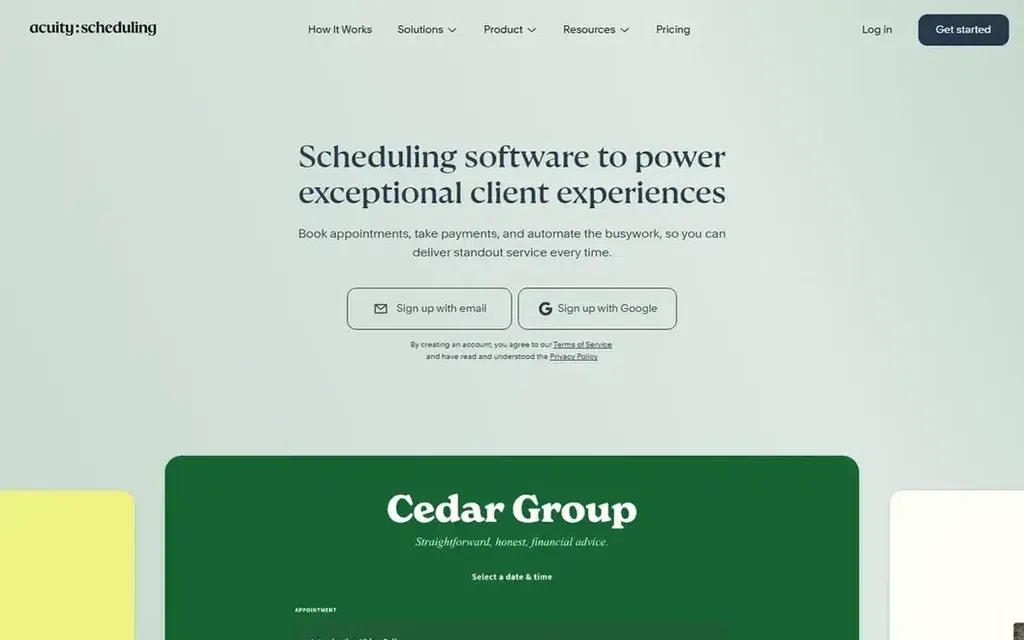
Pick Acuity Scheduling if this describes you: configurable appointment booking with automation. Acuity Scheduling is an online booking and appointment scheduling software with a focus on automation and customization. It permits companies to tailor booking pages and workflows to match their specific services.
Honest limits: Can be complicated for very small teams.
More specifically, choose Acuity when you need in-depth control over how appointments are booked and managed. Teams looking for a fast, out-of-the-box option may find more straightforward tools simpler to adopt. The high level of customization can mean a steeper setup process, which might be overkill for teams with straightforward scheduling needs. Acuity Scheduling starts at: $16 per month. Free access: Free trial.
- Full customization of booking pages
- Built for appointment-based firms
- May need time to set up all choices
Bookly
Best for: WordPress sites needing booking functionality
Bookly is built with WordPress sites needing booking functionality in mind. Bookly is a WordPress appointment booking plugin that brings scheduling, payment, and reminder automation to a WordPress site. It does well for service providers who want to keep everything within their WordPress environment.
Where it falls short: Needs a WordPress site.
For everyday use, choose Bookly when WordPress integration is a priority. From a buyer's view, teams looking for a standalone booking system might prefer a hosted solution. What you pay to start with Bookly: $39 per year. A free plan is available with Bookly.
- Automates appointments and payments
- Sends reminders to clients
- Some features may need the Pro version
Think of Setmore for straightforward, automatic appointment reminders. Consider Setmore for straightforward, automatic appointment scheduling. In daily use, Setmore is online appointment scheduling software that lets companies accept bookings at any time and automates reminders to cut no-shows.
The main drawbacks: Feature set may be entry-level for some teams.
It is built to eliminate the back-and-forth of manual scheduling. Setmore may not offer the depth of features required by teams with complicated scheduling workflows or advanced customization needs. Starting cost for Setmore: $5 per user per month. Setmore has a free plan.
- Automates reminder messages
- Accepts bookings around the clock
- Customization choices are restricted
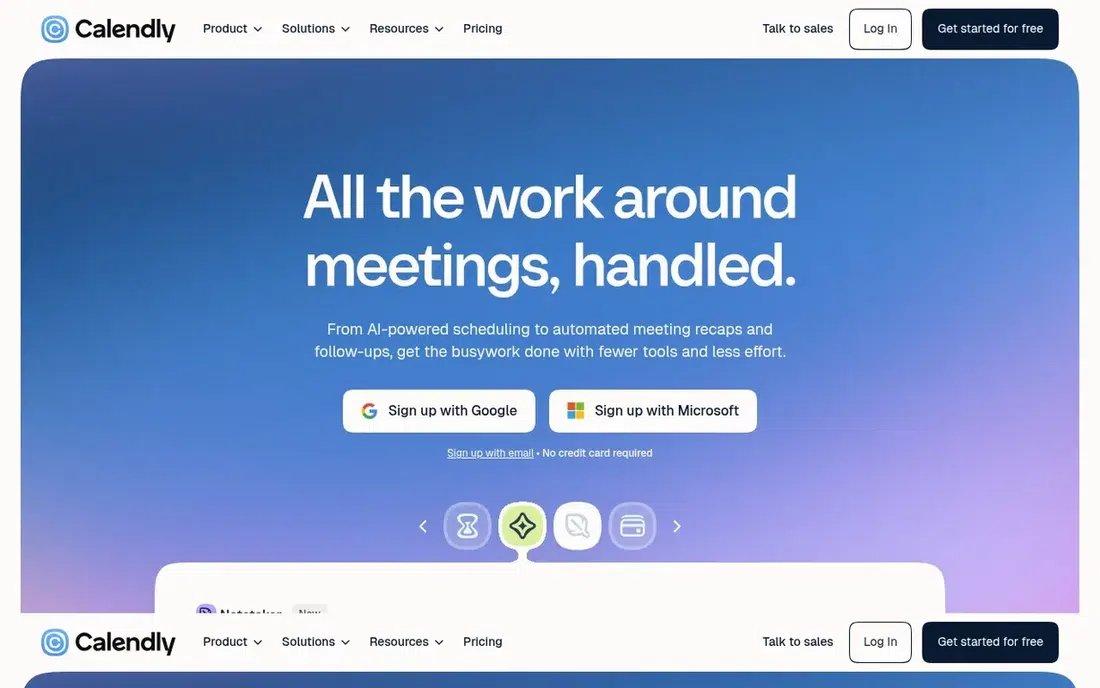
Calendly works best for meeting scheduling with follow-up automation. Calendly is a meeting scheduling system that links and eases the work around meetings. It takes care of scheduling, payments, meeting preparation, notetaking, contact management, and follow-up in one place.
Where it falls short: May be more than needed for straightforward bookings.
This makes it a solid fit for small teams that spend lots of time coordinating meetings and want to cut manual steps. It performs well for sales teams, consultants, and others who schedule external meetings often. Worth adding: teams that need deep customization or industry-specific booking features might prefer a more specialized tool. More specifically, Calendly is concentrated on meetings instead of appointment-based services. So it may not be well suited to firms that require detailed service menus or resource management. Calendly pricing: $10 per seat per month. Calendly has a free plan.
- Eases scheduling and meeting prep
- Supports payments and contact management
- Customization choices are restricted compared with some tools
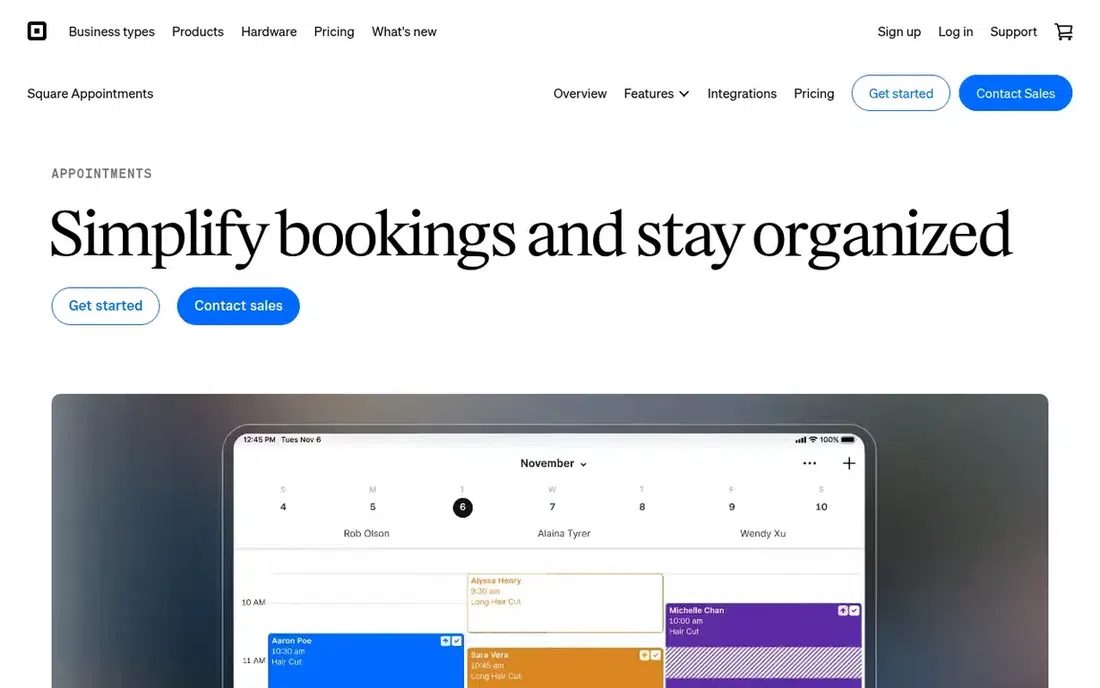
Pick Square Appointments if this describes you: service firms using Square. Teams with complicated scheduling requirements should evaluate whether Square Appointments spans all their needs. It is a capable choice for those embedded in the Square ecosystem.
If you are not using Square for other business functions, the benefits may be less pronounced. Some advanced scheduling features found in dedicated booking tools might be missing. Worth adding: Square Appointments is online booking and scheduling software built to simplify appointment management. It keeps everything synced in live and is especially handy for service firms that already use Square for payments. The tool helps organize bookings and save time on administrative tasks. Pricing for Square Appointments is not stated here, so ask the vendor for current figures. Free access: Not stated.
Trade-offs to know: Best value if you already use Square.
- Live syncing of appointments
- Integrated with Square ecosystem
- May lack some advanced scheduling features
Selection criteria
We compared the tools on published pricing, free plan or trial availability, feature coverage for booking software for small teams, and the limits each vendor documents. Where a price is missing, the vendor does not list one publicly or ties it to a quote. Always confirm before budgeting. Order on the page follows fit for the typical buyer first, then price transparency and free access. Your own requirements should decide the final pick.
What to check before you buy
- Ask Square Appointments for a written quote, since no starting price is shown.
- Look at free plan limits closely: Bookly, Setmore and Calendly have one, and the caps decide whether it is usable for real work.
- Run a trial of Acuity Scheduling with real work before paying for a year; your own workflow is the best test.
- Read the limits listed for Acuity Scheduling first: can be complicated for very small teams.
- Compare total cost, not headline price: for Bookly, add extra seats, add-ons and any usage-based charges.
- Before rolling out Square Appointments, verify the integrations your workflow depends on.
FAQ
How are the tools for booking software for small teams ordered?
Acuity Scheduling sits first and Square Appointments last because the order follows typical fit for booking software for small teams, then price clarity and free access. It is a judgement call, so read each profile for fit and limits.
Can I try these tools before paying?
Often, yes. Bookly, Setmore and Calendly have a free plan and Acuity Scheduling offers a free trial. Use your own data and a real task during the test, and check what the free tier or trial limits before you rely on it.
Do these tools publish their prices?
Not all of them. Square Appointments publishes no starting price, so expect a quote request for it. The rest, Acuity Scheduling included, show a starting price, though seats and billing terms still change the final cost. Each of the 5 options in this booking software for small teams guide has its own card above with the price, free plan and limits.
Which options for booking software for small teams have a free plan?
On this list, Bookly, Setmore and Calendly include a free plan. Caps on seats, usage or features are common, so test the free plan against your real workload. One other tool offers a trial instead.
Which booking tool is a good match for service firms that require online payments?
Start with Acuity Scheduling if you need configurable appointment booking with automation. Bookly is the better match for WordPress sites needing booking functionality, and Setmore for simple, automatic appointment reminders. The best choice depends on budget, team size and workflow.
Sources
- https://acuityscheduling.com
- https://www.booking-wp-plugin.com
- https://www.setmore.com
- https://calendly.com
- https://squareup.com/us/en/appointments