Best Beginner Friendly Ticketing Software (2026): 6 Picks Checked on Vendor Pages
Best beginner friendly ticketing software: 6 tools compared on price, free plans and fit. Limits and pricing notes included. Built for quick decisions.
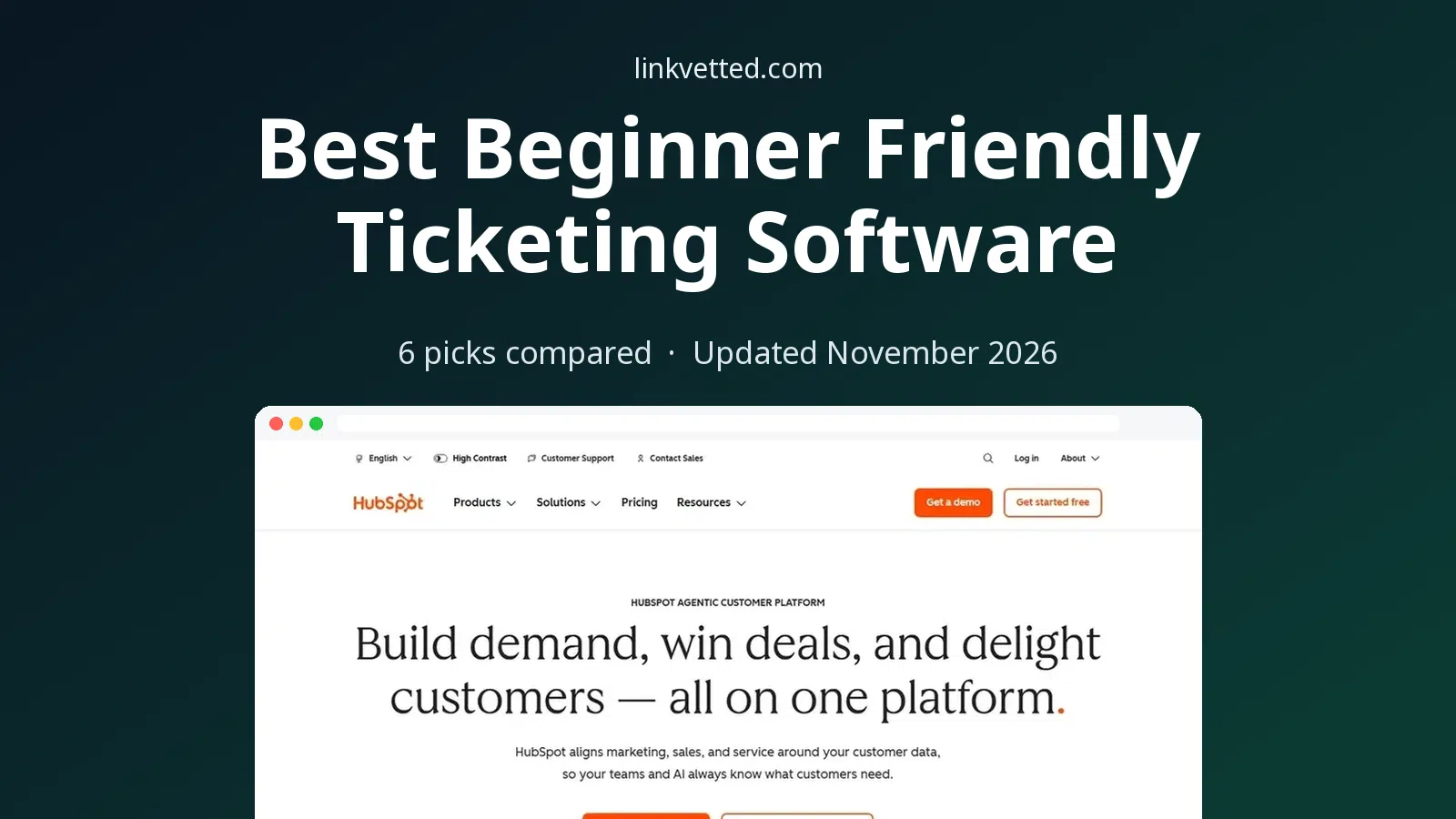
- Editor's choice
 HubSpot Service Hub
Expanding teams already using HubSpot
Starts atSee websiteVisit hubspot.comFull review - Great alternative
 Freshdesk
Automatic workflows across channels
Starts atSee websiteVisit freshworks.comFull review - Also consider
 LiveAgent
Small teams unifying channels
Starts at$11 per agent per monthVisit liveagent.comFull review
Direct answer
Our first pick is HubSpot Service Hub, best for expanding teams already using HubSpot. Listed starting prices: LiveAgent from $11 per agent per month, Zendesk from $19 agent/month premium yearly and Help Scout from $25 per user a month. Alternatives: Freshdesk for automatic workflows across channels, and LiveAgent for small teams unifying channels. The remaining 3 options are covered below with prices and limits.
TL;DR:
- HubSpot Service Hub takes the first slot, best suited to expanding teams already using HubSpot.
- For the cheapest start, look at LiveAgent: $11 per agent per month.
- For customer-first brands wanting simplicity, Help Scout is worth a look.
- What to know about Zendesk first: feature depth can overwhelm new users.
Last checked November 2026. Prices and plan details were read from the vendors' own pages in November 2026; vendors change plans often, so confirm the current price on the vendor site before you buy.
Quick comparison
| Tool | Best for | Starts at | Free plan? | |
|---|---|---|---|---|
| HubSpot Service Hub | Expanding teams already using HubSpot | See website | Not stated | Visit |
| Freshdesk | Automatic workflows across channels | See website | Not stated | Visit |
| LiveAgent | Small teams unifying channels | $11 per agent per month | Free trial | Visit |
 Zendesk | Guided setup with AI-assisted ticket handling | $19 agent/month premium yearly | Free trial | Visit |
 Zoho Desk | Adaptable AI-human collaboration | See website | Not stated | Visit |
 Help Scout | Customer-first brands wanting simplicity | $25 per user a month | Yes | Visit |
The full beginner friendly ticketing software list
LinkVetted compared 6 tools for beginner friendly ticketing software. The goal is a practical shortlist: published prices, free plan facts, best-fit use cases and honest limits for every entry.
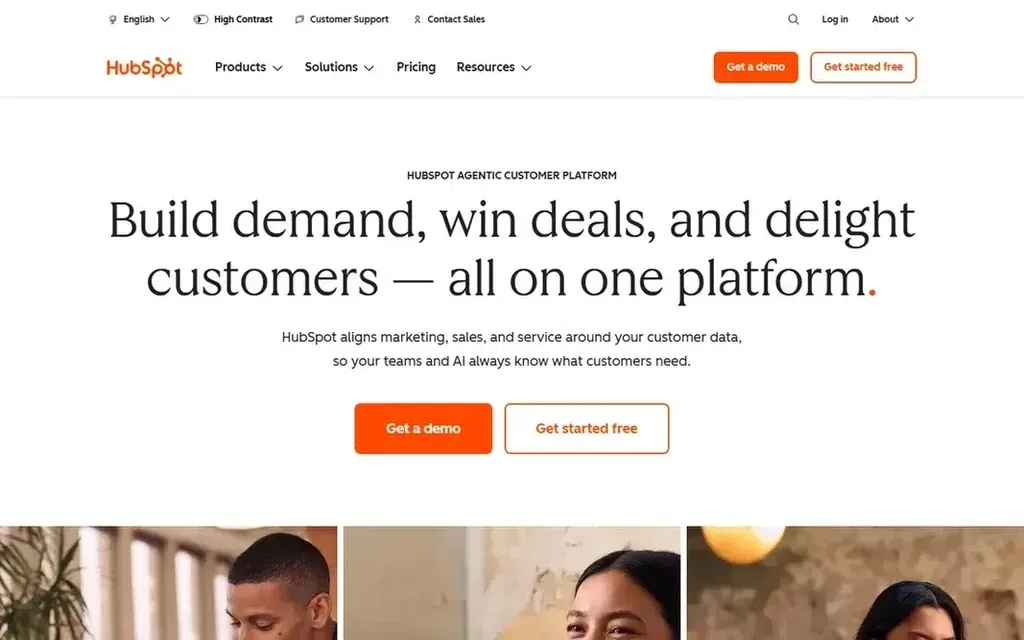
HubSpot Service Hub works best for growing teams already using HubSpot. It fits beginners who already use HubSpot for marketing or sales and want support tickets connected to the same customer record.
Drawbacks to consider: Best value inside the HubSpot ecosystem.
As for the details, if you are not using other HubSpot products, the product can feel wider than a standalone help desk needs. HubSpot Service Hub does not show a starting price in this comparison, so check the vendor site for current pricing. On free options: Not stated.
- Suits teams expanding their support operation
- AI-powered service features
- May feel wide for standalone ticketing
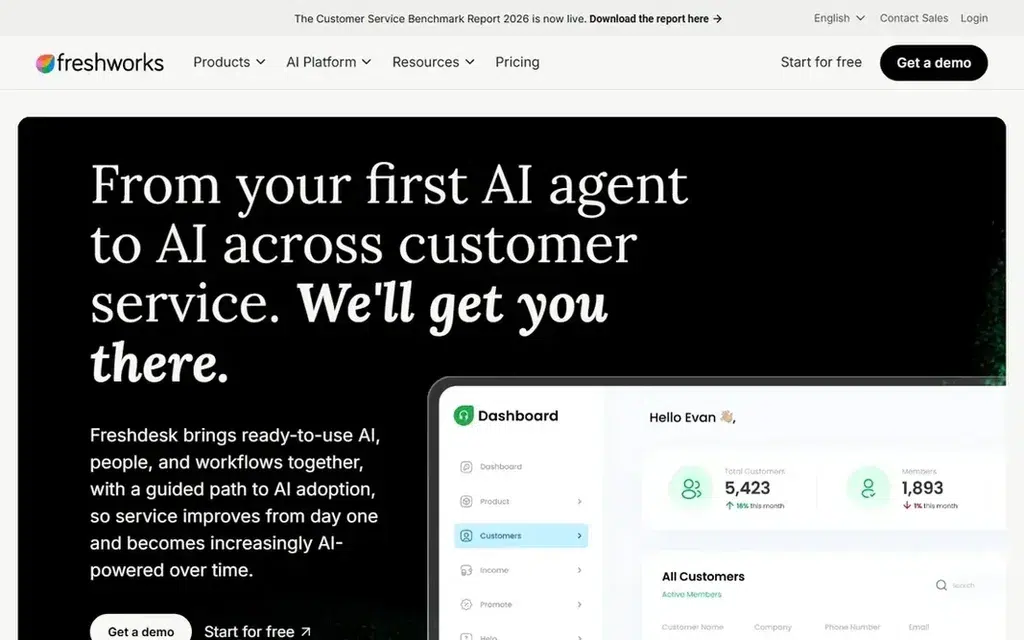
Freshdesk targets automatic workflows across channels. Freshdesk is an AI-powered customer service option with omnichannel ticketing and automatic workflows.
Pick a more straightforward choice if you want to start with almost no configuration. This comparison lists no price for Freshdesk; ask the vendor. As for free access: Not stated.
Honest limits: Advanced choices can distract beginners.
- AI-powered productivity features
- Automatic workflows cut manual steps
- Automation setup needs initial effort
LiveAgent is a good fit for small teams unifying channels. Consider a more straightforward email-first tool to cut initial complexity.
Trade-offs to know: Numerous channels can complicate initial setup.
Reasons to shortlist it: phone and social in one inbox. It brings email, live chat, phone and social media into one inbox so beginners can handle conversations from a single place. Also, if you only deal with email tickets, the multichannel focus may be more than you need. The starting price for LiveAgent: $11 per agent per month. Free plan details: Free trial.
- AI agents included
- Feature set may be more than needed
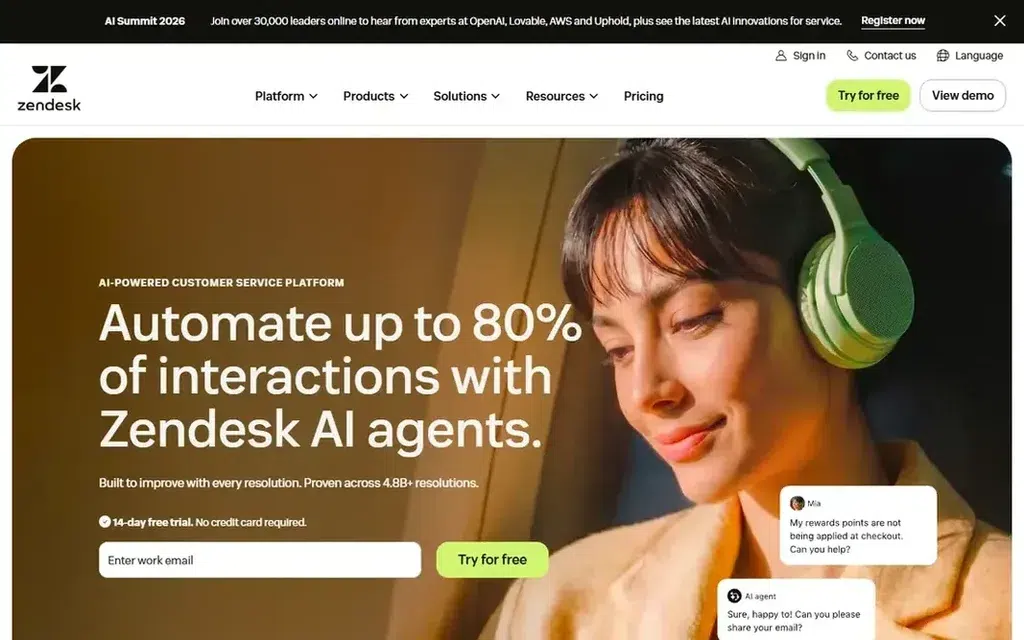
Zendesk serves guided setup with AI-assisted ticket handling. Setup needs planning around workflows and roles.
From a buyer's view, Zendesk is an AI-powered customer service system built to move beyond deflection with AI agents that resolve issues end-to-end. The interface organizes tickets, channels and automation in a way that new teams can follow with vendor guidance. On cost, Zendesk starts like this: $19 agent/month premium yearly. Free plan details: Free trial.
What to check first: Feature depth can overwhelm new users.
- Clear path from straightforward to advanced service
- AI agents resolve issues end-to-end
- Configuration takes planning
Zoho Desk is designed for adaptable AI-human collaboration. Worth adding: beginners should plan for a learning period before the help desk runs smoothly. The system aims to help teams deliver world-class support as ticket volume grows.
Watch-outs: Breadth of settings can overwhelm beginners.
A more straightforward tool may be better if you want to start with minimal configuration. As for the details, the range of settings can feel deep for a new team with straightforward needs. Pricing for Zoho Desk is not stated here, so ask the vendor for current figures. As for free access: Not stated.
- Built for support at scale
- Unified help desk product
- Needs time to configure well
Help Scout works best for customer-first brands wanting simplicity. Help Scout is the AI-driven support system for customer-first brands. It provides feature-rich, easy-to-learn features for exceptional support at a fraction of the cost of other customer service products, based on its homepage.
Honest limits: May not suit highly complicated workflows.
In practice, beginners frequently appreciate its clean, conversation-focused design, which keeps ticket handling straightforward for small teams. Beyond that, teams with complicated routing or heavy customization needs may outgrow its simplified approach. It is less suited to operations that need deep process automation. The starting price for Help Scout: $25 per user per month. Help Scout has a free plan.
- Easy-to-learn
- Approachable interface
- Fewer deep customization choices
How these tools were picked
Selection started from tools commonly considered for beginner friendly ticketing software, then narrowed to 6 that have clear pricing information or a clear quote process. Seat minimums, billing terms and add-ons can move the real cost, so the starting prices here are a guide and not a quote. Order on the page follows fit for the typical buyer first, then price transparency and free access. Your own requirements should decide the final pick.
A buyer's checklist
- Get a written quote from HubSpot Service Hub, Freshdesk and Zoho Desk; the list shows no starting price for them.
- Test the free plan from Help Scout against your real workload before relying on it.
- Take the trial from LiveAgent and Zendesk and push a live task through it before you pay.
- Before choosing HubSpot Service Hub, weigh its main limit: best value inside the HubSpot ecosystem.
- Read the plan comparison for LiveAgent carefully; key features often start on a higher tier.
- Let daily users try Zoho Desk on real work; their feedback beats any feature checklist.
FAQ
Which options for beginner friendly ticketing software have a free plan?
Help Scout is the only tool in this list with a free plan. Free plans usually cap users, projects or features, so check the limits on the vendor page. Several others offer a trial instead. Each of the 6 options in this beginner friendly ticketing software guide has its own card above with the price, free plan and limits.
Is HubSpot Service Hub the right pick for everyone comparing beginner friendly ticketing software?
No single tool suits every team. HubSpot Service Hub comes first because it fits growing teams already using HubSpot, while Freshdesk suits automated workflows across channels and LiveAgent suits small teams unifying channels. Match the tool to your own size, budget and workflow before deciding.
Do these tools publish their prices?
Not all of them. HubSpot Service Hub, Freshdesk and Zoho Desk publish no starting price, so expect a quote request for those. The rest, LiveAgent included, show a starting price, though seats and billing terms still change the final cost.
Should a small team start with a straightforward shared inbox or full help desk?
A full help desk like Freshdesk or Zoho Desk layers on routing, automation and reporting that help as volume grows. Plenty of beginners pick a middle ground and enable advanced features later.
Can I try these options before paying?
Often, yes. Help Scout has a free plan and LiveAgent and Zendesk offer a free trial. Use your own data and a real task during the test, and check what the free tier or trial limits before you rely on it.
Sources
- https://www.hubspot.com/products/service
- https://www.freshworks.com/freshdesk
- https://www.liveagent.com
- https://www.zendesk.com
- https://www.zoho.com/desk
- https://www.helpscout.com