Best B2C CRM Software in 2026: 9 Tools Compared
We compared the best b2c crm software for 2026, covering contacts, email, SMS, pipelines, and pricing for businesses that sell to consumers today now.

- Editor's choice
 HubSpot
Marketing-led B2C teams
Starts atFreeVisit hubspot.comFull review - Great alternative
 Salesforce Sales Cloud
Large B2C operations
Starts at$25 per user per monthVisit salesforce.comFull review - Also consider
 Zoho CRM
Budget-conscious B2C teams
Starts at$14 per user per monthVisit zoho.comFull review
TL;DR:
- B2C CRM differs from B2B CRM, since it must handle high contact volumes, repeat purchases, and marketing messages at scale.
- The best tools combine contact records with email, SMS, and support history, so staff see the full customer story in one place.
- Free tiers help small teams start, but check contact limits, email sends, and automation limits before relying on them.
- Pricing is usually per user or per seat, plus marketing contact tiers, so model total cost for both sales and marketing use.
- A trial with real customer data, including duplicates and old lists, shows whether a CRM will stay clean in daily use.
Quick comparison
| Tool | Best for | Starts at | Free plan? | |
|---|---|---|---|---|
| HubSpot | Marketing-led B2C teams | Free | Yes | Visit |
| Salesforce Sales Cloud | Large B2C operations | $25 per user per month | Free trial | Visit |
| Zoho CRM | Budget-conscious B2C teams | $14 per user per month | Yes | Visit |
 Pipedrive | Pipeline-focused sales teams | $14 per seat per month | Free trial | Visit |
 Freshsales | Small teams wanting built-in AI | $9 per user per month | Yes | Visit |
 Keap | Small business sales and marketing | See website | Free trial | Visit |
 ActiveCampaign | Email and automation-led B2C | See website | Free trial | Visit |
 Insightly | Simple CRM with project links | See website | Free trial | Visit |
 Capsule | Simple contact-first CRM | See website | Yes | Visit |
The best b2c crm software
These tools help businesses that sell to consumers manage contacts, sales, marketing, and support. We compared official feature pages, pricing pages, and public documentation.
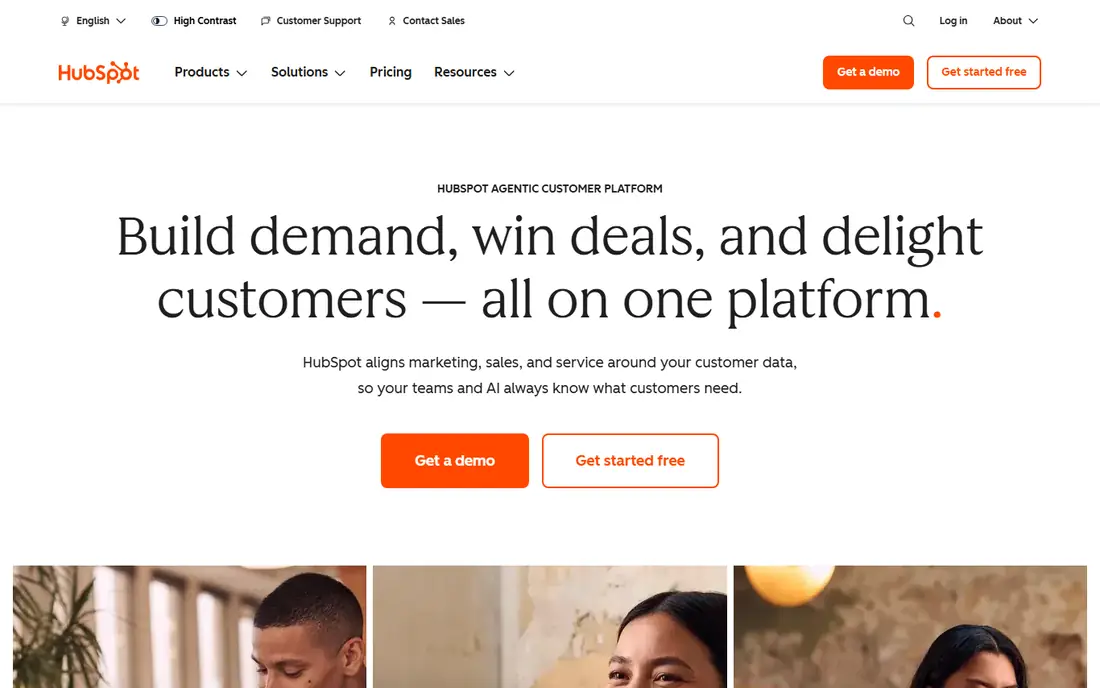
HubSpot suits B2C teams that win customers through content, email, and ads, then need sales and service in the same system. The free CRM covers contacts, deals, tasks, and basic email, while paid hubs add automation, sequences, and service tools. That breadth helps a small team start free and grow without switching systems as marketing gets more complex.
The catch is total cost. Marketing contact pricing, paid seats, and onboarding can push the bill well above the free starting point, especially for large consumer lists. Teams should model costs for their contact count and seat count, not just the headline seat price. For marketing-led B2C growth, HubSpot remains a top pick.
- Free CRM with contacts, deals, and email tools
- Strong marketing, sales, and service hubs
- Large integration marketplace
- Costs rise fast with marketing contacts and higher hubs
- Onboarding fees can apply to paid tiers
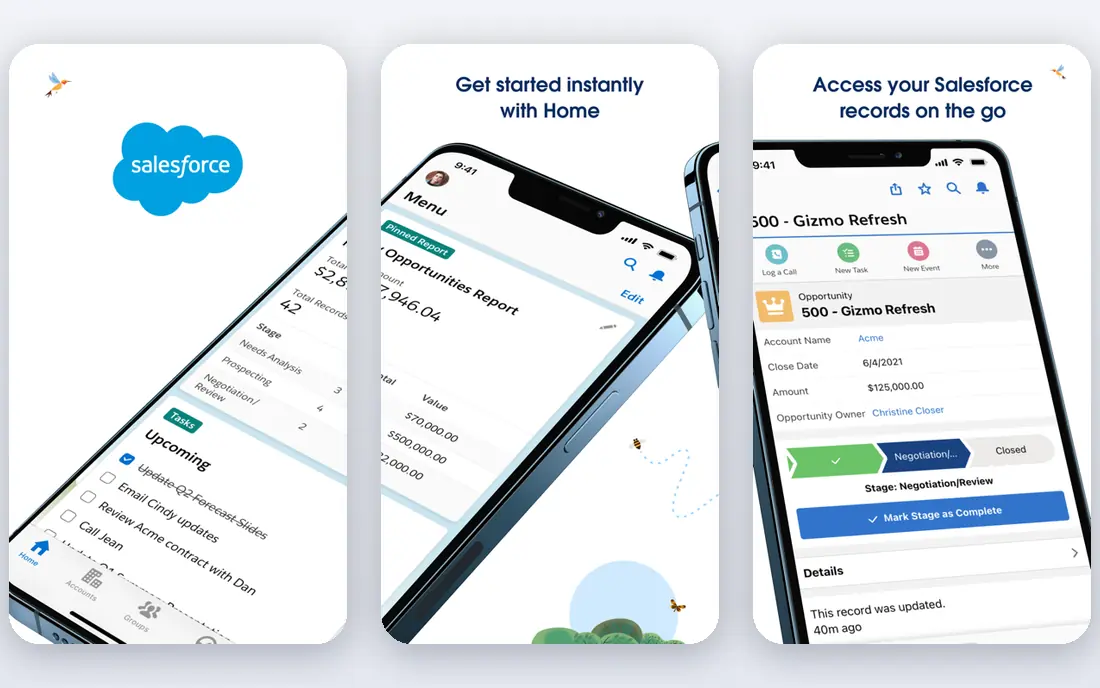
Salesforce Sales Cloud fits large B2C operations with complex journeys, multiple channels, and high contact volumes. It offers deep customization, workflow automation, AI features, and a vast marketplace of apps for marketing, service, and commerce. For enterprises that need one governed system across sales, service, and marketing, Salesforce is hard to match.
Smaller teams may find it heavy. Implementation often needs an admin or partner, and add-ons for AI, service, and marketing push costs up. The Starter Suite price of $25 per user per month covers a basic entry point, but larger teams should budget for higher editions. For large B2C scale, Salesforce is the enterprise standard.
- Deep customization and automation
- Huge app marketplace
- Strong for large teams with complex sales and service needs
- Setup and admin effort is high
- Total cost rises with add-ons and implementation
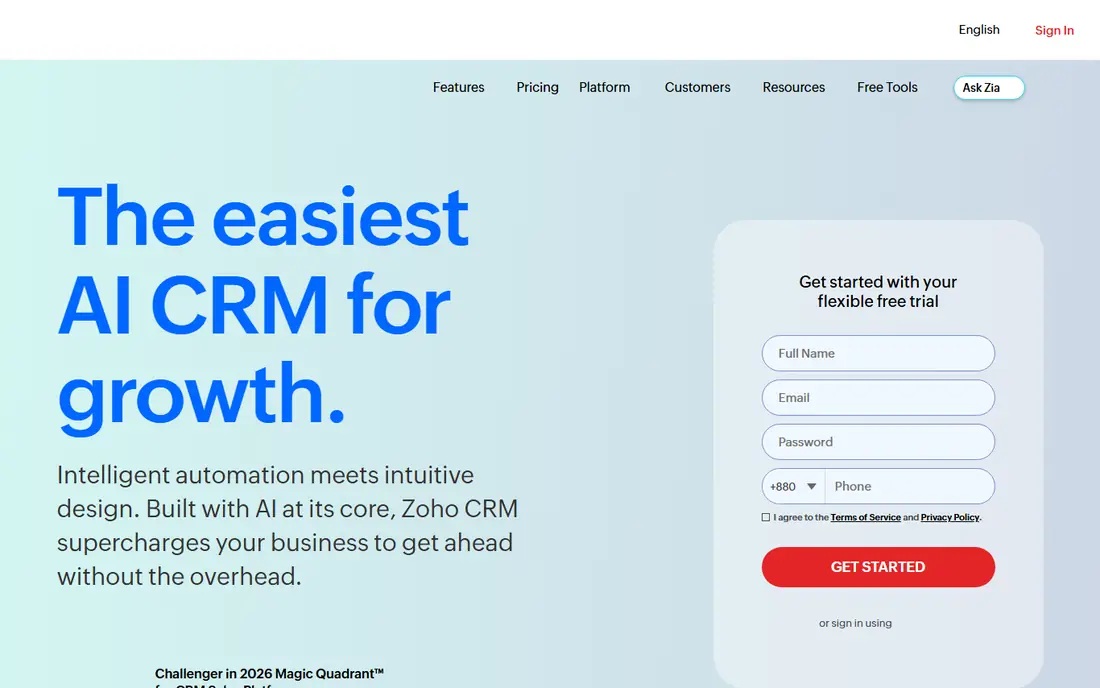
Zoho CRM gives budget-conscious B2C teams a lot for the price. The Standard tier starts at $14 per user per month on annual billing, with a free tier for up to three users, and higher tiers add workflow, forecasting, and AI features. Custom fields, automation, and integrations help teams shape the CRM around consumer journeys rather than forcing a fixed template.
The interface can feel busy at first, and teams should check which features sit in Professional or higher tiers before buying. Support and implementation also vary by plan. For small and mid-sized B2C teams that want depth without enterprise cost, Zoho CRM is a strong value pick.
- Low entry price with deep customization
- Free tier for up to three users
- Wide Zoho app ecosystem
- Interface can feel busy
- Some advanced features sit in higher tiers
Pipedrive suits B2C sales teams that live in a pipeline, such as teams selling memberships, courses, services, or high-value consumer products. Deals move across visual stages, activities and follow-ups stay visible, and the interface is easy for new reps to learn. That focus keeps daily use simple, which helps adoption.
Marketing automation is lighter than HubSpot or ActiveCampaign, so teams that need complex email journeys may pair Pipedrive with a separate email tool. Add-ons also raise costs. For sales-led B2C teams that want a clear pipeline first, Pipedrive is an excellent fit.
- Clear visual pipelines
- Easy to learn
- Good for teams that sell by phone, email, and follow-up
- Marketing automation is lighter than HubSpot or ActiveCampaign
- Costs rise with add-ons
Freshsales, from Freshworks, suits small B2C teams that want phone, email, chat, and AI help in one CRM without a large bill. The entry paid tier starts at $9 per user per month, with a free tier for small teams, and higher tiers add AI scoring, forecasting, and advanced automation. That mix helps small teams respond fast to consumer leads.
Very large operations may need deeper customization and marketplace depth than Freshsales offers. Some AI and automation features also sit in higher tiers. For cost-sensitive B2C teams that want a modern, all-in-one sales CRM, Freshsales is a strong choice.
- Low entry price
- Built-in phone, email, and AI features
- Free tier for small teams
- Less depth than Salesforce for very large operations
- Some features need higher tiers
Keap targets small businesses that sell to consumers and need sales plus marketing in one place. It combines contacts, pipelines, email campaigns, automation, and payments, so a small team can capture leads, follow up, and take payment without stitching several tools together. That all-in-one design suits coaches, clinics, studios, and small retailers.
Pricing depends on contacts and features, so teams should check the tier that matches their list size. The breadth also means a learning curve at first. For small B2C businesses that want marketing automation built into the CRM, Keap is worth a trial.
- Combines CRM with email marketing and automation
- Good for small service and product businesses
- Payment tools included
- Pricing is tier-based and can rise with contacts
- Interface takes time to learn
ActiveCampaign suits B2C teams where email and automation drive repeat purchases. Its automation builder, segmentation, and email tools help teams send the right message based on purchases, behavior, and preferences, while the built-in CRM tracks deals and tasks. That mix is powerful for ecommerce, subscriptions, and consumer services.
Pricing varies with contact count and plan, so large lists should model costs carefully. Sales teams with complex B2B-style pipelines may also want a deeper sales CRM. For automation-led B2C marketing and sales, ActiveCampaign is a leading option.
- Strong email and automation builder
- Good segmentation for consumer lists
- CRM with deals and tasks
- Pricing depends on contacts and features
- CRM depth is less than Salesforce for complex sales teams
Insightly suits B2C teams that sell and then deliver a service, such as home services, events, or custom products. Contacts and deals link to projects and tasks, so staff can see what was sold and what still needs doing without switching tools. That link between sales and delivery is the main advantage over a pure sales CRM.
Marketing automation is lighter than HubSpot or ActiveCampaign, so teams that need complex campaigns may add an email tool. For service-led B2C teams that value a simple CRM with project tracking, Insightly is a practical choice.
- CRM plus project management in one tool
- Clear contact and pipeline views
- Good for teams that deliver after selling
- Marketing automation is lighter than HubSpot
- Pricing is quote-based for some plans
Capsule suits small B2C teams that want a clean contact record without a complex system. It tracks people, companies, deals, tasks, and communication history in a simple interface, with a free tier for small teams. That simplicity helps adoption, since staff actually update records when the tool is easy to use.
Larger teams will miss advanced automation, marketing journeys, and deep reporting found in HubSpot or Salesforce. Capsule is best for teams that need a reliable contact and pipeline record first, with the option to add marketing tools separately. For simple B2C CRM needs, it is a good low-cost start.
- Simple, contact-first design
- Free tier for small teams
- Easy to learn and keep clean
- Fewer automation and marketing features than larger CRMs
- Suits smaller teams best
How we picked these
We compared official product pages, pricing pages, and documentation for CRM tools used by businesses selling to consumers in October 2026. We favored tools with contact management, sales pipelines, and marketing or service features, and we wrote See website where pricing was not published on the vendor page rather than repeating third-party estimates.
How to choose a B2C CRM
Start with contact volume, channels, and repeat purchase behavior, since those shape the right tool.
Count contacts and messages first
B2C costs often depend on marketing contacts and message volume, not just seats. List your total contacts, active buyers, email sends, and SMS volume, then ask each vendor for a total at those numbers. A cheap seat price can hide a large marketing contact bill.
Test with messy real data
Import a real sample with duplicates, old addresses, and incomplete records, then check duplicate merging, import rules, and list hygiene tools. A CRM that looks tidy with sample data can become messy fast with real consumer lists, and cleaning it later is costly.
Check consent and privacy controls
Consumer marketing needs clear consent records, opt-out handling, and data privacy controls. Ask how each tool tracks consent by channel, handles deletion requests, and supports regional privacy rules. Good consent handling protects both customers and the business.
FAQ
What is B2C CRM software?
It is customer relationship software for businesses that sell to consumers. It stores contact and purchase history, manages sales pipelines, and often includes email, SMS, and support tools, so staff can follow up, market, and serve customers from one record.
How is B2C CRM different from B2B CRM?
B2C CRM handles higher contact volumes, shorter sales cycles, and repeat purchases, with a stronger focus on marketing messages and consumer behavior. B2B CRM focuses more on long deals, multiple stakeholders, and account hierarchies, though many tools serve both.
How much does B2C CRM cost?
Entry prices in this list range from free tiers to $14 per user per month for Zoho CRM and Pipedrive, and $25 per user per month for Salesforce Starter Suite. Total cost also depends on marketing contacts, message volume, and add-ons, so ask for a quote at your real numbers.
Do small businesses need a CRM?
Yes, once leads and customers stop fitting in a spreadsheet or inbox. Even a simple CRM such as Capsule or Zoho CRM helps small teams follow up on time, avoid lost leads, and keep a record of what each customer bought and asked for.
Can a CRM replace an email marketing tool?
Sometimes, for small teams. HubSpot, ActiveCampaign, and Keap include strong email and automation tools, while Pipedrive and Capsule are lighter on marketing. Teams with large lists or complex journeys often pair a sales CRM with a dedicated email platform.