Best Automotive Software for Laptop in 2026: Prices, Free Plans and 6 Picks
Searching for the best automotive software for laptop? Here are 6 options with prices and free plans. Plus the drawbacks of each tool. Compare quickly.
- Editor's choice
 Tekion Automotive Retail Cloud
Unified AI-native retail system
Starts atPricing on requestVisit tekion.comFull review - Great alternativevAuto
Used and new inventory management
Starts atPricing on requestVisit vauto.comFull review - Also consider
 DealerSocket
Teams comparing choices in this category
Starts atPricing on requestVisit dealersocket.comFull review
Direct answer
Start with Tekion Automotive Retail Cloud if you need unified AI-native retail product. Look at vAuto for used and new inventory management, and at DealerSocket for teams comparing choices in this category. Free plan facts and limits for all 6 tools follow. None of these vendors publish plan prices, so pricing is on request for every option.
TL;DR:
- Tekion Automotive Retail Cloud sits first on this list: unified AI-native retail system.
- One limit worth knowing about DealerSocket: wide scope can complicate setup.
- No starting price is shown for any of the 6 tools, Tekion Automotive Retail Cloud and VinSolutions included, so plan time for sales calls.
- For Dealership CRM and sales follow-up, VinSolutions is worth a look.
- A permanent free plan is missing from all 6 tools, Tekion Automotive Retail Cloud and VinSolutions included; plan for a trial or a premium start.
Last checked November 2026. Pricing on request: vendors did not publish plan prices when this guide was last checked (November 2026), so ask each vendor for a written quote.
Quick comparison
| Tool | Best for | Starts at | Free plan? | |
|---|---|---|---|---|
| Tekion Automotive Retail Cloud | Unified AI-native retail system | Pricing on request | Not stated | Visit |
| vAuto | Used and new inventory management | Pricing on request | Not stated | Visit |
| DealerSocket | Teams comparing choices in this category | Pricing on request | Not stated | Visit |
| Dealertrack DMS | Dealer management with F&I tools | Pricing on request | Not stated | Visit |
| CDK Drive | Core dealership operations on laptop | Pricing on request | Not stated | Visit |
 VinSolutions | Dealership CRM and sales follow-up | Pricing on request | Not stated | Visit |
Our 6 picks for automotive software for laptop
This LinkVetted guide covers 6 options for automotive software for laptop. Each profile lists a starting price, free plan details, strengths and drawbacks, so you can drop poor fits quickly.
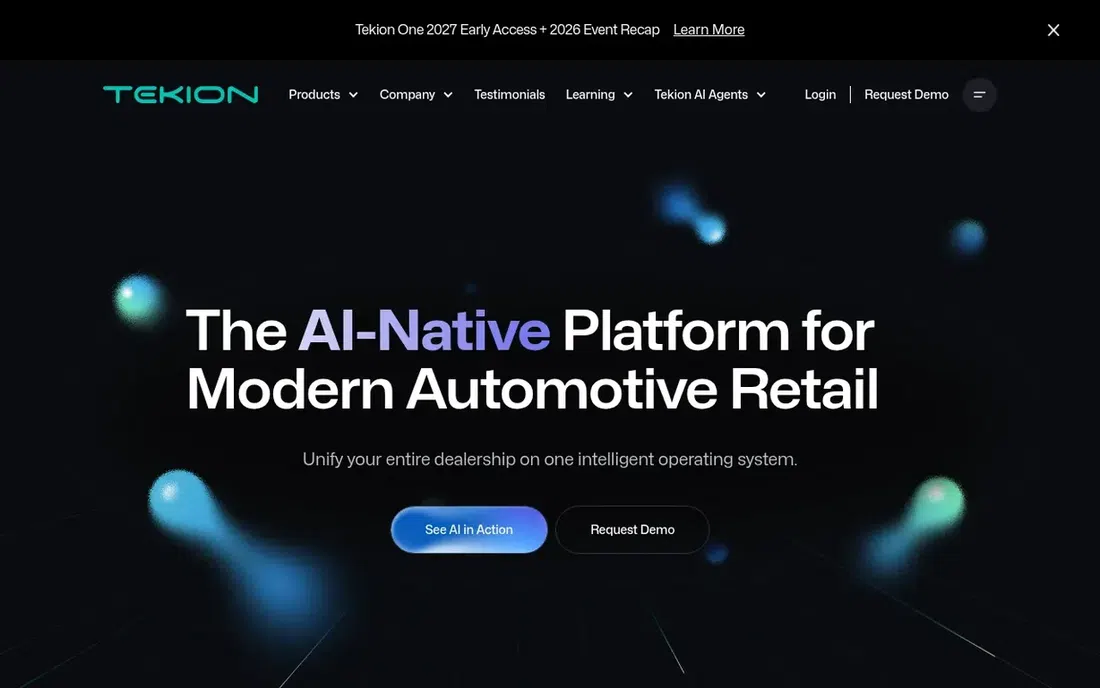
Tekion Automotive Retail Cloud works best for unified AI-native retail product. Tekion describes its Automotive Retail Cloud as an AI-native platform that brings together every part of the automotive retail business, including DMS, CRM, digital retail and service.
Where it is weaker: Full suite adoption is a large commitment.
In practice, since it is built as a cloud system, it suits laptop users who want one connected environment rather than multiple disconnected systems. Also, if you only need inventory pricing or a standalone CRM, a focused product may be more straightforward than adopting a full retail cloud. No starting price is listed for Tekion Automotive Retail Cloud here; confirm pricing on the vendor site. As for free access: Not stated.
- Handles service and retail in one system
- Brings together DMS
- Newer approach may need process change
vAuto
Best for: Used and new inventory management
vAuto serves used and new inventory management. For laptop users, it is a targeted choice for the inventory and pricing side of the business instead of a complete dealership operating system.
Points against: Narrower than a full DMS.
From a buyer's view, vAuto does not replace a dealer management system or CRM, so it performs best alongside other software. vAuto does not show a starting price in this comparison, so check the vendor site for current pricing. Free access: Not stated.
- Merchandising tools for listings
- Centred on inventory workflows
- Needs disciplined data practices
DealerSocket is designed for teams comparing choices in this category. Since the offering spans numerous areas, implementation can take planning, and some keeps may only need the CRM portion.
Pricing for DealerSocket is not stated here, so ask the vendor for current figures. Free plan details: Not stated.
Trade-offs to know: Wide scope can complicate setup.
- Unified CRM and DMS offering
- Covers inventory and digital retailing
- Fit depends on dealer type
Dealertrack DMS
Best for: Dealer management with F&I tools
Where Dealertrack DMS fits: dealer management with F&I tools. Dealertrack, part of Cox Automotive, lists products that contain a dealer management system, fixed operations, CRM, sales and F&I, and registration and titling.
Best features of Dealertrack DMS: Includes CRM.
From a buyer's view, dealers seeking a single light tool may prefer a narrower CRM or inventory product. On top of that, with plenty of modules under one brand, the practical experience relies on which pieces your store actually uses, so confirm the fit of each module before committing. No starting price is listed for Dealertrack DMS here; confirm pricing on the vendor site. Free plan details: Not stated.
Trade-offs to know: Module fit varies by dealership type.
- Brings registration and titling support
- Contains DMS and fixed operations
- Suite complexity across numerous modules
CDK Drive
Best for: Core dealership operations on laptop
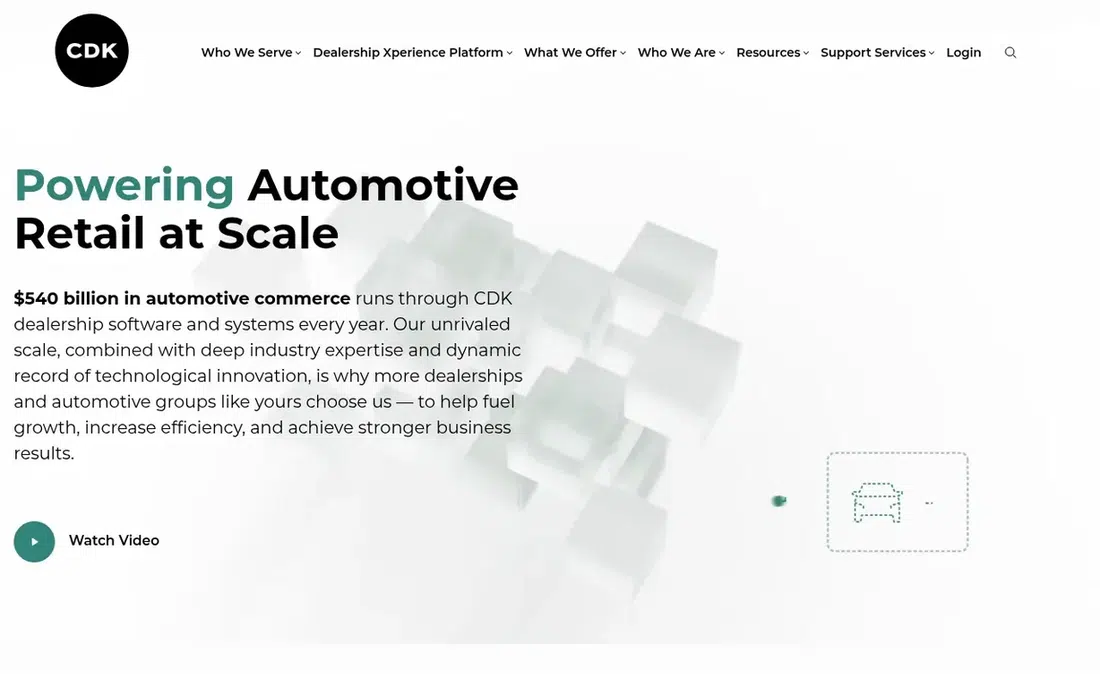
CDK Drive was built for core dealership operations on laptop. CDK Drive is the dealer management foundation within CDK Global, which describes itself as connecting world-class dealership software options that work together.
The breadth of the suite means setup and training take real effort, and smaller keeps may find parts of it heavier than needed. If you primarily want a light CRM or a single-purpose inventory tool, a narrower product may suit you better than a full dealer management system. CDK Drive does not show a starting price in this comparison, so check the vendor site for current pricing. As for free access: Not stated.
Watch-outs: Large suite can take time to learn.
- Links several dealership software options
- Wide coverage of dealership workflows
- Feature depth varies by module
VinSolutions makes the most sense for Dealership CRM and sales follow-up. VinSolutions provides an intelligent CRM for auto dealerships, geared toward helping teams reach customers at every stage of the buyer journey.
In daily use, for laptop users, it is a focused choice for sales and customer follow-up instead of a full operating system. If you need a single suite for the entire store, look at the broader products above. Pricing for VinSolutions is not stated here, so ask the vendor for current figures. Free plan details: Not stated.
The main drawbacks: CRM focus instead of full DMS.
- Supports customer contact management
- CRM built around the buyer journey
- Value relies on team adoption
How we chose
We compared the tools on published pricing, free plan or trial availability, feature coverage for automotive software for laptop, and the limits each vendor documents. Where a price is missing, the vendor does not list one publicly or ties it to a quote. Always confirm before budgeting. Order on the page follows fit for the typical buyer first, then price transparency and free access. Your own requirements should decide the final pick.
A buyer's checklist
- Request quotes from Tekion Automotive Retail Cloud, VinSolutions and the others; the list shows no fixed prices.
- Read the limits listed for Tekion Automotive Retail Cloud first: newer approach may need process change.
- Add up seats, add-ons and usage charges for Tekion Automotive Retail Cloud before comparing it with cheaper entries.
- Look at which plan of DealerSocket unlocks the features you need; entry tiers are often cut down.
- Ask CDK Drive which support channels and response times come with the plan you would buy.
FAQ
Can dealer management systems run on a laptop?
Most modern dealership products are delivered as cloud or browser-accessible systems, which means a laptop can reach core functions. Confirm browser support and any local installation requirements with the vendor before you commit.
Does any tool for automotive software for laptop here have a free plan?
A permanent free plan is not offered by Tekion Automotive Retail Cloud, VinSolutions or the other tools here. Plan a short evaluation period instead.
Is Tekion Automotive Retail Cloud the right pick for everyone comparing automotive software for laptop?
No single tool suits every team. Tekion Automotive Retail Cloud comes first because it fits unified AI-native retail platform, while vAuto suits used and new inventory management and DealerSocket suits teams comparing options in this category. Match the tool to your own size, budget and workflow before deciding.
How are the tools for automotive software for laptop ordered?
Tekion Automotive Retail Cloud sits first and VinSolutions last because the order follows typical fit for automotive software for laptop, then price clarity and free access. It is a judgement call, so read each profile for fit and limits.
Do these tools publish their prices?
No. None of the tools, from Tekion Automotive Retail Cloud to VinSolutions, shows a fixed starting price here, so budget time for quotes.
Sources
- https://tekion.com
- https://www.vauto.com
- https://www.dealersocket.com
- https://www.coxautoinc.com/dealertrack
- https://www.cdkglobal.com
- https://www.vinsolutions.com