Best Auto Scaling Software in 2026: 8 Tools Compared
Compare the best auto scaling software for 2026, from AWS and Azure to Karpenter and Cast AI, and pick a setup that keeps apps responsive without overspending.

- Editor's choice
 AWS Auto Scaling
AWS workloads at any size
Starts atSee websiteVisit aws.amazon.comFull review - Great alternative
 Azure Autoscale
Microsoft and hybrid workloads
Starts atSee websiteVisit azure.microsoft.comFull review - Also consider
 Google Cloud Autoscaler
Google Cloud VM workloads
Starts atSee websiteVisit cloud.google.comFull review
TL;DR:
- The built-in scaler from your cloud provider is usually the right starting point, because it already knows your instances, load balancers, and billing.
- Kubernetes teams get the most control from Karpenter for node scaling, paired with the Horizontal Pod Autoscaler for replica scaling.
- Third-party tools such as Cast AI and Spot by NetApp earn their place when cloud bills are high or Spot capacity is a large part of the plan.
- Scaling policy matters more than the brand: set minimums, maximums, cooldowns, and alerts before you trust any automatic change.
- Always test a scale-up and a scale-down under real traffic, and check what happens when a new instance fails its health check.
Quick comparison
| Tool | Best for | Starts at | Free plan? | |
|---|---|---|---|---|
| AWS Auto Scaling | AWS workloads at any size | See website | No | Visit |
| Azure Autoscale | Microsoft and hybrid workloads | See website | No | Visit |
| Google Cloud Autoscaler | Google Cloud VM workloads | See website | No | Visit |
 Karpenter | Kubernetes node scaling | Free | Yes | Visit |
 Cast AI | Automated Kubernetes cost control | See website | Free trial | Visit |
 Spot by NetApp | Spot and multi-cloud cost savings | See website | Free trial | Visit |
 Heroku | Small teams that want simple scaling | See website | No | Visit |
 Render | Simple cloud apps and APIs | See website | No | Visit |
The best auto scaling software
Auto scaling adds capacity when demand rises and removes it when demand falls, so users stay happy and idle servers do not sit on the bill. The eight options below cover native cloud scalers, Kubernetes tools, and cost-focused platforms.
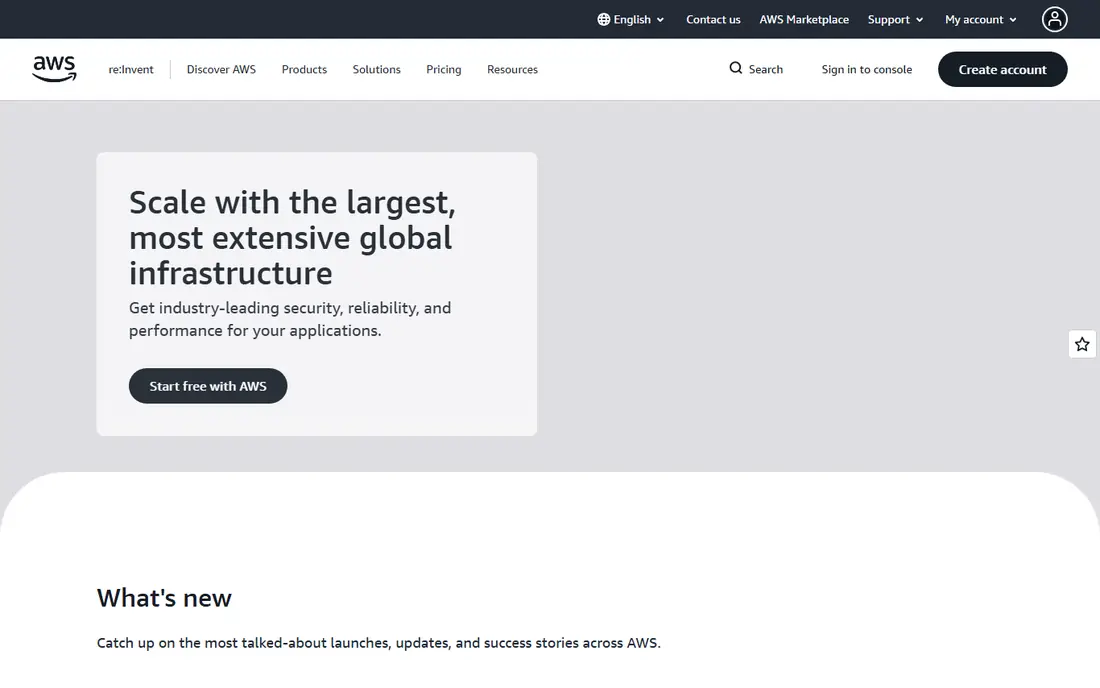
AWS Auto Scaling is the default choice for teams already running on Amazon Web Services, and that is a strength, not a shortcut. It can scale EC2 Auto Scaling groups, ECS services, DynamoDB tables, and other services from one set of policies, using CloudWatch metrics such as CPU, request count, or a custom metric your app publishes. Predictive scaling looks at past traffic patterns to add capacity ahead of a regular peak, while scheduled scaling suits a known event such as a sale or a nightly batch job.
The honest catch is that AWS gives you many dials, and a bad dial can cost money or cause flapping. Set a sensible minimum so a quiet night never drops to zero by accident, set a maximum so a traffic spike or a bug cannot launch an unlimited fleet, and use health checks so a broken instance is replaced rather than kept in service. Teams that take an hour to review those limits before launch tend to get the calm, boring scaling that this category should deliver.
- Deep integration with EC2, load balancers, and CloudWatch
- Predictive and scheduled scaling options
- No separate charge for the scaling service itself
- You still pay for the instances it launches
- Setup across many services takes planning
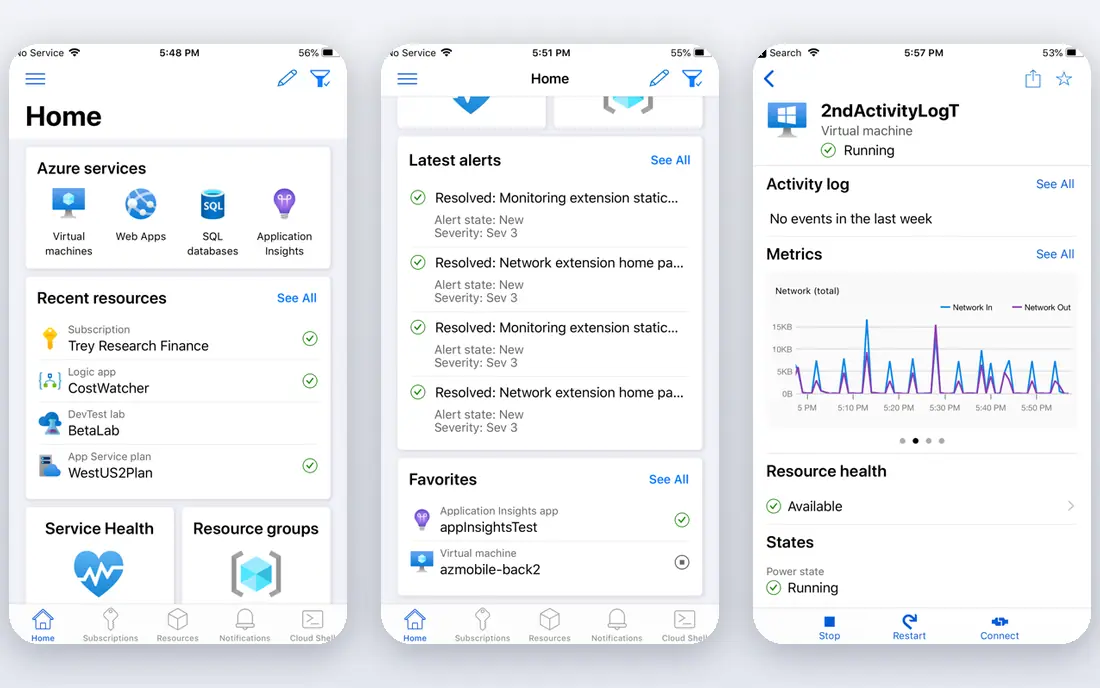
Azure Autoscale fits naturally into a Microsoft-centered estate, from App Service plans to Virtual Machine Scale Sets and serverless functions. Rules can react to CPU, memory, queue length, or a custom metric, and schedules can raise capacity for business hours and lower it overnight. For hybrid teams, the same thinking extends to Azure Arc connected resources, which helps when part of a workload still runs on premises.
The weakness is discoverability. Autoscale settings live on each resource rather than in one central console, so a team with many services needs a naming and tagging habit to keep policies consistent. Document each rule, who owns it, and what maximum it allows. Done that way, Azure Autoscale is a solid, low-drama choice for shops that already trust Microsoft tooling for identity, monitoring, and deployment.
- Native scaling for App Service, Virtual Machine Scale Sets, and Azure Functions
- Metric and schedule based rules
- Strong fit for Windows and .NET stacks
- Rule design can feel scattered across resources
- You pay for the resources it provisions
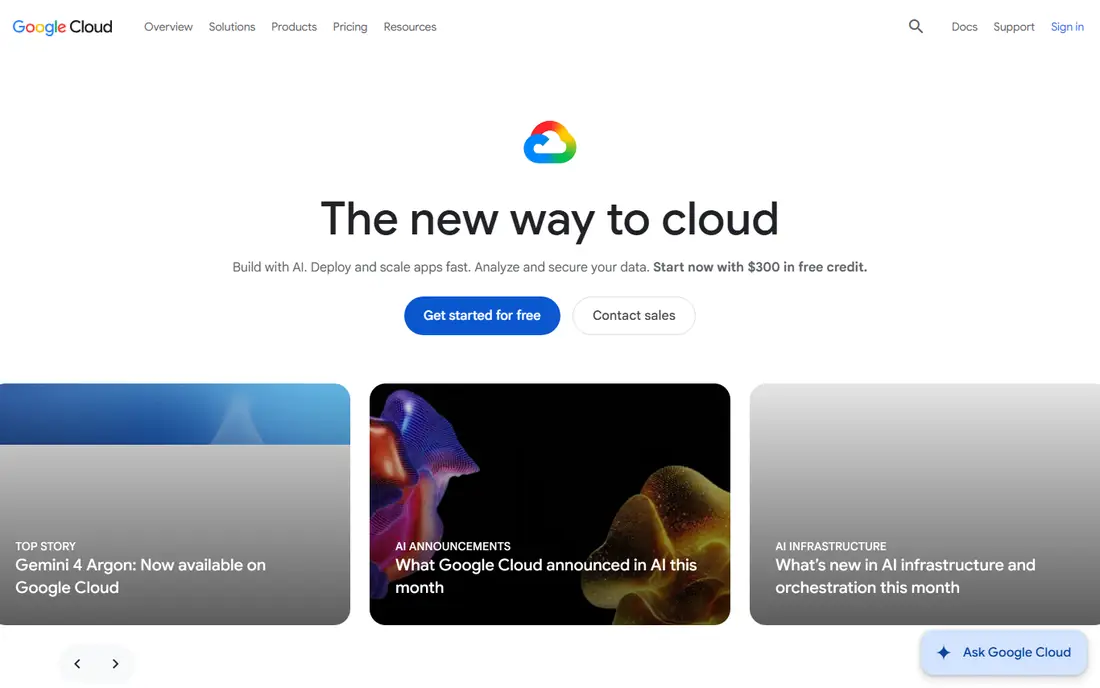
Google Cloud Autoscaler manages managed instance groups and adds or removes virtual machines based on utilization, load balancer serving capacity, or a Stackdriver metric you define. It works well for stateless web and API tiers, where any instance can serve any request and a new instance can join the load balancer quickly. Autoscaling policies, cooldown periods, and stabilization settings help avoid rapid add and remove cycles when traffic wobbles.
The limit is scope. This tool scales VMs, not every Google Cloud service, so database, queue, and Kubernetes scaling need their own settings in those services. That is normal for cloud platforms, but buyers should plan for it rather than assume one switch covers the whole stack. For a Google Cloud native team, though, the Autoscaler is simple, predictable, and easy to reason about during an incident.
- Per-second billing on the instances it manages
- Scaling on CPU, load balancing capacity, or custom metrics
- Strong fit for stateless web tiers
- Best suited to Google Cloud managed instance groups
- Stateful workloads need extra design work
Karpenter is an open source Kubernetes autoscaler that watches for pods that cannot be scheduled and launches the right size node for them, then removes empty nodes when they are no longer needed. That just-in-time approach often beats older cluster autoscalers, because it does not wait for a fixed node group to grow and it can pick from a wide range of instance types. It also handles Spot interruption notices, which matters for teams that use discounted capacity for fault-tolerant work.
The trade-off is operational skill. Karpenter is powerful, but it is not a managed service with a support line by default, and its provisioning rules need testing against your real workloads. Pair it with the Horizontal Pod Autoscaler or a similar replica scaler, so pods scale first and nodes follow. Teams with Kubernetes experience tend to like that split, while smaller teams may prefer a managed platform that wraps Karpenter style logic for them.
- Fast node provisioning based on actual pod needs
- Open source
- Works with many instance types and Spot capacity
- Needs Kubernetes skill to run well
- Node scaling is only one part of a full scaling plan
Cast AI automates the tedious parts of Kubernetes scaling: it rightsizes CPU and memory requests, packs pods onto fewer nodes, chooses cheaper instances, and manages Spot capacity with interruption prediction. A read-only mode lets a team see recommendations before automation takes effect, which is a sensible way to build trust with platform and finance colleagues. Cost views by cluster, namespace, and workload help show where the savings actually came from.
The main drawback is that pricing is not published, so a small team cannot quickly compare it to a do-it-yourself setup. It is also Kubernetes centered, so a shop with mostly virtual machines or serverless functions will get less from it. For a Kubernetes estate with a growing cloud bill, however, Cast AI is one of the more convincing automation options on this list.
- Automatic rightsizing, bin packing, and Spot handling for Kubernetes
- Read-only mode to review savings first
- Works across major Kubernetes platforms
- Pricing is quoted rather than published
- Limited value for VM heavy estates without Kubernetes
Spot by NetApp focuses on using spare cloud capacity safely. It predicts interruptions, moves workloads, and mixes On-Demand and Spot capacity so a sudden reclaim does not take down a service. That matters because raw Spot discounts look attractive until an interruption hits a stateful or latency sensitive workload at the wrong moment. Spot also covers containers and Elastigroup style workload management, which broadens it beyond a single cloud scaler.
The catch is that Spot is a platform to learn, not a single toggle. Teams should decide which workloads can tolerate interruption, which must stay On-Demand, and how much savings justifies the extra moving parts. Pricing is quoted, so get a trial and a clear estimate based on your actual instance mix before committing. For high volume, fault-tolerant workloads, the savings can be large enough to justify that effort.
- Automated Spot instance management across clouds
- Predictive interruption handling
- Cost and usage visibility
- Sales-led pricing
- Setup rewards teams that understand Spot risk tolerance
Heroku appeals to teams that want to ship code and let the platform handle the rest. Autoscaling adjusts the number of dynos for a process type based on response time or throughput thresholds, and performance dynos offer more CPU and memory for busier apps. There is no cluster to tune and no node group to size, which is exactly why many startups and internal tools start here.
The honest limit is cost and control at larger scale. Dyno pricing is simple to understand but can become expensive compared with raw cloud instances, and fine-grained scaling options are narrower than AWS or Kubernetes tools. If your app is small, steady, or early, that trade is often worth it. If traffic is spiky and large, compare the Heroku bill with a cloud native setup before you scale up.
- Simple slider and autoscaling for dynos
- Fast deploys
- Little infrastructure work for small apps
- Per-dyno pricing adds up at scale
- Less control than cloud native scalers
Render is a modern cloud platform for web services, static sites, background workers, and databases, with autoscaling that adds instances as load grows. Developers like the short path from a code repository to a live service, with health checks, preview environments, and simple environment variables. For a small API, a side project turned product, or an internal tool, that simplicity removes a lot of operational overhead.
The weakness is breadth. Render does not match the big clouds for specialized services, regions, or enterprise networking features, and teams with strict compliance or hybrid needs should check those limits early. For straightforward apps, though, Render scaling is easy to understand and easy to test, which counts for a lot when the team maintaining it is small.
- Autoscaling for web services and background workers
- Simple pricing by instance type
- Good developer experience
- Smaller ecosystem than the big clouds
- Advanced networking options are narrower
How we picked these
We compared official feature pages, pricing pages, app store and marketplace listings where relevant, public documentation, and public reviews for each product. We favored tools that are available now, that clearly explain how scaling decisions are made, and that fit a real use case, from a single cloud to Kubernetes to a simple hosted app. We did not claim hands-on testing, and we left out tools whose scaling story was vague or whose main job was monitoring alone.
What to check before you switch scaling on
Start with the workload, not the tool. A stateless web tier can scale in seconds and tolerate instance replacement, while a database, a queue consumer with long jobs, or a stateful service needs graceful shutdown, connection draining, and a plan for in-flight work. Write down the metric that truly signals overload for your app. CPU is a common proxy, but request latency, queue depth, or active connections often reflect user pain sooner.
Next, set guardrails. A minimum keeps a cold start problem away, a maximum caps the bill, and a cooldown prevents rapid scale up and down when traffic flickers. Add alerts for scaling events, failed launches, and capacity that stays at its maximum for a long time, because a service pinned at its ceiling is a sign that the limit, the app, or the database needs attention. Finally, run a load test in staging and a controlled test in production, then review the bill and the latency graphs together. Scaling that looks good in a dashboard but costs twice as much for the same user experience is not a win.
Scaling patterns worth knowing
Reactive scaling responds to a metric that has already crossed a threshold. Predictive scaling uses history to prepare for a regular peak. Scheduled scaling fits known events, and queue based scaling fits workers that drain a backlog. Most mature setups mix two of these, for example scheduled capacity for a known peak plus reactive rules for surprises. Keep the pattern simple enough that an on-call engineer can explain it at 3 a.m.
Cost control habits
Tag scaled resources by team and service, review the largest scaled groups each month, and ask whether a lower minimum, a smaller instance, or a Spot mix would hold latency. Right-size first, then automate. Automation on top of an oversized baseline just scales waste faster.
FAQ
What is auto scaling software?
Auto scaling software adds or removes computing capacity based on demand, using metrics, schedules, or predictions. The goal is steady performance during peaks and lower cost during quiet periods, without a person watching a dashboard all day.
Is auto scaling the same as load balancing?
No. A load balancer spreads requests across healthy instances, while auto scaling changes how many instances exist. Most production setups use both, so traffic is shared well and capacity grows when the shared pool gets busy.
Do I pay for the auto scaling tool itself?
It depends. Native cloud scalers are often included at no extra charge, and you pay for the instances they launch. Third-party Kubernetes platforms usually charge a subscription or a quoted fee, so compare that fee with the cloud savings they claim.
Can auto scaling cause downtime?
It can if health checks, startup time, or shutdown handling are wrong. Test new instance startup, connection draining, and replacement of a failed instance before you rely on scaling during a real peak.
How do I pick between native scaling and a third-party platform?
Start native if you run mainly on one cloud or one Kubernetes cluster. Consider a third-party platform when bills are high, Spot use is large, or several clusters need one cost and scaling policy.