Best Autodialer Software in 2026: 8 Tools Compared
Compare the best autodialer software for sales and contact centers, with power, predictive, and parallel dialing, compliance tools, and pricing details.
- Editor's choice
 Five9
Enterprise outbound contact centers
Starts atSee websiteVisit five9.comFull review - Great alternative
 PhoneBurner
Sales teams that want controlled calling
Starts atSee websiteVisit phoneburner.comFull review - Also consider
 Kixie
Sales teams centered on a CRM
Starts atSee websiteVisit kixie.comFull review
TL;DR:
- Power dialers call one number at a time, predictive dialers pace calls for a team, and parallel dialers call several lines at once.
- Compliance tools matter as much as speed: calling hours, do-not-call lists, and consent records must be easy to manage.
- CRM logging saves time, since calls, notes, and outcomes should land on the contact record without manual entry.
- Per-seat pricing, seat minimums, and usage fees can change the total far more than the headline price.
- A dialer that hurts answer rates with spam flags or long pauses will cost more in lost conversations than it saves in dials.
Quick comparison
| Tool | Best for | Starts at | Free plan? | |
|---|---|---|---|---|
| Five9 | Enterprise outbound contact centers | See website | No | Visit |
| PhoneBurner | Sales teams that want controlled calling | See website | Free trial | Visit |
| Kixie | Sales teams centered on a CRM | See website | Free trial | Visit |
 JustCall | Small and mid-size sales teams | $29 per user per month | Free trial | Visit |
 CloudTalk | International teams and growing firms | $25 per user per month | Free trial | Visit |
 Aircall | Teams that need broad integrations | $30 per license per month | Free trial | Visit |
 Convoso | High-volume outbound contact centers | See website | No | Visit |
 Orum | SDR teams using parallel dialing | See website | No | Visit |
The best autodialer software
Autodialer software dials numbers from a list, connects agents to live answers, and logs outcomes. We compared official feature pages, pricing pages, app store listings, privacy policies, and public reviews, and we kept tools with real dialer modes, CRM links, and compliance controls. This is not legal advice: follow telemarketing and do-not-call rules for your region and industry.
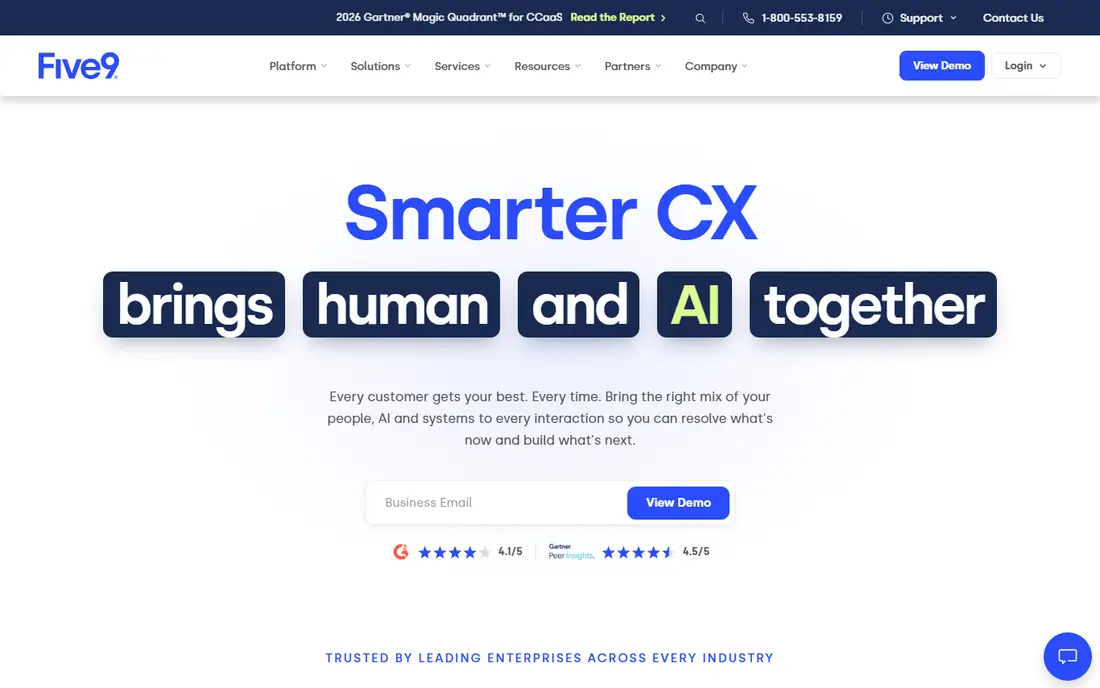
Five9 is the enterprise choice when a contact center needs several dialer modes under one roof. Predictive pacing suits large teams with high answer rates, while preview and progressive modes suit calls that need agent preparation. Campaign controls, time zone rules, and do-not-call list handling help managers run compliant campaigns at scale.
The downside is cost and complexity. Pricing is quoted, and guides report seat minimums that put Five9 out of reach for a small team. For a large center that needs governance and reporting, that depth is worth it. For a five-person sales team, a simpler dialer will be faster to run.
- Predictive, power, progressive, and preview dialing
- Strong campaign governance
- Deep reporting
- Quote-only pricing with seat minimums reported in guides
- Implementation takes time
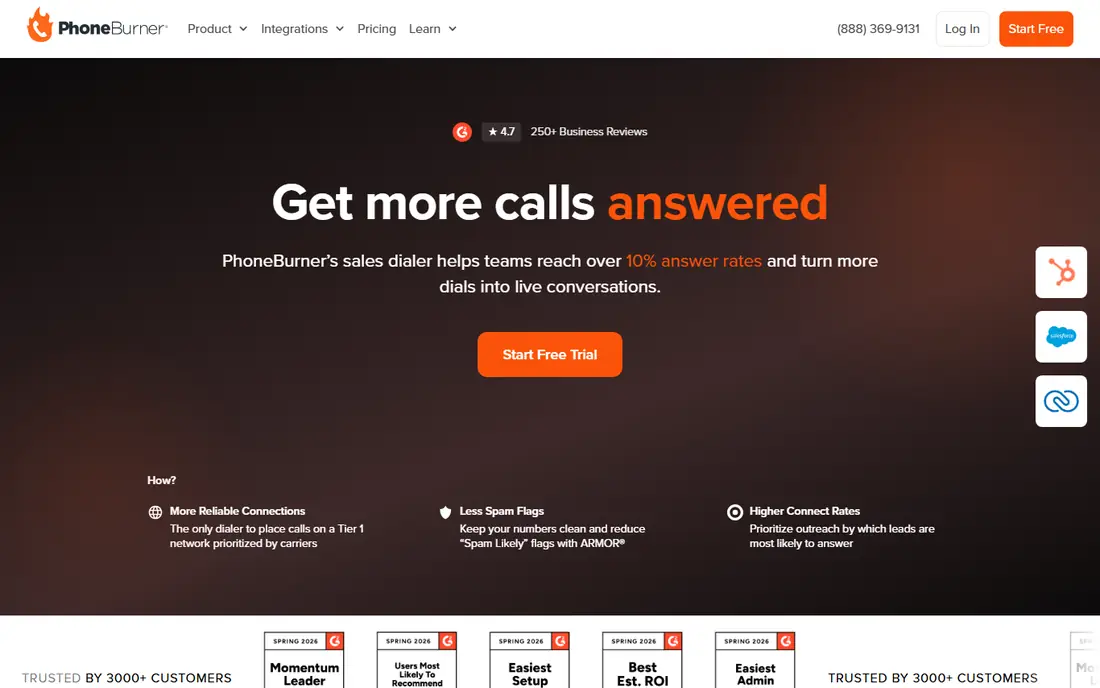
PhoneBurner focuses on quality conversations rather than raw dial volume. It dials one number at a time, drops a pre-recorded voicemail when no one answers, and logs the call and follow-up steps. That flow suits teams that sell by conversation, not by dialing as many numbers as possible in an hour.
The price per user is higher than a basic phone system, so a team should compare cost per conversation, not only cost per seat. If answer rates and caller reputation matter, PhoneBurner has tools to protect them. If you need parallel dialing for a large SDR floor, look at Orum instead.
- One-to-one power dialing without awkward pauses
- Voicemail drop and email follow-up
- Caller reputation tools
- Price is high per user compared with general phone tools
- Texting sits on higher plans in some guides
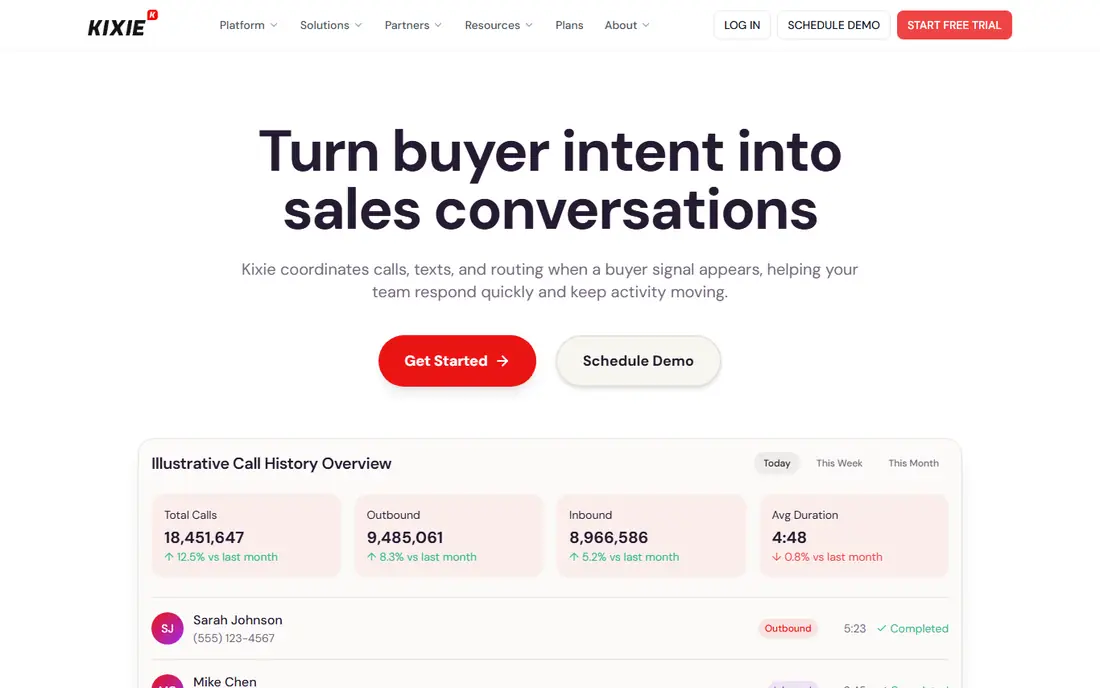
Kixie fits a team that lives in HubSpot, Salesforce, or a similar CRM. Calls log to the contact record with notes and outcomes, and power dialing moves through a list without manual dialing. Texting and local presence options help agents reach prospects who ignore unknown numbers.
Pricing clarity is the main watch point, since Kixie quotes rather than publishing a full rate card in some cases. Ask what dialer modes, lines, and compliance add-ons are included. For a CRM-first sales team, the logging and workflow savings are the main draw.
- Power dialing with multi-line options
- CRM call logging
- Local presence and texting tools
- Pricing is not published in full
- Some compliance checks are add-ons in guides
JustCall is a practical middle ground for a team that needs calling, texting, and CRM logging without enterprise pricing. The power dialer works through a list with voicemail drop, and calls and texts log to the contact record. AI summaries on higher plans can save note-taking time after calls.
Entry plans do not include the full dialer, so price the tier that actually includes power dialing. A team of two or more should also check minimum seat rules. For a small sales team that wants one phone and dialer tool, JustCall is a solid trial candidate.
- Power dialer on higher plans
- CRM logging and AI summaries on some plans
- SMS and voice together
- Power dialer needs a higher tier than the entry plan
- Minimum seat counts apply on some plans
CloudTalk suits a team that calls across countries or needs a phone system plus a dialer. International numbers, call routing, and analytics sit alongside dialer modes, so a support and sales team can share one platform. Integrations with CRMs and helpdesks keep call records close to customer data.
The pricing detail to check is the dialer add-on. On some tiers, power dialing costs extra, which changes the comparison with a tool that includes it. For an international team, number coverage and call quality matter as much as dialer speed, so test calls to your main markets.
- Power, parallel, and smart dialing options
- International numbers
- Many integrations
- Power dialer can be an add-on on lower tiers
- Pricing varies by currency and region
Aircall is known for fast setup and a wide integration list, which helps a team that wants calls logged in HubSpot, Salesforce, Zendesk, or a similar tool. The power dialer on higher plans moves through lists, and call analytics help managers coach agents. Shared inboxes and routing also suit a mixed sales and support team.
The dialer is not on the lowest plan, so a buyer should price the Professional tier or above. For a team that already uses a CRM heavily and wants a phone system that fits it, Aircall is a strong option. For a pure high-volume dialer floor, a specialist tool may be faster.
- Power dialer on higher plans
- Many CRM and helpdesk integrations
- Quick setup
- Dialer needs a higher tier
- Minimum license counts apply on some plans
Convoso is built for outbound teams that dial large lead lists every day. It offers predictive pacing, lead distribution, and reporting, with do-not-call checks that help a compliance-minded manager. Lead management tools also help teams recycle, reassign, and track leads across campaigns.
Pricing is quoted and often annual, and extra fees can apply, so a written quote is essential. Small teams will likely find Convoso more than they need. For a high-volume outbound center, the pacing and lead tools are the reason to consider it.
- Predictive and power dialing at scale
- Do-not-call checks
- Lead management and reporting
- Quote-only pricing, often annual
- Carrier and usage fees can add to the total
Orum is designed for sales development teams that want to reach more prospects per hour through parallel dialing. An agent can dial several numbers at once, connect to the first live answer, and log the outcome to the CRM. That pace suits a team with strong lists, clear talk tracks, and coaching support.
The limits are cost and fit. Pricing is quoted, guides report a seat minimum, and parallel dialing works best when lists are clean and agents are trained. A new team may do better with a power dialer first. For a mature SDR team, Orum can raise connect rates without adding headcount.
- Parallel dialing for many lines at once
- CRM logging
- Coaching and analytics tools
- Quote-only pricing with seat minimums
- Best for mature SDR teams, not beginners
How we picked these
We compared official feature pages, pricing pages, app store listings, privacy policies, and public reviews for tools with real autodialer modes. We kept tools that offer power, predictive, parallel, or progressive dialing, CRM logging, and some compliance controls, and we included enterprise, mid-size, and small-team options. Where vendor pricing was quoted rather than published, we used See website. We did not claim hands-on testing, and we did not present telemarketing rules as legal advice.
How to choose autodialer software
Match the dialer mode to the call type
Power dialing suits warm lists and longer conversations. Predictive dialing suits large teams with high answer rates and short calls. Parallel dialing suits SDR teams with clean lists and fast qualification. Preview dialing suits complex calls where the agent must read notes first. Pick the mode that fits your calls, not the fastest mode on the page.
Check compliance before you check speed
Confirm calling hours by contact time zone, do-not-call list handling, consent records, and opt-out handling. Ask whether the tool blocks restricted numbers, holds calls outside allowed hours, and logs consent. A fast dialer that creates compliance risk is a bad deal, even at a low price.
Test answer rates, not only dial rates
Dials per hour mean little if few people answer or if spam flags hurt pickup. Test caller ID, local presence, and spam mitigation, and track connect rate, conversation rate, and callback rate during a trial. A slower dialer with better answer rates can win more meetings.
Price seats, minimums, and usage together
Ask for seat minimums, dialer add-ons, minutes, texting, and any carrier fees in writing. A tool that looks cheap per seat can cost more once dialer modes and usage are added. Model the total for your team size and expected call volume.
FAQ
What is the best autodialer software for a small sales team?
JustCall, CloudTalk, and Aircall suit many small teams, since they combine phone, texting, and CRM logging at a lower entry price than enterprise dialers. PhoneBurner suits a team that values controlled, high-quality calls. Price the tier that includes the dialer mode you need.
What is the difference between power, predictive, and parallel dialing?
Power dialing calls one number at a time and moves to the next when the call ends. Predictive dialing uses answer-rate data to pace calls for a team. Parallel dialing calls several numbers at once for one agent and connects the first live answer. Each mode fits a different team size and call style.
Is autodialer software legal?
Autodialers are regulated in many regions, with rules on consent, calling hours, do-not-call lists, and robocalls. Rules differ by country, state, and call type, and this article is not legal advice. Check current rules for your market, and use a tool with calling-hour and do-not-call controls.
How much does autodialer software cost?
Small-team tools start around $25 to $30 per user per month on annual billing, while enterprise dialers are quoted and often have seat minimums. Add dialer add-ons, minutes, texting, and carrier fees to get the true total. A written quote is the safest comparison.
Does an autodialer work with my CRM?
Most tools in this list link to HubSpot, Salesforce, and other CRMs, logging calls, notes, and outcomes. Check whether logging is automatic, whether texts log too, and whether the dialer can work from a CRM list. A manual logging step will slow agents and create gaps.
Can an autodialer improve answer rates?
It can help with local presence, caller reputation tools, and better pacing, but list quality matters more. Clean numbers, correct time zones, and a clear reason to call will improve answers more than dialing faster. Track connect rate during a trial to see the real effect.