Best Audio Quality Streaming Services in 2026: 8 Services Compared
We compare the best audio quality streaming service options for 2026, ranking 8 services for lossless, hi-res, spatial audio, price, and catalogue depth.
- Editor's choice
 Apple Music
Best overall sound value
Starts at$10.99 per monthVisit apple.comFull review - Great alternative
 Qobuz
Pure hi-res FLAC
Starts at$12.99 per monthVisit qobuz.comFull review - Also consider
 Tidal
Hi-res plus Atmos
Starts at$10.99 per monthVisit tidal.comFull review
TL;DR:
- Apple Music is the best audio quality streaming service for most listeners, with lossless and hi-res lossless included at no extra charge.
- Qobuz is our pick for serious hi-fi listeners who want pure FLAC, hi-res downloads and detailed editorial notes.
- Tidal combines hi-res FLAC, Dolby Atmos and strong playlists, and it suits listeners who want immersive audio as well as quality.
- Amazon Music Unlimited is the best value for Prime members, with HD and Ultra HD included in the standard plan.
- Bluetooth headphones limit what you hear, so wired headphones or a DAC are needed to get the full benefit of hi-res streams.
Quick comparison
| Tool | Best for | Starts at | Free plan? | |
|---|---|---|---|---|
| Apple Music | Best overall sound value | $10.99 per month | Free trial | Visit |
| Qobuz | Pure hi-res FLAC | $12.99 per month | Free trial | Visit |
| Tidal | Hi-res plus Atmos | $10.99 per month | No | Visit |
 Amazon Music Unlimited | Prime member value | See website | Free trial | Visit |
 Deezer | Lossless plus discovery | $11.99 per month | Yes | Visit |
 Spotify | Discovery and playlists | See website | Yes | Visit |
 YouTube Music | Videos and rare recordings | See website | Yes | Visit |
 Roon | Local library plus streaming | $14.99 per month | Free trial | Visit |
The best audio quality streaming services
Audio quality is not only about the highest number on a spec sheet. Catalogue, app quality, offline playback, spatial audio and the headphones you own all shape what you hear. The services below all offer lossless or better audio, but they differ in format, price and the extras around the music.
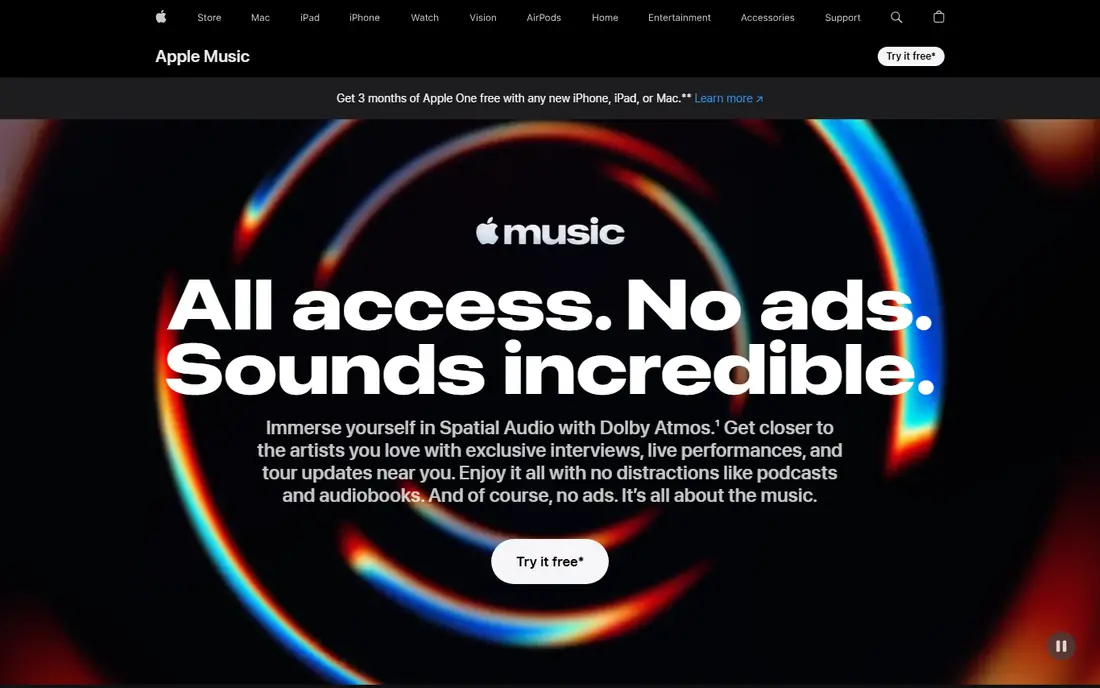
Apple Music gives most listeners the best sound per dollar, because lossless audio up to 24-bit/192 kHz is included in the standard individual plan, with no hi-fi upgrade to buy. The catalogue covers more than 100 million tracks, and a growing set supports Dolby Atmos for compatible headphones and speakers. Apple Music Classical is also included, which is a bonus for classical listeners who want proper work and movement browsing.
The catch is hardware. iPhones play standard lossless directly, but files above 24-bit/48 kHz need an external DAC and wired headphones to be heard at full resolution. Bluetooth, including AirPods, does not carry true lossless audio. If you mainly listen on an iPhone with wired headphones or a home DAC, Apple Music is hard to beat. Android users can subscribe too, though the experience feels most natural on Apple devices.
- Lossless and hi-res lossless included
- Dolby Atmos and Spatial Audio
- Apple Music Classical included
- Best experience is inside Apple devices
- Hi-res above 24-bit/48 kHz needs an external DAC
- No permanent free tier
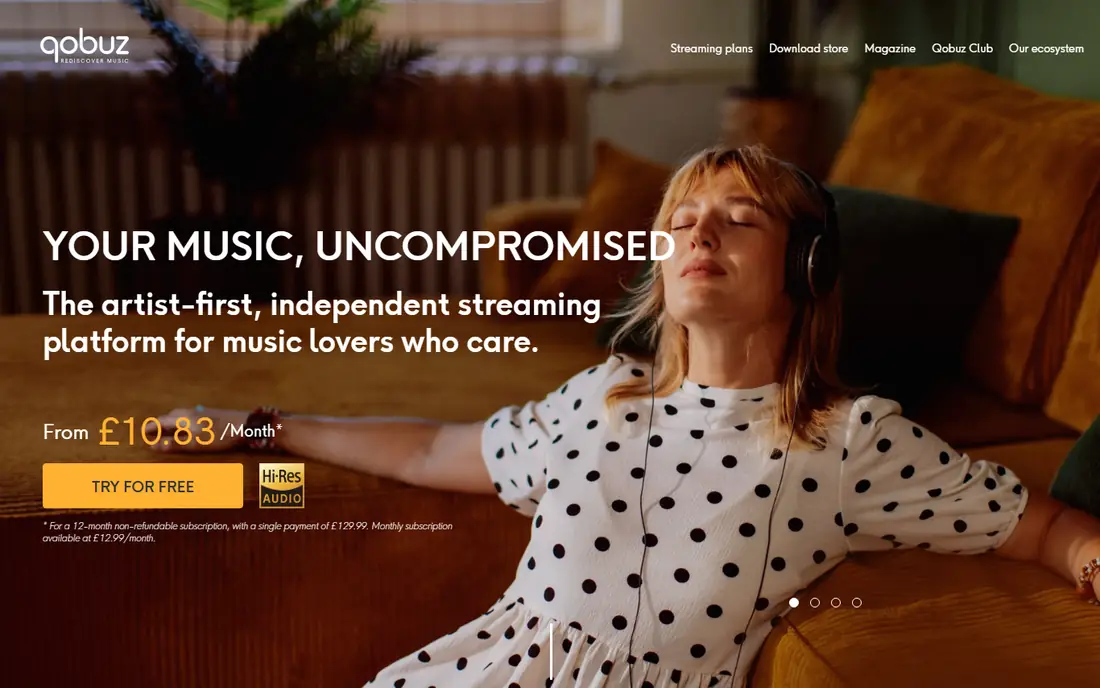
Qobuz is the service for listeners who care about the file itself. Streams are FLAC, with CD quality and hi-res up to 24-bit/192 kHz, and the download store lets you buy albums to keep in hi-res. Editorial content, artist notes and digital booklets make it feel closer to a record shop than a playlist app, and that tone appeals to album listeners.
The trade offs are clear. There is no Atmos, no podcast library and no music videos, so Qobuz is not an all in one entertainment app. Discovery is solid but not as personalised as Spotify, and social features are thin. If sound quality and ownership matter most, and you listen to full albums on good headphones or speakers, Qobuz is our pick for serious listening.
- True FLAC hi-res up to 24-bit/192 kHz
- Download store to buy and keep albums
- Rich editorial notes and booklets
- No Dolby Atmos
- No podcasts or videos
- App and discovery are weaker than Spotify or Apple
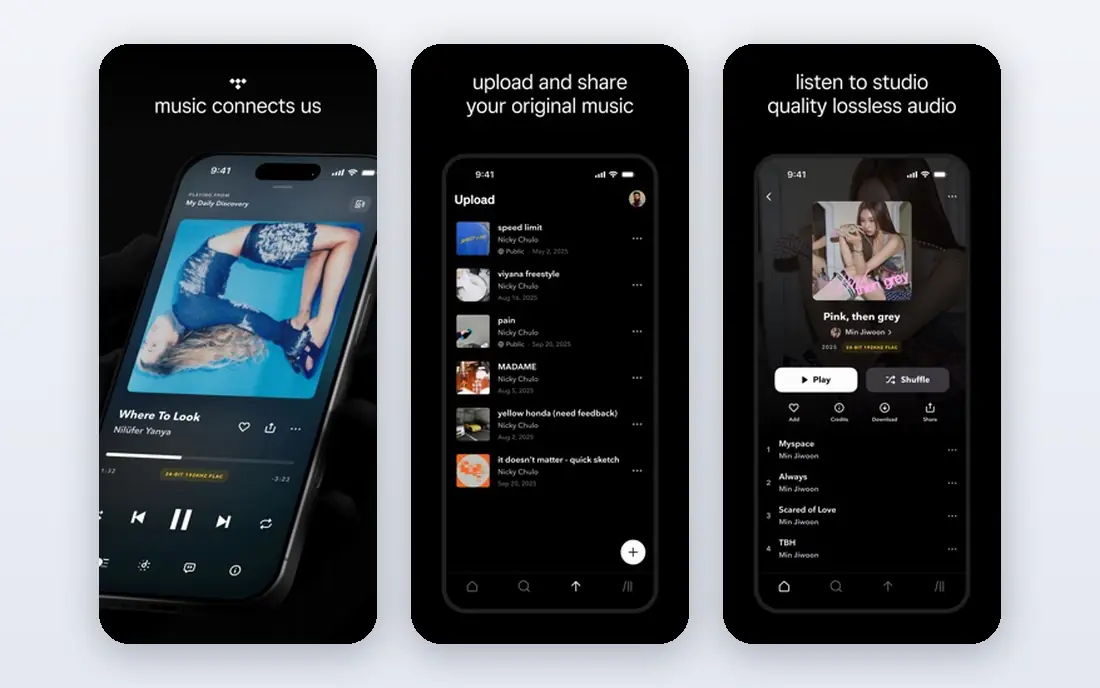
Tidal has moved to FLAC for hi-res listening, and the standard plan now includes lossless and hi-res streams along with Dolby Atmos tracks. That combination suits listeners who want both detail and immersive sound, without paying for a separate upgrade. Editorial playlists, artist content and live sessions add depth beyond the catalogue.
Pricing has changed over time, so check the current plan page before subscribing, and confirm what resolution and Atmos access your plan includes. Tidal dropped its free tier, so every listener pays, though trials are often available. For a listener who wants hi-res, Atmos and a strong music first app, Tidal is a close rival to Apple Music.
- Hi-res FLAC up to 24-bit/192 kHz
- Dolby Atmos and 360 audio
- Strong editorial playlists and live content
- No free tier
- Catalogue tools can be confusing
- Best value depends on the plan you choose
Amazon Music Unlimited includes HD, which is CD quality, and Ultra HD up to 24-bit/192 kHz, in the standard subscription. Prime members pay less than non members, which makes it the best value hi-res option for households already paying for Prime. Alexa integration is a real advantage if you listen on Echo speakers or in the car through Alexa.
The app is not as strong on discovery and playlists as Spotify or Apple Music, and some users report occasional bugs. If you already live in the Amazon ecosystem, those flaws are easy to live with. Check the current Prime and non Prime prices on the vendor site, since they change, and test Ultra HD on your headphones or speakers before judging the sound.
- HD and Ultra HD included
- Lower price for Prime members
- Works well with Alexa and Echo speakers
- App discovery is weaker than Spotify
- Non Prime price is higher
- Interface can feel busy
Deezer is a good middle ground for listeners who want lossless audio and a recommendation engine that actually surprises them. Paid plans include FLAC lossless streams, and the Flow feature builds a personal mix from your favourites and new suggestions. Lyrics, podcasts and a large catalogue round out an app that is easy to use day to day.
Deezer does not match Qobuz or Tidal on hi-res depth, and the free tier streams at lower quality with ads. That makes it a better choice for CD quality listening and discovery than for chasing the highest resolution files. If you want lossless sound without giving up personalised discovery, Deezer deserves a trial.
- Lossless FLAC on paid plans
- Flow personalised mix
- Large catalogue and lyrics features
- Hi-res catalogue is narrower than Qobuz or Tidal
- Free tier is not lossless
- Some features vary by country
Spotify remains the best service for finding new music, sharing playlists and listening across devices. Its recommendation engine, daily mixes, collaborative playlists and podcast library are still ahead of most rivals. A lossless tier is now available in many markets, which closes much of the quality gap for everyday listening on good headphones.
The honest catch is resolution. Spotify lossless tops out below the 24-bit/192 kHz hi-res offered by Apple Music, Qobuz, Tidal and Amazon, and availability varies by country and plan. If you listen mainly on Bluetooth headphones or in the car, that difference will be hard to hear. If you own a DAC and wired headphones and want the highest files, pick a hi-res rival instead.
- Best discovery, playlists and social features
- Huge catalogue and podcasts
- Lossless tier available in many markets
- Highest resolution is below true hi-res rivals
- Lossless availability varies by plan and country
- Price has risen
YouTube Music wins on catalogue depth in a different way from the services above. Live recordings, covers, rare tracks and official videos sit alongside studio albums, and search can find a song from a lyric fragment or a vague description. For fans of live music and music videos, no other service matches that breadth.
Sound quality is the weakness. Streams are compressed at a lower bitrate than lossless rivals, so YouTube Music is not the pick if audio quality is your main question. The free tier includes ads, and background play and downloads need a paid plan. Choose it for videos and rare recordings, and pair it with a hi-res service if critical listening matters to you.
- Huge catalogue including live and rare recordings
- Music videos built in
- Strong search for obscure tracks
- Audio quality is lower than lossless rivals
- Best value often needs full YouTube Premium
- App is video focused
Roon is not a streaming service on its own. It is a music player and library manager that organises your local files and your Tidal or Qobuz streaming library into one rich interface, with detailed credits, lyrics, reviews and recommendations. Playback can be bit perfect to network players, DACs and speakers around the home, which appeals to hi-fi owners.
The cost and setup are the barriers. Roon needs a computer or server running as a core, and the subscription sits on top of whatever you pay Tidal or Qobuz. Phone only listeners will not get the benefit. For a listener with a large local collection, a home hi-fi system and a Qobuz or Tidal subscription, Roon turns a good streaming setup into a proper music library.
- Superb library management and metadata
- Integrates Tidal and Qobuz
- Bit perfect playback to many devices
- Needs a core computer or server
- Subscription is on top of streaming costs
- Overkill for phone only listeners
How we picked these
We compared official pricing and audio quality pages, format specifications and public reviews for services available in the United States. We kept only services that offer lossless audio or a clear high quality tier, that are actively maintained, and that cover a distinct listener need. Where pricing varies by plan or promotion, we wrote See website or used the widely published individual price and noted that it should be checked.
Getting the best sound from your service
A hi-res subscription alone does not guarantee hi-res sound. Check the audio settings in the app and set quality to lossless or hi-res for both streaming and downloads, since some apps default to a lower setting on mobile data. Download over Wi-Fi if you listen offline, because downloaded files keep the quality you choose and avoid mobile network limits.
Headphones, speakers and DACs matter more than the app badge
Bluetooth headphones, even good ones, use compressed codecs that do not carry true lossless audio. To hear hi-res files at full resolution, use wired headphones with a DAC that supports the sample rate, or a home streamer and speakers that accept the file directly. That does not mean Bluetooth listening is bad. It means the difference between services shrinks on Bluetooth, and catalogue, price and app quality should weigh more heavily.
Test with music you know well
Pick three tracks you know intimately: one acoustic, one dense and loud, and one with quiet detail. Listen to each on your usual headphones, then on wired headphones if you have them, and note whether you hear a real difference or only a louder mix. If you cannot hear a difference after a fair test, choose the cheaper or more convenient service and enjoy the music.
FAQ
Which music streaming service has the best audio quality?
Apple Music and Qobuz are the strongest answers for most listeners. Apple Music includes hi-res lossless at a standard price, while Qobuz offers pure FLAC hi-res and a download store. Tidal and Amazon Music Unlimited also offer hi-res, so the best choice depends on your headphones, your budget and whether you want Atmos.
Which music service has the best sound quality on an iPhone?
Apple Music is the best sound quality choice on an iPhone for most users, because lossless and Spatial Audio are built into the app and the device. For files above 24-bit/48 kHz, add an external DAC and wired headphones. Tidal and Qobuz also sound excellent on iPhone with the right hardware.
Is hi-res audio worth it?
Hi-res audio is worth it if you listen on wired headphones, a DAC or a good home system, and if you listen to well recorded music at a volume where detail matters. On Bluetooth headphones, in a car, or at low volume, the difference is small. Start with lossless, which is a clear step up from compressed streams, before paying extra for hi-res.
What is the best music app for sound quality and discovery?
Spotify is still the best for discovery, but its highest resolution is below true hi-res rivals. Deezer offers lossless audio with strong personalised discovery, and Apple Music pairs hi-res with good editorial playlists. If discovery matters as much as sound, test Deezer and Apple Music first.
Do I need a DAC for lossless music?
You need a DAC that supports the sample rate if you want to hear hi-res files above 24-bit/48 kHz at full resolution on a phone. Standard lossless at CD quality plays directly on most phones with wired headphones. Bluetooth headphones do not need a DAC, because the Bluetooth codec, not the DAC, limits the sound.