Top 6 Attorney Software for Compliance for 2026 (Prices and Free Plans)
Best attorney software for compliance: 6 contenders ranked by fit, with entry costs and free tiers. Each listing flags where it falls short. Jump to the table.
- Editor's choiceLogikcull
Cloud eDiscovery and legal holds
Starts atSee websiteVisit logikcull.comFull review - Great alternative
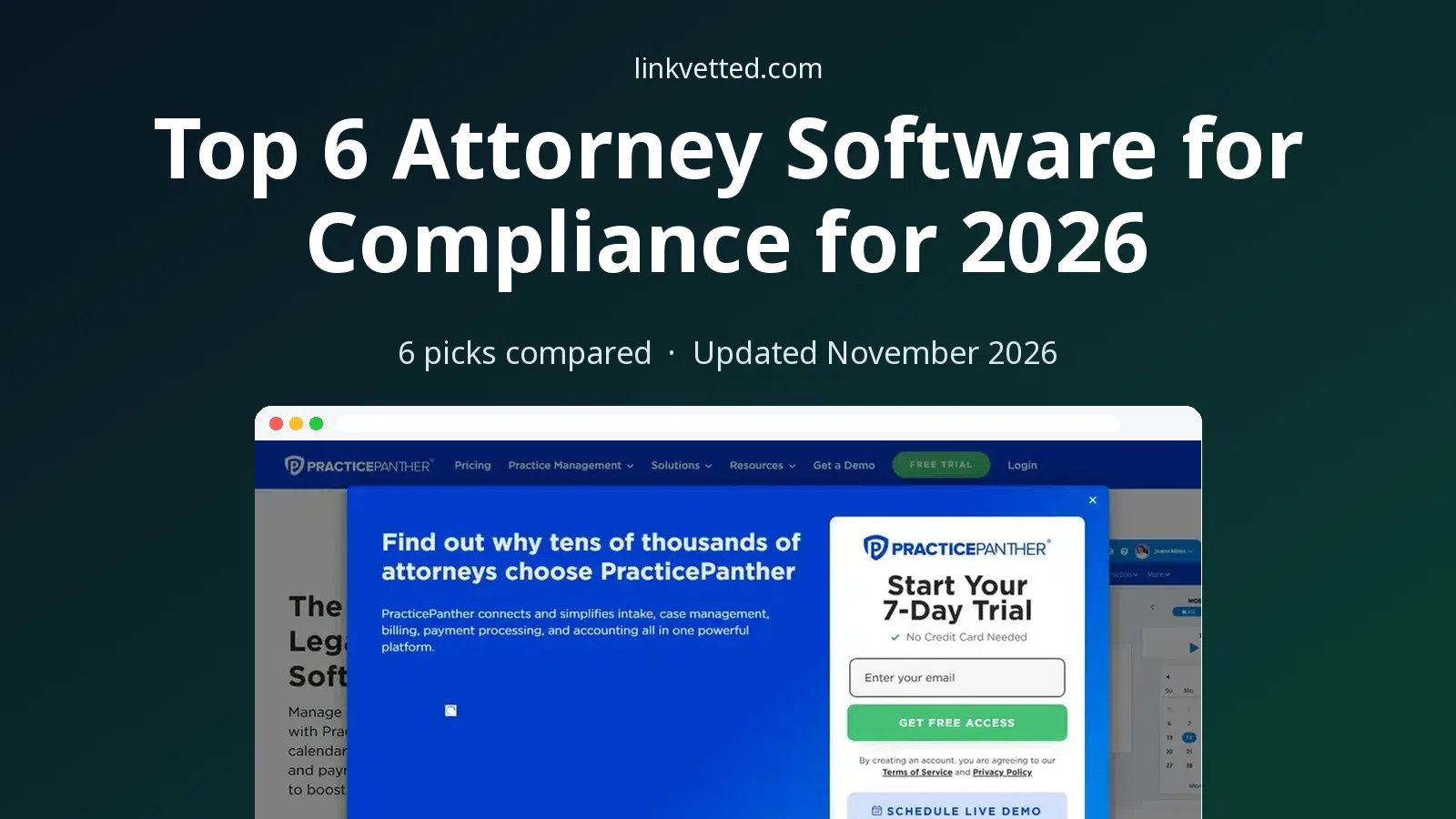
 PracticePanther
Automating firm processes and billing
Starts at$49 per user a monthVisit practicepanther.comFull review - Also consider
 MyCase
Running cases, clients and billing together
Starts at$50 per user per monthVisit mycase.comFull review
Direct answer
This list puts Logikcull first for cloud eDiscovery and legal holds. Listed starting prices: PracticePanther from $49 per user a month and MyCase from $50 per user per month. PracticePanther fits automating firm processes and billing; MyCase fits running cases, clients and billing together. The full list of 6 tools follows, with prices and free plan facts.
TL;DR:
- Top of the list is Logikcull, which targets cloud eDiscovery and legal holds.
- For the cheapest start, look at PracticePanther: $49 per user per month.
- One limit worth knowing about Logikcull: centred on discovery instead of firm management.
- Logikcull, Everlaw and the 4 others all need a premium plan or a trial, since no free plan is listed.
- Everlaw suits litigation and investigations review.
Last checked November 2026. Prices and plan details were read from the vendors' own pages in November 2026; vendors change plans often, so confirm the current price on the vendor site before you buy.
Quick comparison
| Tool | Best for | Starts at | Free plan? | |
|---|---|---|---|---|
| Logikcull | Cloud eDiscovery and legal holds | See website | Free trial | Visit |
| PracticePanther | Automating firm processes and billing | $49 per user a month | Free trial | Visit |
| MyCase | Running cases, clients and billing together | $50 per user per month | Free trial | Visit |
| Relativity | Large-scale legal data intelligence | See website | Not stated | Visit |
 Smokeball | Automatic time capture and document automation | See website | Not stated | Visit |
| Everlaw | Litigation and investigations review | See website | Not stated | Visit |
The best attorney software for compliance
If you are comparing attorney software for compliance, this page covers 6 tools in one place: what each is best for, what it costs to start, whether it has a free plan, and the main limit to know about.
Logikcull
Best for: Cloud eDiscovery and legal holds
Logikcull makes the most sense for cloud eDiscovery and legal holds. Logikcull is a cloud-based eDiscovery option that automates discovery and legal holds for disputes, subpoenas, investigations and similar matters.
Limits to weigh: Concentrated on discovery instead of firm management.
Compliance work commonly involves preserving and producing information under deadlines, and a dedicated discovery system supports that process. Logikcull does not show a starting price in this comparison, so check the vendor site for current pricing. Free plan details: Free trial.
- Automates discovery and legal holds
- Subpoenas and investigations
- Not a billing or client records system
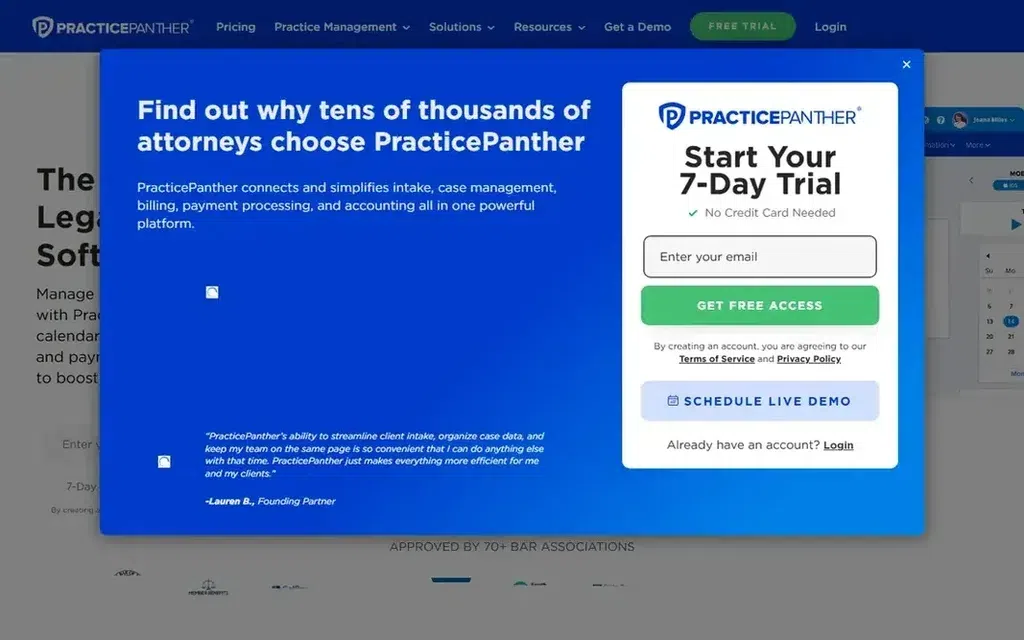
Where PracticePanther fits: automating firm processes and billing. PracticePanther is law practice management software that automates firm processes, billing and time tracking.
Where it falls short: Not made for eDiscovery review.
Choose PracticePanther when process automation and billing discipline are the priorities. PracticePanther is a management and automation tool, not a legal data review product. Price to start with PracticePanther: $49 per user per month. Free access: Free trial.
- Process automation for firm workflows
- Practice management in one product
- Compliance features depend on your own setup
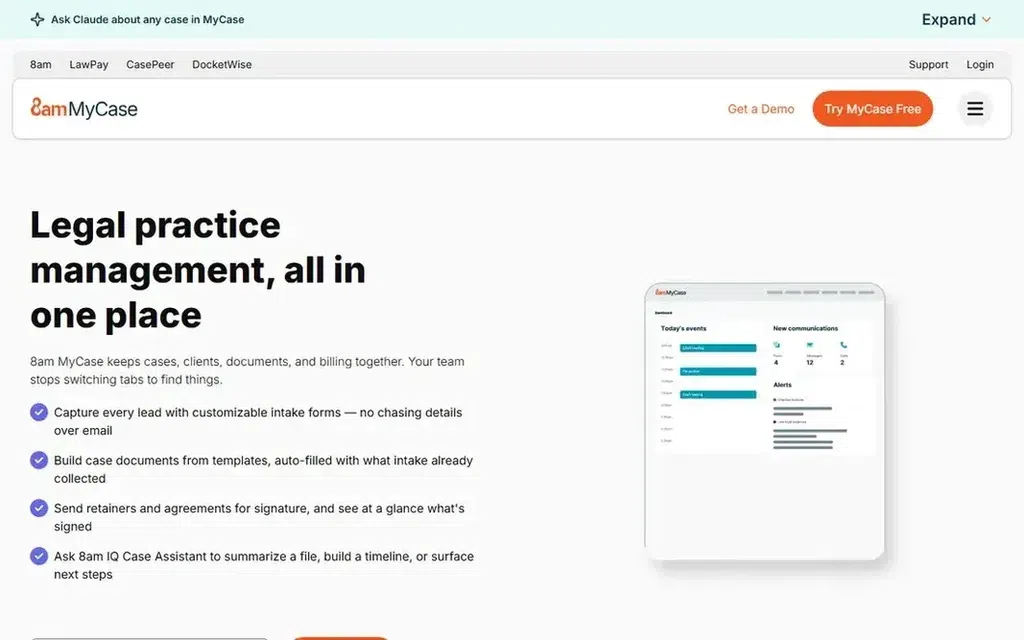
Choose MyCase for running cases, clients and billing together. For compliance-minded businesses, that centralization helps keep client records, matter details and financial activity documented consistently.
Honest limits: Not a dedicated eDiscovery tool.
Upsides: Cases, clients.
Businesses facing heavy discovery or regulatory data review should pair it with a dedicated system. In daily use, MyCase is a practice management system, so it does not replace specialized review or investigation software for large document sets. MyCase pricing: $50 per user per month. On free options: Free trial.
- Billing and payments in one system
- Supports consistent matter records
- Compliance workflows rely on your setup
Relativity
Best for: Large-scale legal data intelligence
Relativity is built with large-scale legal data intelligence in mind. For compliance work that involves large document populations, investigations or review, that data-focused approach is the core strength. It is not a general practice management system for billing and client records.
Beyond that, choose Relativity when legal data volume and analysis are central to your compliance matters. For everyday use, Relativity describes itself as a global legal data intelligence company, with its AI system, Relativity aiR, meant to transform complicated data into insights and actions. Relativity shows no starting price here, so confirm the cost on the vendor site. Free access: Not stated.
Limits to weigh: Overkill for small routine businesses.
- Aimed at legal data intelligence work
- Turns data into insights and actions
- Geared toward data-heavy matters

Where Smokeball fits: automatic time capture and document automation. Also, pick Smokeball when time capture and document consistency are the central concerns.
Where it falls short: Restricted fit for large-scale data review.
From a buyer's view, teams handling large volumes of documents for compliance matters will likely need a separate system for that work. This comparison lists no price for Smokeball; ask the vendor. As for free access: Not stated.
- Trust and billing tools included
- Automatic time tracking
- Compliance reporting relies on configuration
Everlaw
Best for: Litigation and investigations review
In short, Everlaw is for litigation and investigations review. Compliance matters that turn into disputes or need investigation benefit from a product made for reviewing and understanding evidence.
Businesses that chiefly need case management and billing should look elsewhere or pair it with a management system. Everlaw does not show a starting price in this comparison, so check the vendor site for current pricing. On free options: Not stated.
Where it is weaker: Most useful for dispute-heavy work.
- Supports legal teams and their tools
- Concentrated on review workflows
- Narrower than full practice management
How we compared the tools
We compared the tools on published pricing, free plan or trial availability, feature coverage for attorney software for compliance, and the limits each vendor documents. Treat prices as a snapshot: vendors change plans often, so check the vendor site for the figure that applies today. We ordered the tools by general fit, then by how clearly pricing is shown, then by free access. A buyer with unusual needs may reorder them.
A buyer's checklist
- Ask Logikcull, Relativity, Smokeball and Everlaw for a written quote, since no starting price is shown.
- Run a trial of Logikcull, PracticePanther and MyCase with real work before paying for a year; your own workflow is the best test.
- Before choosing Logikcull, weigh its main limit: centred on discovery instead of firm management.
- Test how quickly Smokeball answers a pre-sales question; it hints at how support will feel later.
- Check whether the features you need in MyCase sit on the entry plan or only on higher tiers.
FAQ
What is the cheapest option for attorney software for compliance in this list?
On published monthly entry prices, PracticePanther is the lowest here at $49 per user per month. Entry price is only part of the cost, because seats, add-ons and billing terms can change the total. Prices, free plan details and limits for all 6 tools in this Attorney software for compliance roundup sit on the individual cards above.
How are the tools for attorney software for compliance ordered?
The order follows typical fit for attorney software for compliance, with Logikcull first and Everlaw last, then price clarity and free access. It is editorial judgement, not a score, so another team could rank the tools differently.
What should I verify before choosing a tool?
Confirm the specific workflows you need, how records and audit trails are handled, and how the tool suits your existing systems. Vendor sites list current capabilities, so check them straight before deciding.
Do these tools publish their prices?
Not all of them. Logikcull, Relativity, Smokeball and Everlaw publish no starting price, so expect a quote request for those. The rest, PracticePanther included, show a starting price, though seats and billing terms still change the final cost.
Is Logikcull the right pick for everyone comparing attorney software for compliance?
No single tool suits every team. Logikcull comes first because it fits cloud eDiscovery and legal holds, while PracticePanther suits automating firm processes and billing and MyCase suits running cases, clients and billing together. Match the tool to your own size, budget and workflow before deciding.
Do I need both practice management and eDiscovery software?
Numerous businesses do. Practice management includes clients, matters and billing, whereas eDiscovery tools manage holds, review and production. If your compliance work seldom involves large document sets, a management product alone may be enough to start.
Sources
- https://www.logikcull.com
- https://www.practicepanther.com
- https://www.mycase.com
- https://www.relativity.com
- https://www.smokeball.com
- https://www.everlaw.com