Best Organisation and To Do Apps in 2026: 9 Apps Compared
Best organisation and to do apps compared for 2026, from simple daily lists to team projects, with free plans, prices, and honest trade offs. Pick one.
- Editor's choice
 Todoist
Fast personal task lists
Starts at$5 per monthVisit todoist.comFull review - Great alternative
 TickTick
Lists plus calendar and habits
Starts atSee websiteVisit ticktick.comFull review - Also consider
 Microsoft To Do
Free lists in Microsoft 365
Starts atFreeVisit todo.microsoft.comFull review
TL;DR:
- Todoist and TickTick are the strongest picks for most people who want a fast daily list that works on every device.
- Microsoft To Do and Google Tasks are the best free starting points if you already live in Microsoft or Google tools.
- Notion, Asana, and Trello suit bigger projects, notes, and shared work, but they can feel heavy for a simple shopping list.
- Natural language input, reminders, and a calendar view are the three features that most often decide whether a list gets used.
- Start free, test one app for a full week of real tasks, and only pay when you hit a limit that actually slows you down.
Quick comparison
| Tool | Best for | Starts at | Free plan? | |
|---|---|---|---|---|
| Todoist | Fast personal task lists | $5 per month | Yes | Visit |
| TickTick | Lists plus calendar and habits | See website | Yes | Visit |
| Microsoft To Do | Free lists in Microsoft 365 | Free | Yes | Visit |
 Google Tasks | Simple Google lists | Free | Yes | Visit |
 Notion | Notes and tasks in one workspace | See website | Yes | Visit |
 Any.do | Lists plus calendar and reminders | See website | Yes | Visit |
 Asana | Shared team projects | See website | Yes | Visit |
 Trello | Visual boards | See website | Yes | Visit |
 Habitica | Gamified habits and tasks | See website | Yes | Visit |
The best organisation and to do apps
A good to do app is one you open without thinking. The apps below cover simple lists, calendar based planning, team work, and habit building, so you can pick by how you actually plan a day rather than by feature count alone.
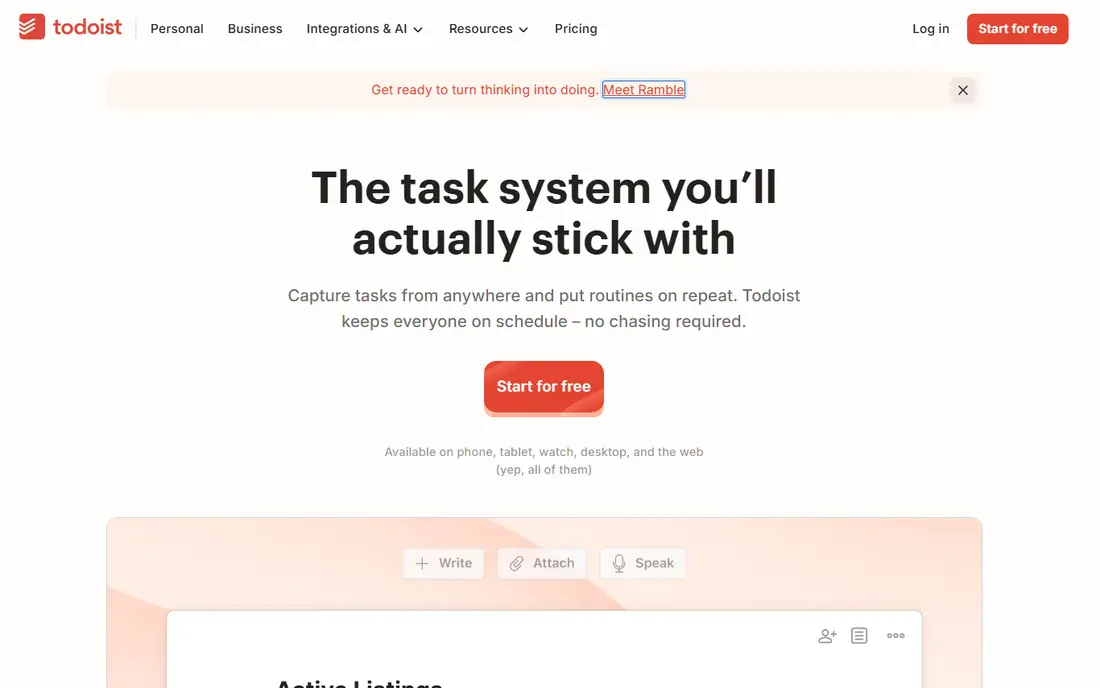
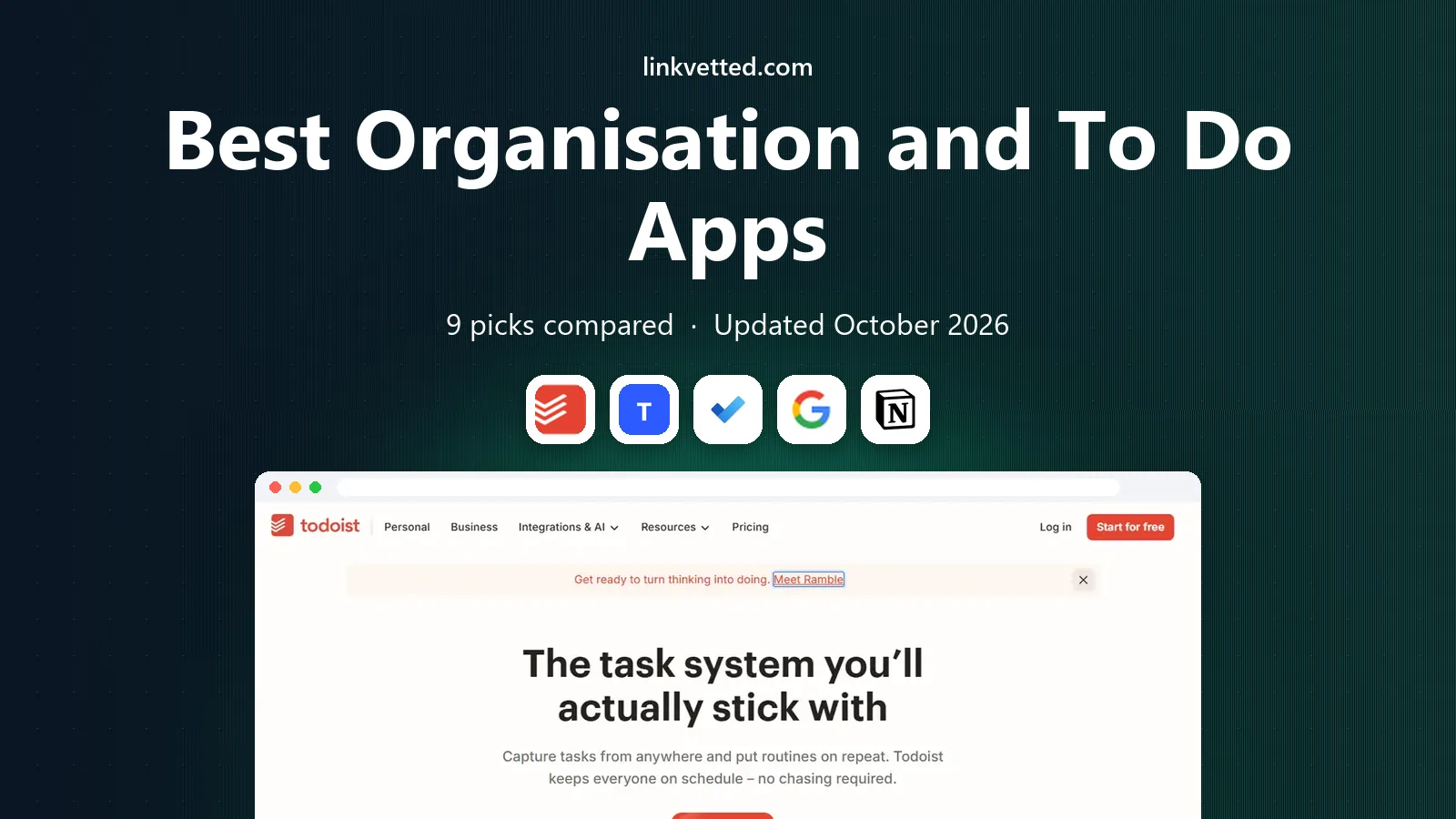
Todoist turns a typed sentence into a scheduled task. Type a task with a day and a time in plain words, and Todoist sets the date for you, which removes much of the friction that makes people abandon lists. Projects, labels, filters, and priorities let you sort work, home, and personal tasks without building a complex system.
The free Beginner plan covers five personal projects, which is enough for a single person with a few areas of life. If you run many projects or want a calendar layout and custom reminders, the Pro plan at $5 per month billed annually is the step up. Our pick for most people is Todoist, because it stays fast and simple while still handling recurring tasks well.
- Natural language dates
- Works on phone, desktop, web, and email
- Clean and fast even with many tasks
- Free plan limits projects to five
- Calendar view needs a paid plan
- Team features are basic
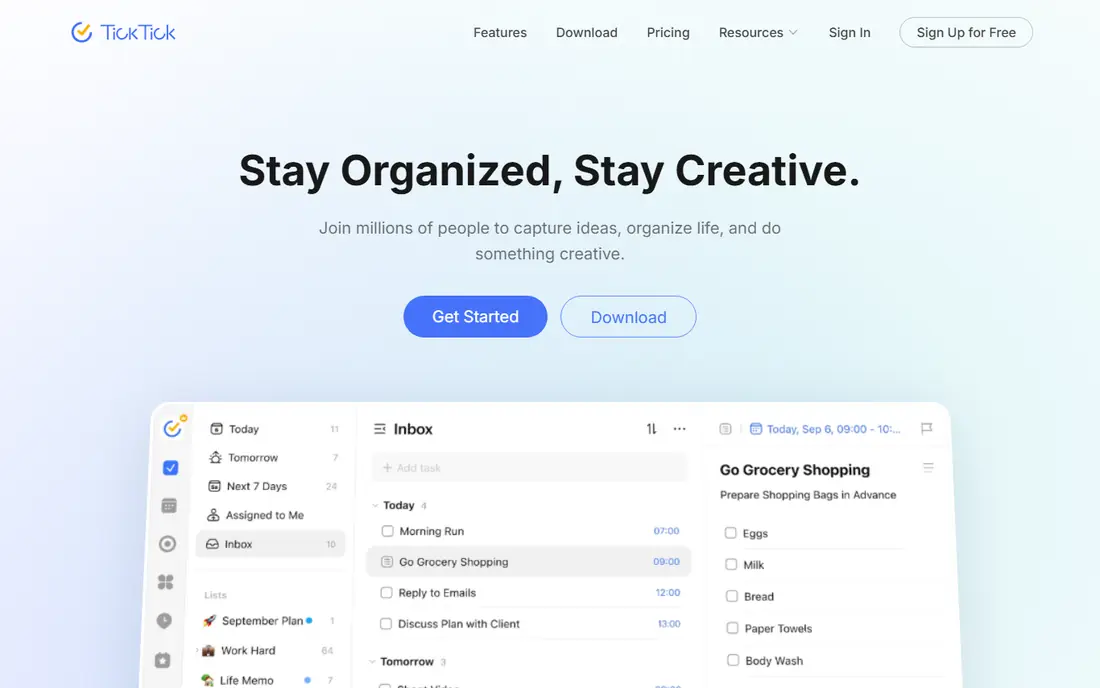
TickTick is the closest rival to Todoist, with a broader set of tools in the same app. You get lists, a calendar view, habit tracking, and a focus timer, so a person who plans a day, tracks a habit, and times deep work does not need three separate apps. That breadth is its main appeal.
The cost of that breadth is a busier screen. New users may need a few days to learn where everything lives, and to turn off views they do not need. If you like one app for planning and habits, TickTick is hard to beat. If you only want a plain list, Todoist will feel calmer.
- Calendar, lists, and habit tracking in one app
- Pomodoro timer built in
- Good value on paid plans
- Interface has many options to learn
- Some advanced views need payment
- Design feels busy to minimalists
Microsoft To Do is a plain, reliable list app, and its My Day feature is a small idea that works well. Each morning you pick the tasks you will focus on that day, which keeps a long list from feeling like a burden. Lists sync across Windows, web, and mobile, and tasks from Outlook and Planner can appear in the same place.
It lacks the natural language speed of Todoist and the board views of Trello, so power users may outgrow it. For students, office workers, and anyone already using Outlook, it is a strong free pick that asks for almost no setup time.
- Free with a Microsoft account
- My Day view for daily planning
- Syncs with Outlook tasks
- Fewer power features than Todoist
- Project views are limited
- Best inside the Microsoft world
Google Tasks is the simplest app on this list, and that simplicity is deliberate. You create lists, add tasks with dates, and tick them off, with the same lists visible in Gmail and Google Calendar. If your day already runs through Google tools, there is almost nothing new to learn.
The limits show up quickly for larger projects. There are no boards, no shared project dashboards, and no rich project views. Use Google Tasks for errands, shopping, and short personal lists, and move to Notion or Asana when a task needs subtasks, files, and teammates.
- Free with a Google account
- Sits inside Gmail and Google Calendar
- Very simple to learn
- No boards or team project tools
- Reminders are basic
- Sorting and filtering are limited
Notion is a workspace first and a to do app second. Tasks can live inside pages, databases, calendars, and boards, next to notes, meeting records, and reference material. That makes it a good home for a student, a writer, or a small team that wants plans and notes together rather than scattered across apps.
The trade off is speed. Opening Notion to add one quick task feels heavier than opening Todoist or Google Tasks. Start with a simple template, keep your task database small, and resist the urge to build a complex system on day one. Used that way, Notion can replace several apps at once.
- Notes, docs, databases, and tasks in one place
- Flexible views including boards and calendars
- Strong templates
- Can feel slow for a quick list
- Setup takes time
- Paid plans needed for larger teams and full AI features
Any.do pairs a task list with a calendar, so you can see what is due and when you have time to do it. Its Moment feature walks you through the day task by task, which helps people who plan in the morning and then forget the list by lunch. Location reminders add a practical touch for errands tied to a place.
Paid plans add recurring tasks, colour tags, and more reminders, so the free plan is best seen as a trial of the style rather than a long term home for heavy users. If the calendar view clicks for you, Any.do is worth paying for. If you only need a list, a free rival may serve you better.
- Calendar and lists in one view
- Daily Moment planning feature
- Location reminders on mobile
- Some best features need a paid plan
- Free plan limits are tighter than rivals
- Team tools are limited
Asana is built for work shared by a team. A task has an owner, a due date, subtasks, comments, and files, so nobody has to ask who is doing what. Views let a manager see a timeline while a team member sees a simple list, and that flexibility is why small businesses and marketing teams adopt it widely.
For personal use, Asana can feel like bringing a filing cabinet to a shopping trip. Use its free plan for a household project or a small team, and only pay when you need timelines, workload views, or advanced reporting. If your main need is a private daily list, start higher up this list.
- List, board, timeline, and calendar views
- Clear task ownership
- Good for shared deadlines
- Overkill for a personal list
- Setup and permissions take time
- Paid plans needed for timelines and advanced reporting
Trello turns tasks into cards on boards, with columns such as To do, Doing, and Done. Moving a card across a board is satisfying in a way that ticking a box is not, and the visual layout makes progress obvious at a glance. It suits content calendars, home moves, event planning, and any project with clear stages.
Where Trello struggles is with a long list of small, dated tasks. A board with hundreds of cards becomes hard to search and sort, and power features such as advanced checklists and reporting sit behind paid plans. Use Trello when stages matter, and a list app when dates and priorities matter more.
- Drag and drop boards are easy to grasp
- Cards hold checklists, dates, and files
- Many integrations
- Lists of many tasks get hard to scan
- Reporting is limited without add ons
- Paid plans needed for larger teams
Habitica takes a different approach to organisation. Habits, daily tasks, and to dos become quests for a pixel character, and completing tasks earns rewards while missing dailies costs health. Joining a party adds social accountability, since teammates can see whether you completed your dailies.
That game layer is either motivating or distracting, with little middle ground. If plain lists bore you and you respond to streaks and rewards, Habitica can keep you consistent in a way that a plain app cannot. If you need shared work projects, deadlines, and files, pick Asana or Trello instead.
- Turns habits and tasks into a role playing game
- Parties and quests add accountability
- Free core features
- Game theme is not for everyone
- Project management is basic
- Interface can feel dated
How we picked these
We compared official feature pages, pricing pages, app store listings, and public reviews for apps that are actively maintained and available on major platforms in 2026. We favoured apps with a free plan or trial, reliable sync across devices, and a clear strength, whether that is speed, visual planning, team work, or habit building. We also weighed honest limits, such as free plan caps and the learning curve of larger workspaces.
How to choose the right app for your brain
Match the app to the job
A daily list, a team project, and a habit are different jobs. Use a fast list app for daily tasks, a board or workspace for projects with stages, and a habit app for routines you want to repeat. Trying to force one app to do all three often leads to a system nobody opens.
Test with real tasks, not sample data
Use the app for one real week, with work tasks, home tasks, and reminders. Notice whether adding a task takes seconds or feels like paperwork. Notice whether you check the app in the morning without being reminded. Those two behaviours predict long term use better than any feature list.
Keep the system small
Start with three lists at most, such as Work, Home, and Personal. Add labels, projects, and integrations only when a list gets crowded. A simple system you trust beats a detailed system you avoid, and you can always expand later.
Check the exit route
Before you pay for a year, check that you can export tasks or move them to another app. Paid plans should solve a real limit, such as project count or calendar views, not just add features you will never open.
FAQ
What is the best organisation and to do app for most people?
Todoist is our pick for most people, because it is fast, works everywhere, and handles recurring tasks well. TickTick is a close second if you also want a calendar, habit tracking, and a focus timer in the same app. Start free on both for a week and keep the one you open more often.
Are there good free to do apps?
Yes. Microsoft To Do and Google Tasks are free with their respective accounts and cover simple lists well. Todoist, TickTick, Notion, and Trello also have free plans, with limits on projects, views, or team size. Free is enough for personal use in many cases.
What is the difference between a to do app and a project app?
A to do app is built around personal tasks, dates, and reminders. A project app such as Asana or Trello adds shared ownership, stages, timelines, and team views. If you work alone, a to do app is usually faster. If several people share deadlines, a project app avoids confusion about who owns each task.
Should I use one app or several?
One app for tasks is usually best, with notes or a calendar alongside it if needed. Using two task apps at once creates doubt about where a task lives, and tasks get missed. Pick one home for tasks, and let a calendar or notes app support it.
How do I stay consistent with a to do app?
Keep the daily list short, plan it the night before or first thing in the morning, and review it once at the end of the day. Move unfinished tasks to a new date instead of letting them pile up. A list with five clear tasks beats a list with fifty vague ones.
Is Notion too much for a simple to do list?
It can be, if you build a complex workspace before you need it. Notion works well as a to do app when you keep one simple task database and use templates sparingly. If you only want to capture and tick off tasks fast, Todoist, TickTick, or Google Tasks will feel lighter.