Best Apps for Meme Creation in 2026: 8 Apps Compared
Best apps for meme creation compared for 2026: templates, text tools, video memes, captions and free plans across 8 apps, so you can pick one fast for you.

- Editor's choice
 Imgflip
Classic template memes
Starts atFreeVisit imgflip.comFull review - Great alternative
 Canva
Polished social memes
Starts atFreeVisit canva.comFull review - Also consider
 Kapwing
Video memes in a browser
Starts atFreeVisit kapwing.comFull review
TL;DR:
- Imgflip is the fastest route to a classic image meme, with a huge template library and simple text controls.
- Canva and Adobe Express suit people who want polished, branded memes and social posts from one design tool.
- Kapwing and Clideo are better picks for video memes, captions and clips made in a browser.
- Mematic is the most phone-friendly option for quick memes, while VEED adds captioned video memes.
- Free plans cover most casual meme making, but check watermarks and export quality before you pay.
Quick comparison
| Tool | Best for | Starts at | Free plan? | |
|---|---|---|---|---|
| Imgflip | Classic template memes | Free | Yes | Visit |
| Canva | Polished social memes | Free | Yes | Visit |
| Kapwing | Video memes in a browser | Free | Yes | Visit |
 Adobe Express | Branded social content | Free | Yes | Visit |
 Picsart | Photo-based memes | Free | Yes | Visit |
 Mematic | Fast phone memes | Free | Yes | Visit |
 Clideo | Simple video meme clips | Free | Yes | Visit |
 VEED | Video memes and captions | Free | Yes | Visit |
The best apps for meme creation
A good meme app does three things well: it gives you a template or a blank canvas fast, it lets you place text where it reads clearly, and it exports a file that looks right on the platform where you plan to post it. The apps below cover classic image memes, video memes and GIFs.
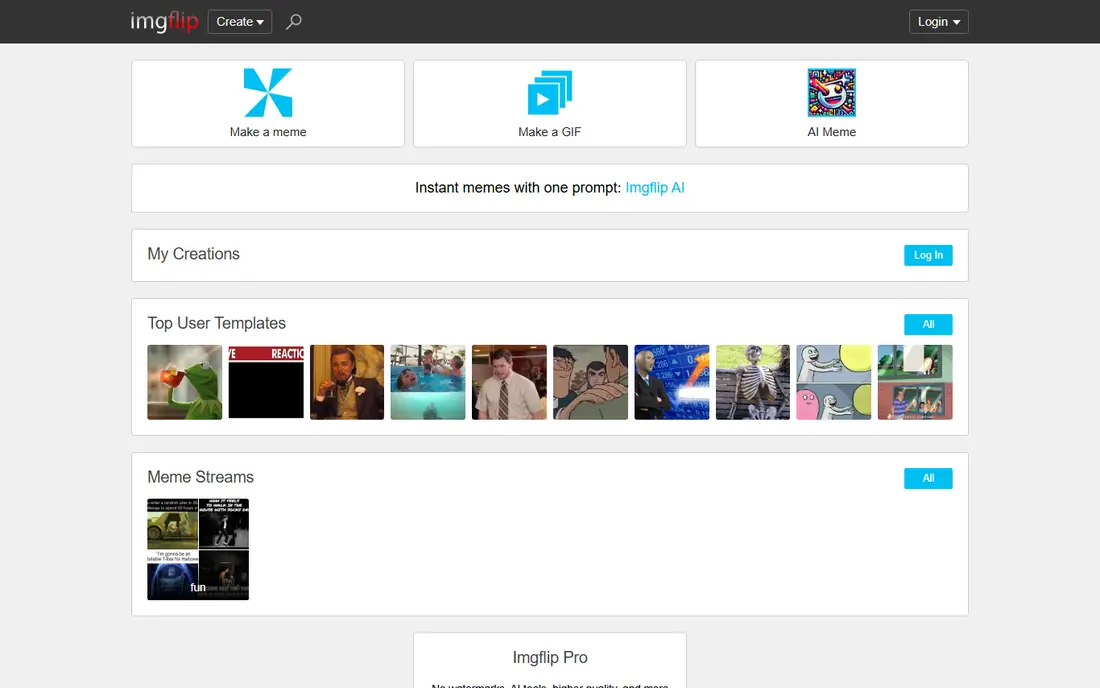
Imgflip is the closest thing to a meme workshop on the web. You can search for a known template, add top and bottom text, change the font size and colour, and download the result in a few minutes. That speed is why it remains a first stop for people who want a recognisable format rather than a design project.
The site also lets you upload your own image, add extra text boxes and stickers, and make GIFs from video clips. The trade-off is polish. Imgflip memes look like internet memes, which is the point for many users, but the layout tools are simpler than a full design app. If you want a clean brand look, pair it with Canva or Adobe Express instead.
- Huge template library
- Fast text and image controls
- Works in a browser without an install
- Free exports carry a watermark on some tools
- Advanced features need a paid plan

Canva suits creators who want a meme that still looks like part of a feed. You can start from a meme template or a blank social post size, drop in a photo, and adjust text, spacing and background in a visual editor. The free plan is generous enough for most casual posts, and the mobile app works well for edits on the go.
The honest catch is that the best templates, premium photos and brand tools sit behind Pro. At $144 per year for one person when billed yearly, Pro makes sense if you post often or run a small business account. For a one-off joke, the free plan will usually do the job without a subscription.
- Large template and stock library
- Easy text, font and colour controls
- Strong sharing and scheduling tools
- Some templates and assets need Pro
- Canva Pro costs $144 per year for one person
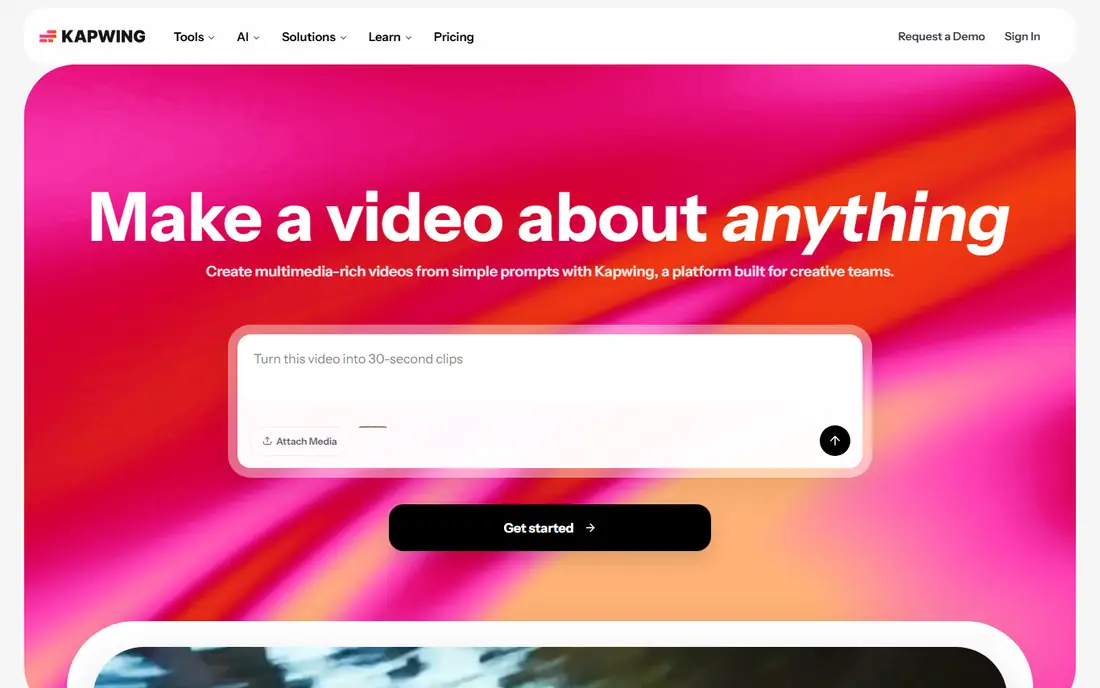
Kapwing is our pick for video memes because it treats a clip like a full edit, not just a caption. You can trim a video, add text at timed points, add subtitles, and resize the result for different platforms. That matters when a joke depends on timing, a reaction shot or a sound cue.
The free plan is useful for drafts, but exports are watermarked and capped at lower resolution, so paid Pro is the realistic route for published work. Pro is listed at $16 per member per month when billed annually. If you only make still memes, Imgflip or Mematic will be faster and simpler.
- Browser-based video editing
- Caption and subtitle tools
- Meme generator and templates for clips
- Free exports are watermarked and limited in resolution
- Pro costs $16 per member per month billed annually
Adobe Express gives you a design-led route into meme making. You can pick a social size, use a template, adjust fonts and colours, and remove a background from a photo when the joke needs a clean cut-out. The result tends to look sharper than a quick template meme, which helps for business or creator accounts.
The downside is focus. Adobe Express is a general design tool, so you will not find the same deep catalogue of classic meme templates that Imgflip offers. It is best when you already use Adobe tools, or when the meme is part of a wider set of posts that need a consistent look.
- Free design tools with templates
- Strong typography and photo tools
- Adobe Stock assets on paid plans
- Some premium features need a paid plan
- Less meme-specific than Imgflip
Picsart starts from your photo, which makes it a good fit for personal memes built around friends, pets or places. You can cut out a subject, add stickers, draw on the image, and layer text with shadows and outlines so it stays readable. The sticker library is a real strength, especially for reaction-style memes.
The app packs in a lot, and that can slow down a five-minute job. Paid features and premium stickers are easy to tap by accident, so check what is included before you start a project you plan to finish for free. For pure speed, Mematic wins. For a photo that needs real editing first, Picsart is the stronger tool.
- Strong photo editing and stickers
- Text and drawing tools on mobile
- Large community templates
- Many features and assets need a paid plan
- The app can feel busy for a quick meme
Mematic is built for the moment you think of a joke and want it posted in minutes. The layout is simple: pick a template or a photo, add text, adjust the size, and share. There is little to learn, and that simplicity is the whole appeal for casual creators.
The limit is scope. Mematic will not replace a design suite or a video editor, and longer video memes are better made in Kapwing or Clideo. But for still memes on a phone, it is one of the least frustrating options we compared, and the free version covers the core job well.
- Very fast on mobile
- Classic meme layouts
- Easy sharing to social apps
- Fewer design and video tools than Canva or Kapwing
- Some features need a paid plan
Clideo suits people who want a short video meme without learning a full editor. You can upload a clip, add text, adjust timing, and export a file sized for social feeds. The browser workflow means it works on most computers without a download, which helps on a shared or work machine.
The trade-off is depth. Clideo is not the tool for layered edits, complex effects or long videos. Think of it as a quick meme clip maker rather than a studio. If your meme is a single clip with a caption, it is fast and clear. If you need subtitles, trimming and effects together, Kapwing is the better pick.
- Simple browser tools for video memes
- Caption and meme maker tools
- No install needed
- Free exports may carry a watermark
- Advanced editing needs a paid plan
VEED is a browser editor that suits video memes with captions and text overlays. You can trim a clip, add automatic subtitles, place text at timed points, and resize the result for a feed or a story. That caption support matters, since many viewers watch with the sound off.
The free plan is useful for testing a joke, but exports carry a watermark, so a paid plan is the realistic route for regular posting. VEED is less focused on classic still memes than Imgflip, so use it when the joke lives in a clip. For a still meme, Imgflip or Mematic will be faster, while VEED covers the video side well.
- Browser video editor with captions
- Templates and stock clips
- Easy social sizing
- Free exports are watermarked
- Some features need a paid plan
How we picked these
We compared official feature pages, pricing pages, app store listings and public reviews for each app, focusing on template range, text and video tools, export quality and watermarks, and whether a free plan covers the core job. We favoured apps that still work well in October 2026, that are easy to use without a design background, and that export files in sizes suited to major social platforms. We did not count an app as a meme maker just because it can add text to a photo; each pick had to offer templates, meme layouts or video tools that fit the topic.
What to check before you post a meme
Start with format. A still meme needs readable text at phone size, while a video meme needs timing and captions that work with the sound off. Test your export on your own phone before you post it, because text that looks fine on a desktop can shrink to unreadable on a feed. Keep the text short, the contrast high, and the joke clear in the first second.
Next, check rights and context. Using your own photo or a licensed image avoids problems, and a template that relies on a recognisable person or brand can read differently out of context. A short pause to check the caption, the spelling and the audience is worth more than posting first. If a meme targets a real person, ask whether it would still be funny and fair if they saw it.
Finally, check the watermark and file size. Free plans on video tools often add a watermark, and a large file may be compressed by the platform in a way that blurs text. If the meme matters for a business account, export at the highest quality your plan allows and keep a clean copy for reuse. That habit also makes it easier to resize the same joke for a story, a feed post or a message thread.
FAQ
What is the best free app for meme creation?
Imgflip is the best free starting point for classic template memes, and Mematic is the fastest free option on a phone. Canva and Adobe Express also offer useful free plans, but their best templates and assets sit behind paid plans. Pick based on format: still memes, video memes or GIFs.
Can I make memes on my phone?
Yes. Mematic, Picsart and Canva all offer mobile apps that cover the core job, from templates and text to stickers and GIFs. Kapwing, Clideo and VEED work in a mobile browser too, but a larger screen makes video timing easier. For a quick phone meme, start with Mematic.
Do free meme apps add watermarks?
Some do, especially on video exports. Kapwing, Clideo and VEED free exports may carry a watermark, while Imgflip and Mematic free versions are more usable for casual still memes. Always check the export before you post, and read the pricing page if you plan to use memes for a business account.
What size should a meme be for social media?
Use a square or portrait size for feeds and a vertical size for stories and short video formats. Canva, Kapwing and Adobe Express offer preset sizes for major platforms, which saves guessing. A square image is a safe default when you plan to post the same meme in several places.
Can I use my own photos in a meme app?
Yes, all of the apps in this list let you upload your own image or clip. That is the best route for personal memes, since you control the source and the rights. Avoid using photos of other people without their permission, especially for jokes that could embarrass them.