Best Apps for Renting Houses in 2026: 9 Apps Compared
Looking for the best apps for renting houses? We compare 9 apps in 2026 to find houses for rent, with filters, tours, alerts and scam checks for renters.
- Editor's choice
 Zillow
Widest house rental search
Starts atFreeVisit zillow.comFull review - Great alternative
 Realtor.com
Agent-sourced house listings
Starts atFreeVisit realtor.comFull review - Also consider
 Apartments.com
Rental search with alerts and tours
Starts atFreeVisit apartments.comFull review
TL;DR:
- Zillow and Realtor.com offer the widest house rental listings, while Apartments.com and Apartment List suit renters who want alerts and application help.
- Redfin and Trulia add market data and neighbourhood context that help you judge whether a rent is fair.
- Never pay a deposit before viewing a home in person or by live video, and be wary of listings priced far below similar homes.
- Check total monthly cost, including utilities, parking and pet fees, not just the headline rent.
Quick comparison
| Tool | Best for | Starts at | Free plan? | |
|---|---|---|---|---|
| Zillow | Widest house rental search | Free | Yes | Visit |
| Realtor.com | Agent-sourced house listings | Free | Yes | Visit |
| Apartments.com | Rental search with alerts and tours | Free | Yes | Visit |
 Redfin | House rentals with market data | Free | Yes | Visit |
 Trulia | Neighbourhood-focused house search | Free | Yes | Visit |
 Rent.com | House and apartment rental search | Free | Yes | Visit |
 Apartment List | Personalised rental matching | Free | Yes | Visit |
 Homes.com | House rentals with local data | Free | Yes | Visit |
 HotPads | Map-based house rental search | Free | Yes | Visit |
The best apps for renting houses
Renting a house is different from renting an apartment, because you need land, parking, yard, school zones and longer leases in the search. The apps below all list houses for rent, but they differ on inventory, filters, tour options and how they handle applications and payments. Use more than one app, since no single app lists every house.

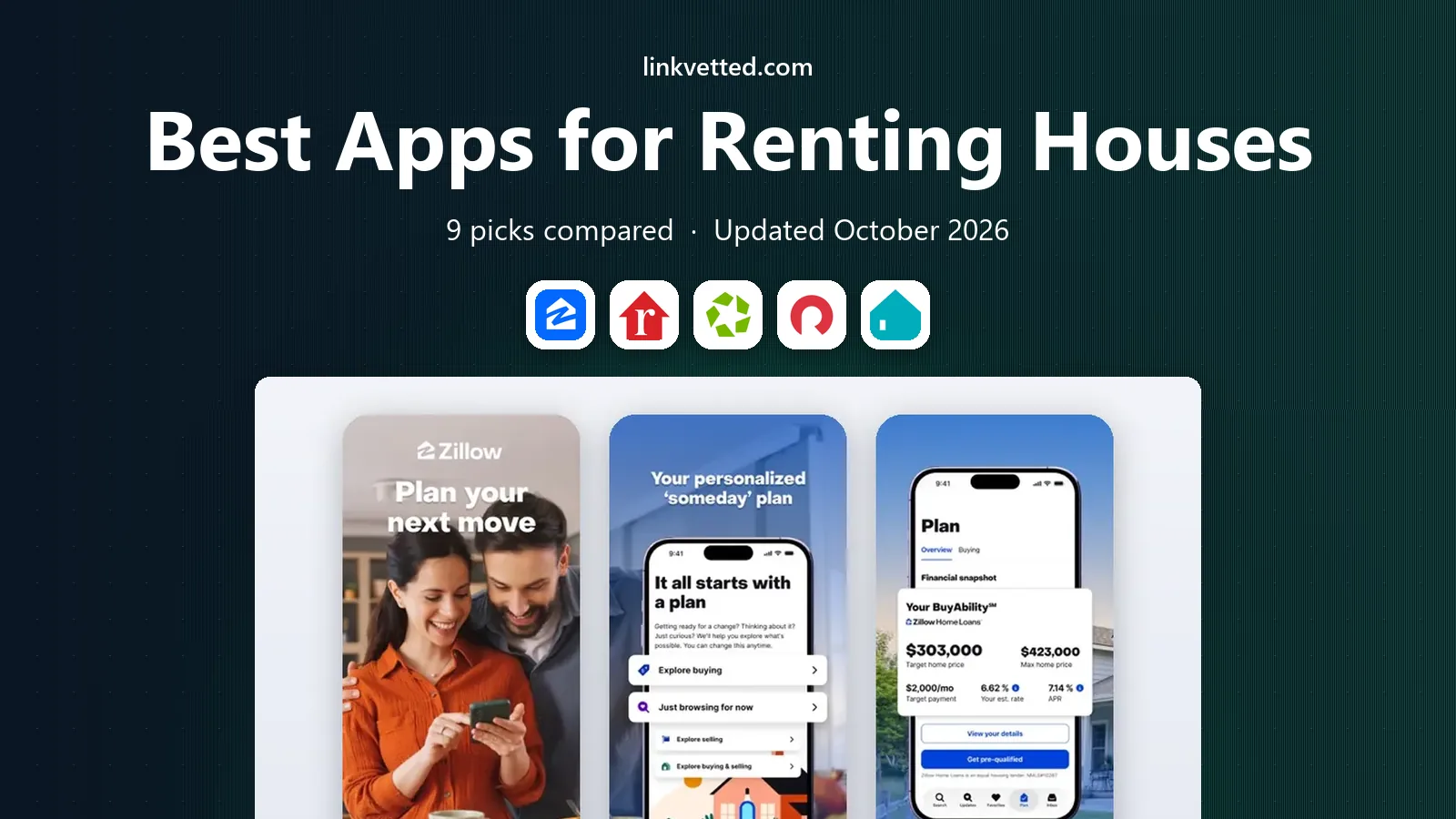
Zillow offers the widest house rental search in many US cities, with filters for bedrooms, price, yard, garage and pets, plus rent estimates and neighbourhood data to help judge value.
The honest catch is usually not a missing feature, but the cost of change. Budget time for setup, training and data cleanup, and check whether your team will actually use the new tool every week. A simpler tool that is used daily beats a fuller tool that is opened once a month.
In practice, this option rewards teams that plan the rollout. Give one person ownership of setup, define the core workflows in week one, and review usage after a month. That discipline matters more than any single feature, and it is where many otherwise good tools fail.
- Largest rental inventory in many cities
- House-specific filters
- Zestimate rent data
- Some listings are dated
- Application fees vary
- Zestimate is an estimate, not a valuation
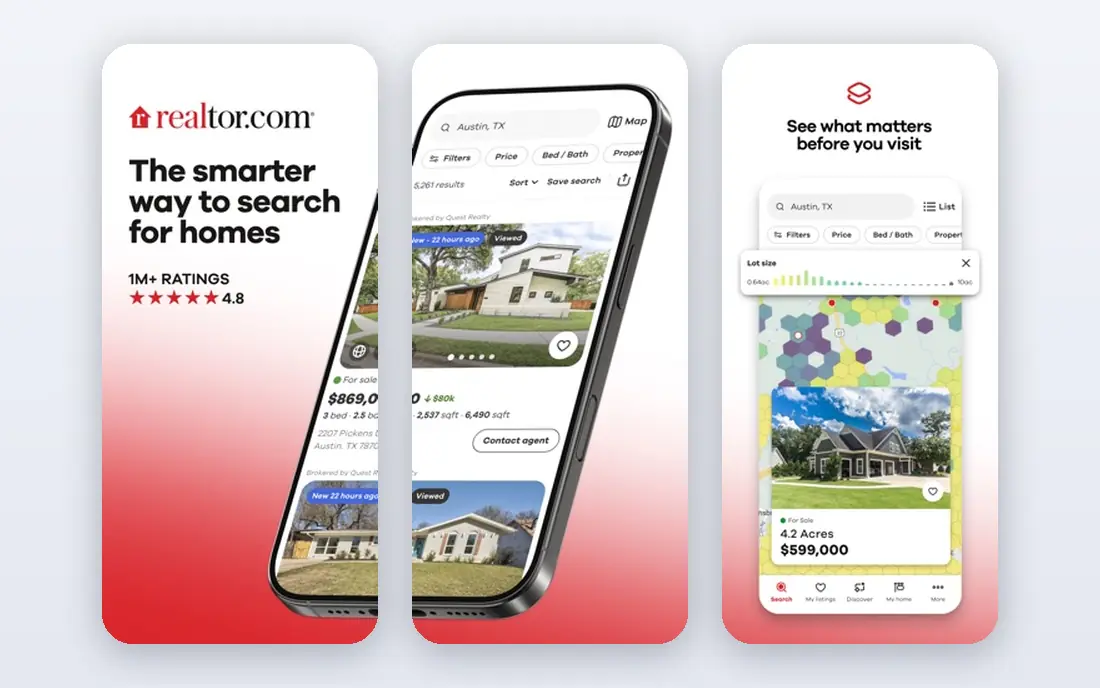
Realtor.com lists houses for rent from agent sources, with market trends, price history and neighbourhood data that help renters compare similar homes before applying.
On value, compare total cost over a year, not just the starting price. Include seats, add-ons, implementation and the time your team spends maintaining the tool. Ask for a written quote for your exact team size and use case before you sign.
For buyers comparing on price alone, this option is worth a closer look at the free plan or trial. Test the features you will use daily, check the limits that apply at your volume, and confirm the upgrade path before you commit to a paid plan.
- Listings from agent sources
- Good market data
- Clear rental filters
- Inventory varies by city
- Some features need an account
- Application process varies by landlord
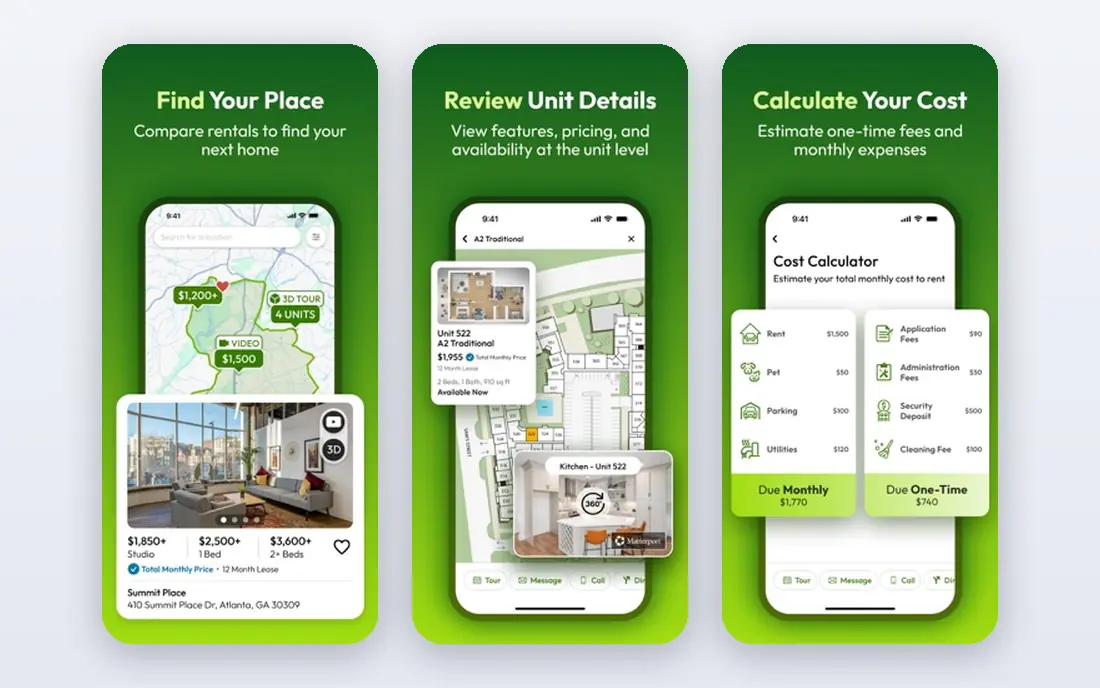
Apartments.com covers houses as well as apartments, with search alerts, virtual tours on many listings and application tools that suit renters who want to move quickly.
For day-to-day use, the key question is whether the tool fits your existing workflow. Check the integration list, the export options and the support terms before a trial, and test it with a real project rather than a demo dataset. That test will show gaps in permissions, reporting and onboarding that a feature list hides.
This pick stands out for a specific kind of buyer, and that focus is its strength. It does one job well, with a clear workflow and a support path you can test during a trial. The trade-off is that buyers outside that core use case may find gaps, so match the tool to your main job first.
- Broad rental listings
- 3D tours on many listings
- Alerts and application tools
- House inventory is smaller than Zillow in some areas
- Some listings are agent-paid
- Fees vary
Redfin lists houses for rent alongside homes for sale, with price trends, walk scores and market data that help renters judge whether a rent is fair for the area.
The honest catch is usually not a missing feature, but the cost of change. Budget time for setup, training and data cleanup, and check whether your team will actually use the new tool every week. A simpler tool that is used daily beats a fuller tool that is opened once a month.
In practice, this option rewards teams that plan the rollout. Give one person ownership of setup, define the core workflows in week one, and review usage after a month. That discipline matters more than any single feature, and it is where many otherwise good tools fail.
- Strong market and price data
- Good maps
- Agent support in many cities
- Rental inventory is smaller than Zillow
- Coverage varies by market
- Some tools focus on buying
Trulia, part of the Zillow group, focuses on neighbourhood context for house rentals, with local guides, school and commute information, and filters for house features.
On value, compare total cost over a year, not just the starting price. Include seats, add-ons, implementation and the time your team spends maintaining the tool. Ask for a written quote for your exact team size and use case before you sign.
For buyers comparing on price alone, this option is worth a closer look at the free plan or trial. Test the features you will use daily, check the limits that apply at your volume, and confirm the upgrade path before you commit to a paid plan.
- Neighbourhood guides and crime data
- House filters
- Saved searches and alerts
- Owned by Zillow, so listings overlap
- Data is a guide, not a guarantee
- Application varies
Rent.com lists houses and apartments for rent, with search filters, alerts and rewards on qualifying leases, which can add value for renters who stay for a full term.
For day-to-day use, the key question is whether the tool fits your existing workflow. Check the integration list, the export options and the support terms before a trial, and test it with a real project rather than a demo dataset. That test will show gaps in permissions, reporting and onboarding that a feature list hides.
This pick stands out for a specific kind of buyer, and that focus is its strength. It does one job well, with a clear workflow and a support path you can test during a trial. The trade-off is that buyers outside that core use case may find gaps, so match the tool to your main job first.
- Broad rental listings
- Rewards on some leases
- Clear filters
- Rewards terms vary
- House inventory varies by city
- Some listings need verification
Apartment List matches renters with houses and apartments based on budget, location and preferences, with a concierge team that can help narrow choices and arrange tours.
The honest catch is usually not a missing feature, but the cost of change. Budget time for setup, training and data cleanup, and check whether your team will actually use the new tool every week. A simpler tool that is used daily beats a fuller tool that is opened once a month.
In practice, this option rewards teams that plan the rollout. Give one person ownership of setup, define the core workflows in week one, and review usage after a month. That discipline matters more than any single feature, and it is where many otherwise good tools fail.
- Personalised matches based on budget and needs
- Concierge help
- Alerts
- House inventory varies by city
- Matching depends on quiz answers
- Some listings are limited
Homes.com focuses on houses, with rental listings, neighbourhood and school data, and direct agent contacts that suit renters who want local context before viewing.
On value, compare total cost over a year, not just the starting price. Include seats, add-ons, implementation and the time your team spends maintaining the tool. Ask for a written quote for your exact team size and use case before you sign.
For buyers comparing on price alone, this option is worth a closer look at the free plan or trial. Test the features you will use daily, check the limits that apply at your volume, and confirm the upgrade path before you commit to a paid plan.
- House-focused listings
- Neighbourhood and school data
- Agent contacts
- Inventory is smaller than Zillow in some cities
- Newer rental features
- Application varies
HotPads offers a map-based search for houses for rent, which suits renters who want to explore by neighbourhood, commute route or price band on a visual map.
For day-to-day use, the key question is whether the tool fits your existing workflow. Check the integration list, the export options and the support terms before a trial, and test it with a real project rather than a demo dataset. That test will show gaps in permissions, reporting and onboarding that a feature list hides.
This pick stands out for a specific kind of buyer, and that focus is its strength. It does one job well, with a clear workflow and a support path you can test during a trial. The trade-off is that buyers outside that core use case may find gaps, so match the tool to your main job first.
- Strong map search
- House and apartment listings
- Price and amenity filters
- Owned by Zillow, so listings overlap
- Coverage varies
- Some listings are dated
How we picked these
We compared official app listings, search filters, tour options, alert features and application processes for each app. We focused on house-specific filters such as bedrooms, yard, garage and pet policy, plus listing freshness and scam warnings. Availability varies by city, so check each app for your area before relying on one alone.
How to rent a house safely through an app
Set alerts for your exact criteria, including price, bedrooms, commute and pet policy, so you see new houses quickly in a fast market. Save houses and compare them on total cost, lease length and included utilities, not just rent. Book a viewing in person or by live video, and check the property condition, noise, parking and commute at a realistic time of day. Verify the landlord or agent through the listing platform and, where possible, public records, and never wire money or pay with gift cards. Read the lease for renewal, maintenance, pet and early-exit terms before you sign, and keep copies of every payment and message.
FAQ
What is the best app for house rentals?
Zillow is the best all-round app for house rentals because of its large inventory and house-specific filters. Realtor.com is a close second, with listings updated from agent sources and good market data.
What are the best apps to find houses for rent?
The best apps to find houses for rent include Zillow, Realtor.com, Redfin, Trulia and Apartments.com. Using two or three together gives wider coverage, since listings differ by app and city.
How do I avoid rental scams on apps?
Never pay before viewing, be wary of prices far below market rent, and verify the landlord or agent. Meet in person or by live video, check the property exists, and use secure payment methods listed in the lease.
Can I apply for a rental through these apps?
Yes, many apps offer online applications, credit and background checks, and document uploads. Fees and requirements vary by landlord, so check the application fee and criteria before applying.
Which app is best for pet-friendly houses?
Zillow, Apartments.com and Apartment List all offer pet filters for houses, including pet policy and fees. Always confirm pet rules with the landlord in writing, since listings can be out of date.