Best Apps for Kids to Learn Math in 2026: 9 Apps Compared
Compare the best apps for kids to learn math in 2026, from free early learning to adaptive K-8 programs, with prices, ages and honest limits. in detail.
- Editor's choice
 Khan Academy Kids
Free early learning for ages 2-8
Starts atFreeVisit khanacademy.orgFull review - Great alternative
 Prodigy Math
Game based practice for grades 1-8
Starts atFreeVisit prodigygame.comFull review - Also consider
 DreamBox Math
Adaptive K-8 instruction that teaches concepts
Starts at$12.95 per monthVisit dreambox.comFull review
TL;DR:
- Khan Academy Kids is the best free start for ages 2 to 8, with no ads and no subscription.
- Prodigy Math motivates reluctant learners with a game world, while its core math questions are free.
- DreamBox and Zearn offer stronger teaching than pure practice apps, with adaptive lessons and a full curriculum.
- Match the app to the goal, whether that is first grade number sense, kindergarten basics, or filling a specific skill gap.
Quick comparison
| Tool | Best for | Starts at | Free plan? | |
|---|---|---|---|---|
| Khan Academy Kids | Free early learning for ages 2-8 | Free | Yes | Visit |
| Prodigy Math | Game based practice for grades 1-8 | Free | Yes | Visit |
| DreamBox Math | Adaptive K-8 instruction that teaches concepts | $12.95 per month | No | Visit |
 Zearn | Free K-8 curriculum with teaching | Free | Yes | Visit |
 SplashLearn | Game based practice for Pre-K to grade 5 | $7.99 per month | Yes | Visit |
 IXL Math | Skill practice and finding gaps, Pre-K to grade 12 | $9.95 per month | No | Visit |
 Mathseeds | Early math for ages 3-9 | See website | Free trial | Visit |
 Moose Math | Early math adventures for ages 2-7 | Free | Yes | Visit |
 Boddle Learning | Game based K-6 practice with teacher tools | See website | Yes | Visit |
The best apps for kids to learn math
Math apps work best as a short, regular habit alongside school or home learning. The apps below differ in style, from free early learning games to adaptive programs that teach new concepts. The right pick depends on your child's age, confidence, and whether you need teaching, practice, or both.
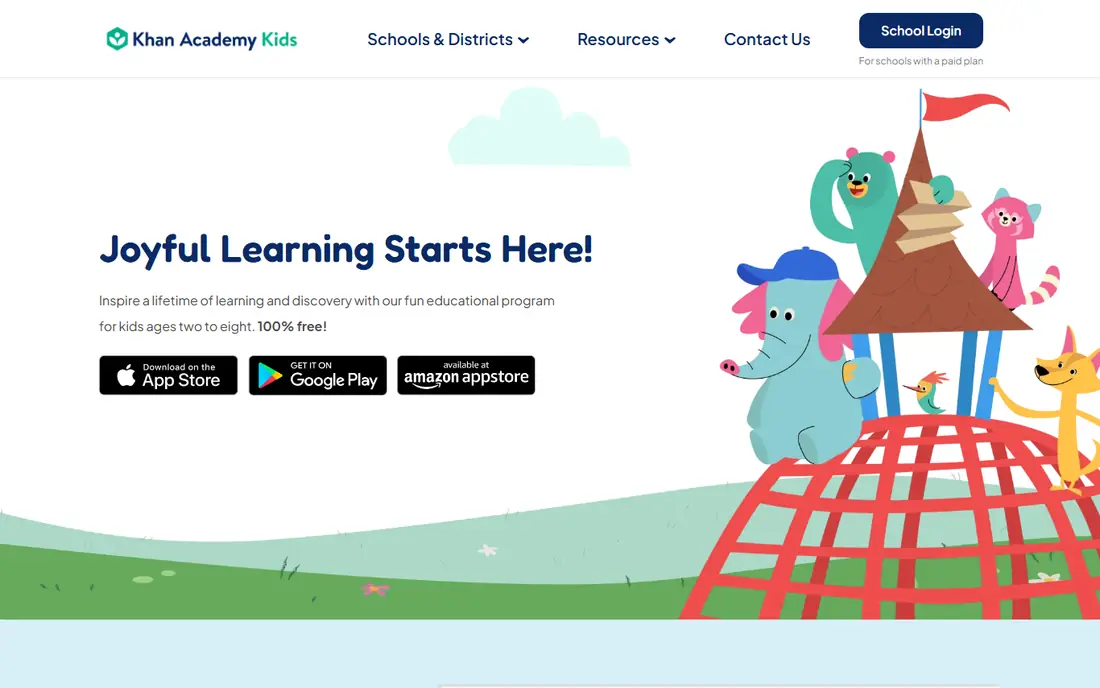
Khan Academy Kids is the best free math app for young children, and it is hard to argue with the price. The app covers early math, reading, language, and social emotional learning for ages 2 to 8, with no ads and no subscription. That makes it a safe first app for a preschooler or a first grader.
Math activities focus on counting, number sense, shapes, addition, and subtraction, presented through games, books, and songs. A parent dashboard shows progress, and children can follow a personalized learning path. The tone is gentle, which suits children who are just building confidence with numbers.
The limit is age range. Khan Academy Kids ends around second grade, so older children will need to move on. It also has no full web version, so a tablet or phone is the main way in. For early years, though, it is the best free start in this list.
- Completely free with no ads
- Covers math plus reading and social skills
- Friendly characters and books
- Ends around age 8
- No web version for the kids app
- Less deep for older elementary math
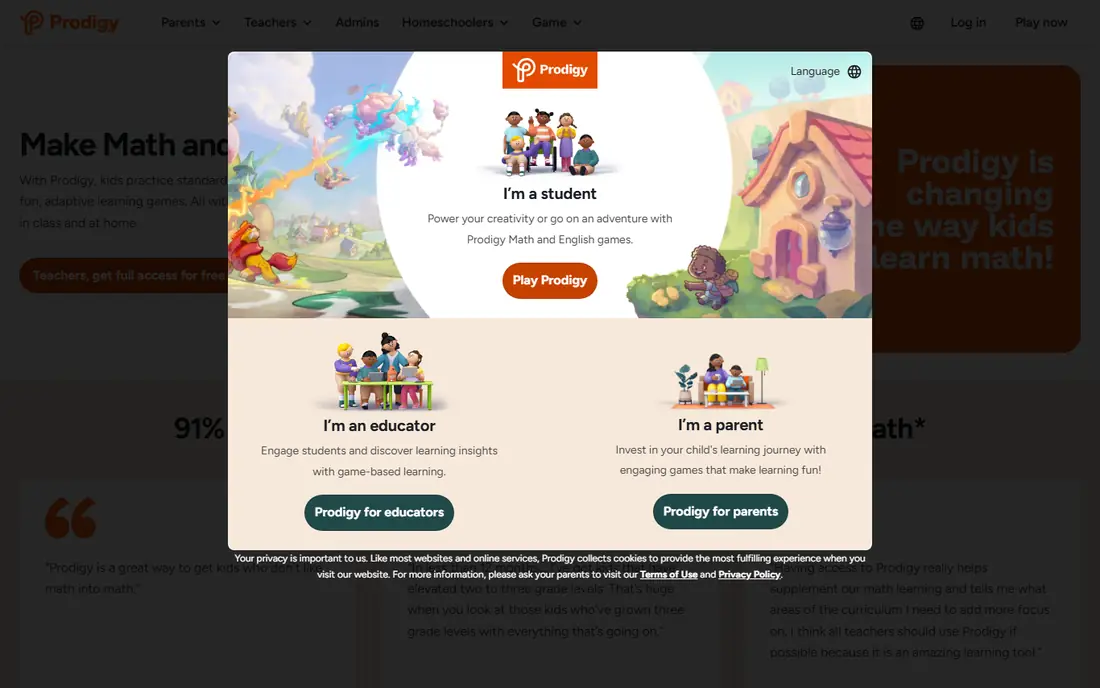
Prodigy Math turns practice into a role playing game. Children create a wizard character, explore a fantasy world, and answer math questions to win battles and earn rewards. For a child who resists worksheets, that game layer can turn 15 minutes of practice into something they actually ask for.
The educational content is free. All of the core math questions are available without paying, and the game adapts to the child's level across grades 1 to 8. Teachers can assign skills, and parents can see reports on strengths and gaps. Memberships add game perks such as pets and extra rewards, but they are not needed for learning.
The catch is the upsell. Premium prompts appear inside the game, and some children will care more about pets than practice. Parents should talk about that upfront and decide whether the membership is worth it for motivation. Used with a time limit, Prodigy is a strong practice tool.
- Core math questions are free
- Fantasy game world motivates practice
- Curriculum aligned for grades 1-8
- Premium membership prompts can distract
- Game features can overshadow the math for some children
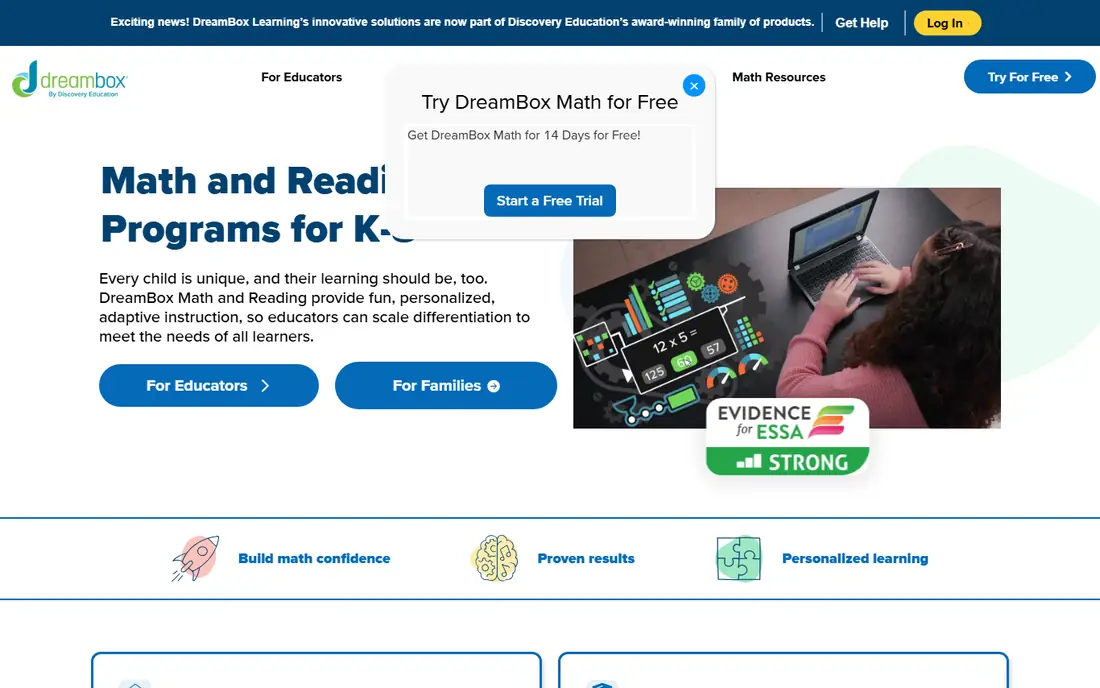
DreamBox Math is a teaching program, not just a practice game. It presents adaptive lessons that change based on how a child answers, using visual models to build understanding of place value, fractions, and operations. That conceptual focus helps children who can memorize a procedure but do not yet understand why it works.
The program covers kindergarten through grade 8, and it is widely used in schools as well as homes. Lessons feel like interactive activities rather than drills, with light rewards to keep children moving. Parents and teachers get reports that show which concepts are secure and which need more work.
DreamBox costs 12.95 dollars a month for an individual plan, with a family plan available at a higher price. It also works on browser and iPad, but not on phones or Android tablets, so check devices before subscribing. For deep, adaptive instruction, it is worth the cost.
- Adapts in real time to how a child solves problems
- Strong visual and conceptual lessons
- Aligned to standards
- Higher price than practice apps
- Works on browser and iPad, not all devices
Zearn offers a full math curriculum for kindergarten through grade 8, free for individual families. Each lesson includes short teaching, guided practice, and independent work, which makes it closer to a classroom program than a game. Children learn a concept, try it with support, then practice on their own.
That structure is Zearn's strength. It does not just drill facts, it teaches grade level math in order, with visual models and word problems. Schools use it widely, so a child using Zearn at home will often meet the same concepts at school. Progress reports help parents see where a child is stuck.
The interface is more school like than Prodigy or SplashLearn, so a reluctant learner may find it less exciting. It also needs a stable internet connection. For families who want a free, serious curriculum rather than a game, Zearn is the best pick.
- Full curriculum for grades K-8 free for individuals
- Embedded teaching and practice
- Used in many schools
- Interface feels more school like than game apps
- Needs a stable internet connection
SplashLearn is a game based learning platform for preschool through grade 5, covering math and reading. Children play adaptive games that adjust to their level, covering counting, addition, subtraction, multiplication, fractions, and geometry. The games are colorful and varied, which helps younger children stay engaged.
Parents get progress reports and can assign specific skills, while teachers can use SplashLearn free for classroom linked home access. Family plans start at 7.99 dollars a month, with higher tiers for multiple children or subjects. That price sits between free apps and DreamBox, which feels fair for the range of content.
SplashLearn is best for elementary years. It does not cover middle school math in depth, and some games repeat formats over time. For Pre-K to grade 5 practice that feels like play, it is a strong choice.
- Adaptive games across elementary topics
- Covers math and reading
- Free for schools and some home access
- Premium price adds up for multiple children
- Less deep for grades 6 and above
IXL Math covers math from Pre-K through grade 12, with thousands of skills organized by grade and topic. That breadth makes it ideal for a specific job, such as filling a gap in fractions, preparing for a test, or checking which skills a child has mastered. The diagnostic tool recommends a personalized action plan based on current level.
Each skill includes practice questions with immediate feedback and explanations. Parents and teachers get detailed analytics, including time spent, skills practiced, and progress over time. That data helps a parent see whether practice is actually closing a gap, rather than just filling time.
IXL can feel like drill work, especially for younger children who prefer games. The free access is limited to a small number of questions a day, so full use needs a paid plan starting at 9.95 dollars a month for one subject. For targeted practice and diagnostics, it is unmatched in this list.
- Huge skill library across grades
- Diagnostic tools pinpoint gaps
- Detailed analytics for parents
- Practice can feel like drills
- Full membership is needed beyond a small daily free limit
Mathseeds is an early math program for children aged 3 to 9, covering preschool through grade 3. Lessons are structured and sequential, with animated characters, songs, and rewards that guide young children through number sense, counting, addition, subtraction, and early geometry. The pace is gentle, which suits first time learners.
Each lesson builds on the last, and children earn rewards as they complete activities. Parents get reports on progress, and the program aligns with early math standards used in many schools. That structure helps parents who want more guidance than a free play app provides.
Mathseeds ends around grade 3, so older children will outgrow it. Pricing is often bundled with Reading Eggs, which can make the standalone cost unclear, so check the current plan before subscribing. For ages 3 to 9, it is a warm, well structured start.
- Structured lessons for young learners
- Fun characters and rewards
- Aligned to early math standards
- Ends around grade 3
- Bundled pricing with Reading Eggs can confuse the cost
Moose Math, from Duck Duck Moose, is a free early learning app for ages 2 to 7. Children join characters on a math adventure, visiting shops and building cities while practicing counting, sorting, addition, subtraction, and early geometry. The activities feel like play, which helps very young children enjoy numbers.
The app is free, with a simple interface that young children can navigate with help. It covers the basics well, including number recognition, counting sets, and simple addition and subtraction. For a preschooler or kindergartner, that range is enough to build early confidence.
Moose Math does not go far beyond early math, and its skill range is smaller than Khan Academy Kids. Use it as a fun supplement for young children, alongside a broader program, rather than as a complete math curriculum.
- Free with no ads in the core app
- Playful adventure activities
- Good for counting and early addition
- Limited depth beyond early math
- Smaller skill range than Khan Academy Kids
Boddle Learning is a game based math platform for kindergarten through grade 6. Children create a 3D character, explore a game world, and answer math questions to earn rewards and customize their character. That game layer, similar to Prodigy, helps motivate children who need a reason to practice.
Teachers can assign skills and track progress, and parents can follow reports on practice. The core game is free, with premium plans adding extra features and customization options. That free start makes Boddle easy to try with a class or at home.
Like other game apps, Boddle can distract children who care more about the game than the math. It is also a practice tool rather than a full teaching curriculum. For K-6 practice that feels like play, and for teachers who want assignment tools, it is a solid option.
- 3D game world for K-6 practice
- Free core access
- Teacher assignment and reporting tools
- Premium features need a paid plan
- Game focus can distract some children
How we picked these
We compared official app pages, pricing pages, and age and grade information for math apps available in the United States in October 2026. We favored apps with a clear age range, a real math focus, and a free or trial option where possible. We included teaching programs, practice games, and diagnostic tools, because families need different tools for different goals.
How to choose a math app for your child
Start with age and goal, not with the prettiest game. A 5 year old needs number sense and counting, a first grader needs addition and subtraction fluency, and a fourth grader may need fractions or multiplication practice. Match the app to that goal first.
Keep sessions short and regular
Short, regular practice beats long, rare sessions. Aim for 15 to 20 minutes, three to four times a week, alongside school or home learning. A timer helps, and it keeps game apps from turning into screen time without learning.
Watch for upsells and ads
Free apps can include membership prompts, ads, or in-app purchases that distract children. Check the app settings, turn off purchase prompts where possible, and sit with your child for the first few sessions to see what they actually encounter.
Use the reports, not just the game
Most paid apps include parent or teacher reports. Check them weekly to see which skills are improving and which are stuck. If a skill stays stuck for weeks, try a different app or a short teaching session, rather than more of the same practice.
FAQ
What is the best math app for kids?
Khan Academy Kids is the best free app for ages 2 to 8, Prodigy Math is best for game based practice in grades 1 to 8, and DreamBox is best for adaptive teaching in K to 8. The best app depends on your child's age and whether you need teaching, practice, or both.
What is the best math app for 1st grade?
Khan Academy Kids, SplashLearn, and Prodigy Math all work well for first grade. Khan Academy Kids is free and gentle, SplashLearn adds game based practice, and Prodigy suits children who love games. Zearn is a strong free curriculum option for first grade as well.
What are the best math apps for kindergarten free?
Khan Academy Kids and Moose Math are both free and suit kindergarten learners, with no ads in their core apps. Zearn is also free for individuals and covers kindergarten math as part of a full curriculum. Prodigy offers free core math questions, though it starts at grade 1.
What are the best math apps for elementary students?
Prodigy, DreamBox, Zearn, SplashLearn, and IXL all cover elementary grades well. Prodigy and SplashLearn motivate with games, DreamBox and Zearn teach concepts, and IXL is best for targeted skill practice and diagnostics.
Are math apps effective for kids?
Yes, when used regularly alongside classroom or home instruction. Research on programs such as DreamBox and Zearn has linked consistent use to improved math scores. The key is regular, short practice, plus a parent or teacher checking progress.
Should my child use more than one math app?
One app is usually enough, if it matches the goal. Some families pair a teaching app such as DreamBox or Zearn with a practice game such as Prodigy, but avoid stacking three or four apps at once. Too many apps split practice time and make progress harder to track.