The 6 Best Appraisal Software for Contractors in 2026, Ranked
6 products for the best appraisal software for contractors, ranked by fit, with starting costs and free tiers. Each tool gets a one-line verdict. Plain facts.
- Editor's choice
 Knowify
Trade contractors bidding and invoicing jobs
Starts at$19 per unit a monthVisit knowify.comFull review - Great alternative
 Fieldwire
Jobsite task and drawing tracking
Starts at$39 per user per monthVisit fieldwire.comFull review - Also consider
 Contractor Foreman
All-in-one construction management
Starts atSee websiteVisit contractorforeman.comFull review
Direct answer
For trade contractors bidding and invoicing jobs, Knowify is where this list starts. Listed starting prices: Knowify from $19 per unit a month, Fieldwire from $39 per user per month and Housecall Pro from $59 a month. Look at Fieldwire for Jobsite task and drawing tracking, and at Contractor Foreman for all-in-one construction management. The remaining 3 options are covered below with prices and limits.
TL;DR:
- Knowify takes the first slot, best suited to trade contractors bidding and invoicing jobs.
- Check the limits for Fieldwire before you commit: not a full estimating or billing suite.
- Knowify has the lowest monthly starting price in this list: $19 per unit per month.
- Only Fieldwire offers a free plan among these 6 tools.
Last checked November 2026. Prices and plan details were read from the vendors' own pages in November 2026; vendors change plans often, so confirm the current price on the vendor site before you buy.
Quick comparison
| Tool | Best for | Starts at | Free plan? | |
|---|---|---|---|---|
| Knowify | Trade contractors bidding and invoicing jobs | $19 per unit a month | Free trial | Visit |
| Fieldwire | Jobsite task and drawing tracking | $39 per user per month | Yes | Visit |
| Contractor Foreman | All-in-one construction management | See website | Not stated | Visit |
 CoConstruct | Custom builders and remodelers | See website | Not stated | Visit |
 Jobber | Service contractors needing quotes to payments | See website | Not stated | Visit |
 Housecall Pro | Home service companies managing field teams | $59 a month | Free trial | Visit |
The full appraisal software for contractors list
Choosing appraisal software for contractors usually comes down to price, fit and limits. This LinkVetted guide sets 6 tools side by side on those three points, with the facts kept short and checkable.
Knowify targets trade contractors bidding and invoicing jobs. Knowify is construction management software for trade contractors, helping them bid, run, and invoice commercial and residential jobs on time and on budget.
Limits to weigh: May not replace specialized field drawing tools.
The product is targeted at contractors who want financial control over each job. More specifically, Knowify is a solid fit when bidding and invoicing discipline are central to your trade business. Knowify cost at the entry level: $19 per unit per month. Trial and free access: Free trial.
- Supports bidding and job management
- Construction management for trade contractors
- Concentrated on trade contractors instead of all builders
In short, Fieldwire is for Jobsite task and drawing tracking. Fieldwire by Hilti is live jobsite management software that helps teams track tasks, update drawings, and cut expensive rework. It is used by owners, general contractors, and subcontractors to keep field work coordinated.
Honest limits: Not a full estimating or billing suite.
From a buyer's view, if your priority is field execution and drawing updates, it is a solid candidate. Fieldwire is not positioned as an all-in-one estimating and invoicing system, so it may need to pair with other tools for office finance. The starting price for Fieldwire: $39 per user per month. Fieldwire has a free plan.
- Track tasks and update drawings
- Used by owners, GCs, subcontractors
- Focus is field execution instead of office finance
Contractor Foreman makes the most sense for all-in-one construction management. The product is pitched at construction firms that require a wide operational backbone.
Drawbacks to consider: Wide feature set may need setup time.
Contractor Foreman is worth considering when you want estimating through billing in one construction-focused system. More specifically, if you only need scheduling and invoicing, a lighter choice may be simpler. Contractor Foreman shows no starting price here, so confirm the cost on the vendor site. Free access: Not stated.
Upsides: Made for contractors.
- All-in-one construction management approach
- Time cards, invoicing
- May be more than small crews need
CoConstruct targets custom builders and remodelers. For custom building and remodeling, CoConstruct remains a relevant option to evaluate alongside its unified brand.
The shared vision with Buildertrend recommends a continued focus on construction-specific workflows. Pricing for CoConstruct is not stated here, so ask the vendor for current figures. Free plan details: Not stated.
Trade-offs to know: May be more than straightforward service work needs.
- Pitched at custom building and remodeling workflows
- Construction management software for builders
- Brand transition may affect tool choices
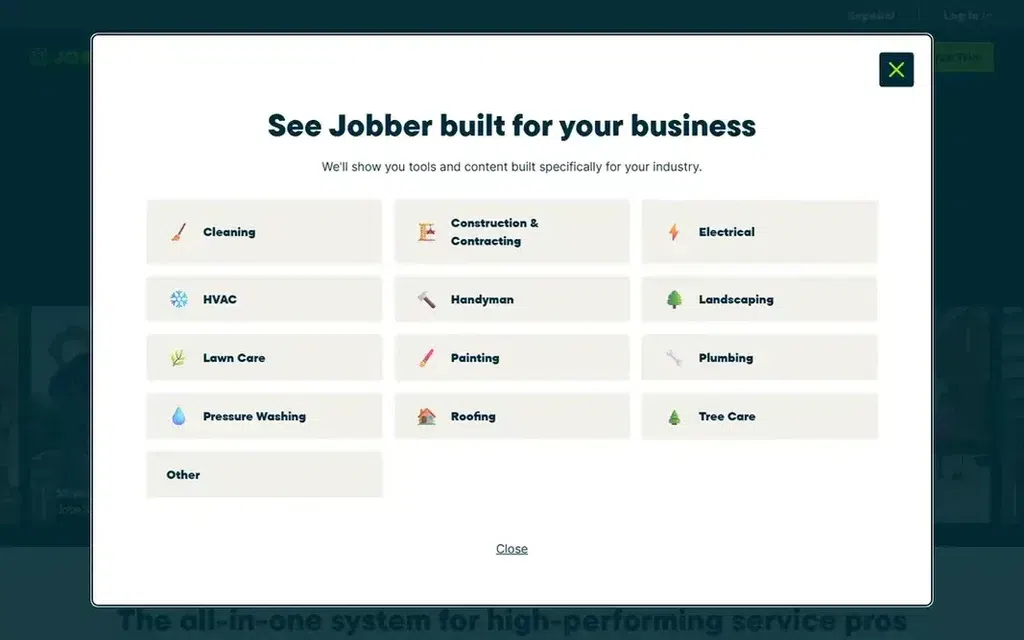
Choose Jobber for service contractors needing quotes to payments. Jobber is most solid when your workflow centers on service visits and repeat customers. If you need heavy build management, consider a construction-focused tool instead.
Also, Jobber is a home and commercial service software that organizes quoting, scheduling, invoicing, and payment collection in one place. Its app is meant to support sales, operations, and customer service for service contractors. This comparison lists no price for Jobber; ask the vendor. Free options: Not stated.
Watch-outs: May not include deep construction project accounting.
- Easy-to-use app for sales and operations
- Merges quoting, scheduling, invoicing, payments
- Best fit is service work rather than large builds

Housecall Pro makes the most sense for home service firms managing field teams. Housecall Pro is home services business management software geared toward field service professionals. It is built to help home service companies organize scheduling, jobs, and customer work in one place.
Housecall Pro is a better match when residential service work is the core of your business. On top of that, contractors whose work is largely new construction or complicated remodels may need project accounting that goes beyond home service management. On cost, Housecall Pro starts like this: $59 per month. Free plan details: Free trial.
Watch-outs: May not fit heavy construction accounting.
- Supports scheduling and business management
- Software for home service companies
- Most useful for home service workflows
How the list was put together
Pricing pages, product documentation and feature lists were the main sources, and every entry carries at least one honest drawback. Where a vendor does not publish a price, the entry says quote. Where a price depends on seats or billing term, the entry says so. The order reflects how well each tool fits the most common buying scenario for appraisal software for contractors, then price clarity, then free plan access. It is a starting point, not a verdict.
What to check before you buy
- Get a written quote from Contractor Foreman, CoConstruct and Jobber; the list shows no starting price for them.
- Test the free plan from Fieldwire against your real workload before relying on it.
- Use real work to test the free trial from Knowify and Housecall Pro, rather than a demo project.
- Read the limits listed for Knowify first: centred on trade contractors instead of all builders.
- Get the contract term, renewal terms and any onboarding fees from Jobber in writing.
- Verify that exporting from CoConstruct is possible on your plan and covers all your records.
FAQ
Which options for appraisal software for contractors have a free plan?
Fieldwire is the only tool in this list with a free plan. Free plans usually cap users, projects or features, so check the limits on the vendor page. Several others offer a trial instead. Each of the 6 options in this Appraisal software for contractors guide has its own card above with the price, free plan and limits.
Which tool suits custom builders and remodelers?
CoConstruct is construction management software targeted at custom building and remodeling workflows, and it is now part of a unified brand with Buildertrend. Buyers should confirm which product path suits their business.
What should contractors look for in appraisal software?
If field work is central, confirm jobsite task and drawing features. Also check whether the tool suits service work, construction projects, or both.
What is the cheapest option for appraisal software for contractors in this list?
On published monthly entry prices, Knowify is the lowest here at $19 per unit per month. Entry price is only part of the cost, because seats, add-ons and billing terms can change the total. All 6 picks in this Appraisal software for contractors comparison list a starting price, free plan details and the main limits on their cards above.
Do these tools publish their prices?
Not all of them. Contractor Foreman, CoConstruct and Jobber publish no starting price, so expect a quote request for those. The rest, Knowify included, show a starting price, though seats and billing terms still change the final cost.
How are the tools for appraisal software for contractors ordered?
Knowify sits first and Housecall Pro last because the order follows typical fit for appraisal software for contractors, then price clarity and free access. It is a judgement call, so read each profile for fit and limits.
Sources
- https://www.knowify.com
- https://www.fieldwire.com
- https://www.contractorforeman.com
- https://www.coconstruct.com
- https://www.getjobber.com
- https://www.housecallpro.com