The 5 Best Appointment Scheduling Software for Gyms in 2026, Ranked
Best appointment scheduling software for gyms: 5 tools compared on price, free plans and fit. Trade-offs are spelled out for each entry. Skim the table first.
- Editor's choice
 Calendly
Straightforward meeting and session booking
Starts at$10 per seat a monthVisit calendly.comFull review - Great alternative
 PushPress
Gyms automating daily management
Starts at$79 per monthVisit pushpress.comFull review - Also consider
 Square Appointments
Booking tied to Square payments
Starts atSee websiteVisit squareup.comFull review
Direct answer
Calendly comes first here, mainly for simple meeting and session booking. Listed starting prices: Calendly from $10 per seat a month, PushPress from $79 per month and Mindbody from $79 a month per location. Alternatives: PushPress for gyms automating daily management, and Square Appointments for booking tied to Square payments. Prices, free plans and limits for all 5 tools follow.
TL;DR:
- Calendly sits first on this list: straightforward meeting and session booking.
- 2 of 5 tools offer a free plan: Calendly, PushPress.
- The main caution on PushPress: fitness-specific instead of general purpose.
- Acuity Scheduling suits configurable appointment booking.
- Starting prices begin at $10 per seat per month with Calendly.
Last checked November 2026. Prices and plan details were read from the vendors' own pages in November 2026; vendors change plans often, so confirm the current price on the vendor site before you buy.
Quick comparison
| Tool | Best for | Starts at | Free plan? | |
|---|---|---|---|---|
| Calendly | Straightforward meeting and session booking | $10 per seat a month | Yes | Visit |
| PushPress | Gyms automating daily management | $79 per month | Yes | Visit |
| Square Appointments | Booking tied to Square payments | See website | Not stated | Visit |
 Mindbody | Full-service fitness and wellness firms | $79 a month per location | Not stated | Visit |
 Acuity Scheduling | Configurable appointment booking | $16 per month | Free trial | Visit |
Tool-by-tool breakdown
LinkVetted put together this guide to appointment scheduling software for gyms for readers who want a clear shortlist without reading every vendor page. It compares 5 tools on starting price, free plans, who each one suits and where each one falls short.
In short, Calendly is for straightforward meeting and session booking. For gyms, it fits best for trainers booking one-on-one sessions or consultations where a straightforward booking link and calendar sync matter more than class management.
Where it falls short: Meeting-oriented instead of gym-oriented.
It is simple to share and familiar to plenty of clients. On cost, Calendly starts like this: $10 per seat per month. Calendly offers a free plan.
- Tools around meeting prep and follow-up
- Straightforward booking links
- Restricted fitness-specific management
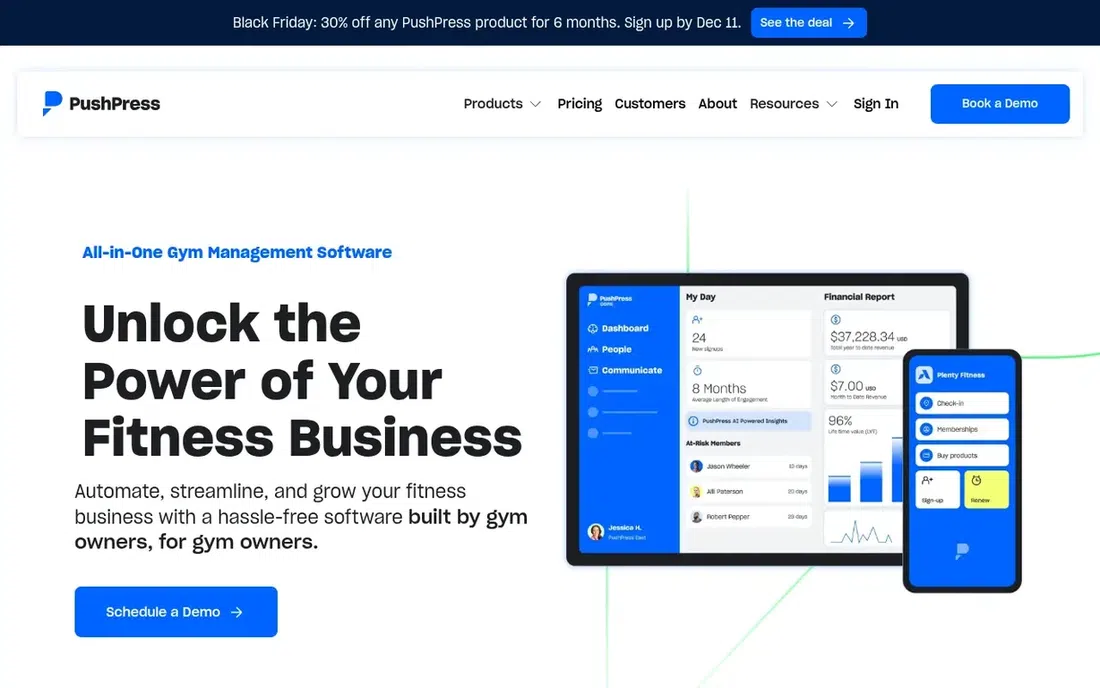
PushPress makes the most sense for gyms automating daily management. It suits expanding gyms that value automation and time savings.
Honest limits: Fitness-specific instead of general purpose.
In daily use, pick PushPress when gym operations, not just appointments, are the priority. On cost, PushPress starts like this: $79 per month. A free plan is available with PushPress.
- Gym-focused management software
- Made for both clients and staff
- Less suited to non-gym appointment firms
Square Appointments works best for booking tied to Square payments. Square Appointments provides online booking and scheduling software that keeps appointments organized and synced in live.
The main drawbacks: Gym-specific features are restricted.
Small operations wanting a tidy booking flow with payment alignment are the clearest fit. The scheduling features are general instead of built around gym classes or memberships. No starting price is listed for Square Appointments here; confirm pricing on the vendor site. On free options: Not stated.
- Suits companies already using Square
- Online booking and scheduling
- Scheduling is one part of a payments ecosystem
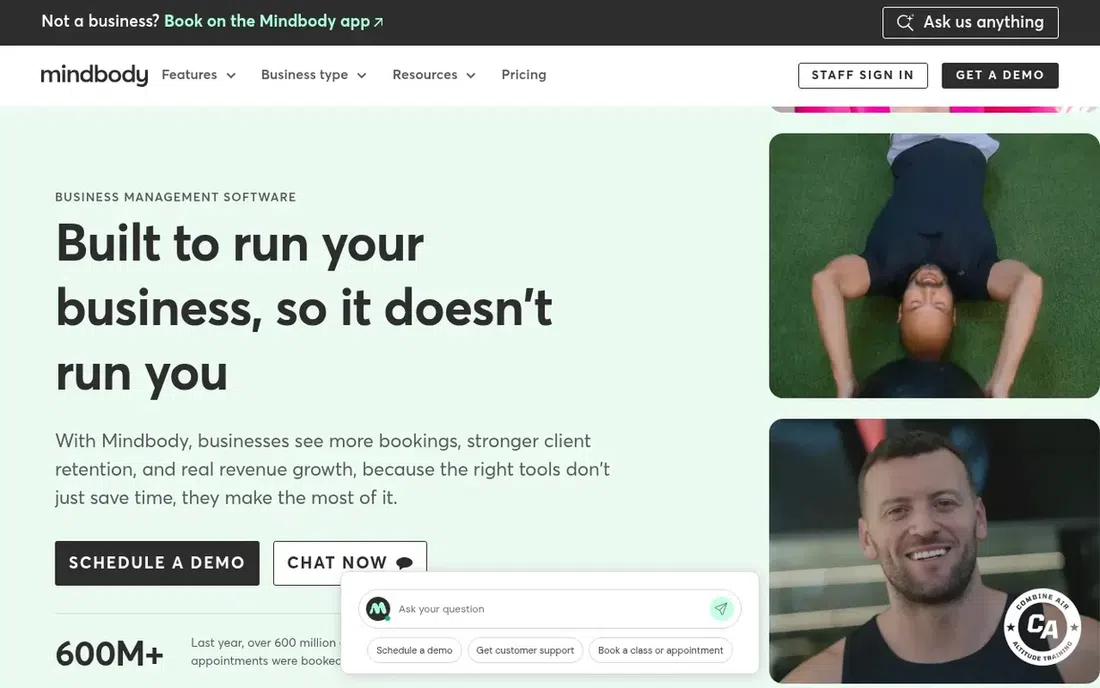
Think of Mindbody for full-service fitness and wellness companies. It is pitched at studios and gyms that want booking, client management and business operations in one place instead of stitching separate tools together. In daily use, choose Mindbody when you expect to grow into broader wellness business features.
Where it falls short: Wide suite may exceed straightforward booking needs.
Since the product spans so much, a small gym that only needs a booking calendar may find it heavier than necessary. Gyms with mixed offerings, for example classes plus personal training, are the clearest fit. Price to start with Mindbody: $79 per month per location. Free options: Not stated.
- Designed for companies of varying sizes
- All-in-one product for fitness and wellness
- Feature depth can mean a learning curve
Acuity Scheduling is aimed squarely at configurable appointment booking. Acuity Scheduling is an online booking and appointment scheduling tool offering scheduling automation and full customization.
Where it falls short: Not made for gyms.
It suits gyms that want control over how appointment types, availability and booking flows are presented, notably for personal training or consultations. Acuity Scheduling pricing: $16 per month. Free plan details: Free trial.
- Scheduling automation
- Full customization of booking
- Customization may need setup time
Our selection method
What to confirm before you sign up
- Get a written quote from Square Appointments; the list shows no starting price for them.
- Read the fine print on the free plans from Calendly and PushPress; seat, project and feature caps differ.
- Run a trial of Acuity Scheduling with real work before paying for a year; your own workflow is the best test.
- Before choosing Calendly, weigh its main limit: meeting-oriented instead of gym-oriented.
- Verify that exporting from Square Appointments is possible on your plan and covers all your records.
- Compare total cost, not headline price: for PushPress, add extra seats, add-ons and any usage-based charges.
FAQ
How are the tools for appointment scheduling software for gyms ordered?
The order follows typical fit for appointment scheduling software for gyms, with Calendly first and Acuity Scheduling last, then price clarity and free access. It is editorial judgement, not a score, so another team could rank the tools differently.
What matters most when comparing gym scheduling tools?
Look at whether the tool handles classes and personal training, how reminders and calendar sync work, and whether payments and member records fit your process. These factors normally separate a solid fit from a poor one.
Do these tools publish their prices?
Not all of them. Square Appointments publishes no starting price, so expect a quote request for it. The rest, Calendly included, show a starting price, though seats and billing terms still change the final cost.
What is the cheapest option for appointment scheduling software for gyms in this list?
On published monthly entry prices, Calendly is the lowest here at $10 per seat per month. Entry price is only part of the cost, because seats, add-ons and billing terms can change the total. Each of the 5 options in this appointment scheduling software for gyms guide has its own card above with the price, free plan and limits.
Is Calendly the right pick for everyone comparing appointment scheduling software for gyms?
No single tool suits every team. Calendly comes first because it fits simple meeting and session booking, while PushPress suits gyms automating daily management and Square Appointments suits booking tied to Square payments. Match the tool to your own size, budget and workflow before deciding.
Sources
- https://calendly.com
- https://www.pushpress.com
- https://squareup.com/us/en/appointments
- https://www.mindbodyonline.com
- https://acuityscheduling.com