Best Apps to Keep Receipts in 2026: 8 Apps Compared
Compare the best app to keep receipts for taxes and expenses, with scanning, mileage tracking, accounting sync and free plans for 2026 users. and small teams.

- Editor's choice
 Expensify
Teams and expense reports
Starts at$5 per monthVisit expensify.comFull review - Great alternative
 Zoho Expense
Value for small teams
Starts atFreeVisit zoho.comFull review - Also consider
 Dext
Accountants and high volume
Starts at$30 per monthVisit dext.comFull review
TL;DR:
- Expensify is our pick for teams, with SmartScan receipt capture, card matching, and approval workflows from $5 per member per month.
- Zoho Expense is the best value, with a free tier for up to three users and paid plans from about $4 per user per month.
- Shoeboxed is the best pick for paper backlogs, thanks to its mail-in Magic Envelope service.
- Dext suits accountants and bookkeepers who need high-accuracy capture at volume.
- Keep digital copies plus the originals for large purchases until your tax return is settled, and check your local record rules.
Quick comparison
| Tool | Best for | Starts at | Free plan? | |
|---|---|---|---|---|
| Expensify | Teams and expense reports | $5 per month | Yes | Visit |
| Zoho Expense | Value for small teams | Free | Yes | Visit |
| Dext | Accountants and high volume | $30 per month | Free trial | Visit |
 Shoeboxed | Mail-in paper receipts | $18 per month | No | Visit |
 QuickBooks Online | Receipts inside your books | $38 per month | Free trial | Visit |
 Wave | Budget bookkeeping | Free | Yes | Visit |
 Veryfi | High-volume data extraction | See website | Free trial | Visit |
 SparkReceipt | Simple scanning and exports | $12.90 per month | Yes | Visit |
The best apps to keep receipts
The best receipt app for taxes is the one that turns a photo into a clean, searchable record and sends it where your books live. We compared official pricing and feature pages for apps that still support US tax and expense workflows, and favored tools with clear scan limits and accounting links.
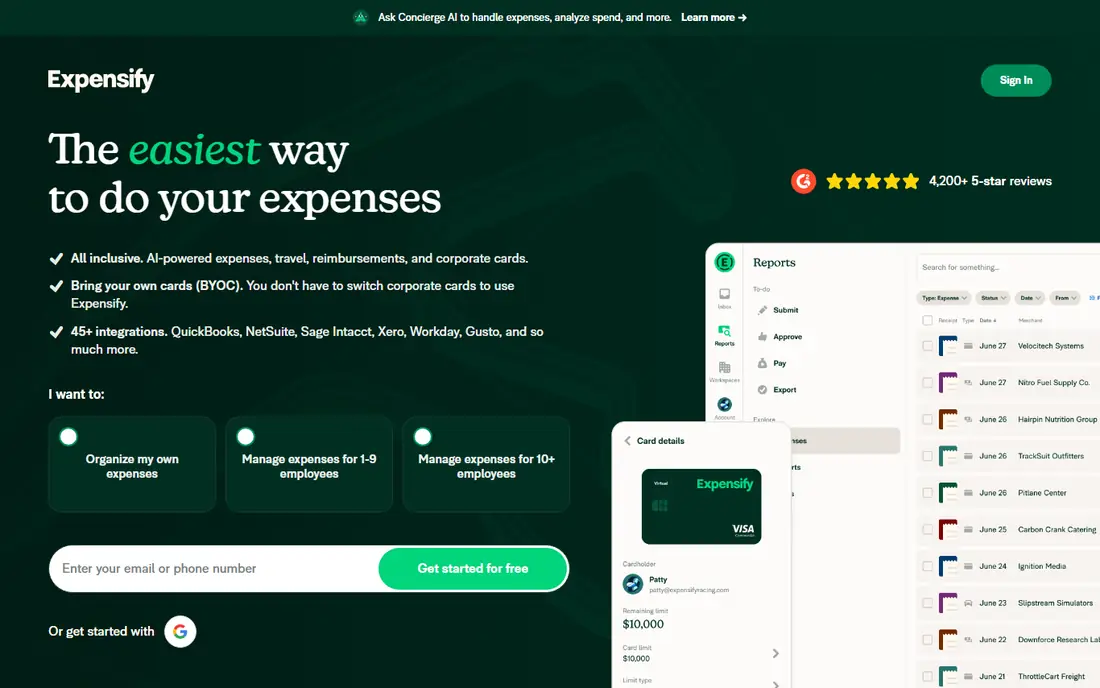
Expensify is the most complete receipt app for a team. Snap a receipt and SmartScan reads the vendor, date, and total, matches it to a card charge, and routes it for approval. Integrations with QuickBooks, Xero, and NetSuite keep the books in sync without retyping.
Solo users may find it heavy. The Collect plan starts at $5 per unique member per month, and the Control plan, with deeper policy controls, costs more. If you only need to store receipts for your own taxes, a simpler app will save money. If staff submit expenses, Expensify is worth it.
- SmartScan capture
- Card matching
- Approval workflows
- Per-user pricing adds up
- Full controls need the higher plan

Zoho Expense is the best receipt app free option for a small team that still wants real reports. The free tier covers up to three users, with receipt scanning, expense reports, and mileage tracking. Paid plans start from about $4 per user per month and lift the limits.
The catch is scale. Free scan allowances are capped, and larger teams will move to paid plans quickly. Still, for a freelancer with a helper or a tiny team, Zoho Expense delivers more than its price suggests, especially if you already use Zoho Books.
- Free tier for up to three users
- Good expense reports
- Zoho Books link
- Scan limits on free tier
- Some features need a paid plan
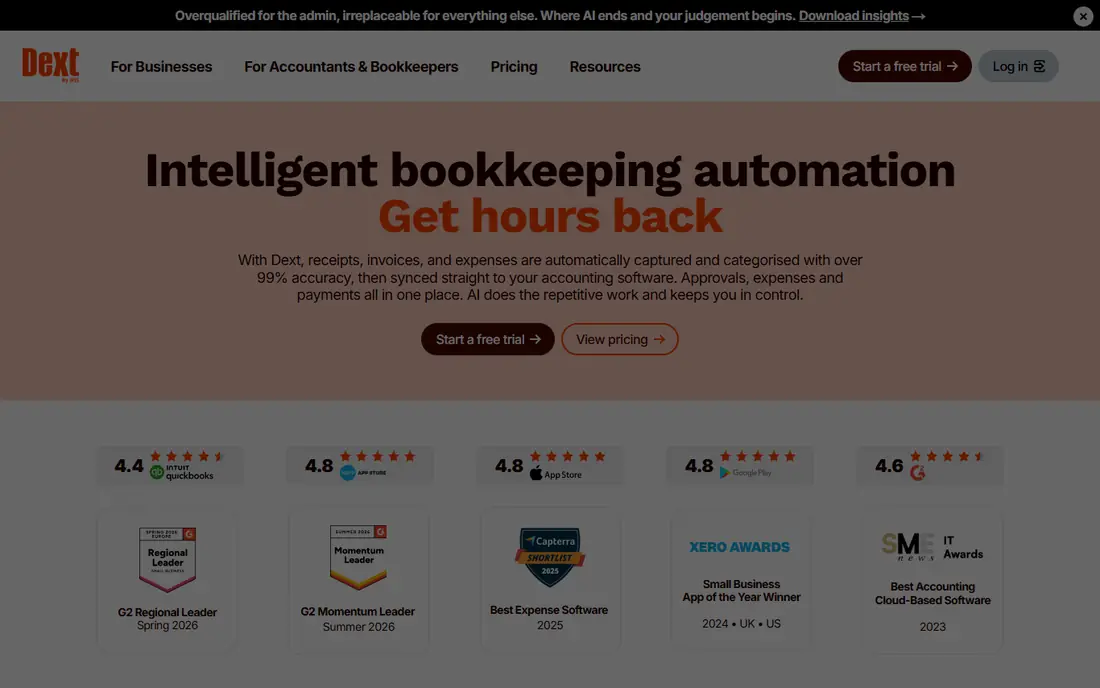
Dext, formerly Receipt Bank, is built for volume. It captures receipts, invoices, and bank statements, extracts line details, and hands clean data to your accountant or bookkeeper. Firms that process hundreds of documents a month value its accuracy and its client workflow.
For a solo filer with a few dozen receipts a year, Dext is expensive, with plans from about $30 per month. It makes sense when receipt volume, or accountant time, is the bottleneck. Ask your bookkeeper if they already use Dext before you buy it alone.
- High-accuracy capture
- Accountant workflow
- Broad accounting links
- Pricey for solo users
- Overkill for a handful of receipts
Shoeboxed solves the backlog problem in a way no phone app can. Stuff paper receipts into a prepaid Magic Envelope, mail it in, and Shoeboxed scans, digitizes, and categorizes them for you. The mobile app and Gmail import cover new receipts as they arrive.
Mailing takes days, so it is not the pick for a receipt you need in your books today. Plans start at $18 per month in recent listings, with higher tiers for more documents. If your desk drawer is full of paper, Shoeboxed is the fastest way to clear it properly.
- Magic Envelope mail-in service
- Human-verified data
- Mileage tracking
- Mail turnaround takes time
- Document limits on lower plans
QuickBooks Online includes receipt capture as part of its accounting plans, starting from $38 per month. Snap a receipt in the app, and it lands in your books, matched to a transaction and ready for tax categories. For a business already on QuickBooks, there is no reason to add a separate receipt app.
Buying QuickBooks just for receipts would be wasteful. The value comes from the full bookkeeping, invoicing, and reporting system around it. If you already pay for QuickBooks, use its capture tools first and skip a second subscription.
- Capture built into accounting
- Mileage tracking
- Strong reporting
- Receipt tools alone do not justify the price
- Learning curve for new users
Wave offers free accounting and invoicing, which makes it a strong starting point for a brand-new business. Receipt scanning sits on the Pro plan, reported at about $16 per month, and adds unlimited receipt capture to the free books. That split keeps the entry cost at zero while you test the system.
Wave is less suited to teams with approval chains or complex expense policies. Its strength is simple, clean books for a solo operator. If your needs grow past basic capture and invoicing, Expensify or QuickBooks will fit better.
- Free accounting and invoicing
- Simple receipt capture
- Good for new businesses
- Receipt scanning needs the Pro plan
- Fewer advanced expense controls
Veryfi is a data extraction platform that reads receipts, invoices, and other documents with detailed line items. Developers and larger businesses use its API to feed clean data into their own systems, and its accuracy on structured documents is a selling point.
It is not aimed at a casual user who wants to store a few receipts a month, and its pricing, from about $500 per month for API plans in some listings, reflects that. Choose Veryfi when volume and automation matter more than a simple mobile app, and check its current plans before you budget.
- Fast data extraction
- API for developers
- Strong line-item detail
- Priced for business and API use
- Not a simple consumer app
SparkReceipt keeps receipt keeping simple. Scan with the phone, let it read the key fields, and export to Excel, CSV, or accounting formats. An accountant seat is included, which helps at tax time, and offline capture means you can scan without signal and sync later.
Its integration list is shorter than the big expense platforms, so check your accounting software before you commit. At $12.90 per month, or $129 per year, it sits between free tools and team platforms. For a solo business that wants clean exports without team workflow, it is a tidy fit.
- Easy scanning
- Excel and CSV exports
- Accountant seat included
- Smaller integration range than Expensify
- Paid plan needed for full use
How we picked these
We compared official pricing pages, feature pages, and app listings for receipt tools that are actively maintained and that support US users. We favored tools with clear scan limits, tax-friendly exports, and accounting links, and we kept a mix of free, team, and high-volume options. Tools that had shut down, that lacked current pricing, or that stored receipts without exports did not make the list.
How to keep receipts for taxes without a mess
Scan or photograph every receipt on the day you get it, while you still remember what it was for. Add a short note for business purpose, especially for meals, travel, and mixed purchases. Sort by tax category as you go, not in April, and back up your exports to a second location, such as cloud storage or an external drive.
Check the rules that apply to you. In the US, the IRS generally accepts digital copies if they are legible and complete, but keep originals for high-value items and for any receipt that scans poorly. This article is general information only, not tax advice, so ask your accountant about retention periods for your situation.
A simple weekly routine
Set a ten-minute weekly slot to scan, categorize, and file receipts. Forward email receipts to your app the same day, and empty your wallet and car of paper each Friday. That small habit prevents the year-end pile that causes missed deductions and lost records.
FAQ
What is the best receipt app for taxes?
Expensify is the best all-round pick for teams, and Shoeboxed is the best pick for paper backlogs. For a solo filer on a budget, Zoho Expense free tier or Wave cover the basics well. The best receipt app for taxes is the one that exports cleanly to your accountant or your books.
What is the best receipt app free?
Zoho Expense offers a free tier for up to three users with scanning and reports. Wave offers free accounting, with receipt scanning on its Pro plan. Files and photos alone can work, but a dedicated app adds search, categories, and exports that save time at tax time.
Does the IRS accept scanned receipts?
In general, the IRS accepts legible digital copies of receipts if they show the vendor, date, amount, and business purpose. Keep the scan complete, back it up, and keep originals for large or unclear items. Check current IRS guidance or ask your accountant, since rules can change and special cases differ.
How long should I keep receipts?
Many accountants suggest keeping tax records for at least three years from filing, and longer for property, business assets, or unresolved issues. This is general information only, not tax advice. Your accountant can give a retention period based on your return and your state rules.
Can I just photograph receipts with my phone camera?
You can, and it is better than losing paper, but a receipt app adds OCR reading, search, categories, and accounting exports. Photos in a camera roll are hard to search at tax time and easy to lose in a phone change. Use an app, or at least a dedicated cloud folder with clear names.
What is the best app for keeping receipts for a small business?
For a small business with staff, Expensify is the strongest pick. For a solo business, Zoho Expense or QuickBooks Online, if you already use it, are simpler. If paper is your main problem, Shoeboxed mail-in service clears a backlog faster than scanning one by one.