Best App for Preschool Learning in 2026: 8 Apps Compared
Find the best app for preschool learning for ages 2 to 8 with our detailed comparison of 8 apps, prices, subjects, safety, and free options in 2026 today.
- Editor's choice
 Khan Academy Kids
Free all-round learning
Starts atFreeVisit khanacademy.orgFull review - Great alternative
 ABCmouse
Guided curriculum
Starts at$14.99 per monthVisit abcmouse.comFull review - Also consider
 Starfall
Early reading
Starts atFreeVisit starfall.comFull review
TL;DR:
- Khan Academy Kids is the best free starting point, with a full early learning path and no ads.
- ABCmouse suits families who want one long guided path across many subjects and are happy to pay.
- Starfall is strongest for early reading, while SplashLearn leans toward math practice.
- Keep sessions short, sit with your child at first, and check that the app has no ads or chat features.
Quick comparison
| Tool | Best for | Starts at | Free plan? | |
|---|---|---|---|---|
| Khan Academy Kids | Free all-round learning | Free | Yes | Visit |
| ABCmouse | Guided curriculum | $14.99 per month | Yes | Visit |
| Starfall | Early reading | Free | Yes | Visit |
 PBS KIDS Games | Free games with familiar shows | Free | Yes | Visit |
 Lingokids | Playful English learning | See website | Yes | Visit |
 Homer | Reading readiness | See website | Free trial | Visit |
 SplashLearn | Math and reading practice | See website | Yes | Visit |
 Duolingo ABC | Phonics for young readers | Free | Yes | Visit |
The best apps for preschool learning
Preschool apps work best as a supplement to play, books, and talk, not as a replacement for them. The apps below differ in price, subjects, and structure, so the right pick depends on your child's age and interests.
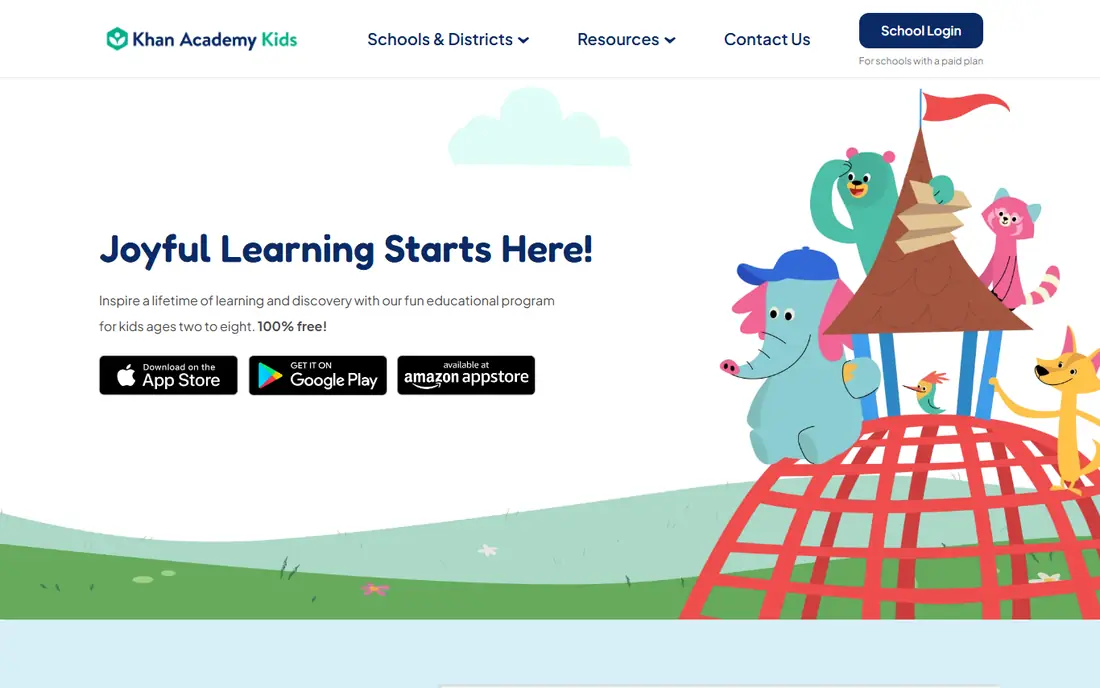
Khan Academy Kids is our pick for most families because it removes the price question entirely. The app offers books, videos, and activities for ages 2 to 8, covering early reading, math, logic, and social and emotional learning. There are no ads and no in-app purchases, which matters a lot for young children.
The main limit is age range and platform. Older children will outgrow it, and it is app-based rather than a full website for kids. For preschool years, though, it is hard to beat, and parents can start here before paying for any other app.
- Fully free with no ads
- Covers reading, math, and social skills
- Parent tools included
- No web version for children
- Content ends around age 8

ABCmouse offers a long guided path for ages 2 to 8, with activities in reading, math, science, art, and music. Children earn tickets and rewards as they move through levels, which can keep a motivated child engaged. The Premium plan allows up to three children, so siblings can share one account.
The basic free tier limits daily activities, so most families will need Premium for full use. Check the current annual price at signup, since web and app store prices can differ. Try the free tier first to see if your child likes the guided style before paying.
- More than 13,000 activities
- Step-by-step learning path
- Up to 3 child profiles on Premium
- Monthly price adds up
- Annual price varies by signup channel

Starfall started as a reading tool, and that focus still shows. The free learn-to-read program walks children through letters, sounds, and simple books in a calm, uncluttered design. Teachers use it widely, which helps if your child's school also uses it.
It is not a full preschool curriculum on its own. Math and other subjects are thinner than in Khan Academy Kids or ABCmouse. Use Starfall as a reading specialist alongside a broader app, and consider the home membership, listed at $35 per year in recent comparisons, if your child uses the extra content often.
- Free learn-to-read section
- Simple design
- Used in many classrooms
- Narrower than ABCmouse
- Some content needs a membership
PBS KIDS Games turns characters from PBS shows into short learning games for ages 2 to 8. Children who already watch Daniel Tiger, Sesame Street, or Wild Kratts will recognize the faces and stories, which can make learning feel like play. The app is free, and more games are available on the PBS KIDS website.
The trade-off is structure. There is no long guided path or detailed parent report in the same way as ABCmouse. That is fine for free play and short sessions, but families who want a clear curriculum should pair it with Khan Academy Kids or Starfall.
- Free with no subscription
- Familiar characters
- Games tied to shows children know
- Less structured than a curriculum app
- Progress tracking is limited
Lingokids uses songs, games, and short videos to teach early English, math, and social skills to ages 2 to 8. The tone is playful and bright, which suits younger children who learn through repetition and music. Parents get progress reports and can set profiles for more than one child on paid plans.
The free version limits daily activities, so regular use will likely need a subscription. Prices vary by channel and promotion, so check the vendor site at signup. If your main goal is English language learning, Lingokids is a stronger fit than a general curriculum app.
- Play-based lessons
- Strong for early English learners
- Parent progress reports
- Paid plan is needed for full access
- No desktop version for children
Homer builds a personalized path based on your child's age and reading level, with stories, songs, and activities aimed at reading readiness. The app adjusts as the child progresses, which helps avoid work that is too easy or too hard. Parents can follow progress and see which skills the child is practicing.
Homer is less broad than ABCmouse, since reading is the core. That focus is a strength for families worried about early literacy, but it means you may still want a math app alongside it. Use the free trial to check whether the reading level matches your child before paying.
- Personalized reading path
- Stories and songs
- Progress tracking for parents
- Focus is narrower than ABCmouse
- Pricing varies by offer
SplashLearn started with math games and now includes reading games for preschool through grade 5. Children practice skills through short games that adapt to their level, and parents can see progress in a dashboard. The game format suits children who enjoy earning rewards and beating levels.
The free account is limited, and full pricing is shown after signup, which makes comparison harder. If math is your priority, SplashLearn is worth trying alongside Khan Academy Kids. If you want one app for everything, a broader curriculum app may be simpler.
- Game-based math practice
- Reading games for younger children
- Parent dashboard
- Free account is limited to one child profile
- Paid prices are shown in-account
Duolingo ABC teaches reading through phonics, with short lessons, stories, and tracing activities for ages about 3 to 7. It is free, with no ads or in-app purchases, which makes it a safe second app for early readers. Sessions are short, so it fits well before bed or after school.
It does not teach math, science, or other preschool subjects, so it works best as a complement to Khan Academy Kids or PBS KIDS Games. For a child who is just learning letter sounds, though, its focused phonics path is a real strength.
- Free with no ads
- Phonics-based reading lessons
- Short, game-like sessions
- Reading only
- Ages focus is about 3 to 7
How we picked these
We compared official pricing and age pages, app store listings, and parent-facing features for preschool apps active in October 2026. We favored apps with no ads for young children, a clear age range, and content that matches preschool skills. We included free and paid options, and we noted where pricing differs between web signup and app stores.
How to choose a preschool app
Start with age and skill, not with the longest feature list. A 3-year-old needs letters, sounds, counting, and songs, while a 5-year-old may be ready for early reading and simple addition. Try a free app first, and watch whether your child understands the tasks or just taps through them.
Next, check safety and session length. Look for no ads, no chat, no in-app purchases that a child can trigger, and a parent gate for settings. Keep sessions to about 15 to 20 minutes, and sit with your child for the first few sessions so you can explain tasks and spot frustration early.
Finally, think about cost over a year. A free app that your child uses daily beats a paid app that sits unused. If you do pay, check whether siblings can share the account, whether the price renews yearly, and whether you can cancel easily. A good preschool app should support play and reading, not replace them.
FAQ
What is the best free app for preschool learning?
Khan Academy Kids is the best free starting point for most families, since it covers reading, math, and social skills with no ads. PBS KIDS Games and Duolingo ABC are also free and work well alongside it for games and phonics.
Is ABCmouse worth the price?
ABCmouse is worth it if your child likes a guided path and uses it several times a week across many subjects. The monthly price adds up over a year, so try the free basic tier first and check the annual price at signup before committing.
How much screen time is right for a preschooler?
Short, supervised sessions of about 15 to 20 minutes are a good guide, balanced with books, outdoor play, and conversation. Use the app as one activity among many, and stop if your child is tired or frustrated.
Are preschool apps safe for young children?
The safest apps have no ads, no chat, no open web browsing, and a parent gate for purchases and settings. Check the privacy policy for data collection, and avoid apps that push purchases to children during play.
Can a preschool app teach my child to read?
An app can support early reading by teaching letter sounds, blending, and simple books, especially Starfall, Homer, and Duolingo ABC. Reading aloud with a parent, talking about stories, and practicing with real books still matter most for lasting reading skills.