Best App for Managing Finances in 2026: 8 Apps Compared
Compare the best app for managing finances in 2026, from hands-on budgeting to simple tracking, with current prices, free tiers and honest limits at home.
- Editor's choice
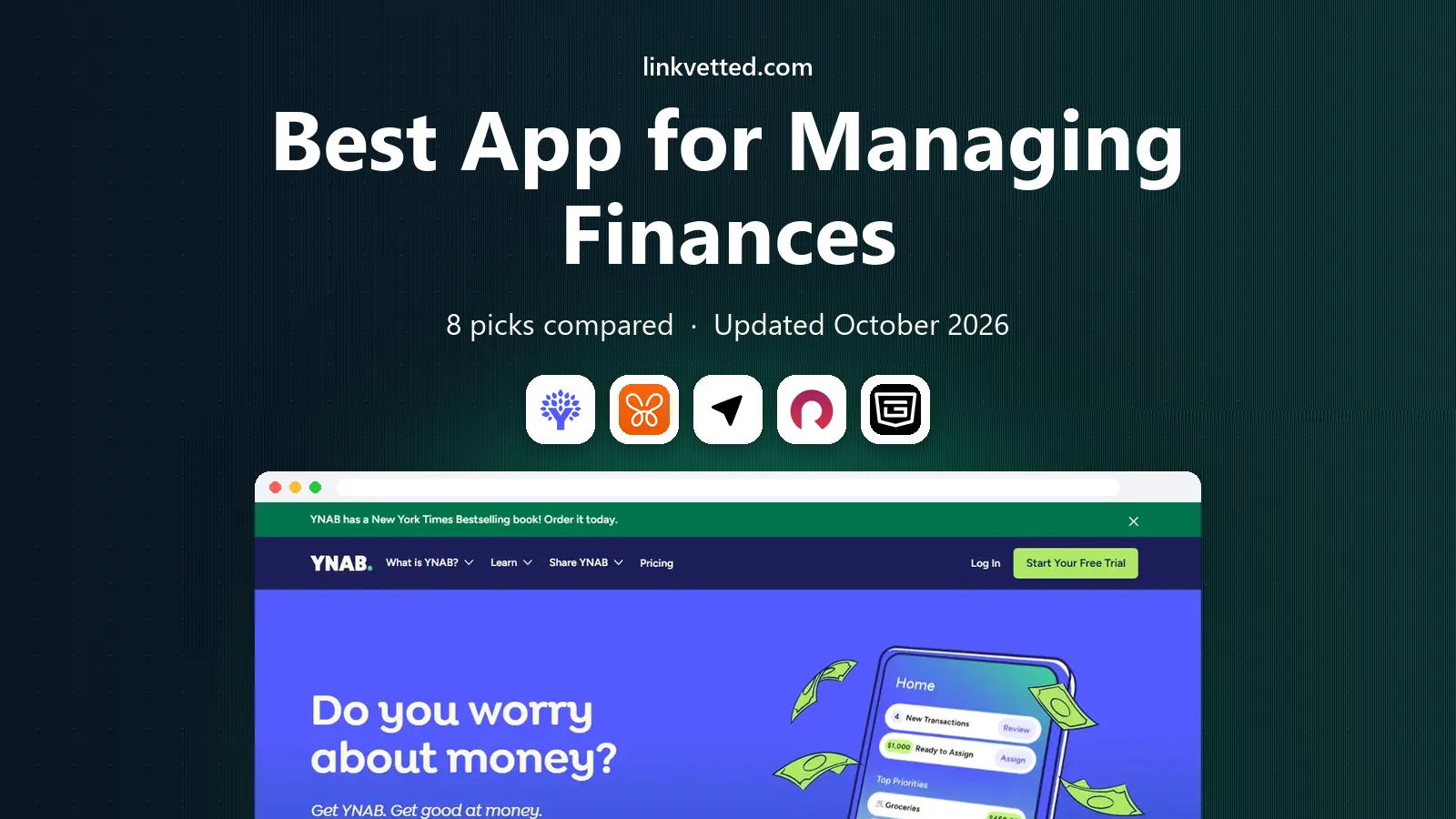
 YNAB
Hands-on zero-based budgeting
Starts at$14.99 per monthVisit ynab.comFull review - Great alternative
 Monarch Money
Full household dashboard
Starts at$14.99 per monthVisit monarchmoney.comFull review - Also consider
 Copilot Money
Apple users, clear design
Starts at$13 per monthVisit copilot.moneyFull review
TL;DR:
- YNAB suits hands-on budgeters, while Monarch Money suits households that want budgeting, net worth and investments in one dashboard.
- Rocket Money, Goodbudget and EveryDollar offer usable free tiers, so you can start without paying.
- Copilot Money is Apple only, so Android users should shortlist Monarch, YNAB or Simplifi instead.
- No budgeting app gives financial advice on its own, and linked accounts should be checked against your bank statements.
Quick comparison
| Tool | Best for | Starts at | Free plan? | |
|---|---|---|---|---|
| YNAB | Hands-on zero-based budgeting | $14.99 per month | Free trial (34 days) | Visit |
| Monarch Money | Full household dashboard | $14.99 per month | Free trial (7 days) | Visit |
| Copilot Money | Apple users, clear design | $13 per month | Free trial (1 month) | Visit |
 Rocket Money | Subscriptions and free tracking | Free | Yes | Visit |
 PocketGuard | Simple safe-to-spend number | Free | Yes | Visit |
 Goodbudget | Digital envelope budgeting | Free | Yes | Visit |
 EveryDollar | Simple zero-based budgets | Free | Yes | Visit |
 Quicken Simplifi | Low-cost all-round tracking | $5.99 per month | Free trial | Visit |
The best app for managing finances
Managing finances means different things to different households. Some people want to plan every dollar, others want to see all accounts in one place and spot waste. We compared official pricing pages, free tiers, bank sync, app store listings and public reviews for the apps below.

YNAB, short for You Need A Budget, asks you to give every dollar a job before you spend it. That discipline is the point. You plan with money you already have, adjust categories as life changes, and track progress toward debt payoff or savings goals. For people who have tried simple trackers and still overspent, that structure often makes the difference.
The cost and effort are real. After a 34-day trial, YNAB costs $14.99 per month or $109 per year, with a free year for eligible college students. It also asks for regular attention, at least in the first month. If you want a dashboard that mostly runs itself, Monarch or Simplifi will feel lighter.
- Clear zero-based method
- Strong goal and debt tools
- Bank sync and manual entry
- No free tier after trial
- Learning curve for new budgeters
- $109 per year on annual billing
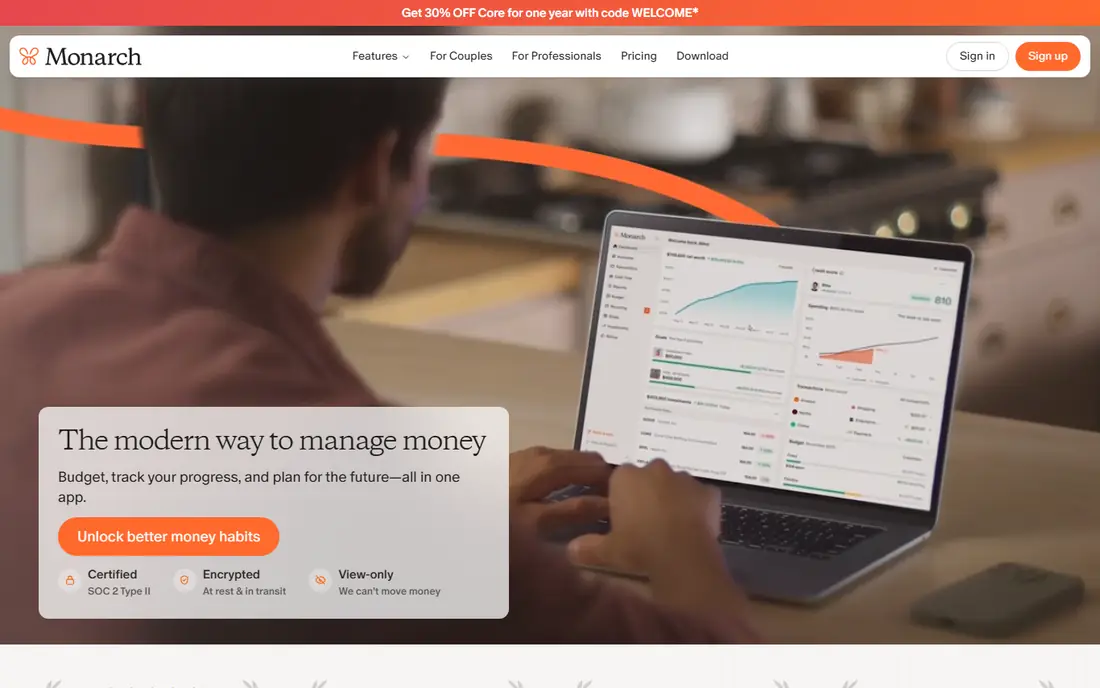
Monarch Money is our pick for most households that want one view of their money. It links bank, card, loan and investment accounts, shows cash flow and net worth, and lets partners share the same dashboard. Category budgets are flexible rather than strict, so you can set targets without following a single budgeting philosophy.
Pricing is $14.99 per month or $99.99 per year for Core, which covers most households. The 7-day trial is short, so use it with real accounts and a real budget, not a quick tour. If you need advanced forecasting and planner tools, the $199 per year Plus tier exists, but most users will not need it.
- Budgeting, net worth and investments in one place
- Shared household access
- Flexible category budgets
- No free tier after trial
- 7-day trial is short
- Plus tier at $199 per year is aimed at power users
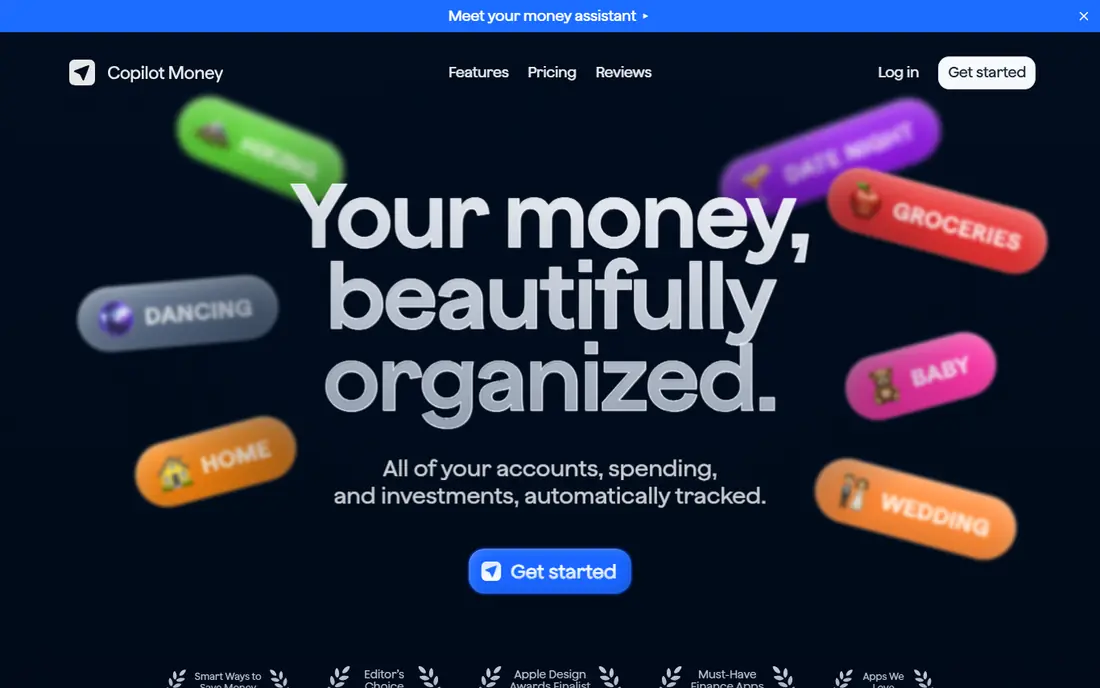
Copilot Money is built for iPhone, iPad and Mac users who care about design as much as data. Transactions are categorized with useful detail, budgets are easy to read, and the dashboard gives a calm view of spending, savings and investments. A one-month trial gives you time to see if the style fits your routine.
The limit is platform. There is no Android version and no web-only free tier, so Android households should skip it. At $13 per month or $95 per year, it sits between Simplifi and Monarch on price, and it earns that price mainly through design and ease of use, not through a unique budgeting method.
- Clean design and smart categorization
- Net worth and investment tracking
- Helpful spending insights
- No Android app
- No free tier after trial
- $95 per year on annual billing
Rocket Money starts free, which makes it a good first step. Link accounts, see spending by category, and find recurring subscriptions you forgot about. Many users get value from that subscription list alone, since cancelling one or two unused services can cover the cost of any paid plan.
Premium is pay-what-you-want in a range, commonly $7 to $14 per month, and it adds bill negotiation, smart savings tools and deeper insights. Bill negotiation is not guaranteed to save money, and results depend on the provider. Start free, cancel what you do not use, and only pay if the extra tools match a real need.
- Free basic tracking
- Subscription finder
- Bill negotiation on paid plans
- Premium price varies from $7 to $14 per month
- Bill negotiation results vary
- Some features need a paid plan
PocketGuard answers one question well: after bills, goals and savings, how much can I spend safely? That single number helps people who find full budgets tiring. Link accounts, set bills and goals, and check the figure before a large purchase. The app also tracks subscriptions and flags bill changes.
The free tier is limited, and Plus at $12.99 per month or $74.99 per year adds more accounts, categories and tools. Investors and households with complex accounts will find Monarch or Simplifi deeper. For a single person or a couple who want a simple daily check, PocketGuard is a strong, low-friction choice.
- Clear safe-to-spend figure
- Bill and subscription tracking
- Simple setup
- Limited free tier covers few accounts
- Plus costs $12.99 per month or $74.99 per year
- Less depth for investors
Goodbudget turns the old cash envelope method into an app. You divide income into envelopes for groceries, rent, transport and fun, then spend down each envelope. Households can share envelopes and see the same balances, which helps couples who split bills. You can also use it fully by hand, without linking a bank, which suits privacy-minded users.
The free tier is honest but limited, with 20 envelopes, one account and two devices. Plus at $10 per month or $80 per year adds unlimited envelopes, more accounts and devices, and bank sync for United States banks. If envelope budgeting clicks for you, Goodbudget is the most direct way to do it digitally.
- True digital envelopes
- Shared budgets for households
- Works without bank linking
- Free tier limited to 20 envelopes, 1 account and 2 devices
- Bank sync needs Plus at $10 per month or $80 per year
EveryDollar follows a simple zero-based plan: list income, assign it to categories, and track what is left. The free version uses manual entry, which suits people who want to stay close to each transaction. The layout is clean, the monthly view is easy to read, and the method is easy to explain to a partner.
Premium at $17.99 per month or $79.99 per year adds bank sync and other tools, but at that price it competes with YNAB and Monarch. For most users, the choice is clear: use EveryDollar free if you like manual budgeting, or pay for YNAB if you want a deeper zero-based system with more coaching and goal tools.
- Simple zero-based setup
- Free manual version
- Clear monthly budget view
- Bank sync needs Premium at $17.99 per month or $79.99 per year
- Fewer investment tools than Monarch
Quicken Simplifi is the value pick among paid all-rounders. It tracks accounts, builds a spending plan, forecasts cash flow and watches investments, for $5.99 per month billed annually in current promotional listings, with a regular price near $6.99 per month billed annually. That is well below Monarch and YNAB, and it covers the core tracking most households need.
The trade-off is depth of method. Simplifi does not teach a budgeting system the way YNAB does, and its design is practical rather than polished. For users who want reliable tracking, a spending plan and a forecast without a high subscription, Simplifi is hard to beat on price.
- Spending plan and cash flow forecast
- Account and investment tracking
- Lower price than Monarch and YNAB
- Regular price is $6.99 per month billed annually in some listings
- Less budgeting philosophy than YNAB
- Design is functional rather than elegant
How we picked these
We compared official pricing pages checked in September and October 2026, free tiers, trial lengths, platform coverage and bank sync, and we favored apps still active in the United States with clear privacy policies. We included both hands-on budgeting apps and lighter trackers, because the best app for managing finances depends on how much time you will give it each week. This is not financial advice. These apps track and plan spending, but they do not replace advice from a qualified professional for debt, tax or investment decisions.
How to choose in ten minutes
Start with your style, not the feature list. If you like planning each dollar, try YNAB or Goodbudget. If you want one dashboard for a household, try Monarch or Simplifi. If you only want to find wasted subscriptions, start with Rocket Money free. In each case, link your main accounts, set one savings goal, and check the app twice a week for a month before judging it.
Check the cost against the saving
A $100 per year app should save you at least that much, either by cutting subscriptions, reducing overspending or avoiding fees. Track that saving in the first month. If the app does not change a decision, a free tier may serve you just as well. Also check that your banks sync reliably, since a tracker that misses accounts will give you a false picture.
FAQ
What is the best app for managing finances overall?
Monarch Money is a strong overall pick for households, thanks to its dashboard, budgets and shared access. YNAB is better for hands-on budgeters, and Simplifi is better for value.
Are there good free apps for managing finances?
Yes. Rocket Money, Goodbudget and EveryDollar all have free tiers that cover basic tracking or manual budgeting. Free tiers have limits on accounts or envelopes, so check those limits before you commit.
Is YNAB worth $109 per year?
It can be, if you use the zero-based method weekly and it changes your spending. If you check it rarely, a free tracker or a lower-cost app like Simplifi may give you most of the benefit for less.
Can couples use one finance app together?
Yes. Monarch Money and Goodbudget both support shared household access. Set shared categories, agree on who updates what, and review the budget together once a week.
Does Copilot Money work on Android?
No. Copilot Money is Apple only, covering iPhone, iPad, Mac and the web. Android users should look at Monarch, YNAB, Rocket Money or Simplifi.
Is it safe to link bank accounts to these apps?
Reputable apps use bank-level connections and read-only access, but no system is risk free. Use strong passwords, turn on two-factor authentication, review connected accounts regularly, and check transactions against your bank statements.