Best Software for Managing Projects in Accounting in 2026: 8 Tools Compared
Find the best software for managing projects in accounting, with project costing, time tracking, billing and reporting compared for firms in 2026 in detail.

- Editor's choice
 Sage Intacct
Growing firms needing depth
Starts atSee websiteVisit sage.comFull review - Great alternative
 Oracle NetSuite
Midsize firms needing ERP breadth
Starts atSee websiteVisit netsuite.comFull review - Also consider
 Deltek Vantagepoint
Professional services firms
Starts atSee websiteVisit deltek.comFull review
TL;DR:
- Project accounting links time, expenses and billing to a project, so margin is visible before month-end, not after it.
- Sage Intacct, NetSuite and Deltek suit larger firms, while QuickBooks Online and Xero suit smaller firms with simpler projects.
- Time tracking and approval workflows matter as much as the ledger, because late timesheets distort project costs.
- Quote-based enterprise pricing is common, so price the modules and users your firm actually needs.
Quick comparison
| Tool | Best for | Starts at | Free plan? | |
|---|---|---|---|---|
| Sage Intacct | Growing firms needing depth | See website | No | Visit |
| Oracle NetSuite | Midsize firms needing ERP breadth | See website | No | Visit |
| Deltek Vantagepoint | Professional services firms | See website | No | Visit |
 Acumatica | Firms wanting flexible ERP | See website | No | Visit |
 QuickBooks Online | Small firms with simple projects | See website | Free trial | Visit |
 Xero | Small firms wanting ease of use | See website | Free trial | Visit |
 Zoho Books | Budget firms in the Zoho system | See website | Yes | Visit |
 BigTime | Time and billing for service firms | See website | Free trial | Visit |
The best software for managing projects in accounting
Project accounting is different from general bookkeeping. It tracks costs, time and revenue by project, client and phase, so a firm can see which jobs make money and which quietly lose it. The tools below cover that work at different sizes, from a small firm with a handful of projects to a midsize firm with many entities.
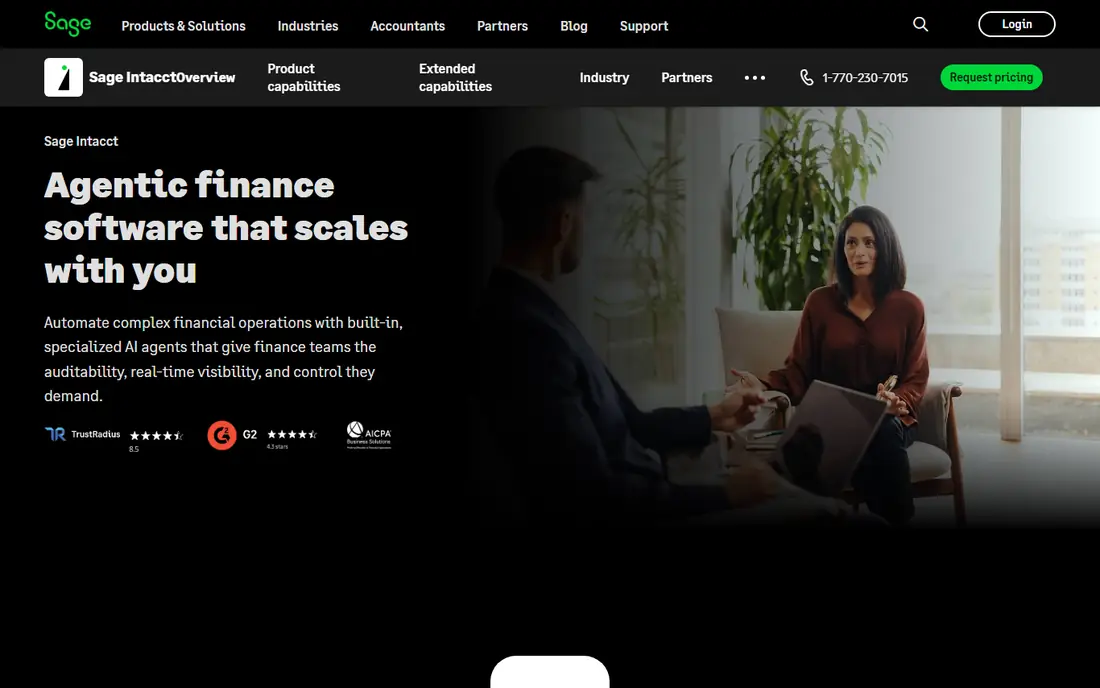
Sage Intacct is built for firms that have outgrown a basic ledger. Project accounting, time and expense tracking, billing and revenue recognition sit on a general ledger that uses dimensions, so costs can be sliced by project, department, location and client without a tangle of separate accounts. That structure helps a firm report project margin, work in progress and utilisation in a consistent way. Multi-entity support also helps firms that run several companies or funds.
The catch is cost and setup. Pricing is tailored by quote, and implementation for a midsize firm is a project that needs planning and training. Smaller firms may find Intacct more than they need, and mobile tools are lighter than some rivals. For a growing firm that needs reliable project reporting across entities, Intacct is a strong, serious choice.
- Strong project accounting and dimensions
- Multi-entity reporting
- Broad integrations
- Pricing is quote-based
- Implementation and learning curve can be steep
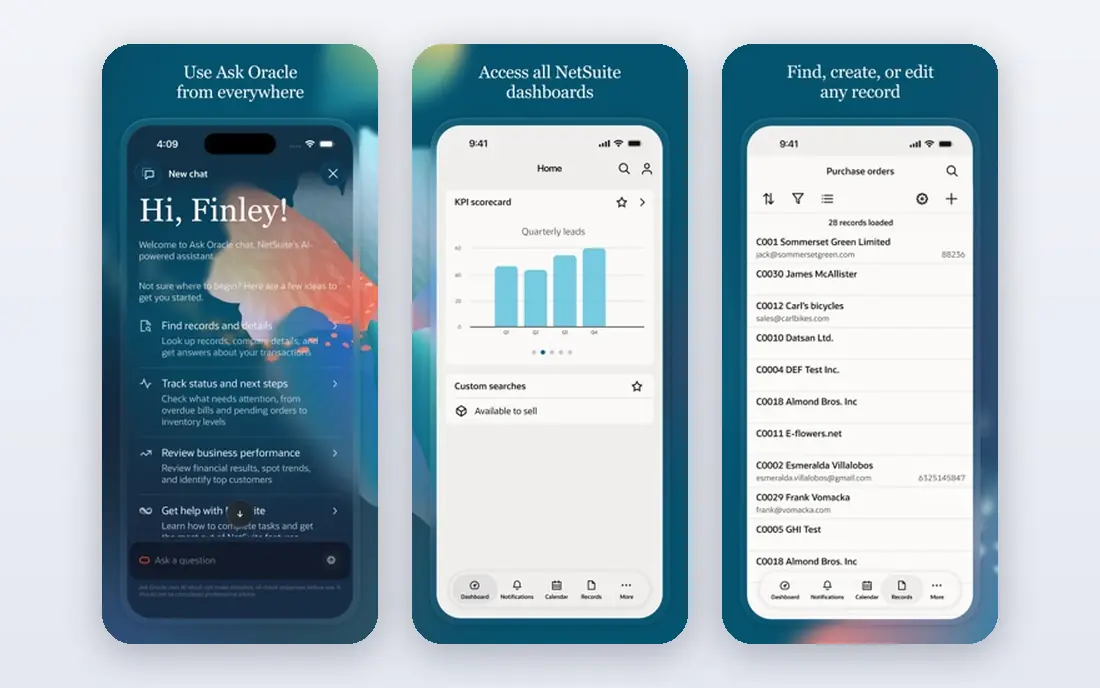
Oracle NetSuite brings accounting, project management, inventory, CRM and HR together in one ERP, with project accounting as part of that whole. A firm can track project budgets, time, expenses, billing and revenue recognition, then roll those figures into company financials without manual consolidation. That breadth suits midsize firms that run complex projects across departments or countries, and that need strong controls and audit trails.
The trade-off is effort and cost. NetSuite is quote-based, implementation can run into months, and ongoing admin needs skill. A small firm with simple projects will find it heavy. For a midsize firm that already needs ERP breadth and wants project costs inside the same system as everything else, NetSuite is a logical, if expensive, pick.
- Full ERP with project management
- Strong financial controls
- Global scale
- Pricing is quote-based
- Implementation is lengthy and costly
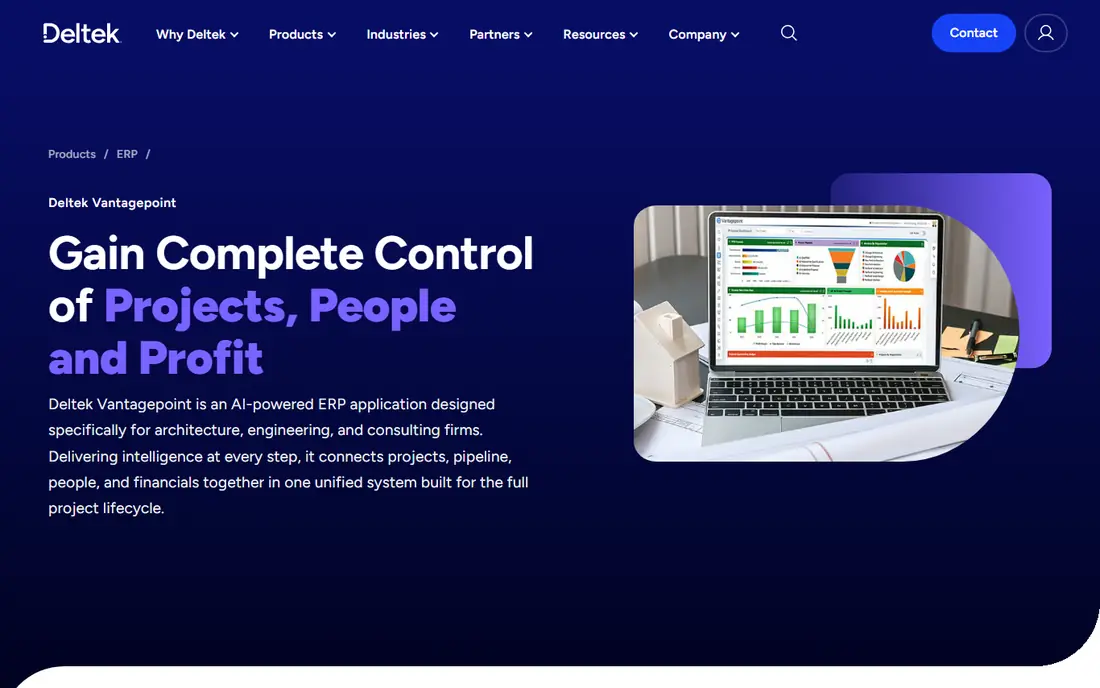
Deltek Vantagepoint is designed for architecture, engineering, consulting and other project-based professional services firms. It combines CRM, project planning, resource management, time and expense, billing and project accounting, so a firm can follow a job from proposal to final invoice in one system. Resource planning shows who is booked on which project, which helps managers avoid overload and spot gaps before deadlines slip. Project dashboards track budget, schedule and margin together.
The limit is focus. Vantagepoint is strongest for professional services, and a general trading firm may find parts of it less relevant. Pricing is quote-based, and implementation needs care. For a project-based firm that lives on utilisation and project margin, Vantagepoint fits the workflow better than a generic ledger with a project add-on.
- Built for project-based firms
- Strong resource planning
- CRM plus project accounting
- Pricing is quote-based
- Best fit is professional services, not general business
Acumatica is a cloud ERP that includes project accounting, financials, distribution and CRM, with a pricing model based on resources used rather than per user. That model can help a firm with many occasional users, because staff who log time or check a project do not each trigger a full licence cost in the same way. Project budgets, costs, billing and change orders sit inside the financial system, so project reports match the ledger without reconciliation.
The drawback is that Acumatica is usually implemented through a partner, and the total cost depends on modules and scope. A very small firm may find it more system than it needs. For a growing firm that wants ERP flexibility and project accounting without strict per-user pricing, Acumatica deserves a quote alongside Sage Intacct and NetSuite.
- Flexible cloud ERP
- Project accounting included
- Pricing by resource use, not per user
- Pricing is quote-based
- Partner implementation is usually needed
QuickBooks Online is the familiar choice for small firms, and its project features cover the basics well. A firm can create projects, track income and expenses by project, add time, and invoice from project costs. Class and location tracking add another layer for firms that need it, and the integration list is the largest in this category, from payroll to time tracking to payment tools. Accountants also know QuickBooks, which makes year-end work smoother.
The limit is depth. QuickBooks project tracking is simpler than Deltek or Intacct, with less resource planning and weaker multi-entity project reporting. Higher tiers are needed for fuller project and reporting features, and add-ons can stack up. For a small firm with straightforward projects, QuickBooks is practical, affordable and easy to staff.
- Familiar and widely supported
- Project tracking and class tracking
- Huge integration list
- Project depth is limited
- Advanced project accounting needs higher tiers or add-ons
Xero appeals to small firms that want clean bookkeeping with project tracking that does not get in the way. Xero Projects lets a firm track time and costs by project, invoice from project work, and see project profitability without a separate system. Bank feeds, invoicing and payroll connections keep daily bookkeeping fast, and the interface is easy for non-accountants to learn. That ease matters for a small firm where the owner also manages projects.
The catch is scale. Xero Projects is lighter than a full ERP project module, and firms with many entities, complex revenue recognition or deep resource planning will hit limits. For a small firm with a modest project load, Xero is a calm, well-supported choice that staff actually enjoy using.
- Clean interface
- Project tracking in Xero Projects
- Strong bank feeds
- Project features are lighter than ERP tools
- Multi-entity reporting is limited
Zoho Books gives small firms accounting plus project and time tracking at a low cost, with a free plan for firms under set revenue limits. A firm can track project expenses and time, invoice clients from project work, and see project profitability in the same system as its ledger. If the firm already uses Zoho CRM, Zoho Projects or Zoho People, the connections keep client, project and time data consistent without duplicate entry.
The limit is depth. Zoho Books project tracking is basic compared with Deltek or Intacct, and firms that need advanced billing rules or resource planning will need other Zoho apps or a larger system. For a budget-conscious small firm already in the Zoho world, Zoho Books is a sensible, low-risk start.
- Free plan for small firms
- Project and time tracking
- Strong Zoho connections
- Project depth is basic
- Some features need higher tiers or other Zoho apps
BigTime focuses on the service firm workflow: time entry, project tracking, billing and utilisation, with connections to QuickBooks Online and Sage Intacct for the ledger. That focus suits firms where time is the main cost and billing accuracy drives margin. Staff can enter time from a phone or browser, managers approve it, and invoices can be built from approved time and expenses. Utilisation and project budget reports show which projects and staff are on track.
The trade-off is that BigTime is not a full ledger on its own, so a firm still needs QuickBooks or Intacct for accounting. Pricing also varies by tier, and larger firms need a quote. For a professional services firm that already runs QuickBooks and needs better project time and billing, BigTime fills the gap cleanly.
- Strong time, billing and project tracking
- QuickBooks and Sage connections
- Utilisation reporting
- Pricing is quote-based on some tiers
- Accounting itself sits in the connected ledger
How we picked these
We compared official feature and pricing pages, plus public reviews, for accounting and project accounting tools active in October 2026. We favoured tools that track costs and revenue by project, that include time and billing or connect cleanly to them, and that serve a clear firm size. We included ERP tools, general ledgers with project features, and a specialist time and billing tool, because firms manage projects in accounting in different ways. Where pricing is quote-based, we say so rather than inventing a figure.
How to choose project accounting software
Start with how your firm bills. Fixed-fee, time-and-materials, milestone and retainer work need different billing rules, and a tool should handle your main model without workarounds. Check how time, expenses and change orders flow into an invoice, and how work in progress is reported. A tool that forces manual invoice building for every project will cost time, even if its ledger is strong.
Next, test reporting with a real project. Enter time and costs for a completed job, then check margin by project, by phase and by staff member. Ask whether managers can see budget against actual cost during the project, not only at close. If a tool only shows project profit at month-end, it will not help a manager fix a job that is drifting over budget.
Finally, price the full stack. Confirm ledger, project module, time tracking, payroll and integration costs, plus implementation and training. A low ledger price can hide project module fees, while an ERP quote can include services that a small firm does not need. Run a pilot on two or three live projects before migrating the whole firm, and keep the old system running until project reports match.
FAQ
What is the best software for managing projects in accounting for a small firm?
QuickBooks Online or Xero suit most small firms, with Zoho Books as a budget option for Zoho users. BigTime adds stronger time and billing if a firm already runs QuickBooks. Choose the tool that matches your billing model and the project reports your managers actually read.
How is project accounting different from normal accounting?
Normal accounting reports company profit, while project accounting reports profit by project, phase and client. It tracks time, expenses, billing and work in progress per job, so a firm can see which projects make money. That detail is essential for service firms, where company profit can hide a loss-making project.
Do I need an ERP for project accounting?
No, unless your firm is midsize or complex. Small firms can manage projects well in QuickBooks, Xero or Zoho Books, with BigTime for time and billing. ERP tools such as Sage Intacct, NetSuite, Deltek and Acumatica fit firms with many entities, complex billing or deep resource planning needs.
Can these tools track time and expenses by project?
Yes, most do, either built in or through a connection. Sage Intacct, Deltek, Acumatica and BigTime include time and expense tracking, while QuickBooks, Xero and Zoho Books include project time and cost tracking in their project features. Check approval workflows and mobile time entry during a demo.
How long does it take to switch project accounting software?
A small firm can switch in weeks, while a midsize ERP move can take months. The time depends on data migration, chart design, project setup and training. Pilot the new tool on live projects, check that project reports match the old system, and keep the old system available until the first close is clean.