Best API Platforms in 2026: 8 Platforms Compared
Compare the best API platforms in 2026, including Postman, Insomnia, Apidog, Kong, and Apigee, for design, testing, docs, and management for every team.
- Editor's choice
 Postman
All-round API teamwork
Starts at$9 per monthVisit postman.comFull review - Great alternative
 Insomnia
Fast, focused API testing
Starts at$12 per monthVisit insomnia.restFull review - Also consider
 Apidog
Spec-first design and docs
Starts at$9 per monthVisit apidog.comFull review
TL;DR:
- Postman is our pick for most teams because it covers design, testing, docs, and collaboration in one familiar workspace.
- Insomnia and Apidog are strong alternatives for smaller teams that want fast testing without a heavy enterprise setup.
- Kong and Apigee suit larger organizations that need gateways, traffic control, and security at scale.
- The free tier of Postman now covers one user only, so small teams should price collaboration, not just the first seat.
- Pick a platform that fits your whole API lifecycle, not just the tool you use to send a first request.
Quick comparison
| Tool | Best for | Starts at | Free plan? | |
|---|---|---|---|---|
| Postman | All-round API teamwork | $9 per month | Yes | Visit |
| Insomnia | Fast, focused API testing | $12 per month | Yes | Visit |
| Apidog | Spec-first design and docs | $9 per month | Yes | Visit |
 SwaggerHub | OpenAPI design and docs | See website | Free trial | Visit |
 Kong | API gateway at scale | See website | Yes | Visit |
 Apigee | Enterprise API management | See website | Free trial | Visit |
 Stoplight | Design-first API platform | See website | Yes | Visit |
 RapidAPI | API discovery and marketplace | See website | Yes | Visit |
The best api platforms
An API platform is more than a request sender. The best API platform helps a team design an API, test it, document it, share it, and manage traffic once it is live. We compared official feature pages, pricing pages, and documentation for platforms available in October 2026, focusing on design, testing, collaboration, and management, not just a single feature.
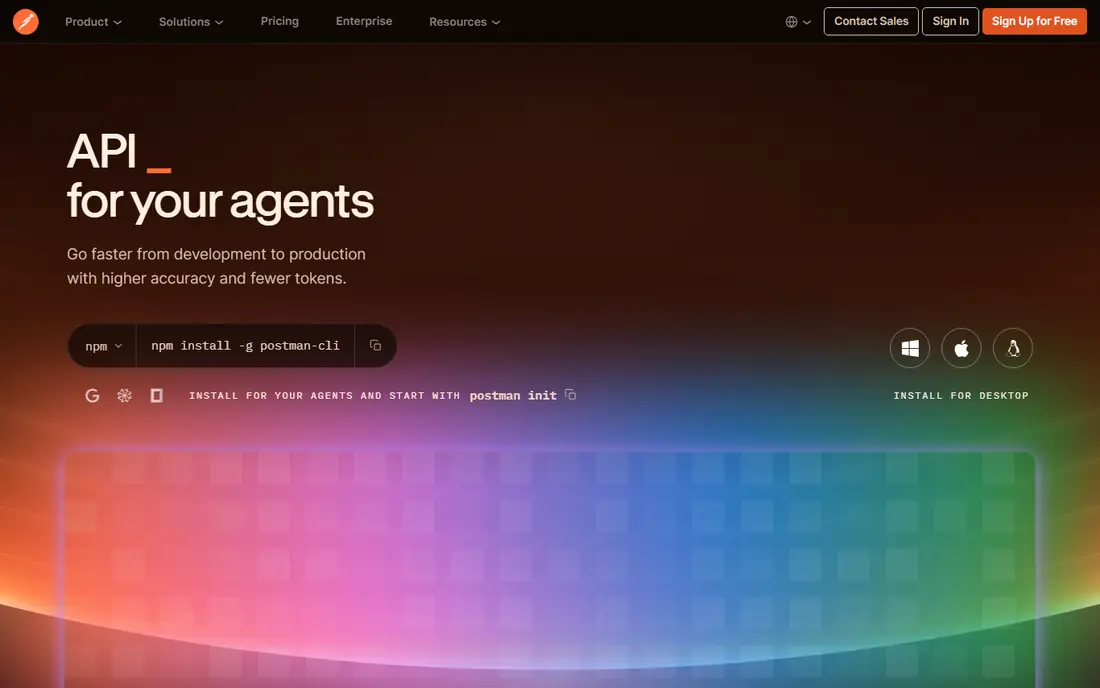
Postman remains the default API tool for many teams because it covers the full workflow. You can design requests, save them in collections, run automated tests, create mock servers, monitor APIs, and publish docs from the same workspace. Public workspaces and a large community also make it easy to learn from real APIs and to share your own. For a team that wants one tool everyone already knows, that familiarity is a real advantage.
The catch in 2026 is the free tier. After a March 2026 change, the free plan is limited to a single user, so a team of two or more needs a paid plan to collaborate. Solo costs $9 per month billed annually, Team costs $19 per user per month billed annually, and Enterprise is listed at $49 per user per month billed annually. Price the team, not the solo seat, before you commit, and check whether your monitoring and mock limits fit your usage.
- Huge ecosystem and integrations
- Collections, testing, mocks, and docs in one place
- Strong community and public workspaces
- Free plan now limited to one user
- Paid team pricing rises with seats

Insomnia appeals to developers who want speed over sprawl. The interface is clean, requests are quick to build, and it handles REST, GraphQL, gRPC, and WebSocket work without a cluttered workspace. A hobby plan covers core design, debugging, and collaboration for one project, which makes it a good free starting point for solo developers and small teams.
Paid plans add unlimited collaborators, Git support, role-based access, and more mock requests, with Pro listed at $12 per user per month and Enterprise at $45 per user per month billed annually. The trade-off is breadth: Insomnia is weaker than Postman on published docs, monitoring, and large-team governance. Choose Insomnia if testing speed matters most, and Postman if docs and monitoring are equal priorities.
- Clean, fast interface
- Git sync and collaboration on paid plans
- Good for REST, GraphQL, and WebSocket work
- Fewer built-in docs and monitoring features than Postman
- Enterprise features cost more
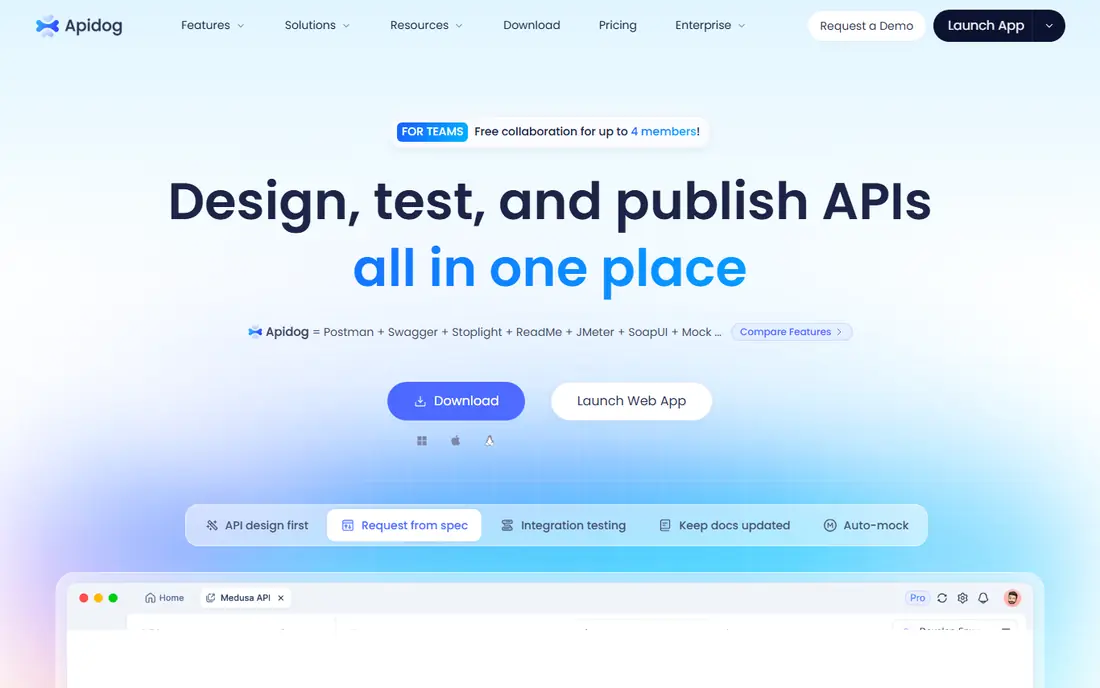
Apidog is a strong challenger for teams that want spec-first work without Postman's price jump for small teams. You can design an API from a spec, test it, mock it, and publish docs in one project, which keeps design and testing in sync. The free plan covers up to four users with real-time collaboration, a clear advantage now that Postman's free plan covers one user. Paid plans start at $9 per user per month for Basic, with Professional and Enterprise above that.
The downside is community size. Postman has more public workspaces, tutorials, and integrations, so a team that relies on those resources may miss them. Apidog is still a full platform, not just a request sender, and its pricing makes it worth a trial for any team of two to four people who felt priced out of Postman's team plan.
- Design, testing, mocking, and docs in one project
- Free plan covers up to four users
- Competitive team pricing
- Smaller community than Postman
- Some enterprise features need a higher plan
SwaggerHub suits teams that treat the OpenAPI spec as the source of truth. You can design, document, and version APIs in a standard format, then generate client code and share specs with partners. That standards-first approach helps regulated teams, platform teams, and companies that publish public APIs, because the spec stays consistent across tools.
The catch is cost and scope. Pricing is often quote-based, and SwaggerHub is less of an all-in-one testing and monitoring suite than Postman. If your team lives in OpenAPI and needs clean docs and governance, SwaggerHub is a strong fit. If you need a daily request sender plus mocks and monitors for a small team, start with Postman, Insomnia, or Apidog instead.
- Built around OpenAPI standards
- Strong design, documentation, and versioning
- Good for regulated teams
- Pricing is quote-based for many teams
- Less of a general testing suite than Postman
Kong is a gateway platform for teams that run APIs at scale. It sits in front of your services, handles routing, authentication, rate limiting, and observability, and lets you add plugins for common needs without rebuilding each service. An open source core gives smaller teams a free starting point, while paid Konnect plans add cloud management, analytics, and enterprise controls.
The trade-off is effort. A gateway is infrastructure, not just a desktop app, so setup, tuning, and monitoring need engineering time. Pricing also varies by deployment, so get a quote tied to your traffic and regions. Choose Kong when you need to manage many APIs, teams, and traffic patterns in production, and choose a design and testing tool for the day-to-day developer workflow alongside it.
- High-performance gateway
- Plugins for auth, rate limiting, and observability
- Open source core
- Setup and tuning need engineering time
- Pricing varies by deployment
Apigee, part of Google Cloud, is built for large API programs. It covers design, security, traffic management, analytics, developer portals, and monetization in one managed platform. That breadth suits banks, telecoms, healthcare firms, and other large organizations that publish many APIs to partners and need governance, audit trails, and policy control.
For a small team, Apigee is heavy. Setup and pricing are complex, and a trial or pay-as-you-go start still needs cloud knowledge to configure well. If you run a handful of internal APIs, Postman plus a simpler gateway will serve you better. If you run a partner API program with compliance needs, Apigee belongs on the shortlist, with a clear quote and a proof of concept before you sign.
- Full lifecycle management on Google Cloud
- Strong security, analytics, and monetization
- Good for large API programs
- Complex setup and pricing
- Overkill for a small team with a few APIs
Stoplight is for teams that want to design before they code. Its visual editor makes OpenAPI design approachable for product managers and developers alike, and docs and mocks flow from the same spec. Git-based collaboration keeps design changes reviewable, which helps teams that treat API design like code review. A free tier lets small teams try the core workflow.
The limit is ecosystem and testing depth. Stoplight does not match Postman for integrations, public workspaces, or large-scale monitoring, and some teams will still need a separate testing tool for heavy automation. Pick Stoplight if design quality and docs are your main gap, and pair it with a testing tool if your test suite is large.
- Design-first workflow with visual editing
- Docs and mocking from the spec
- Git-based collaboration
- Smaller ecosystem than Postman
- Testing depth is lighter for some teams
RapidAPI serves a different job: finding and using public APIs. Its marketplace lists thousands of APIs for data, payments, messaging, and more, with testing, docs, and subscription management in one hub. That makes it useful for prototyping, hackathons, and products that need a third-party API fast, without negotiating a separate contract for each service.
The catch is that RapidAPI is not a replacement for an internal gateway or design platform. Pricing, rate limits, and terms vary by each API provider, and marketplace fees can apply. Use RapidAPI to discover and prototype with public APIs, and use Postman, Kong, or Apigee to design and manage the APIs you own.
- Large marketplace of public APIs
- Unified testing and subscription management
- Useful for prototyping
- Marketplace fees and terms vary by API
- Not a full internal API management platform
How we picked these
We compared official feature pages, pricing pages, and documentation for API platforms available in October 2026. We favored platforms with a current free tier or trial, clear OpenAPI or gateway support, and a real presence among development teams. We left out tools that were discontinued, that only sent requests with no design or docs support, or that required an enterprise contract just to test. Prices change with seats and usage, so confirm the current plan page before you buy.
How to choose the right platform
Start with your lifecycle, not your first request. A solo developer needs a fast tester with a free tier. A small team needs shared workspaces, Git sync, and docs that stay current. A platform team needs a gateway, security policies, and analytics for production traffic. Many teams end up with two tools: one for design and testing, and one for gateway management, and that split is fine if the spec stays shared.
Also check limits that bite later: mock and monitor quotas, seat pricing, data residency, and single sign-on. A platform that looks cheap for one user can get costly for ten, and a gateway that looks free can need paid support at scale. Run a real project through a trial, including a spec change, a test run, and a published doc, before you standardize on it.
FAQ
What is the best API platform for beginners?
Postman is the easiest starting point for beginners because tutorials, public workspaces, and integrations are everywhere. Insomnia is a simpler alternative if Postman feels crowded. Start free, build a few collections, and only pay when you need team collaboration or higher limits.
What is the best API tool for small teams?
Apidog and Insomnia are strong for small teams, thanks to generous free tiers and lower team pricing than Postman. Postman Team is still a good choice if your team already knows it and uses its docs and monitoring features. Price the whole team, not just one seat, before you decide.
What is the best API platform for enterprises?
Kong and Apigee lead for enterprises, with gateways, security, analytics, and governance at scale. SwaggerHub suits enterprises that center on OpenAPI design and docs. Run a proof of concept with your real traffic and security requirements, since enterprise pricing and setup vary widely.
What is the difference between an API tool and an API platform?
An API tool usually covers one job, such as sending requests or testing endpoints. An API platform covers the lifecycle: design, testing, docs, collaboration, and management or gateway control. Postman, Apidog, and Stoplight lean toward the full lifecycle for developers, while Kong and Apigee focus on production management.
Is Postman still free?
Postman still offers a free plan, but since March 2026 it is limited to one user. Solo developers can use it free, while teams need a paid plan for collaboration. If your team has two or more members, compare Postman Team with Apidog and Insomnia before you renew.
What is the best API software for OpenAPI design?
SwaggerHub and Stoplight are the strongest OpenAPI design picks on this list, with spec-first editing, versioning, and docs. Apidog also supports spec-first work with testing and mocking in the same project. Choose SwaggerHub for standards governance, Stoplight for visual design, and Apidog for an all-in-one project.