Best Analytics Software for Small Teams in 2026: Prices, Free Plans and 6 Picks
Best analytics software for small teams in 2026: 6 tools with starting prices, free plans and limits. Every pick gets a straight assessment. Clear verdicts.
- Editor's choice
 Domo
Governed data across the business
Starts atSee websiteVisit domo.comFull review - Great alternative
 Sisense
Embedding analytics in products
Starts atSee websiteVisit sisense.comFull review - Also consider
 Klipfolio
Spreadsheet-style dashboard building
Starts at$120 per monthVisit klipfolio.comFull review
Direct answer
Domo comes first here, mainly for governed data across the business. Listed starting prices: Klipfolio from $120 per month, Databox from $79 a month and Tableau from $15 per user per month. Sisense is the stronger choice for embedding analytics in products, while Klipfolio suits spreadsheet-style dashboard building. The remaining 3 options are covered below with prices and limits.
TL;DR:
- Domo sits first on this list: governed data across the business.
- Tableau suits visual exploration across plenty of sources.
- Tableau stands alone as the one tool in this list with a free plan.
- The cheapest monthly starting price in the list is $15 per user per month, offered by Tableau.
Last checked November 2026. Prices and plan details were read from the vendors' own pages in November 2026; vendors change plans often, so confirm the current price on the vendor site before you buy.
Quick comparison
| Tool | Best for | Starts at | Free plan? | |
|---|---|---|---|---|
| Domo | Governed data across the business | See website | Free trial | Visit |
| Sisense | Embedding analytics in products | See website | Free trial | Visit |
| Klipfolio | Spreadsheet-style dashboard building | $120 per month | Free trial | Visit |
 Looker Studio | Free Google-connected dashboards | See website | Not stated | Visit |
 Databox | Performance tracking for agencies | $79 a month | Free trial | Visit |
 Tableau | Visual exploration across plenty of sources | $15 per user per month | Yes | Visit |
Analytics Software for Small Teams compared in detail
Choosing analytics software for small teams usually comes down to price, fit and limits. This LinkVetted guide sets 6 tools side by side on those three points, with the facts kept short and checkable.
Domo works best for governed data across the business. Domo centres on governed data for AI agents and a full data journey. Getting value relies on how much data preparation and governance you actually need.
Drawbacks to consider: Overkill for narrow reporting needs.
Small teams with expanding data sprawl and an interest in AI readiness may find the breadth handy as a single product. Beyond that, the system's breadth can bring complexity, and teams with narrow reporting needs may prefer a lighter dashboard tool. This comparison lists no price for Domo; ask the vendor. Free plan details: Free trial.
- Prepares and expands data access
- Supports governed data for AI
- Wide platform can be complicated
Sisense serves embedding analytics in products. Sisense delivers AI-powered embedded analytics meant to unlock insights and convert data into revenue, with pro-code, low-code and no-code adaptability.
Watch-outs: Made for embedding over straightforward reporting.
Best features of Sisense: low-code and no-code choices.
Sisense is oriented toward embedding and product analytics instead of everyday internal reporting. So teams that just need shared dashboards may find it more than necessary. Sisense does not show a starting price in this comparison, so check the vendor site for current pricing. Free access: Free trial.
- AI-powered embedded analytics
- Aims to turn data into revenue
- May be more than small teams need
Klipfolio makes the most sense for spreadsheet-style dashboard building. Klipfolio presents dashboard building with spreadsheet power and dashboard clarity. Its Klips approach automates data retrieval and provides adaptable presentation and distribution choices whereas keeping the familiarity of spreadsheets.
For everyday use, the spreadsheet-centered approach is approachable but can become limiting for advanced modeling or very large data volumes. In practice, connecting and maintaining numerous sources also takes setup effort. Klipfolio cost at the entry level: $120 per month. Free plan details: Free trial.
Honest limits: Spreadsheet model has limits.
- Automates data retrieval
- Familiar spreadsheet feel
- Setup effort for numerous sources
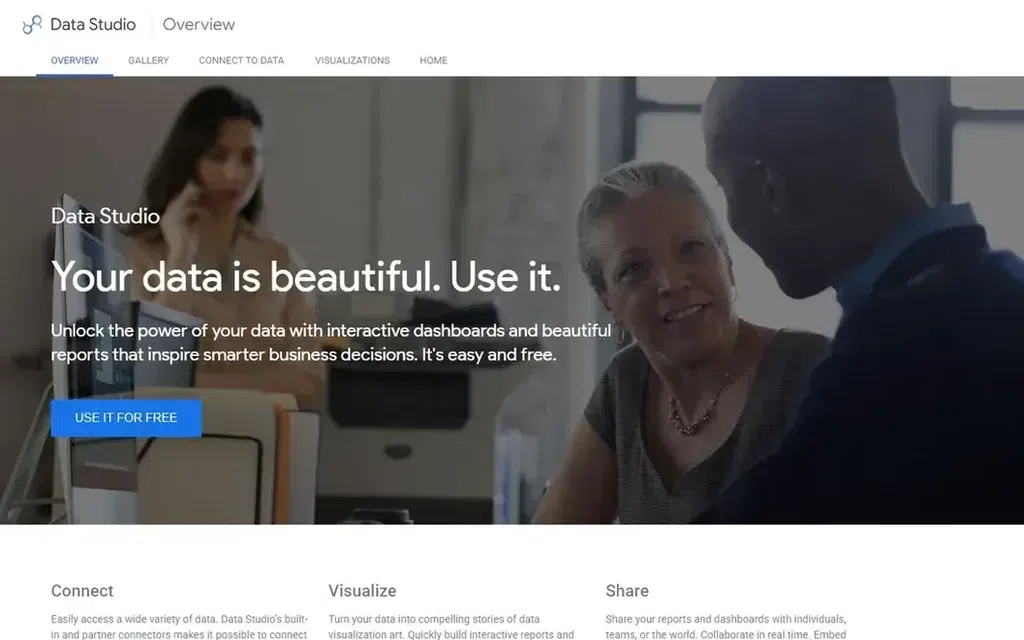
Looker Studio makes the most sense for free Google-connected dashboards. Setup is approachable for non-specialists, and reports can be distributed to stakeholders without heavy configuration.
Where it is weaker: Best value inside Google's ecosystem.
Its strengths sit mostly within Google's data ecosystem, so teams with diverse external sources may find connections and modeling less adaptable than dedicated BI platforms. Choose it when straightforward, shareable reporting matters more than advanced data preparation, and consider a fuller BI tool if you need deeper transformation or governance. Looker Studio shows no starting price here, so confirm the cost on the vendor site. Free plan details: Not stated.
- Simple report sharing
- Ties into Google data sources
- Less depth for complicated modeling
Databox works best for performance tracking for agencies. Databox is described as an agentic analytics platform that merges performance data, business context and AI workflows so teams or agents can act quicker.
What to check first: Value relies on connected sources.
Its usefulness relies on which sources you link. Pick it when shared metric tracking and quicker daily decisions matter more than exploratory analytics. Databox starts at: $79 per month. Free access: Free trial.
- Brings performance data together
- Adds business context to metrics
- Concentrated on metrics over deep modeling
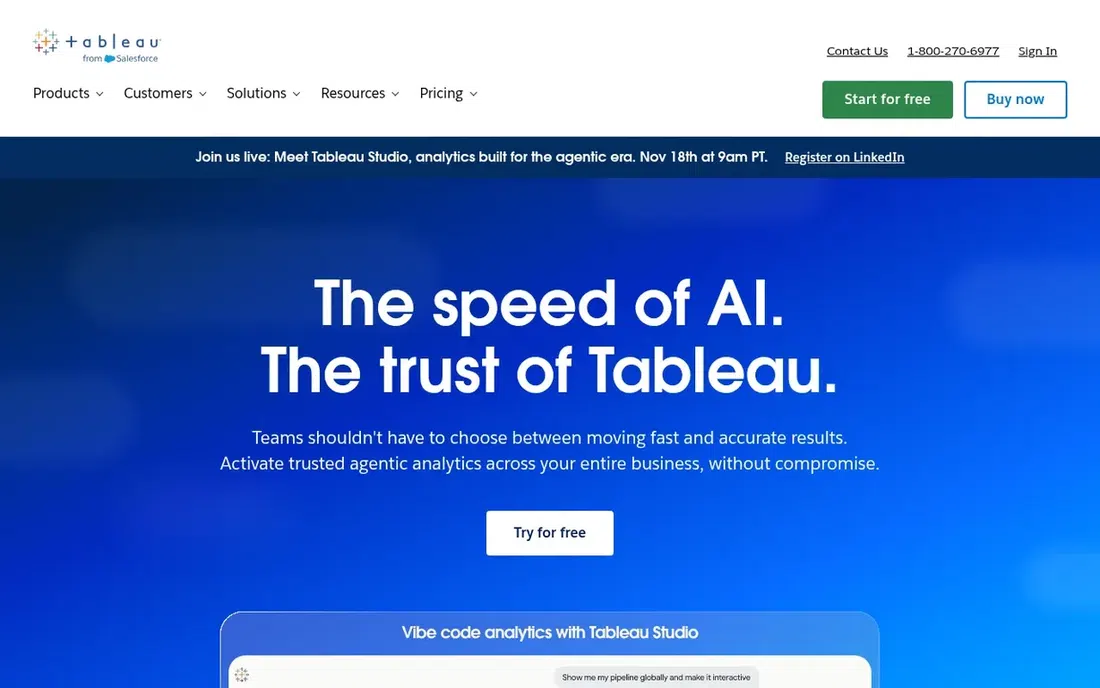
Tableau is built with visual exploration across plenty of sources in mind. Tableau is a business intelligence and analytics system concentrated on helping people see and understand their data.
It links to almost any database, lets users build visualizations by dragging and dropping, and shares results with a click. Worth adding: pick Tableau when visual analysis across plenty of databases is central to how your team works. Price to start with Tableau: $15 per user per month. Tableau has a free plan.
The main drawbacks: Can feel heavy for straightforward reporting.
- Share dashboards with a click
- Drag-and-drop visualization building
- Ramp-up time for advanced features
How these tools were picked
A buyer's checklist
- Get a written quote from Domo, Sisense and Looker Studio; the list shows no starting price for them.
- Test the free plan from Tableau against your real workload before relying on it.
- Use real work to test the free trial from Domo, Sisense, Klipfolio and Databox, rather than a demo project.
- Before choosing Domo, weigh its main limit: wide system can be complex.
- Confirm minimum seats and billing terms with Domo before you commit to an annual plan.
- Confirm that Sisense connects to the apps your team already uses, on the plan you would actually buy.
FAQ
Do these tools publish their prices?
Not all of them. Domo, Sisense and Looker Studio publish no starting price, so expect a quote request for those. The rest, Klipfolio included, show a starting price, though seats and billing terms still change the final cost.
Can I try these tools before paying?
Often, yes. Tableau has a free plan and Domo, Sisense, Klipfolio and Databox offer a free trial. Use your own data and a real task during the test, and check what the free tier or trial limits before you rely on it.
How are the tools for analytics software for small teams ordered?
The order follows typical fit for analytics software for small teams, with Domo first and Tableau last, then price clarity and free access. It is editorial judgement, not a score, so another team could rank the tools differently.
Which analytics tool is easiest for a small team to start with?
Looker Studio is commonly the quickest start for teams already using Google data, since it centers on interactive dashboards and straightforward sharing. Klipfolio is another approachable choice for teams that think in spreadsheets.
What is the cheapest option for analytics software for small teams in this list?
On published monthly entry prices, Tableau is the lowest here at $15 per user per month. Entry price is only part of the cost, because seats, add-ons and billing terms can change the total. Each of the 6 options in this analytics software for small teams guide has its own card above with the price, free plan and limits.
Sources
- https://www.domo.com
- https://www.sisense.com
- https://www.klipfolio.com
- https://lookerstudio.google.com
- https://databox.com
- https://www.tableau.com