Analytics Software for Architects in 2026: The 5 Best Options Side by Side
Need the best analytics software for architects? We compare 5 tools on cost, free access and who each suits. Concise write-ups of every option. Prices included.
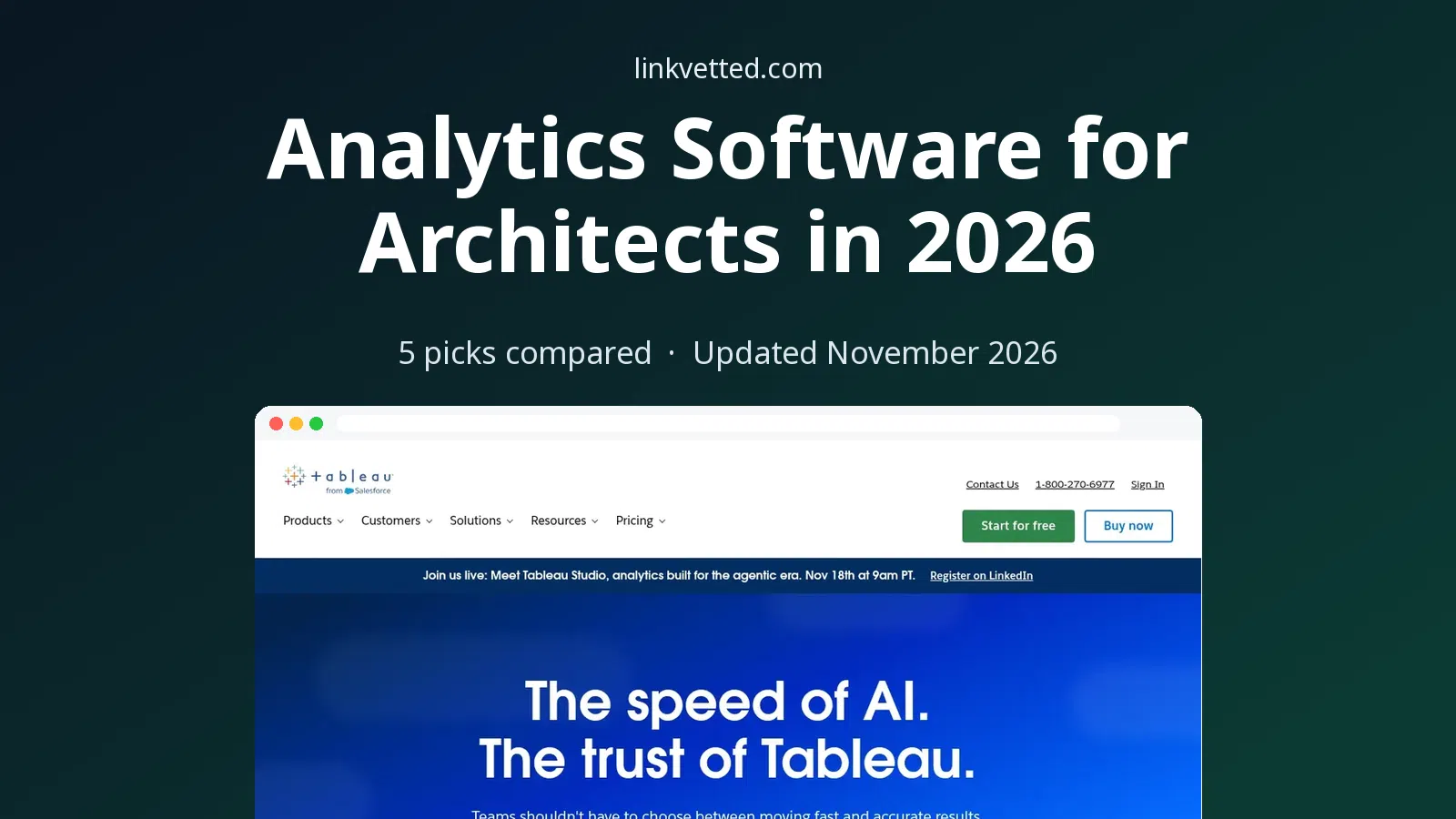
- Editor's choice
 Databox
Fast performance dashboards for teams
Starts at$79 a monthVisit databox.comFull review - Great alternative
 Tableau
Adaptable visual analysis of firm data
Starts at$15 per user a monthVisit tableau.comFull review - Also consider
 Domo
Connecting and moving data across sources
Starts atSee websiteVisit domo.comFull review
Direct answer
Start with Databox if you need fast performance dashboards for teams. Listed starting prices: Databox from $79 a month and Tableau from $15 per user a month. Look at Tableau for adaptable visual analysis of firm data, and at Domo for connecting and moving data across sources. The other 2 tools in the list cover narrower or pricier cases.
TL;DR:
- Databox is the opening pick, best for fast performance dashboards for teams.
- For the cheapest start, look at Tableau: $15 per user per month.
- Only Tableau offers a free plan among these 5 tools.
- For governed metrics and embedded analytics, Looker is worth a look.
Last checked November 2026. Prices and plan details were read from the vendors' own pages in November 2026; vendors change plans often, so confirm the current price on the vendor site before you buy.
Quick comparison
| Tool | Best for | Starts at | Free plan? | |
|---|---|---|---|---|
| Databox | Fast performance dashboards for teams | $79 a month | Free trial | Visit |
| Tableau | Adaptable visual analysis of firm data | $15 per user a month | Yes | Visit |
| Domo | Connecting and moving data across sources | See website | Free trial | Visit |
 Autodesk Construction Cloud | Project data and collaboration for design teams | See website | Not stated | Visit |
 Looker | Governed metrics and embedded analytics | See website | Not stated | Visit |
Our 5 analytics software for architects
If you are comparing analytics software for architects, this page covers 5 tools in one place: what each is best for, what it costs to start, whether it has a free plan, and the main limit to know about.
For fast performance dashboards for teams, Databox is a natural candidate. Databox centers on performance tracking rather than deep custom data modeling, so complicated cross-source analysis may need another tool.
Trade-offs to know: Less suited to deep custom modeling.
Also, Databox is an agentic analytics product that brings performance data, business context and AI workflows together so teams or agents act quicker. On cost, Databox starts like this: $79 per month. On free options: Free trial.
- Designed for teams and agencies
- Brings performance data together
- Centred on performance tracking
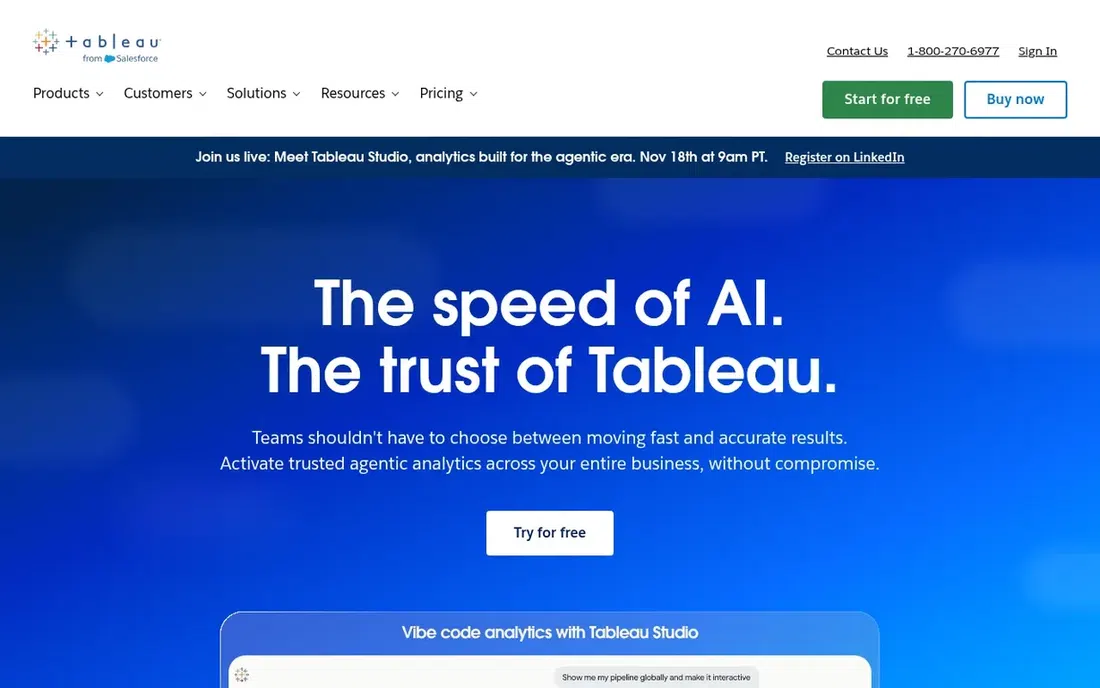
Tableau serves adaptable visual analysis of firm data. Tableau is business intelligence and analytics software that helps people see and understand their data.
Also, users connect to almost any database, build visualizations by dragging and dropping, and share results with a click. In practice, for architecture businesses it fits leaders who want to combine project, financial and business data into custom views that answer specific questions about utilization and profitability. The starting price for Tableau: $15 per user per month. Tableau offers a free plan.
Trade-offs to know: Not architecture-specific.
- Links to almost any database
- Drag-and-drop visualization building
- Needs setup and data skills
Domo serves connecting and moving data across sources. Domo strengthens the data journey with AI and data products.
Where it is weaker: Wide product with plenty of modules.
It links and moves data from any source, prepares and expands access for exploration, and accelerates business-critical insights. Domo shows no starting price here, so confirm the cost on the vendor site. Free plan details: Free trial.
- Prepares and expands data access
- Links data from any source
- Needs governance planning
Autodesk Construction Cloud
Best for: Project data and collaboration for design teams
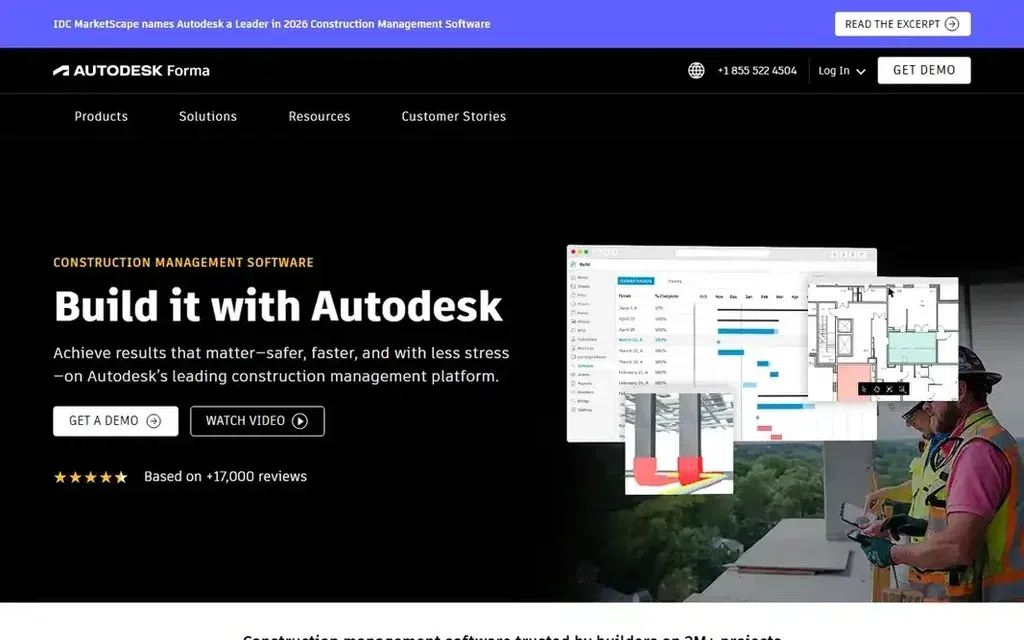
Autodesk Construction Cloud makes the most sense for project data and collaboration for design teams. It suits businesses already working in Autodesk tools that want project insight without stitching together a separate analytics stack.
Limits to weigh: Not a general-purpose BI tool.
In practice, businesses needing custom dashboards across finance, marketing and operations should look to a dedicated BI system instead, and pair it with this for project-level data. This comparison lists no price for Autodesk Construction Cloud; ask the vendor. Free access: Not stated.
- On-budget delivery goals
- Supports on-time
- Best value within Autodesk workflows
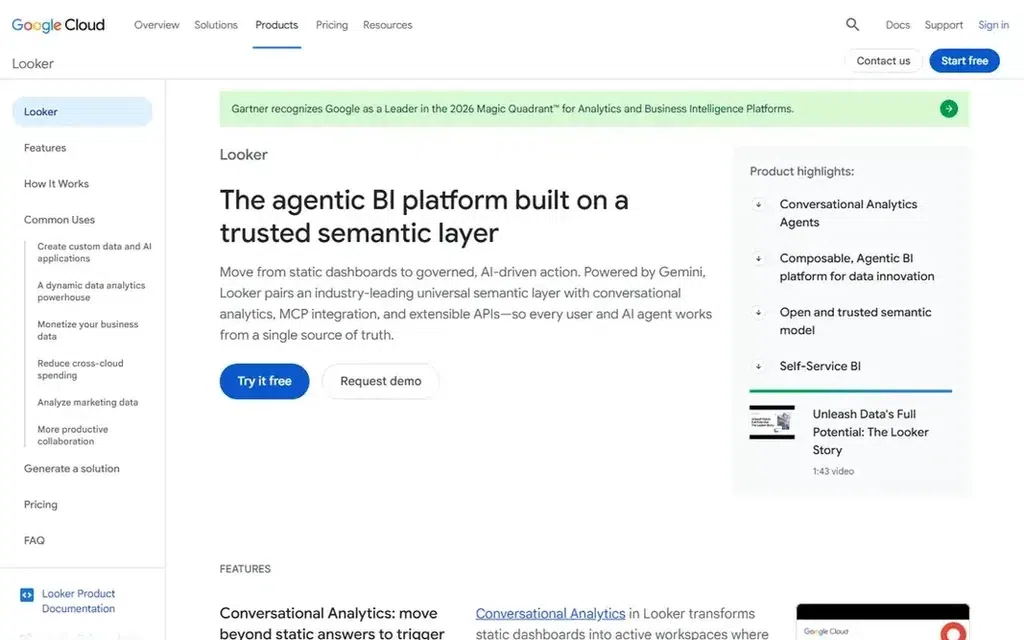
Where Looker fits: governed metrics and embedded analytics. It brings together metrics through a trusted semantic layer and brings Gemini agents, which helps organizations keep definitions consistent across reports.
Where it falls short: Geared toward bigger data teams.
- Embedded analytics choices
- Trusted semantic layer for metrics
- Setup demands data modeling effort
How we compared the tools
What to check before you buy
- Confirm the entry price on the vendor page. For Domo, Autodesk Construction Cloud and Looker that means a quote rather than a fixed price.
- Test the free plan from Tableau against your real workload before relying on it.
- Run a trial of Databox and Domo with real work before paying for a year; your own workflow is the best test.
- Read the limits listed for Databox first: less suited to deep custom modeling.
- Compare total cost, not headline price: for Databox, add extra seats, add-ons and any usage-based charges.
- Before you load data into Looker, check what an export looks like and who can run it.
FAQ
Can I try these tools before paying?
Often, yes. Tableau has a free plan and Databox and Domo offer a free trial. Use your own data and a real task during the test, and check what the free tier or trial limits before you rely on it.
Which options for analytics software for architects have a free plan?
Tableau is the only tool in this list with a free plan. Free plans usually cap users, projects or features, so check the limits on the vendor page. Several others offer a trial instead. Prices, free plan details and limits for all 5 tools in this analytics software for Architects roundup sit on the individual cards above.
Do these tools publish their prices?
Not all of them. Domo, Autodesk Construction Cloud and Looker publish no starting price, so expect a quote request for those. The rest, Databox included, show a starting price, though seats and billing terms still change the final cost.
Which tool is easiest for a small architecture practice to start with?
Databox is oriented toward teams that want performance data in dashboards without heavy setup, and Tableau provides approachable drag-and-drop visualization. Small businesses should confirm connector coverage for their existing project and accounting systems before deciding.
What is the cheapest option for analytics software for architects in this list?
On published monthly entry prices, Tableau is the lowest here at $15 per user per month. Entry price is only part of the cost, because seats, add-ons and billing terms can change the total. Each of the 5 options in this analytics software for Architects guide has its own card above with the price, free plan and limits.
Sources
- https://databox.com
- https://www.tableau.com
- https://www.domo.com
- https://construction.autodesk.com
- https://cloud.google.com/looker