Best Amusement Park Management Software in 2026: 8 Products Compared
We compare the best amusement park management software for ticketing, passes, POS and guest flow, with pricing and fit for parks of many sizes in 2026.
- Editor's choice
 ROLLER
Parks and attractions that want cloud POS and ticketing
Starts atSee websiteVisit roller.softwareFull review - Great alternative
 CenterEdge
Family centers and parks with full operations
Starts atSee websiteVisit centeredge.comFull review - Also consider
 Semnox Parafait
Parks with cashless play and access control
Starts atSee websiteVisit semnox.comFull review
TL;DR:
- ROLLER, CenterEdge and Semnox suit parks that need ticketing, passes, POS and reporting in one system.
- Aluvii and Qweekle suit water parks, family centers and mid-size attractions with rentals, passes and parties.
- Convious and Ventrata suit attractions focused on online sales, timed entry and dynamic pricing.
- accesso suits larger parks and venues with complex ticketing, queuing and guest experience needs.
- Demo gate scanning, refunds, season passes and offline POS behavior before you sign.
Quick comparison
| Tool | Best for | Starts at | Free plan? | |
|---|---|---|---|---|
| ROLLER | Parks and attractions that want cloud POS and ticketing | See website | No | Visit |
| CenterEdge | Family centers and parks with full operations | See website | No | Visit |
| Semnox Parafait | Parks with cashless play and access control | See website | No | Visit |
 Aluvii | Water parks and attractions with passes and rentals | See website | No | Visit |
 Convious | Attractions focused on online sales | See website | No | Visit |
 Qweekle | Mid-size attractions and leisure venues | $89 per month | No | Visit |
 Ventrata | Timed ticketing and online sales | See website | No | Visit |
 accesso | Large parks with complex ticketing needs | See website | No | Visit |
The best amusement park management software
Running a park means selling tickets, controlling entry, running food and retail, managing passes and handling busy peak days without long lines at every counter. We compared official feature pages, pricing pages and public reviews for systems built for amusement parks, water parks and family entertainment centers, not generic retail POS tools.
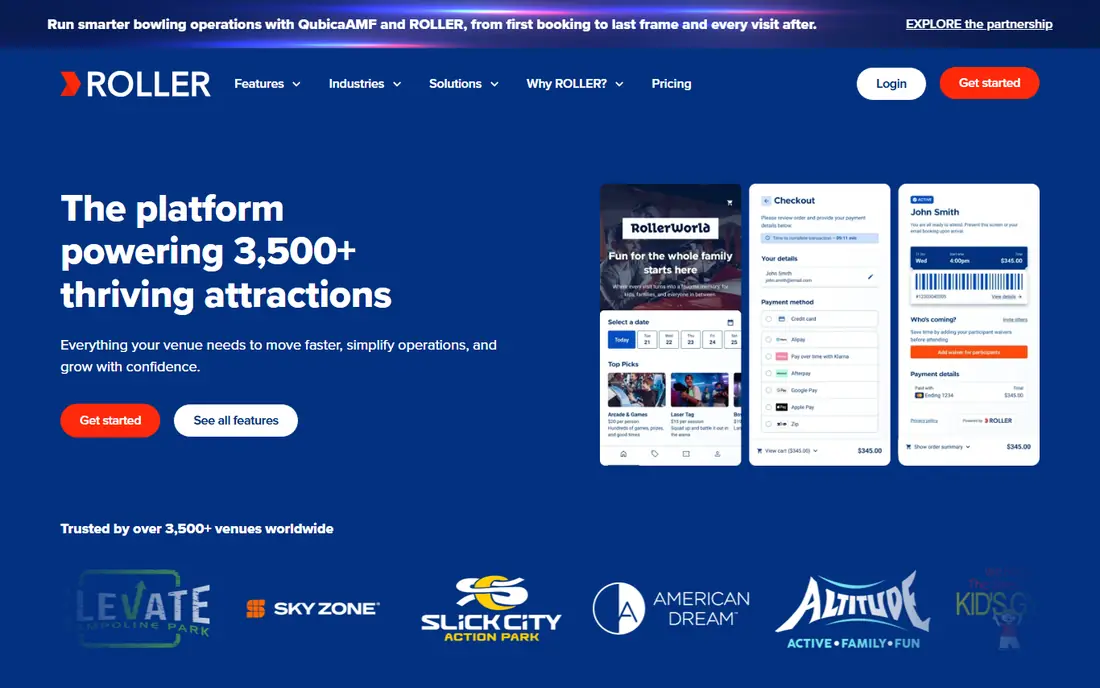
ROLLER fits amusement parks, water parks and family centers that want admissions, online ticketing, season passes, group bookings and in-park spending in one cloud platform. Timed ticketing and capacity controls help managers spread arrivals, while POS for food, beverage and retail keeps spending in the same system. Reporting shows guest behavior and park performance in one place. The honest catch is that pricing requires a demo and quote, so small venues should ask early about monthly cost, payment fees and hardware. ROLLER also works best when the whole team uses one system for tickets, POS and passes. Parks that only need a simple ticket shop may find it more than they need, but parks replacing several tools will gain clarity.
- Cloud ticketing, passes, bookings and POS in one system
- Timed entry and capacity tools
- Built-in payments and CRM
- Pricing is quote-based
- Full setup needs planning for large parks
CenterEdge fits family entertainment centers and parks that need more than ticket sales, including birthday parties, group bookings, attractions, food service and redemption. The system is built around venue operations, so staff can manage bookings, capacity and sales from linked modules. That depth helps venues with many revenue streams. The catch is complexity and cost. CenterEdge is a full operations platform, and pricing, hardware and training need a proper scoping call. Small venues with one attraction may not need its full range. Venues with parties, groups, food and multiple attractions, though, benefit from having those workflows in one place instead of stitching tools together.
- Deep family entertainment operations
- Ticketing, POS, parties and groups
- Reporting and access control
- Quote-based pricing
- Implementation and training take time for large venues
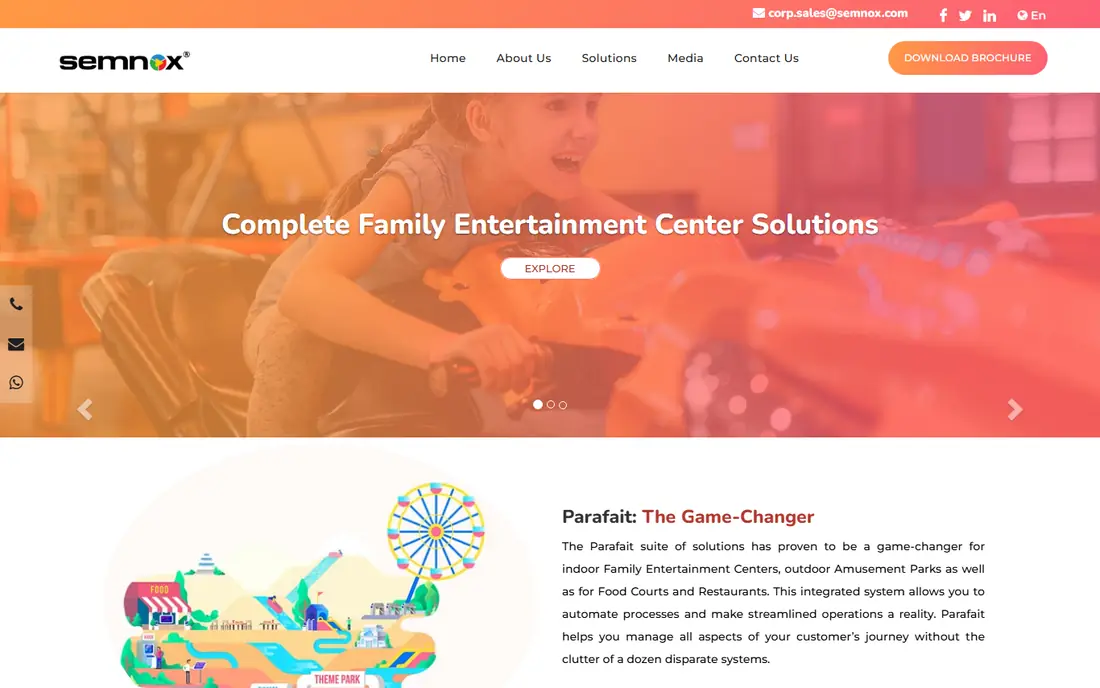
Semnox Parafait fits parks and family centers that use cashless cards, wristbands or RFID for rides, games, food and retail. Guests load value, tap to play or buy, and operators track spending and access in one system. Ticketing, season passes, memberships and POS can sit beside cashless play, which reduces cash handling. The honest catch is hardware. Readers, cards, wristbands and kiosks add upfront cost, and staff need training on issuance, refunds and balance handling. Semnox also requires a quote, so venues should price hardware, software and support together. For parks with heavy arcade, ride or game play, cashless control can be worth that setup.
- Cashless cards and wristbands for play and spending
- Ticketing, passes and access control
- Global support footprint
- Hardware and setup add cost
- Quote-based pricing needs a demo
Aluvii fits water parks, ski areas and amusement venues that sell season passes to households, rent equipment and scan guests at the gate. Household accounts can be merged and split, entitlements can carry time windows and scan limits, and rental assets can be tracked through the system. That combination suits venues with passes plus rentals. The catch is pricing transparency and hardware detail. Plan prices are not public, and some till hardware needs Windows, so venues should confirm total cost, hardware needs and payment processing in a demo. Aluvii is a strong all-in-one pick for pass and rental venues, but the demo should include gate scanning and refund handling, not just the sales screens.
- Ticketing, passes, rentals and POS in one cloud system
- Household accounts and gate scanning
- Party and event booking
- No public plan prices
- Some POS hardware needs Windows at the till
Convious fits theme parks, zoos, aquariums and cultural attractions that want to convert web traffic into ticket, membership and donation sales. The platform focuses on the buying journey, with timed entry, dynamic pricing and marketing tools that help visitors book before arrival. That online focus helps parks manage queues and forecast demand. The honest catch is pricing model. Convious uses commission-based pricing in many cases, so high-volume parks should model commission against a flat software fee. Parks that also need deep POS, cashless play or maintenance workflows may still need other tools beside it. For online sales and yield, Convious is a focused, modern choice.
- AI-assisted e-commerce for attractions
- Dynamic pricing and timed slots
- Visitor app and marketing tools
- Commission-based pricing can grow with sales
- Less of a full back-office POS replacement for some parks
Qweekle fits mid-size attractions and leisure venues that want a cloud platform with connected modules for ticketing, bookings and operations. The published starting price helps small venues budget without a long sales cycle, and the system works from browsers on counters, tablets and phones. Support is positioned as personal and regular. The catch is scale verification. Qweekle is less widely known than larger rivals, so venues should demo peak-day scenarios: timed entry, refunds, group bookings and POS under load. Check payment fees, hardware needs and support hours for your time zone. For a mid-size venue that wants a clear starting price, Qweekle deserves a demo.
- Published starting price
- Cloud modules for ticketing, bookings and operations
- Works on connected devices
- Smaller vendor than ROLLER or CenterEdge
- Advanced features need a demo to verify
Ventrata fits attractions that sell timed tickets online and through resellers, tour operators and partners. It handles capacity, time slots, pricing and distribution in a modern system, with API tools for custom checkout and partner sales. That focus helps attractions that depend on advance bookings. The honest catch is scope. Ventrata is strongest for ticketing and distribution, while parks that need deep in-park POS, cashless play, maintenance or party operations may need companion systems. Venues should demo refunds, exchanges, group sales and gate scanning, and confirm how reseller commissions and fees work. For ticket-led attractions, it is a strong pick.
- Strong timed ticketing and distribution
- API and reseller tools
- Modern checkout for attractions
- Quote-based pricing
- Full park POS depth varies by setup
accesso fits large theme parks, water parks, ski resorts and cultural venues with complex ticketing, season passes, virtual queuing and guest experience needs. Its product range covers e-commerce, ticketing, queuing and in-park experience, which helps large operators manage peak demand and guest flow across a big site. The catch is fit and cost. accesso is an enterprise vendor, with pricing and implementation to match, and small family centers will likely find it too much. Large parks that need virtual queuing, complex pricing and high-volume sales, though, gain a vendor with deep experience at that scale. Demo peak-day load, refunds and pass handling before committing.
- Enterprise ticketing, virtual queuing and guest experience tools
- Proven with large parks and venues
- Broad product range
- Enterprise pricing and implementation
- More than small venues need
How we picked these
We compared official feature pages, pricing pages and documentation, plus public reviews, for attraction systems still sold in October 2026. We favored systems built for parks and family centers, with ticketing, passes, POS or cashless tools, and we covered small, mid-size and large venues. We did not operate a park on these systems, and quote-only pricing should be confirmed directly with each vendor, including payment and hardware fees.
Choosing software for a busy park day
A demo on a quiet weekday will not show how a system behaves on a Saturday with a long gate line, a ride closure and a party group arriving at once. Test the scenarios that cause complaints.
Test entry, refunds and passes together
Run a timed ticket, a season pass scan, a refund, an exchange and a group booking in one demo session. Check how fast gate scanning works, what happens when a pass is already used, and how staff fix a wrong ticket without calling a manager. Entry speed and refund ease decide guest mood more than dashboard charts.
Check POS when the network struggles
Ask what POS does if internet drops, how card payments queue, and how food, retail and ticket sales reconcile at day end. Parks need clear answers here, since a POS outage at lunch creates lines fast. Also confirm printer, scanner and cash drawer hardware, and who supports it.
Plan for safety and maintenance notes
Parks also need waiver handling, ride and attraction status updates, incident notes and maintenance tracking, even if those sit in separate tools. Ask how the ticketing system shares guest and capacity data with operations tools, and how ride closures update timed slots and guest messages. A system that cannot reflect a closed ride will create avoidable guest frustration.
FAQ
What does amusement park management software do?
It helps parks sell tickets and passes, control entry, run POS for food and retail, manage parties and groups, track capacity and report on sales and guest flow. Some systems also add cashless play, virtual queuing, waivers and membership tools, depending on the vendor and modules chosen.
How much does amusement park software cost?
Pricing varies widely. Qweekle publishes a starting price of $89 per month, while ROLLER, CenterEdge, Semnox, Aluvii, Convious, Ventrata and accesso are generally quote or commission based. Add payment fees, hardware, implementation and support to any quote before comparing totals.
Is one system enough for tickets, POS and passes?
For many parks, yes, if the vendor covers all three well. ROLLER, CenterEdge, Semnox and Aluvii aim for that all-in-one coverage. Ticket-led attractions may use Ventrata or Convious for sales plus a separate POS, while cashless-heavy parks may add Semnox-style hardware and software. Demo the full guest journey, not just one module.
Do I need timed ticketing?
Timed ticketing helps parks with capacity limits, peak demand or popular attractions, since it spreads arrivals and reduces gate lines. Smaller parks with steady walk-up traffic may not need it. If you use timed entry, check refund, exchange and late-arrival handling carefully, since guests will test those rules.
What about safety, waivers and ride maintenance?
Ticketing software often includes waivers and capacity tools, but ride maintenance, safety inspections and incident management may sit in operations software. Ask vendors how waivers, ride status and capacity data connect, and keep safety records in systems your operations and compliance teams actually use daily.
How long does setup take?
Small venues with standard ticketing and POS can launch in weeks, while large parks with passes, cashless hardware, integrations and staff training can take months. Ask for a timeline, hardware list, data migration plan and training schedule in writing, and run a soft opening or low-capacity day before peak season.