Best Ansible Alternatives in 2026: 8 Automation Tools Compared
Looking for Ansible alternatives? We compare 8 IT automation and configuration tools on agent needs, language, pricing and use cases in 2026 for teams.
- Editor's choice
 Puppet
Configuration management
Starts atSee websiteVisit puppet.comFull review - Great alternative
 Chef
Infrastructure automation
Starts atSee websiteVisit chef.ioFull review - Also consider
 SaltStack
Fast large-scale config
Starts atSee websiteVisit saltproject.ioFull review
TL;DR:
- Puppet, Chef and SaltStack are the closest configuration management replacements for Ansible.
- Terraform and Pulumi suit infrastructure provisioning, rather than day-to-day server configuration.
- Rundeck and Jenkins suit job scheduling and automation workflows across teams.
- Agentless design is Ansible main advantage, so check agent and network needs before you switch.
Quick comparison
| Tool | Best for | Starts at | Free plan? | |
|---|---|---|---|---|
| Puppet | Configuration management | See website | Yes | Visit |
| Chef | Infrastructure automation | See website | Yes | Visit |
| SaltStack | Fast large-scale config | See website | Yes | Visit |
 Terraform | Infrastructure provisioning | See website | Yes | Visit |
 Pulumi | Code-based infrastructure | See website | Yes | Visit |
 Rundeck | Job scheduling and runbooks | See website | Yes | Visit |
 CFEngine | Lightweight configuration | See website | Yes | Visit |
 Jenkins | Automation pipelines | Free | Yes | Visit |
The best Ansible alternatives
Ansible automates server configuration, application deployment and routine IT tasks using simple YAML playbooks, without an agent on most target machines. The tools below cover the same ground in different ways, from agent-based configuration management to infrastructure as code and job automation. We compared official documentation, feature pages and pricing information, and we focused on how each tool works in practice for IT teams.
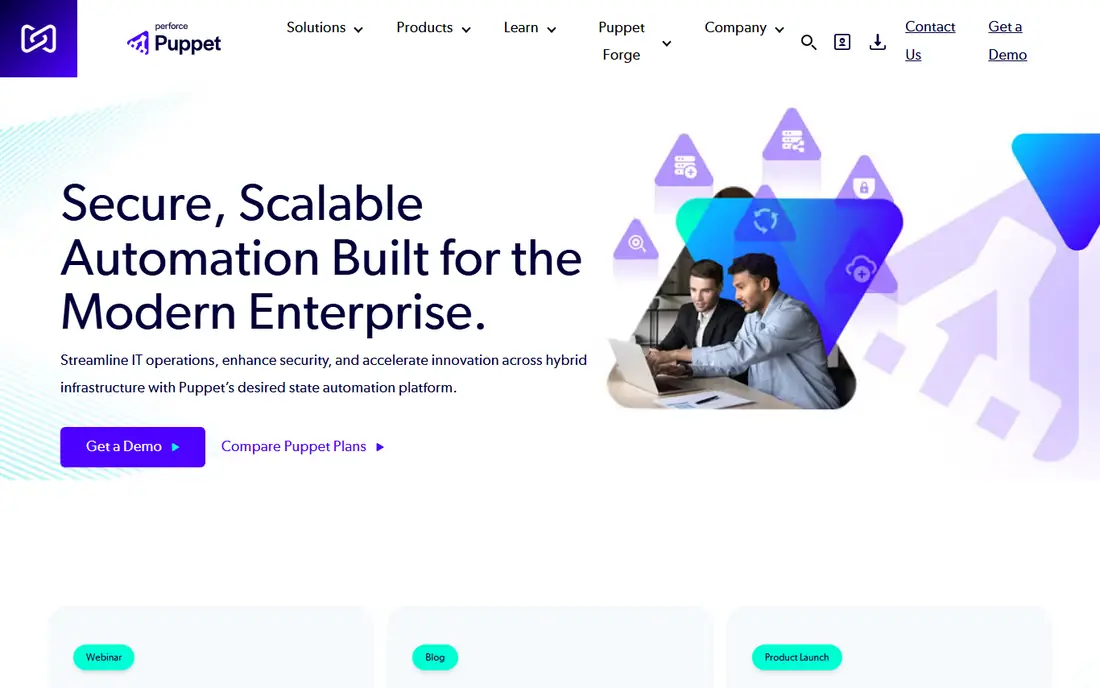
Puppet is one of the longest established configuration management tools, and it remains a strong choice for teams that need servers kept in a known, compliant state. You define desired state in Puppet code, agents check in regularly, and Puppet reports drift and enforces changes. That model suits large fleets, regulated environments and teams that need clear compliance reporting.
The trade-off is complexity. Puppet uses agents, a central server and its own language, so setup takes more work than Ansible agentless playbooks. For small teams, that overhead may not be worth it. Choose Puppet when you manage many servers, need strong reporting, and want configuration enforced continuously rather than run on demand.
- Mature configuration management
- Strong reporting and compliance
- Large module range
- Agent based, so setup is heavier
- Language learning curve for new users
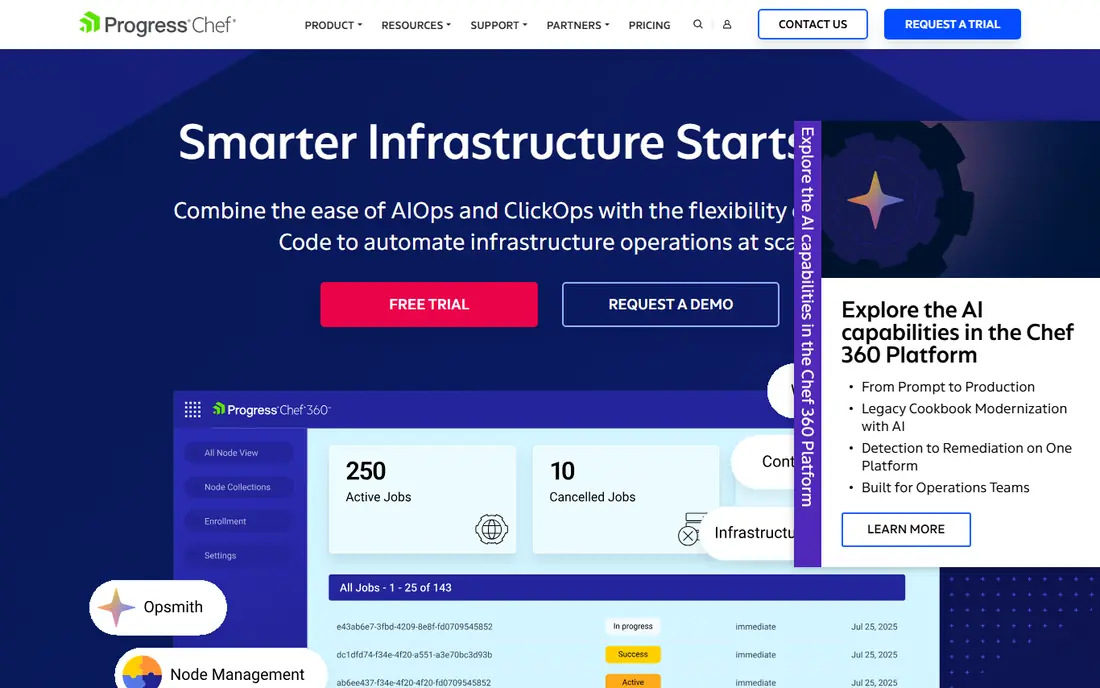
Chef automates infrastructure and application deployment using recipes and cookbooks written in Ruby, with a central server and agents on managed nodes. It suits teams that want fine control over application setup, testing and deployment, and it integrates well with cloud and on-premises environments. Its testing tools also help teams treat infrastructure code like application code.
Chef requires more setup than Ansible, and complex cookbooks benefit from Ruby knowledge. For teams already comfortable with Ruby or with complex deployment needs, that is a fair trade. Pick Chef when application deployment and infrastructure testing are central, and you have engineers to own the platform.
- Flexible automation with Ruby-based recipes
- Strong for application deployment
- Large community cookbooks
- Agent and server setup needed
- Ruby knowledge helps for complex work
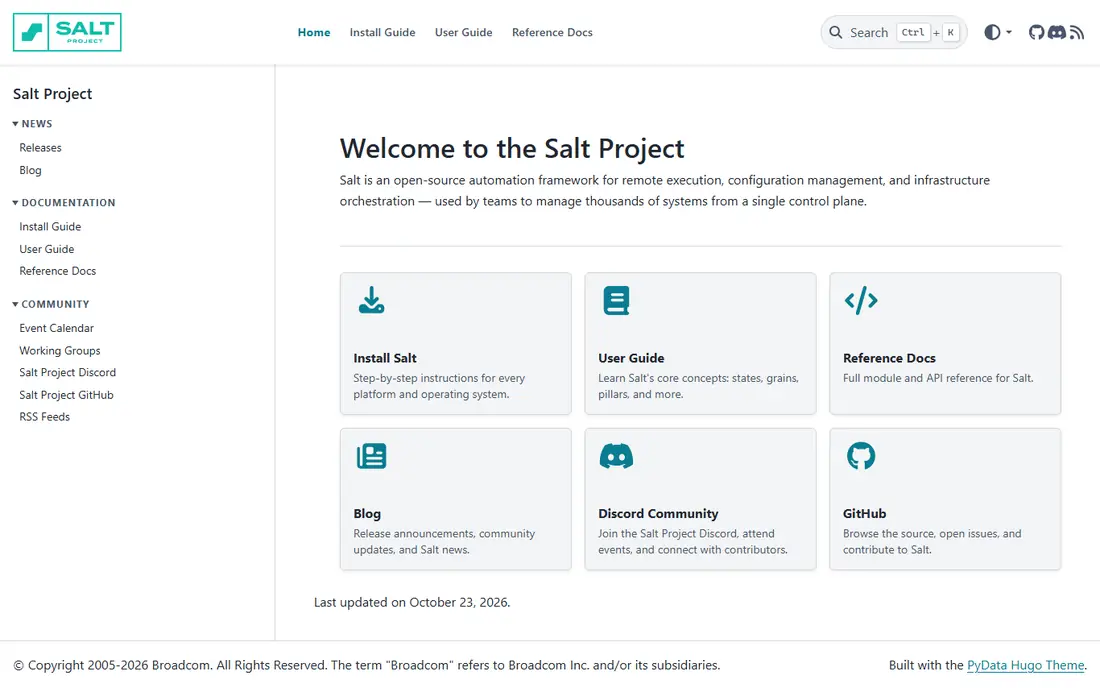
SaltStack, now Salt Project, is known for speed and scale, using a fast messaging system to run commands and enforce configuration across many machines at once. It handles both configuration management and remote execution, which makes it useful for teams that need to run ad hoc commands across a fleet as well as keep servers in a desired state.
Setup needs care, especially around security and master configuration, and new users may find documentation uneven. For large environments where speed matters, SaltStack is a strong open source choice. Choose it when you manage a large fleet and want fast, parallel execution with flexible automation.
- Fast execution at scale
- Flexible remote execution
- Open source core
- Setup and security configuration need care
- Documentation can be uneven
Terraform is the standard tool for provisioning cloud infrastructure as code, from virtual machines and networks to databases and storage. You write configuration in HashiCorp Configuration Language, preview changes with a plan, and apply them in a controlled way. Its provider range covers major clouds and many services, which helps multi-cloud teams.
Terraform is not a direct replacement for Ansible configuration tasks inside a server, such as installing packages and editing files after a machine exists. In practice, teams often use Terraform to create infrastructure and Ansible, Puppet or Chef to configure it. Pick Terraform when provisioning cloud resources is your main job, and pair it with a configuration tool for server setup.
- Clear infrastructure as code for cloud resources
- Wide provider range
- State and plan workflow
- Not a server configuration tool on its own
- State management needs care
Pulumi lets developers define cloud infrastructure using familiar programming languages such as Python, TypeScript, Go and C Sharp, rather than a separate configuration language. That approach suits development teams that want to reuse code, tests and libraries from application work in their infrastructure. It supports major clouds and many services, with a clear preview and deployment workflow.
Like Terraform, Pulumi focuses on provisioning rather than ongoing server configuration, so it pairs best with a configuration tool for inside-server tasks. Choose Pulumi when your team prefers real programming languages for infrastructure and you want infrastructure code to live close to application code.
- Infrastructure in Python, TypeScript and other languages
- Strong cloud support
- Good for developers
- Less suited to traditional server config
- Team features need paid plans
Rundeck, now part of PagerDuty, helps operations teams schedule jobs, run runbooks and give controlled access to routine tasks. Instead of giving everyone shell access, teams define jobs with steps, inputs and permissions, then run them on demand or on a schedule, with logs and audit trails. That suits incident response, maintenance and routine operations.
Rundeck does not replace Puppet or Ansible for keeping server configuration in a desired state, since its focus is jobs and workflows. Use it alongside a configuration tool when you need safe, repeatable operations tasks. Pick Rundeck when job automation, scheduling and access control are your main needs.
- Job scheduling, runbooks and access controls
- Good for operations teams
- Open source option
- Not a full configuration management system
- Workflow design takes planning
CFEngine is one of the oldest configuration management tools, known for a lightweight agent and efficient operation at scale. It defines desired state through policies, checks systems regularly, and corrects drift with low resource use. That efficiency suits large fleets, embedded systems and environments where agent overhead matters.
Its community is smaller than Puppet or Chef, and its policy language takes time to learn. For teams that value efficiency and stability over a large module ecosystem, CFEngine remains a solid choice. Choose it when you manage many machines and want a proven, lightweight configuration system.
- Lightweight agent
- Strong for large fleets
- Long track record in configuration management
- Smaller community than Puppet or Chef
- Policy language learning curve
Jenkins is a free, open source automation server best known for continuous integration and delivery pipelines. Teams use it to build, test and deploy software, run scheduled jobs, and connect tools through a huge plugin range. It can also trigger Ansible, Terraform or other tools, making it a useful hub for automation workflows.
Jenkins is not a configuration management system, and running it well means maintaining the server, plugins and security updates yourself. Pick Jenkins when you need a flexible automation server for pipelines and jobs, and pair it with a configuration tool for server state management.
- Free and open source
- Huge plugin range
- Strong for build and deployment pipelines
- Server maintenance is your job
- Not a configuration management tool on its own
How we picked these
We compared official documentation, feature pages and pricing information, and we checked that each tool is available in October 2026. We favoured tools that automate configuration, provisioning or operational jobs, since those are the core Ansible use cases. We included infrastructure as code and job tools with clear notes on how they differ, rather than pretending they are exact replacements for every Ansible task.
What to check before you choose
Start with the task you automate most. Configuration management, cloud provisioning and job scheduling are different jobs, and the best tool depends on which one dominates your week. Many teams end up using two tools together, such as Terraform for provisioning and Puppet or Ansible for configuration.
Check agent, network and security needs
Ansible agentless design is a major advantage in networks where installing agents is hard. Puppet, Chef, SaltStack and CFEngine use agents, which need deployment, updates and network access to a central server. Check firewall rules, agent support for your operating systems, and how secrets are handled before you commit.
Test with a small fleet first
Build a small test environment, automate one common task end to end, and check reporting, rollback and failure handling. A tool that looks good in a demo can reveal problems in permissions, speed or error messages only when you run it on real servers. Start small, measure the result, then expand.
FAQ
What is the closest Ansible alternative?
Puppet, Chef and SaltStack are the closest configuration management alternatives, since they also define and enforce desired server state. Puppet suits large, compliance-focused fleets, Chef suits application deployment, and SaltStack suits fast execution at scale.
Is Terraform a replacement for Ansible?
Terraform is not a full replacement, since it provisions cloud infrastructure rather than configuring servers in detail. Teams often use Terraform to create resources and Ansible or another configuration tool to install software and set files inside those resources, and that combination works well.
Do I need an agent for these tools?
Ansible is agentless for most SSH and WinRM targets, while Puppet, Chef, SaltStack and CFEngine use agents on managed machines. Terraform and Pulumi do not use agents on servers in the same way, since they call cloud APIs to create resources, and Jenkins uses agents for build jobs.
Which Ansible alternative is best for beginners?
Ansible itself is often the easiest starting point because of its YAML playbooks and agentless design. Among alternatives, Terraform is approachable for cloud provisioning, while Puppet and Chef take longer to learn but offer more control for large configuration programs.
Can I use Ansible and another tool together?
Yes, many teams do. A common pattern is Terraform for provisioning, Ansible for configuration, and Jenkins or Rundeck for scheduling and pipelines. Using tools together works well when each tool owns a clear job and you avoid duplicating the same configuration in two places.
Is Puppet free?
Puppet offers an open source version, and commercial Puppet Enterprise adds reporting, compliance and support features. Check the official Puppet site for current open source and enterprise terms, since feature and pricing details differ between the two editions.