Best AI Voice Over Apps in 2026: 8 Apps Compared
Best AI voice over apps compared for narration, video, ads and learning: 8 tools reviewed for voice quality, cloning, languages, free plans and pricing.

- Editor's choice
 ElevenLabs
Natural narration and voice cloning
Starts at$6 per monthVisit elevenlabs.ioFull review - Great alternative
 Murf AI
Video and presentation voiceover
Starts atSee websiteVisit murf.aiFull review - Also consider
 Speechify Studio
Dubbing and studio voiceover
Starts atSee websiteVisit speechify.comFull review
TL;DR:
- ElevenLabs leads for natural sounding voices and voice cloning, while Murf suits teams that build voiceover around video and slides.
- Free plans are useful for testing voices, but most block commercial downloads, so check the licence before you publish anything.
- Voice cloning needs consent from the voice owner, and the better tools ask for a sample plus verification before they build a clone.
- Pick by job first: narration, video voiceover, dubbing, or an app that needs an API will point you to different tools.
Quick comparison
| Tool | Best for | Starts at | Free plan? | |
|---|---|---|---|---|
| ElevenLabs | Natural narration and voice cloning | $6 per month | Yes | Visit |
| Murf AI | Video and presentation voiceover | See website | Yes | Visit |
| Speechify Studio | Dubbing and studio voiceover | See website | Yes | Visit |
 WellSaid Labs | Consistent English brand narration | See website | Free trial | Visit |
 Descript | Fixing recorded audio by editing text | See website | Yes | Visit |
 Resemble AI | Voice cloning with safety tooling | See website | No | Visit |
 Cartesia | Real time voice and voice agents | See website | Yes | Visit |
 Narakeet | Simple, affordable narration | See website | Free trial | Visit |
The best AI voice over apps
We compared official feature pages, pricing pages, app listings, and public reviews for tools that are live and usable now. Our pick for most people is ElevenLabs for voice quality, with Murf as the stronger choice when video sits at the centre of the work.
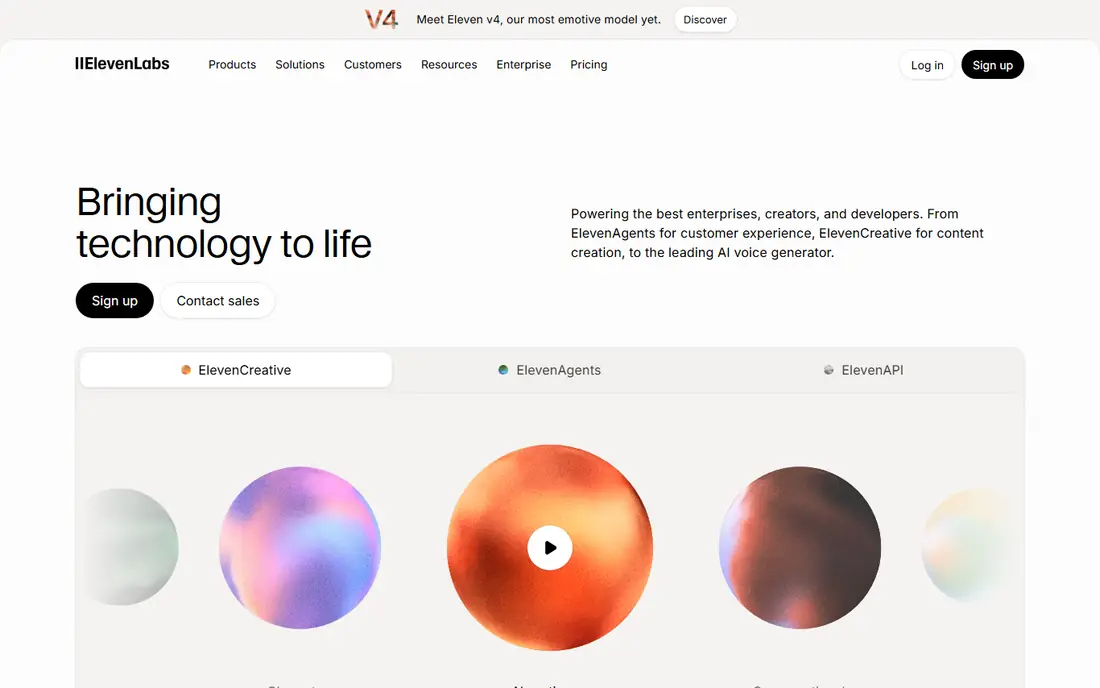
ElevenLabs is the tool we point to first when voice quality matters most. Its voices handle pauses, emphasis, and tone better than most rivals, which helps long narration sound less flat. The library covers many languages and accents, and cloning lets a brand or creator keep one consistent voice across videos.
The catch is cost control. Credits are shared across products, so a project that mixes narration, dubbing, and sound effects can burn through a plan faster than expected. Start on the free plan with a short script, test the exact voices you plan to use, and only upgrade once you know how many minutes you produce each month.
- Large voice library
- Strong multilingual support
- Instant and professional voice cloning
- Credit limits can run out fast on long scripts
- Higher tiers cost much more
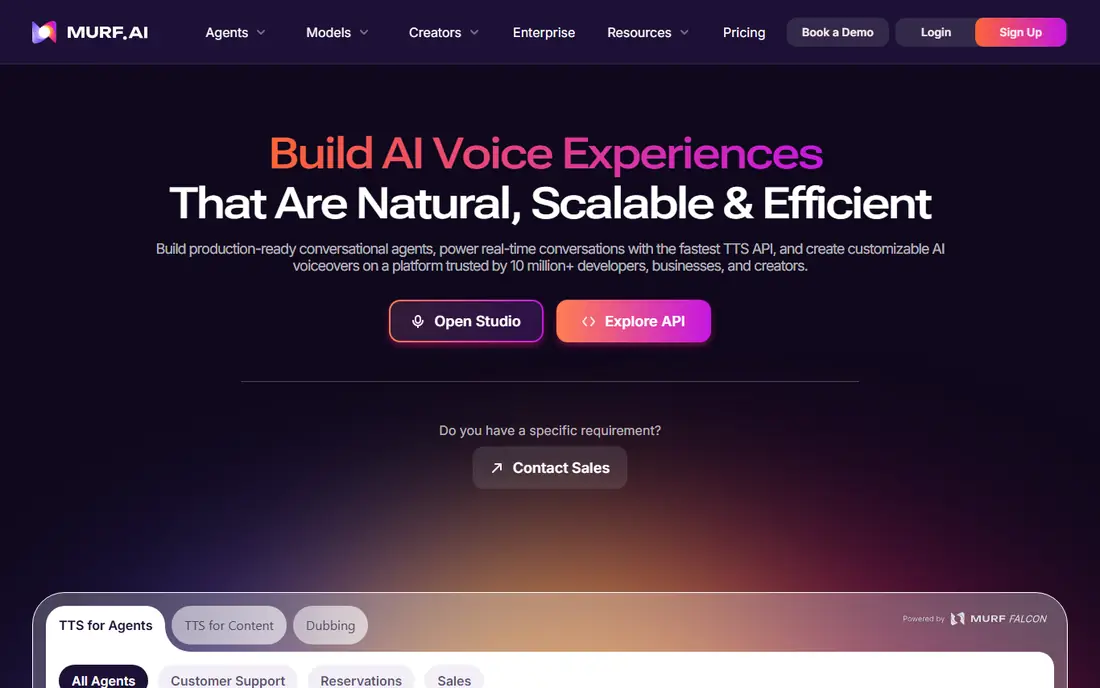
Murf feels like a studio built for people who make videos, courses, and product demos. You paste a script, pick a voice, then line up the audio with slides and visuals on a timeline. That workflow saves time compared with generating audio in one app and editing it somewhere else.
Voice quality is good, though it does not match ElevenLabs on the most natural reads. The free plan works for testing voices and timing, but you need a paid plan for downloads you can publish. Teams that produce training content on a schedule will get the most value here.
- Timeline studio for video
- Slide sync for presentations
- Background music and timing controls
- Voice cloning sits on higher plans
- Free plan does not allow commercial downloads

Speechify Studio is a different product from the well known Speechify reading app, and that distinction matters when you compare prices. Studio focuses on turning scripts into voiceover and dubbed video, with voices and avatars for creators who publish often. It suits people who need a steady supply of narration rather than a single clip.
The interface is aimed at creators rather than developers, so you can move from script to finished audio without extra software. Check which plan covers commercial use and cloning before you buy, since those features are not on every tier. For dubbing work, test a short clip first, because timing and lip sync vary by language.
- Dubbing and avatar video options
- Credit based studio plans
- Useful for creators and teams
- Easy to confuse with the separate Speechify reader app
- Cloning and commercial use sit on paid plans
WellSaid Labs suits companies that want a small set of dependable voices rather than hundreds of options. Its library is built around professional narration for training, onboarding, and corporate video, so the tone stays steady from one module to the next. That consistency matters when learners hear the same voice across a full course.
The trade off is range. You will find fewer accents and character voices here, and paid plans meter downloads rather than generations on some tiers. If your work is English language training or internal video, that focus is a strength. If you need many languages or playful character voices, look at ElevenLabs or Murf instead.
- Curated, professional sounding voices
- Consistent tone across long modules
- Consented voice library
- Smaller voice range than larger rivals
- Download limits on lower plans
Descript earns a place here for a different reason. It is first an editor, and its AI voice feature, Overdub, lets you fix a spoken word by typing the correction. That is a lifesaver for podcasters and course makers who spot a mistake after recording and do not want to re-record a whole session.
It is not the best choice if you only need synthetic narration from a blank script, since other tools offer larger voice libraries. But when you mix real recording with AI fixes, Descript is hard to beat. Its transcription, filler word removal, and clip editing also cut editing time on regular shows.
- Text based audio and video editing
- Overdub for correcting words
- Strong podcast workflow
- Not a pure voiceover generator
- Best results still need a good original recording
Resemble AI is aimed at developers and teams that need cloning plus controls around misuse. It offers watermarking and detection tooling alongside its voices, which helps companies that worry about fake audio tied to their brand. A pay as you go path also suits projects with uneven volume.
Casual creators may find the dashboard less friendly than Murf or ElevenLabs, and cloning costs add up beyond the base price. Still, if your priority is a cloned brand voice with provenance features, Resemble deserves a close look. Ask for a demo with your own script before you commit to a larger plan.
- Voice cloning and custom voices
- Watermarking and detection tools
- Pay as you go option
- Less polished for casual creators
- Cloning add ons raise the cost
Cartesia stands out where speed matters. Its voices are built for real time use, such as voice agents, phone systems, and interactive apps, where a long pause breaks the conversation. Developers get an API and documentation that make it simple to test a voice inside a product.
For a narrator making a 20 minute video, Cartesia is not the obvious first pick, since its strength is live response rather than studio editing. But for apps, games, and customer tools that talk back, latency is the deciding factor, and Cartesia performs well there. Test it with real user prompts, not just a polished demo script.
- Low latency voices for live use
- Developer friendly API
- Free credits to test
- Less suited to long form narration workflows
- Cloning sits on higher tiers
Narakeet is the plain, practical option on this list. You paste text, choose a voice and language, and download narration for videos, slides, and lessons. It does not try to be a full studio, and for many solo creators that simplicity is the point. There is less to learn and fewer settings to get wrong.
The limits are clear. There is no cloning, and the voices, while usable, do not reach the top tier for emotional range. If you need quick narration on a budget and you are happy to edit the audio elsewhere, Narakeet is a sensible pick. For brand voices or high end ads, spend more on a tool higher on this list.
- Straightforward text to speech workflow
- Many voices and languages
- Useful for slides and video narration
- No voice cloning
- Interface is plainer than studio rivals
How we picked these
We compared official pricing and feature pages, app store listings, and public reviews, and we left out tools that are no longer live or purchasable. Each tool had to offer real voiceover output in October 2026, with a clear free plan or trial where we claim one. We weighed voice quality, language range, cloning controls, workflow fit, and the licence terms that decide whether you can publish the audio.
What to check before you buy
Start with a test script that matches your real work, not a short demo sentence. Include names, numbers, and the tone you use most, because those are where weaker voices fail. Check the licence for commercial use, and confirm whether downloads on your plan carry a watermark or a limit.
Cloning deserves extra care. Only clone a voice you own or have clear permission to use, and keep a record of that consent. For client work, agree in writing who owns the clone and where it can be used. Finally, compare cost per finished minute, not just the monthly price, since credit systems and download caps change the real bill.
Budget and billing tips
Free plans suit testing, but paid plans differ in how they count usage. Some charge per character, some per minute, and some per download. Estimate your monthly minutes first, then match that number to the plan, and leave headroom for re-generations.
FAQ
What is the best AI voice over app for beginners?
Murf and Narakeet are the easiest starting points, since both use a simple script and voice picker. ElevenLabs is also easy to use, but its credit system needs more attention once you publish often.
Can I use AI voice over audio for commercial projects?
Yes, on most paid plans, but the free plan often blocks commercial use. Read the licence for your exact plan, and keep proof of the plan you used for each project.
Is it legal to clone a voice with AI?
You should only clone your own voice or a voice with clear written permission. Many tools ask for consent and a verification sample, and using a voice without permission can break platform rules and the law in some places.
Do AI voices sound natural in 2026?
The best tools sound natural for narration, ads, and training, especially on short and medium length scripts. Long emotional reads and fast dialogue can still reveal small flaws, so listen to a full sample before you publish.
Which AI voice over app is best for video?
Murf suits video best because of its timeline and slide sync, while Descript suits creators who edit recorded video by editing text. For pure narration quality inside a video, ElevenLabs is our first pick.