Best AI Tools to Generate Video From Image in 2026: 8 Compared
Compare the best AI tools to generate video from image in 2026, from Runway and Pika to Luma, Kling, Hailuo, and more, with pricing and credit limits.
- Editor's choice
 Runway
Polished professional clips
Starts at$12 per monthVisit runwayml.comFull review - Great alternative
 Pika
Fast social clips
Starts at$10 per monthVisit pika.artFull review - Also consider
 Luma AI
Natural motion
Starts at$30 per monthVisit lumalabs.aiFull review
TL;DR:
- The best AI tools to generate video from images differ in motion quality, clip length, control, and credit cost, not just in price.
- Runway and Luma suit polished short clips, while Kling and Hailuo are strong for longer or more dynamic motion.
- Image-to-video quality depends heavily on the starting image, prompt, and camera instruction, so test the same image across tools.
- Check commercial rights, watermarks, and credit use before a paid plan, since free tiers often limit all three.
- For client work, keep the original image rights and the tool terms in mind, and disclose AI-generated footage where a platform or client requires it.
Quick comparison
| Tool | Best for | Starts at | Free plan? | |
|---|---|---|---|---|
| Runway | Polished professional clips | $12 per month | Yes | Visit |
| Pika | Fast social clips | $10 per month | Yes | Visit |
| Luma AI | Natural motion | $30 per month | Yes | Visit |
 Kling AI | Dynamic longer clips | See website | Yes | Visit |
 Hailuo AI | Affordable motion | See website | Yes | Visit |
 Kaiber | Stylized music visuals | See website | Free trial | Visit |
 Genmo | Quick creative clips | See website | Yes | Visit |
 PixVerse | Easy mobile creation | See website | Yes | Visit |
The best AI tools to generate video from image
Image-to-video tools animate a still photo or illustration, adding camera movement, subject motion, or scene changes from a short prompt. The results vary widely, so the best tool for a product shot may not be the best tool for a character animation.
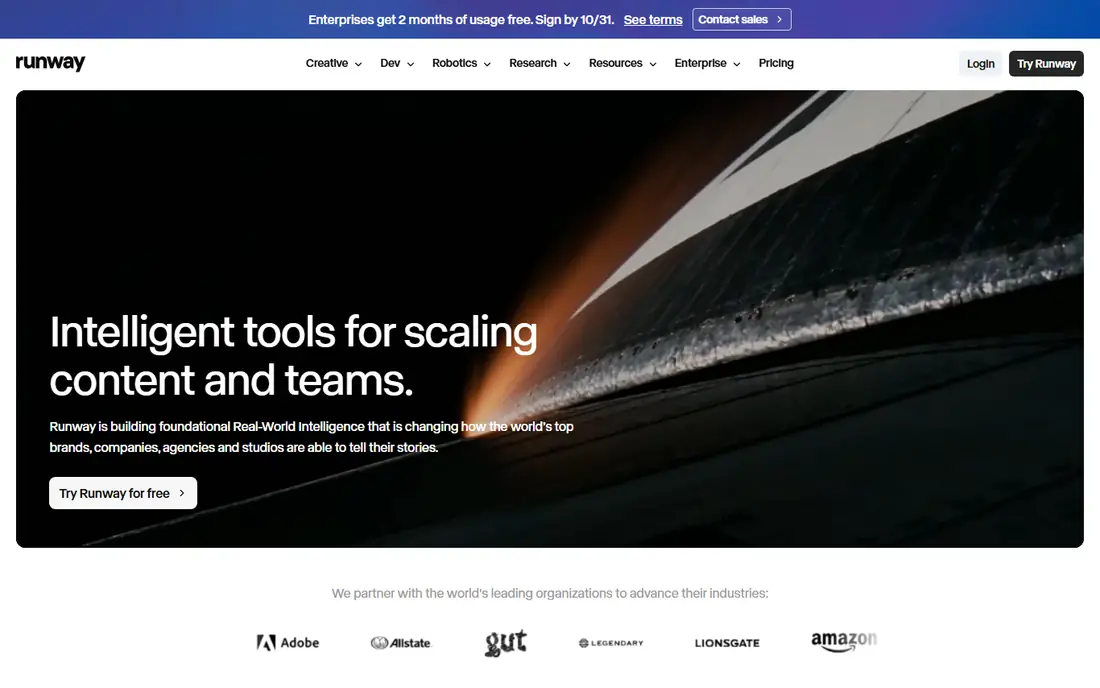
Runway is a strong all-round choice for creators who want clean, controllable image-to-video results. Its Gen models accept an image plus a prompt, with options for camera movement and scene direction, and the wider Runway workspace adds editing and effects. Paid plans start around $12 per month, with a free tier for testing.
The main cost is credits. Higher resolution and longer clips consume credits quickly, so a month of heavy testing can outgrow the entry plan. For short, polished clips where control matters, Runway is still our default pick.
- Strong motion quality
- Editing tools
- Good control options
- Credits run out fast on high resolution
- Learning curve for advanced tools
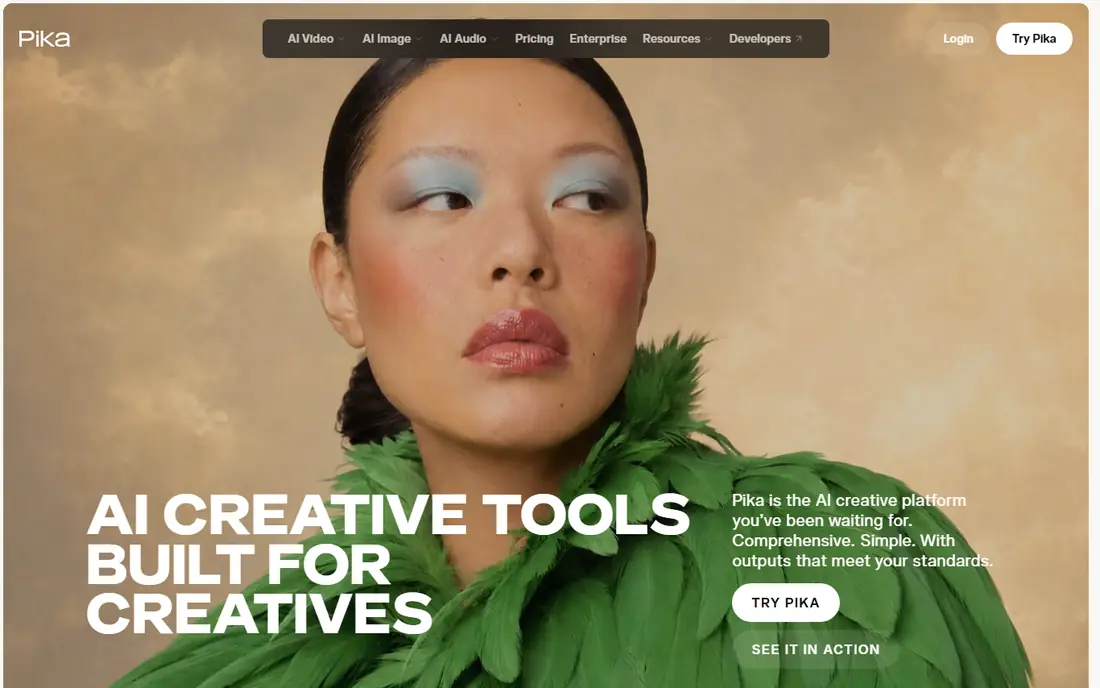
Pika suits social creators who want quick, shareable clips from a photo. Generation is fast, effects and templates are easy to apply, and paid plans start around $10 per month. A free tier lets you test motion styles before paying.
Realism is the trade-off. Pika clips can look playful rather than cinematic, and longer or more complex motion is harder to control. For short-form posts, memes, and quick product teasers, speed and simplicity matter more than perfect physics.
- Fast generation
- Fun effects
- Easy social formats
- Shorter clips
- Motion can be less realistic

Luma AI is known for natural motion from a still image, especially for people, animals, and everyday scenes. Its interface is clean, camera controls are intuitive, and results often need less prompt tweaking than cheaper tools. Paid plans start around $30 per month, with a limited free allowance for testing.
The entry price is higher than Runway or Pika, and monthly credits do not roll over. Commercial rights also depend on the plan, so check terms before using clips for client work. If motion quality is your priority, Luma is worth the premium.
- Natural-looking motion
- Good camera control
- Clean interface
- Higher entry price
- Credits expire monthly
Kling AI has become a favorite for dynamic scenes, with strong detail and motion that holds up better over longer clips than many rivals. It handles camera moves, action, and scene changes well, and a free tier lets you test it before committing. Paid options are available through its site and partner platforms.
Pricing and access vary by region and plan, so confirm the current terms before budgeting a project. Queue times can also vary at peak hours. For creators who want ambitious motion from a single image, Kling is a strong test alongside Runway and Luma.
- Strong motion and detail
- Longer clips
- Good prompt following
- Pricing and availability vary by region
- Queue times can vary
Hailuo AI, from MiniMax, offers a low-cost route into image-to-video with a simple prompt workflow and a free tier. It is popular for social clips, character animation, and playful motion, and it can produce longer clips than some rivals at a similar price. The interface is approachable for beginners.
Quality is less consistent than Runway or Luma, especially for realistic faces and complex scenes. Some plans limit resolution or commercial use, so check those terms. As a second tool for experimentation, or a budget-first pick, Hailuo is good value.
- Low cost entry
- Fun motion styles
- Easy prompt workflow
- Quality varies by scene
- Some plans limit resolution
Kaiber stands out for stylized video, especially music visuals and artistic transformations of a photo. You can push an image toward animation, painting, or surreal styles, and the tool is built around creative exploration rather than realistic footage. A free trial lets you test styles, with paid plans for regular generation.
Realistic product or documentary footage is not its strength, and costs add up if you generate many variations. For musicians, artists, and brands that want a distinctive visual style, Kaiber offers looks that general tools do not.
- Strong stylized looks
- Music video workflows
- Style control
- Less suited to realistic footage
- Subscription needed for regular use
Genmo is a fast, simple way to turn an image into a short moving clip. The interface is minimal, generation is quick, and a free tier covers casual experimentation. It suits social posts, mood clips, and early concept work where speed matters more than fine control.
Control and realism trail Runway and Luma, and clips tend to be short. For a quick test of an idea, or for creators who want to play with motion without learning a full studio, Genmo is a useful addition to the toolkit.
- Fast and simple
- Creative community
- Free tier
- Shorter clips
- Less control than pro tools
PixVerse is built for mobile-first creators who want to animate a photo in minutes. Templates, effects, and simple prompts make it easy to produce social-ready clips without a desktop editor. A free tier covers testing, with paid plans removing limits and improving quality.
The trade-off is consistency. Complex scenes and realistic motion can vary, and free outputs may carry limits that matter for professional use. For quick social content and on-the-go creation, PixVerse is one of the easiest tools here.
- Mobile-friendly
- Templates and effects
- Fast results
- Quality varies
- Free tier has limits and watermarks on some outputs
How we picked these
We compared official product pages, pricing, and public documentation for tools with a clear image-to-video feature, not just text-to-video. We weighed motion quality, clip length, control, credit pricing, free tiers, and commercial terms, and we favored tools that were actively available in October 2026.
How to get better image-to-video results
Start with a strong image
A sharp, well-lit image with a clear subject gives the model more to work with. Cropped, blurry, or cluttered photos often produce wobbly motion, even in good tools. If the result looks off, try a cleaner image before changing the prompt.
Write a short, specific prompt
Describe the subject, the motion, and the camera move in one or two sentences. For example, name the action, the direction of movement, and whether the camera stays still, pans, or zooms. Vague prompts like a single word often produce random motion.
Generate variations and pick the best
Image-to-video is still probabilistic, so the same prompt can give different results. Generate two or three variations, pick the cleanest motion, and edit around it. Short clips edited together usually look better than one long, flawed generation.
FAQ
What are the best AI tools to generate video from images?
Runway, Luma AI, and Kling AI lead for quality, while Pika, Hailuo AI, and PixVerse are strong for fast social clips. Kaiber suits stylized work, and Genmo suits quick experiments. Test the same image in two or three tools before choosing.
What are the best AI tools to generate videos from images for free?
Runway, Pika, Luma AI, Kling AI, Hailuo AI, Genmo, and PixVerse all offer free tiers or trials, with limits on credits, resolution, or commercial use. Free tiers are best for learning and testing, not for regular client work.
Can AI video tools animate any photo?
Most photos can be animated, but results depend on image quality, subject clarity, and the tool. Portraits, products, and simple scenes tend to work best. Complex crowds, small text, and fast action are harder and often produce artifacts.
Do I own the video I generate?
Ownership and commercial rights depend on the tool and plan. Some free tiers limit commercial use or add watermarks, while paid plans usually grant broader rights. Read the terms for your plan and keep rights to the original image in mind.
How long can AI image-to-video clips be?
Most tools produce clips of about five to ten seconds per generation, with some supporting longer outputs or extensions. Longer videos are usually built by chaining clips together in an editor.
Is AI-generated video good enough for client work?
For social posts, ads, and concept work, yes, with careful selection and editing. For broadcast or high-end commercial work, review motion closely, check rights, and disclose AI use where a client or platform requires it.