Best AI Tools to Generate Video From Photos in 2026: 8 Tools Compared
Compare the best AI tools to generate video from photos in 2026, with Runway, Pika, HeyGen, Kling and more for photo to video clips and avatars today.
- Editor's choice
 Runway
Cinematic photo to video control
Starts at$15 per monthVisit runwayml.comFull review - Great alternative
 Pika
Fast stylised social clips
Starts at$10 per monthVisit pika.artFull review - Also consider
 HeyGen
Photo avatars that speak
Starts at$29 per monthVisit heygen.comFull review
TL;DR:
- Runway and Pika are the strongest pure image-to-video tools, with Runway for cinematic control and Pika for fast stylised social clips.
- HeyGen and Synthesia-style avatar tools do a different job: they turn a photo into a talking presenter, not a moving scene.
- Kling and PixVerse offer good value for realistic motion, while Luma and Adobe Firefly suit brand-safe and cinematic work.
- Credits drain fast, so check how many seconds of video a plan actually buys before you judge a headline price.
- We did not list Sora as a consumer product, because consumer access ended in 2026, and the tools below were available in October 2026.
Quick comparison
| Tool | Best for | Starts at | Free plan? | |
|---|---|---|---|---|
| Runway | Cinematic photo to video control | $15 per month | Yes | Visit |
| Pika | Fast stylised social clips | $10 per month | Yes | Visit |
| HeyGen | Photo avatars that speak | $29 per month | Yes | Visit |
 Kling | Realistic human motion | See website | Yes | Visit |
 PixVerse | Low-cost social video at volume | See website | Yes | Visit |
 Luma Dream Machine | Cinematic experiments | See website | Yes | Visit |
 Adobe Firefly | Brand-safe commercial work | See website | Yes | Visit |
 InVideo AI | Prompt to finished marketing video | $28 per month | Yes | Visit |
The best AI tools to generate video from photos
Turning a still photo into a moving clip sounds simple, but the tools differ in motion quality, face consistency, length, audio and commercial rights. Some animate a product photo with a camera move, others turn a portrait into a talking avatar, and a few do both. The tools below all accept a photo as a starting point and were available in October 2026.
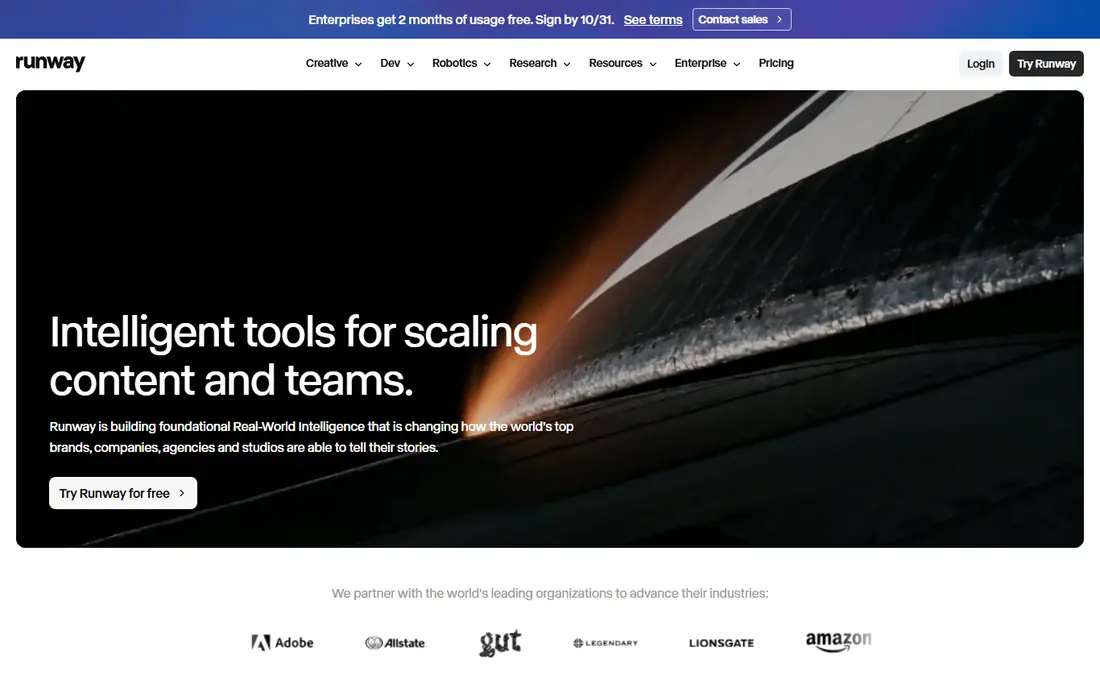
Runway is our pick for creators who want control over a photo-to-video clip. Its Gen-4.5 model handles camera moves, subject motion and scene changes with more consistency than cheaper tools, and its editor lets you refine a clip after generation. For a product shot, a travel photo or a short cinematic sequence, Runway gives you the most room to direct the result.
The catch is credit maths. A Standard plan buys a limited number of seconds at the highest quality, so a creator who generates many takes will burn through credits quickly. Generate short tests first, lock your prompt and camera move, and only then spend credits on a final version.
- Strong camera and shot control
- Gen-4.5 model
- Editing tools beside generation
- Credits drain fast on longer clips
- Free credits are one-time, not monthly
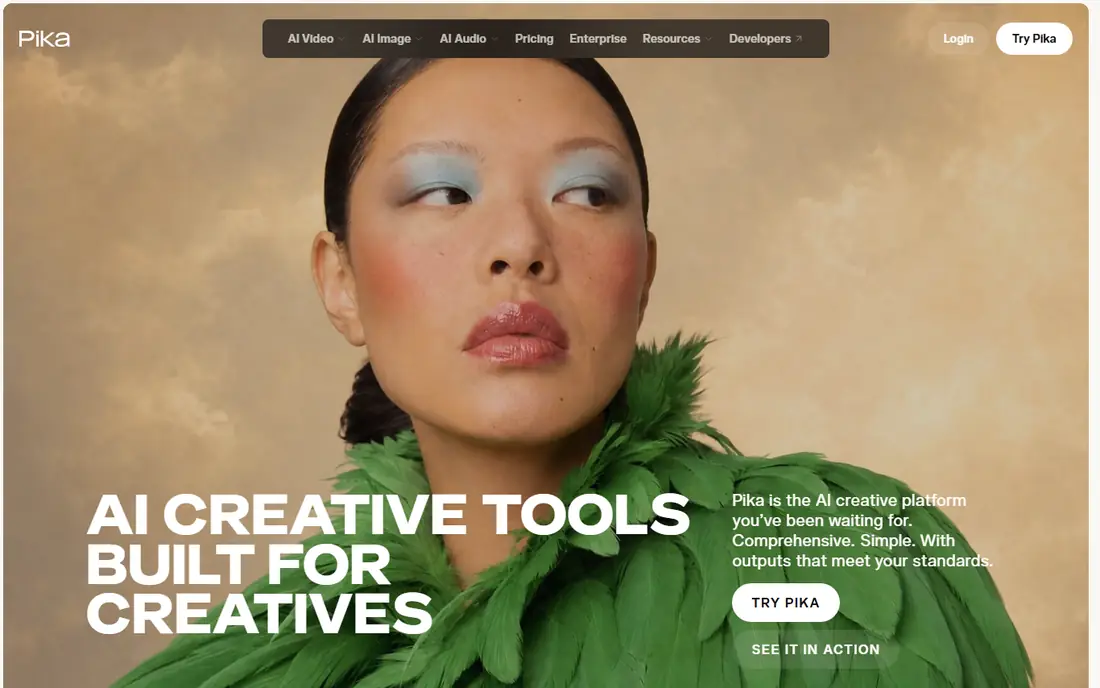
Pika suits social creators who want a photo to move, morph or react in a few seconds. Its effects library, including playful transformations, makes it fun for Shorts, TikTok and Reels, and its Starter plan is one of the cheapest in this list. Upload a photo, describe the motion, and you get a short clip in under a minute in many cases.
Consistency is the weakness. Faces and hands can shift between runs, and commercial rights on free plans are limited, so check the plan terms before using Pika clips in paid ads. For organic social posts, that trade-off is usually fine.
- Fast and cheap for social clips
- Playful effects
- Easy image-to-video workflow
- Output consistency varies
- Commercial use starts on higher plans

HeyGen does a different job from Runway and Pika. It takes a photo of a person and turns it into a talking presenter who speaks your script with synced lip movement. That suits product explainers, training videos, ads and multilingual content, where a presenter matters more than a moving scene. Its translation tools also let one script reach several languages without re-recording.
Do not expect HeyGen to animate a scenery photo into a cinematic scene. It is an avatar tool first, so use it when the photo is a person who needs to speak, and use Runway or Kling when the photo is a scene that needs to move.
- Turns a photo into a speaking avatar
- Many languages
- Video translation tools
- Avatar video is not the same as scene animation
- Credits vary by avatar model
Kling has earned a strong reputation for realistic human motion from a photo, including natural movement, hand gestures and camera work. Its newer models support longer shots than the five-second clips common elsewhere, which helps for product demos and short stories that need more than a quick burst of motion.
Pricing varies by region and plan, so check the official pricing page for your location. The interface also packs in many models and settings, which can overwhelm a first-time user. Start with the default model and a simple prompt, then explore advanced settings once you know the basics.
- Strong realistic motion
- Longer shots than many rivals
- Good for people and products
- Pricing and credits vary by region
- Interface can feel busy
PixVerse suits creators who need many photo-to-video clips for social feeds and do not want to pay Runway prices for each one. Generation is fast, the workflow is simple, and its higher plans offer unlimited off-peak generation in some cases, which helps teams publishing daily. For memes, product teasers and short social cuts, PixVerse is a practical value pick.
Complex scenes with several people, detailed hands or fast action can look less consistent than Runway or Kling output. Use PixVerse for volume and speed, and keep a higher-quality tool for hero clips that carry a brand campaign.
- Low cost per clip
- Fast generation
- Good for social volume
- Quality varies on complex scenes
- Brand safety controls are thinner than Adobe
Luma Dream Machine, built on its Ray models, suits creators who want a cinematic feel from a photo, with smooth camera moves and strong lighting. Its restyling tools also let you change the look of a clip after generation, which helps when a photo needs a different mood for a campaign. For short films, mood pieces and visual experiments, Luma is a strong creative choice.
It is not an avatar tool, and its credit pricing can rise quickly for teams generating many takes. Use Luma for hero visuals and creative work, and use a cheaper tool for everyday social volume.
- Strong cinematic look
- Restyling tools
- Good for creative experiments
- Credit-based pricing can get costly
- Less suited to talking avatars
Adobe Firefly suits brands and agencies that need to know where training data came from and what commercial rights apply. Firefly is built with a commercially safe approach, and it links to Photoshop, Premiere and other Adobe apps that many teams already use. Its video tools also draw on several models, so you can compare results in one place.
The limit is allowance maths. Video generation shares a monthly AI credit pool with other Firefly features, so heavy video use can drain the pool fast. For brand work where rights matter more than volume, that trade-off is worth it, but social teams publishing daily may prefer a dedicated video tool.
- Commercially safe training approach
- Adobe app links
- Multi-model hub
- Video generation draws from a shared AI allowance
- Less playful than Pika
InVideo AI suits marketers who start with photos and a prompt and want a finished video draft, not just a single animated clip. It builds scenes, adds voiceover, captions and music, and offers templates for ads and social posts. That speed helps a small team produce many ad variants from a product photo library.
The catch is control. InVideo is a draft maker, not a precise photo animator, so a single photo may move in a generic way and stock footage can creep in. Treat its output as a first draft, then edit the best version in its editor or in CapCut before publishing.
- Turns a prompt and photos into a finished draft
- Templates and voiceover
- Fast for ads
- Less control over single photo motion than Runway
- Stock-heavy results need editing
How we picked these
We compared official pricing pages, feature pages and public reviews for tools that accept photos as input and were available in October 2026. We left out Sora as a consumer product because consumer access ended in 2026, and we favoured tools with clear image-to-video or photo avatar workflows. Prices are from vendor pages where public, and See website where plans are credit based or region dependent.
How to get good motion from a photo
Start with a sharp, well-lit photo, because AI motion amplifies flaws in a blurry source. Describe one clear motion, such as a slow push-in, a person turning, or a product rotating, rather than asking for five actions at once. Keep clips short, usually five to ten seconds, and chain good clips in an editor instead of asking one generation to tell a whole story.
Check faces, hands and text in every output. AI video still struggles with those details, and a clip that looks good at small size on a phone may show flaws on a larger screen. Generate two or three takes of the best prompt, pick the cleanest, and proof it before publishing, especially for paid ads.
Rights and consent
Only animate photos you own or have permission to use, and get clear consent before turning a photo of a person into a talking avatar. Commercial rights vary by plan, with some free plans limiting commercial use. Read the rights terms for your plan, and keep a record of source photos and licences for client work.
FAQ
What is the best AI tool to generate video from photos?
Runway is the best overall for cinematic control, while Pika is the best low-cost option for social clips. HeyGen is best when the photo is a person who needs to speak, and Kling is strong for realistic human motion. The best tool depends on whether you need a scene, a presenter or a social clip.
What are the best AI tools to generate videos from photos for free?
Runway, Pika, Kling, PixVerse, Luma and Adobe Firefly all offer free plans or free credits, but free plans limit length, quality or commercial use. They are good for testing, while regular publishing usually needs a paid plan. Check credit limits before relying on a free tier for a campaign.
Can AI turn a single photo into a talking video?
Yes, with avatar tools such as HeyGen. Upload a photo of a person, enter a script, and the tool generates a talking presenter with synced lip movement. Get consent from the person in the photo first, and check commercial rights on your plan before using avatar video in ads.
How long are AI photo-to-video clips?
Most clips run five to ten seconds per generation, with some models supporting longer shots. Longer stories are built by chaining several clips in an editor, rather than generating one long clip. That approach also gives you more control over pacing and cuts.
Is Sora available as a consumer product in 2026?
No, we did not list Sora as a consumer product in this guide, because consumer access ended in 2026. The tools in this list, including Runway, Pika, Kling and HeyGen, were available in October 2026. Check vendor pages for the latest access rules before choosing a tool.
Do I own the video I generate from my photo?
Ownership and commercial rights depend on the tool and plan, and some free plans limit commercial use. Paid plans usually allow commercial use, but terms vary by vendor and model. Read the rights page for your plan, and keep source photo licences for client work.