Best AI Tools for YouTube Video Creation in 2026: Prices, Free Plans and 6 Picks
Searching for the best AI tools for YouTube video creation? Here are 6 options with prices and free plans. Real limits included. Full profiles inside.

- Editor's choice
 HeyGen
Personal avatar videos without filming
Starts at$29 a monthVisit heygen.comFull review - Great alternative
 InVideo AI
Prompt-driven video creation and editing
Starts at$4 per seat/mo, billed yearlyVisit invideo.ioFull review - Also consider
 Descript
Text-based video and audio editing
Starts at$16 per person per monthVisit descript.comFull review
Direct answer
This list puts HeyGen first for personal avatar videos without filming. Listed starting prices: HeyGen from $29 a month, InVideo AI from $4 per seat/mo, billed yearly and Descript from $16 per person per month. Look at InVideo AI for prompt-driven video creation and editing, and at Descript for text-based video and audio editing. The other 3 tools in the list cover narrower or pricier cases.
TL;DR:
- This list starts with HeyGen, which is built for personal avatar videos without filming.
- Pictory suits script and URL to video automation.
- The main caution on ElevenLabs: not a video editor.
- For the cheapest start, look at InVideo AI: $4 per seat/mo, billed annually.
Last checked November 2026. Prices and plan details were read from the vendors' own pages in November 2026; vendors change plans often, so confirm the current price on the vendor site before you buy.
Quick comparison
| Tool | Best for | Starts at | Free plan? | |
|---|---|---|---|---|
| HeyGen | Personal avatar videos without filming | $29 a month | Yes | Visit |
| InVideo AI | Prompt-driven video creation and editing | $4 per seat/mo, billed yearly | Not stated | Visit |
| Descript | Text-based video and audio editing | $16 per person per month | Yes | Visit |
 ElevenLabs | Lifelike AI voiceover and narration | $6 a month | Yes | Visit |
 CapCut | AI-assisted editing with templates and effects | See website | Yes | Visit |
 Pictory | Script and URL to video automation | $12.50 per month, billed yearly | Free trial | Visit |
The full AI tools for YouTube video creation list
This LinkVetted guide covers 6 options for AI tools for YouTube video creation. Each profile lists a starting price, free plan details, strengths and drawbacks, so you can drop poor fits quickly.

HeyGen targets personal avatar videos without filming. HeyGen lets you produce AI videos with a personal avatar that uses your face and voice. So you can produce videos without filming each one.
Where it falls short: Not a full editing suite.
In daily use, choose HeyGen for repeatable presenter-style clips, not for cinematic storytelling. Creators who depend on natural expression and improvisation may find the format limiting. On cost, HeyGen starts like this: $29 per month. You can start on HeyGen without paying.
- Uses your face and voice
- Handy for consistent uploads
- Avatar realism varies by use case
InVideo AI serves prompt-driven video creation and editing. Pick InVideo AI for rapid drafts and idea exploration, then finish in a more in-depth editor if needed. In practice, agent-driven creation can produce results that require manual refinement for pacing and branding.
Honest limits: Less control over fine details.
InVideo AI is positioned as an editor for creating videos without limits, with an agent-driven approach to video creation. For YouTube, it can help with explainers, social cuts, and first drafts that you refine afterward. It is targeted at speed and accessibility instead of frame-level precision. InVideo AI starts at: $4 per seat/mo, billed annually. Trial and free access: Not stated.
- Suited to fast drafts
- Editing without limits positioning
- Output may need manual refinement
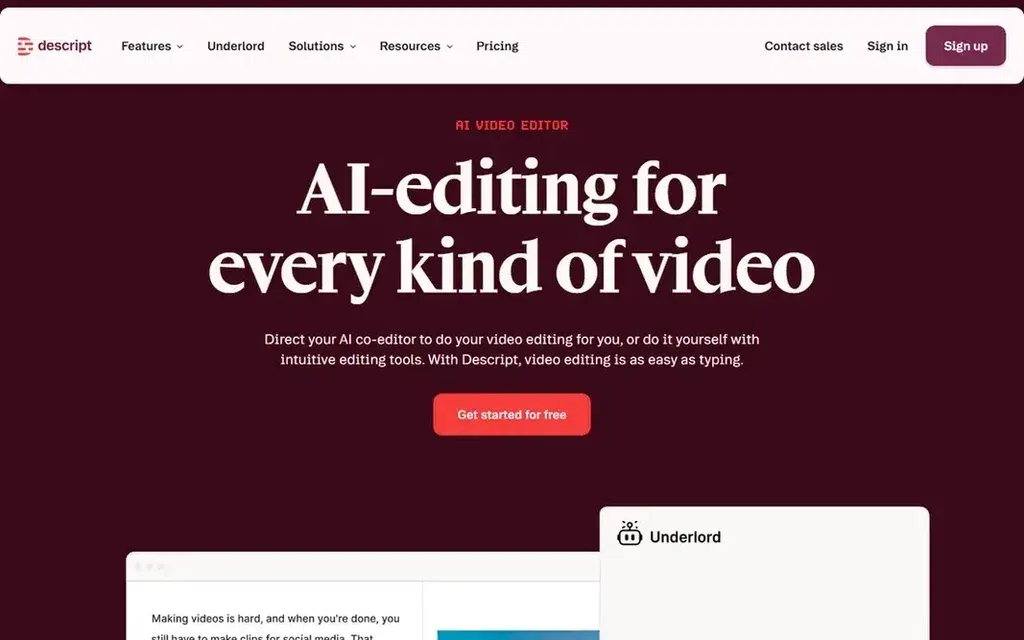
Choose Descript for text-based video and audio editing. Descript is an AI video and audio editor built around text. Beyond that, choose Descript when quick transcript-based cuts matter more than complicated visual layering.
Worth adding: creators who want a single place to run spoken-word content will find the workflow natural. Its strength is spoken content, so creators making cinematic or motion-graphics-led videos may prefer a traditional editor. The starting price for Descript: $16 per person per month. Free access exists with Descript.
What to check first: Ramp-up time for advanced edits.
- Record, transcribe
- Edit video by editing its transcript
- A good match for spoken-content workflows
ElevenLabs is built with Lifelike AI voiceover and narration in mind. It gives you a large voice library across plenty of languages and gives you secure APIs and SDKs for integration. Worth adding: the system is audio-focused, so it pairs with a separate video editor for the visual side.
In practice, generated speech still needs a listen-through for pacing and emphasis. From a buyer's view, pick it when voice quality and language range are the priority, and pair it with an editor like Descript or CapCut. ElevenLabs cost at the entry level: $6 per month. ElevenLabs includes a free tier.
What to check first: Not a video editor.
- Creates lifelike speech
- Broad language coverage
- Voice output needs review for tone
CapCut is aimed squarely at AI-assisted editing with templates and effects. It gives you less granular control than professional timeline editors for complicated projects.
Pricing for CapCut is not stated here, so ask the vendor for current figures. CapCut includes a free tier.
What to check first: Advanced control is restricted compared with pro editors.
- Available on desktop, mobile, online
- AI-powered editing tools
- Template look can feel generic
Pictory is aimed squarely at script and URL to video automation. Pictory is an AI video agent and generator that lets you describe a video or start from a script, URL, PowerPoint, or audio. Beyond that, the workflow is built around automation with a review step.
Drawbacks to consider: Less suited to live-action editing.
Upsides: Review and refine workflow.
Choose it for repurposing text and slides, not for practical film editing. Pictory is less suited to editing raw live-action footage than to assembling generated or stock-based videos. Pictory starts at: $12.50 per month, billed annually. Free plan details: Free trial.
- Start from script, URL, PowerPoint
- AI agent plans scenes
- Scene planning may need adjustments
How we compared the tools
What to check before you buy
- Confirm the entry price on the vendor page. For CapCut that means a quote rather than a fixed price.
- Check what the free option really includes: HeyGen, Descript, ElevenLabs and CapCut offer a free plan, and usage caps differ.
- Take the trial from Pictory and push a live task through it before you pay.
- Before choosing HeyGen, weigh its main limit: avatar realism varies by use case.
- List the apps you already depend on and check that Pictory supports each one on the plan you would buy.
- Confirm minimum seats and billing terms with Descript before you commit to an annual plan.
FAQ
How do CapCut, InVideo AI, and Pictory differ for YouTube?
CapCut centres on AI-assisted editing with templates and effects across desktop, mobile, and online. InVideo AI emphasizes prompt-driven creation and editing.
Is HeyGen the right pick for everyone comparing AI tools for YouTube video creation?
No single tool suits every team. HeyGen comes first because it fits personal avatar videos without filming, while InVideo AI suits prompt-driven video creation and editing and Descript suits text-based video and audio editing. Match the tool to your own size, budget and workflow before deciding.
What is the cheapest option for AI tools for YouTube video creation in this list?
On published monthly entry prices, InVideo AI is the lowest here at $4 per seat/mo, billed annually. Entry price is only part of the cost, because seats, add-ons and billing terms can change the total. For the full picture, the cards above cover all 6 entries of this AI tools for YouTube video creation list, including price, free plan and limits.
How are the tools for AI tools for YouTube video creation ordered?
The order follows typical fit for AI tools for YouTube video creation, with HeyGen first and Pictory last, then price clarity and free access. It is editorial judgement, not a score, so another team could rank the tools differently.
Which options for AI tools for YouTube video creation have a free plan?
On this list, HeyGen, Descript, ElevenLabs and CapCut include a free plan. Caps on seats, usage or features are common, so test the free plan against your real workload. One other tool offers a trial instead.
Sources
- https://www.heygen.com
- https://invideo.io
- https://www.descript.com
- https://elevenlabs.io
- https://www.capcut.com
- https://pictory.ai