8 Best AI Tools for Small Business Owners in 2026
Compare the 8 best ai tools for small business for writing, design, editing, notes, and automation, with free plans, pricing, and practical buying tips.
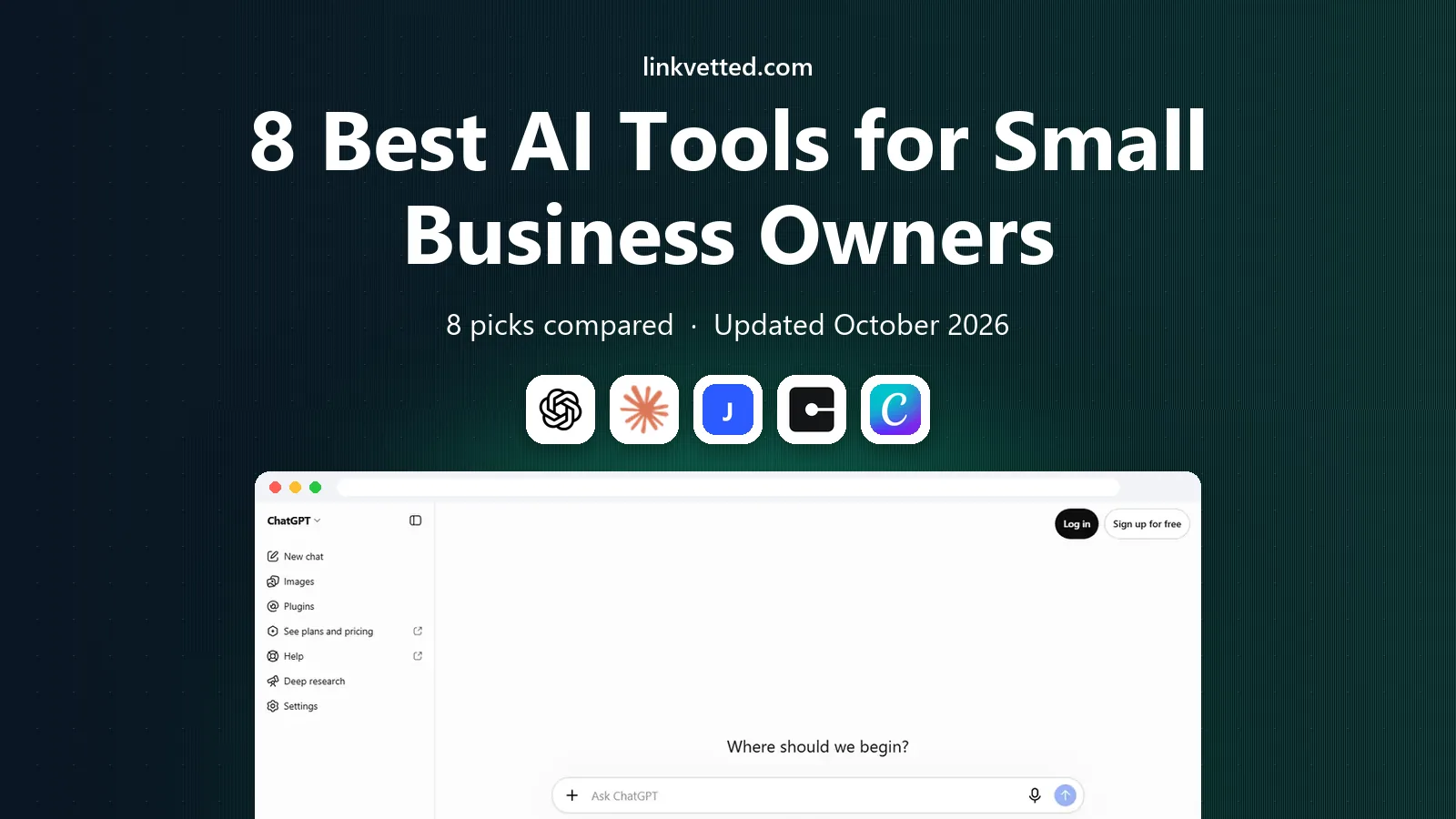
- Editor's choice
 ChatGPT
General writing and planning
Starts atFreeVisit chatgpt.comFull review - Great alternative
 Claude
Long documents and rewrites
Starts atFreeVisit claude.comFull review - Also consider
 Jasper
Marketing copy at scale
Starts atSee websiteVisit jasper.aiFull review
TL;DR:
- The best ai tools for small business solve one clear job, such as writing, design, editing, or automation.
- Start with a general assistant such as ChatGPT or Claude, then add a specialist tool only when volume justifies it.
- Free plans cover many starter needs, but check limits on usage, team seats, and data controls.
- Human review still matters for customer-facing copy, prices, legal text, and health or financial claims.
- Track time saved and output quality for a month before you add another subscription.
Quick comparison
| Tool | Best for | Starts at | Free plan? | |
|---|---|---|---|---|
| ChatGPT | General writing and planning | Free | Yes | Visit |
| Claude | Long documents and rewrites | Free | Yes | Visit |
| Jasper | Marketing copy at scale | See website | Free trial | Visit |
 Copy.ai | Short marketing copy | See website | Free trial | Visit |
 Canva | AI design and social graphics | Free | Yes | Visit |
 Notion AI | Notes and internal docs | See website | Free trial | Visit |
 Grammarly | Editing and tone | Free | Yes | Visit |
 Zapier | Workflow automation | Free | Yes | Visit |
The best ai tools for small business
Small teams need tools that save time without adding complexity. The eight tools below cover general assistance, marketing copy, design, notes, editing, and automation, so you can pick a small stack that fits your daily work.
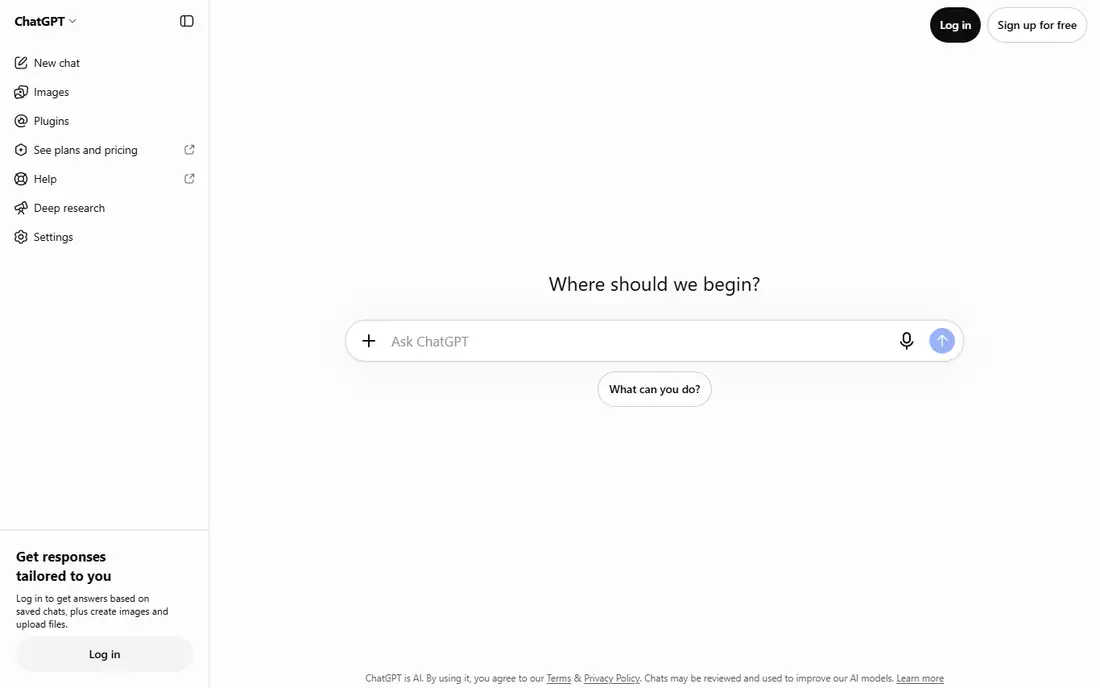
ChatGPT is the best starting point for most small businesses because it handles so many jobs from one place. You can draft emails, outline blog posts, brainstorm product names, summarize long documents, and plan social posts. That flexibility helps when you do not yet know which specialist tool you need.
The limits are real. ChatGPT can invent facts, prices, or citations, so you must check any claim before you publish it. Free usage is also limited during busy periods. Use it for drafts and ideas, keep a human in charge of final copy, and upgrade only when you regularly hit limits or need team features.
- Flexible for many business tasks
- Fast drafts, outlines, and summaries
- Large range of integrations and guides
- Output needs fact-checking
- Free plan has usage limits
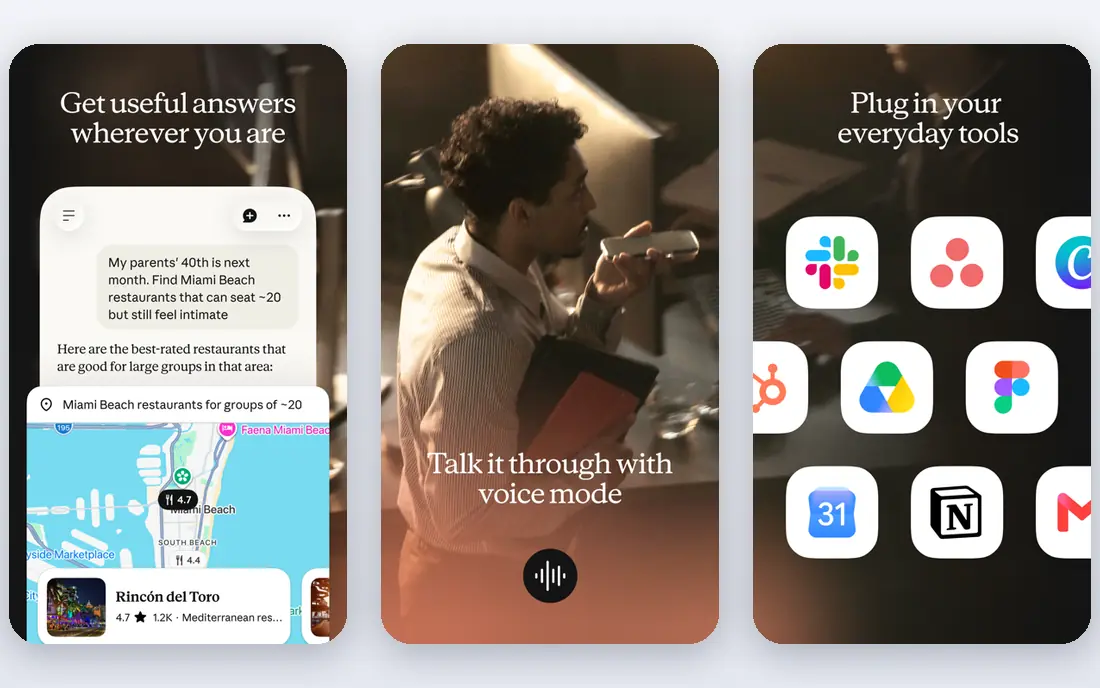
Claude suits owners who write longer pieces, such as guides, proposals, email sequences, and policy pages. It tends to hold a stated tone across a full document, which helps when you want every page to sound like your business. It is also useful for reviewing a draft, tightening a proposal, or summarizing a long report into action points.
Claude is less focused on marketing templates than Jasper or Copy.ai, so teams that need ad copy at scale may prefer a specialist tool. Like other AI assistants, it can make errors, so check facts and numbers. For careful writing and document work, Claude is a strong second assistant alongside ChatGPT.
- Strong long-form writing and editing
- Follows detailed style instructions well
- Good for document review
- Fewer marketing templates than Jasper
- Free plan has usage limits
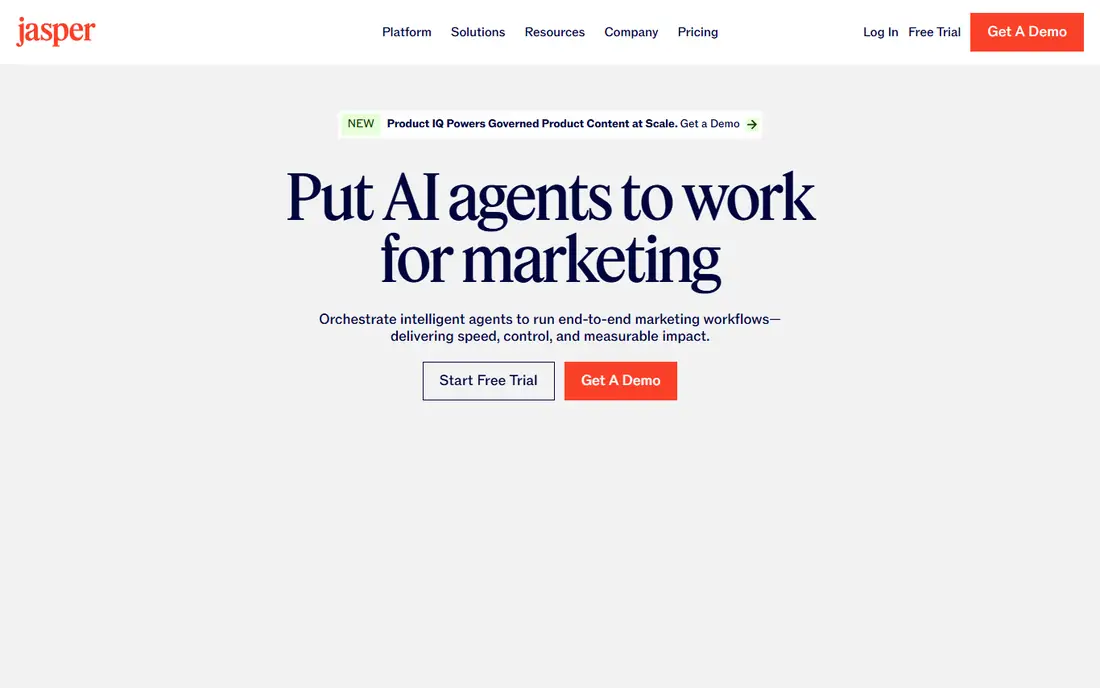
Jasper is built for marketing teams that produce a steady stream of blog posts, emails, ads, and product descriptions. Templates, brand voice settings, and campaign workflows help different writers produce copy that sounds consistent. That structure matters once content volume grows and one person can no longer write everything.
The price reflects that team focus, and you will need time to train brand voice and review output. Solo owners with low content volume may do better with ChatGPT or Copy.ai. For small teams that publish often and need consistent marketing copy, Jasper can save real editing time each week.
- Marketing templates and brand voice controls
- Good for multi-channel campaigns
- Team workflows for review
- Priced for teams rather than solo users
- Needs setup to match your brand voice
Copy.ai focuses on short, practical marketing copy. It can draft ad headlines, email subject lines, social captions, and product descriptions in seconds, and its workflow tools help you repeat a good process each week. That speed helps small teams test more headlines and offers without spending hours on first drafts.
Longer articles still need careful editing, and the best results come from clear briefs and examples of your own copy. Copy.ai fits businesses that run ads, email, and social content regularly and want a faster first draft. Pair it with Grammarly for editing and a human review before anything goes live.
- Fast short-form copy for ads and emails
- Workflow tools for repeat tasks
- Useful for product descriptions
- Long-form output needs more editing
- Pricing varies by workflow and seats
Canva, with its Magic Studio AI tools, lets small businesses create social graphics, flyers, presentations, and ads without hiring a designer for every task. You can generate images from prompts, remove backgrounds, resize one design for several platforms, and keep brand colors and fonts consistent. Templates give you a strong starting point, even if design is not your skill.
Canva will not replace a professional designer for a full brand identity or complex print work. Some AI features also sit on paid plans. For everyday marketing visuals, Canva is one of the most useful AI tools for small businesses, because it turns a blank page into a finished post in minutes.
- Easy design for non-designers
- AI image, resize, and background tools
- Large template library
- Advanced design control is limited
- Some AI features need a paid plan
Notion AI works inside Notion, where many small teams already keep notes, projects, and standard operating procedures. It can draft a brief, summarize meeting notes, turn rough notes into a checklist, and help you find information across pages. That in-workspace help is more useful than a separate chat tool when the work lives in your docs.
The catch is that you need to use Notion for it to pay off. Teams that keep docs in Google Docs or paper will not benefit as much. If Notion is already your hub for tasks and knowledge, Notion AI can cut the time spent turning notes into usable documents.
- Drafts and summaries inside your workspace
- Good for SOPs, meeting notes, and briefs
- Search across docs and notes
- Requires a Notion workspace
- AI cost is added to Notion plans
Grammarly is the quiet workhorse in a small business AI stack. It checks emails, proposals, website copy, and social posts for grammar, clarity, and tone as you write. That polish matters for customer trust, especially when a small team sends a large share of its communication from one or two people.
Grammarly does not replace a human editor for important documents, and its tone suggestions should be checked against your brand. The free plan covers basic checks, while paid plans add tone, clarity, and team controls. For most owners, Grammarly is worth keeping even if you use only one other AI tool.
- Catches grammar, clarity, and tone issues
- Works across email, docs, and browser
- Brand tone settings on paid plans
- AI suggestions still need human judgment
- Full features need a paid plan
Zapier connects the apps a small business already uses, so work moves without manual copying. A new form entry can create a CRM contact, send a Slack message, and add a row to a spreadsheet. AI features can help draft workflow steps and summarize data, but the core value is automation that saves repetitive admin time.
Complex workflows need testing, especially when money, customer data, or orders are involved. Start with one simple automation, check it for a week, then add more. Task volume drives cost, so watch usage as you automate. For teams drowning in copy-and-paste work, Zapier often saves more time than another writing tool.
- Connects thousands of apps without code
- Automates leads, invoices, and notifications
- AI features help build workflows
- Complex workflows need testing
- Costs grow with task volume
How we picked these
We compared official feature pages, pricing pages, app store listings, privacy policies, and public reviews for AI tools that small businesses use for writing, design, editing, notes, and automation. We favored tools with current products, free plans or trials, and clear use cases for teams without large IT staff. We did not claim hands-on testing, lab use, or daily use for months. Prices change often, so we used See website where a current public price was not clear, and we advise checking the vendor page before you buy.
How to build a small AI stack without overspending
Start with one problem, not one tool. If writing takes most of your time, start with ChatGPT or Claude. If design is the bottleneck, start with Canva. If admin copying eats your week, start with Zapier. A single tool used well beats five subscriptions that no one opens. Give each tool a four-week trial with a clear job, such as drafting two posts a week or automating lead follow-up.
Writing, design, and review
Use a general assistant for drafts, a specialist tool for volume, and Grammarly for polish. Keep your brand voice in a short document with examples of good copy, words you avoid, and how you describe prices and services. Paste that brief into prompts, and review every customer-facing draft for facts, tone, and claims. Never publish AI text about prices, guarantees, or regulated topics without a human check.
Data, privacy, and team rules
Check what data each tool stores and how it uses your inputs for training, especially for customer details, contracts, and financial information. Avoid pasting sensitive personal data into a general AI chat. Set simple team rules for which tools are approved, who can publish AI-assisted copy, and how drafts are reviewed. A short policy prevents confusion and protects customer trust.
Measuring value
Track time saved, output volume, and quality for a month. Count hours spent drafting, editing, and fixing errors before and after you adopt a tool. If a tool saves two hours a week and costs less than that time is worth to you, it earns its place. If it adds review work without saving time, cancel it. Review subscriptions quarterly and keep only the tools your team actually uses each week.
FAQ
What are the best ai tools for small businesses?
The best ai tools for small businesses in this guide are ChatGPT, Claude, Jasper, Copy.ai, Canva, Notion AI, Grammarly, and Zapier. ChatGPT and Claude cover general writing, Canva covers design, Grammarly covers editing, and Zapier covers automation. Start with one general tool, then add specialists as needed.
What is the best ai marketing tool for small business?
For marketing, Jasper and Copy.ai are strong specialist picks, while Canva covers visuals and ChatGPT covers general drafts. Jasper suits teams that publish often and need brand consistency, while Copy.ai suits fast short-form copy. Test both with your own briefs and compare editing time, not just draft speed.
Are there free ai tools for small business?
Yes, ChatGPT, Claude, Canva, Grammarly, and Zapier all offer free plans, and other tools offer trials. Free plans often limit usage, seats, or advanced features, so check those limits against your weekly volume. A free plan is a good way to test a tool before you pay for a team plan.
What are the best ai platforms for small businesses that need automation?
Zapier is the best pick in this guide for automation, since it connects thousands of apps without code. Notion AI also helps with internal docs and summaries. For automation, start with one repeat task, test it carefully, and expand only after it runs reliably for a week.
What are the best ai software for small businesses with no design skills?
Canva is the best pick for owners without design skills, thanks to templates and AI tools for images, resizing, and backgrounds. ChatGPT can help with captions and ideas, while Grammarly polishes the text. Together, they let a small team produce professional-looking posts without a designer.
How do I choose between ChatGPT and Claude?
Choose ChatGPT if you want the most flexible general assistant for many tasks, from planning to short drafts. Choose Claude if you write long documents and want careful rewrites that hold a consistent tone. Many small teams use both, with one for brainstorming and one for long-form editing.