Best AI Tools for Real Estate Agents in 2026: 8 Tools Compared
Looking for the best AI tools for real estate agents? We compared 8 AI tools for listings, leads, staging and follow-up to help agents choose wisely today.
- Editor's choice
 ChatGPT
Listing copy, emails and client messages
Starts at$20 per monthVisit chatgpt.comFull review - Great alternative
 Follow Up Boss
Lead follow-up and team CRM
Starts at$69 per user per monthVisit followupboss.comFull review - Also consider
 kvCORE
All-in-one lead generation and CRM
Starts atSee websiteVisit kvcore.comFull review
TL;DR:
- ChatGPT is the best low-cost starting point for listing copy and client messages, while Follow Up Boss suits teams that need lead follow-up at scale.
- Virtual Staging AI and BoxBrownie-style photo tools save time on listings, but staged images must be labelled honestly for buyers.
- Always review AI output before it reaches a listing portal or a client, since errors in price, features or compliance can cause real harm.
- Start with one bottleneck, such as follow-up or listing copy, rather than buying five tools at once and using none of them well.
Quick comparison
| Tool | Best for | Starts at | Free plan? | |
|---|---|---|---|---|
| ChatGPT | Listing copy, emails and client messages | $20 per month | Yes | Visit |
| Follow Up Boss | Lead follow-up and team CRM | $69 per user per month | No | Visit |
| kvCORE | All-in-one lead generation and CRM | See website | No | Visit |
 Virtual Staging AI | Fast, low-cost virtual staging | $16 per month | No | Visit |
 Jasper | Marketing copy at scale | See website | No | Visit |
 Canva | Branded graphics and social content | $15 per month | Yes | Visit |
 OpusClip | Turning long video into short clips | $15 per month | Yes | Visit |
 HouseCanary | Valuations and market analysis | See website | No | Visit |
The best AI tools for real estate agents
AI tools help agents with the repetitive parts of the job: first drafts, follow-up messages, staging, social clips and market numbers. They do not replace local knowledge, negotiation skill or compliance checks. We compared official pricing pages, feature lists and public reviews for tools that are current in October 2026, and we favoured tools that fit a clear agent workflow rather than a vague promise.
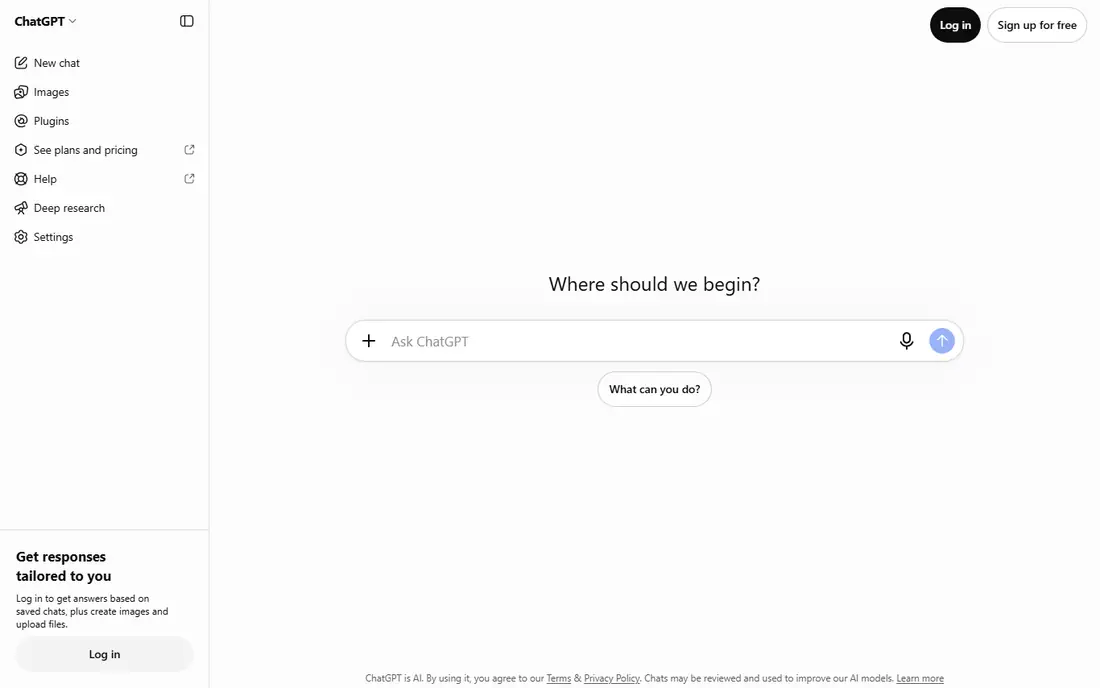
ChatGPT is the most flexible low-cost AI tool for agents. It can draft listing descriptions, follow-up emails, open-house scripts and social captions in minutes, and paid plans offer stronger models and higher limits. For solo agents, that speed matters, since writing is often the task that delays a listing going live.
The risk is accuracy. ChatGPT can invent features, prices or local details if you do not give it correct source material, and it does not know your MLS rules. Treat every output as a first draft: check facts, remove hype, and confirm compliance with your broker and local listing rules before publishing. Used that way, it is an excellent starting point.
- Free tier for basic writing
- Fast first drafts
- Useful for scripts, emails and social captions
- Broad general knowledge
- Can invent facts if not checked
- No built-in MLS or CRM data
- Needs careful prompts for local accuracy
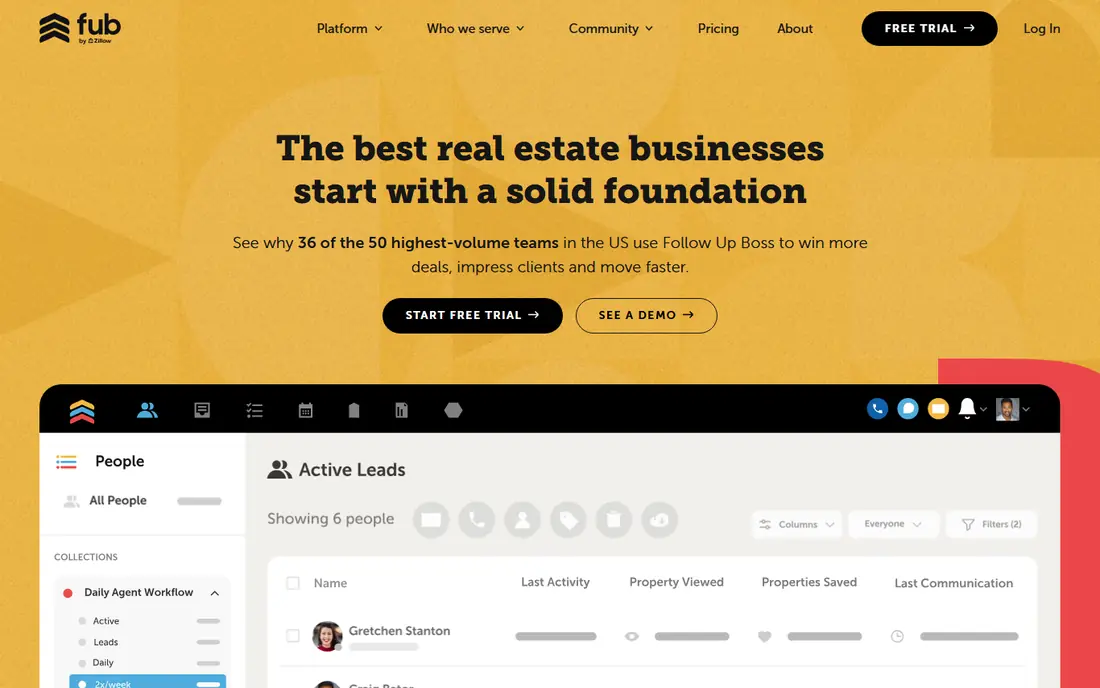
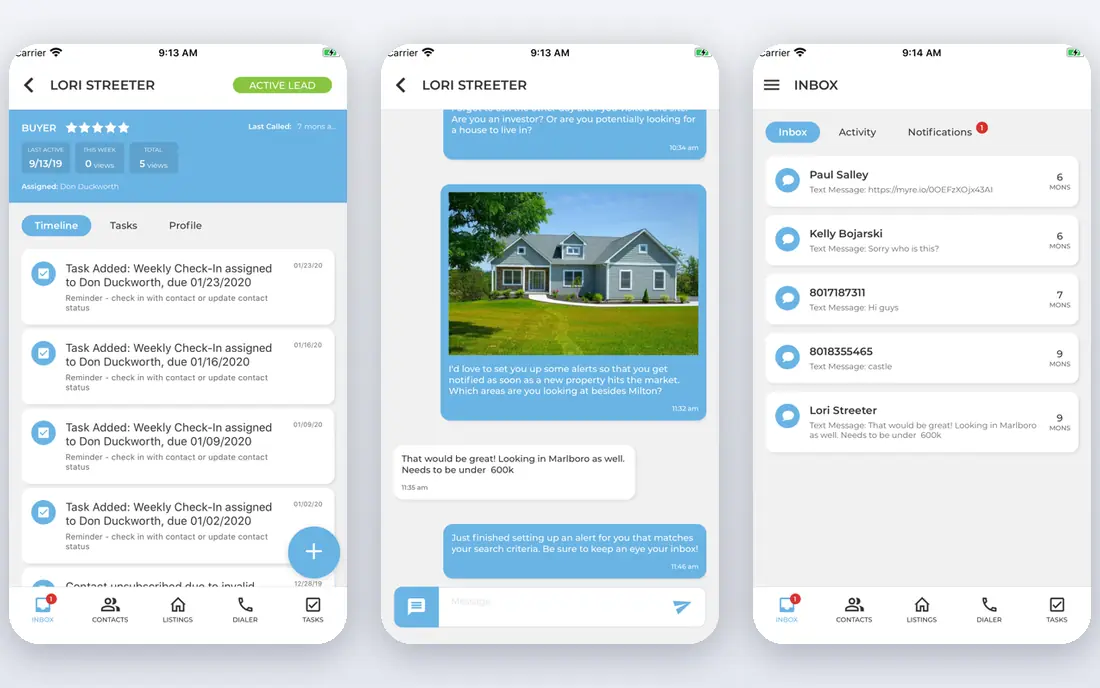
Follow Up Boss is built for agents and teams that receive many leads and lose deals through slow follow-up. Leads flow into one inbox, tasks and sequences keep contact consistent, and calls and texts are tracked in the same record. AI features can help with notes, summaries and task creation, which reduces admin time after calls.
The cost is per user, so a large team should model total cost before committing. Follow Up Boss also works best when lead sources are connected properly and agents actually use the sequences. For high-volume teams, that discipline pays off in faster response times and fewer lost leads.
- Strong lead routing and follow-up sequences
- Call and text tracking
- AI-assisted notes and task creation in newer features
- Price rises per user
- Setup needs care for teams with many lead sources
kvCORE combines lead generation, a CRM, agent websites and follow-up tools in one platform, with AI features for listings, lead scoring and automated contact. That breadth suits brokerages and teams that want one system rather than five separate tools. It also helps teams that generate leads from their own sites and ads, since those leads land directly in the CRM.
Solo agents may find kvCORE more than they need, and pricing depends on plan, market and add-ons, so a quote is needed. Teams should also check which AI features are included in their plan, since not every feature sits on every tier. For teams that want an all-in-one system, kvCORE is a strong contender.
- Lead generation, CRM, websites and AI follow-up in one platform
- Predictive insights in some plans
- Team tools
- Pricing varies by plan and market
- Breadth can feel heavy for solo agents
Virtual Staging AI lets agents furnish empty rooms digitally at a fraction of physical staging cost. Plans in recent listings start around $16 per month, with per-image costs far below hiring furniture and a stager. That speed helps listings go live faster, and buyers can picture how a vacant room might look.
Honesty matters here. Staged photos should be labelled as virtually staged where required, and agents should avoid misleading buyers about size, condition or included furniture. Quality also depends on the source photo, so a poor photo will still produce a poor staged result. Used transparently, virtual staging is a practical tool for vacant listings.
- Low cost per image compared with physical staging
- Fast turnaround
- Multiple room styles
- Staged images must be disclosed honestly
- Quality varies by photo and room
- Not a substitute for real staging in every market
Jasper suits agents and teams that produce a lot of marketing content: listing copy, ad variations, email campaigns and social posts. Templates and brand voice settings help keep output consistent across agents, which matters for a team brand. It can also generate multiple headline and ad options for testing.
Jasper is not built only for real estate, so it will not check MLS rules or local facts for you. Agents must still supply correct property details and review every draft. For teams that need volume and consistency, Jasper is a useful step up from a general chatbot. For solo agents with modest copy needs, ChatGPT may be enough.
- Templates for ads, emails and listings
- Brand voice controls
- Team collaboration features
- General marketing tool, not real-estate specific
- Needs fact-checking like any AI writer
Canva is already familiar to many agents, and its AI tools add text generation, background removal and design suggestions to a simple editor. Agents can create just-listed posts, open-house flyers, social carousels and listing presentations without a designer, using templates that keep branding consistent.
Canva AI images should be used with care for property photos. AI-generated rooms or exteriors can mislead buyers if presented as real photos, so keep AI graphics for marketing design and use real photos for the property itself. For social and print marketing, Canva is a low-cost, practical choice.
- Free plan for basic design
- Magic Studio AI tools for text and images
- Templates for listings, social and print
- AI image tools can produce inaccurate details
- Design quality still depends on the user
OpusClip helps agents reuse video. A long property tour, market update or interview can become several short clips for social platforms, with captions and suggested hooks. That reuse matters, since short video is now a major way buyers discover agents and listings.
The tool does not replace editing judgement. Clips can cut context, captions can mis-transcribe names or prices, and a clip that looks good may still need a human review before posting. Check every clip for accuracy, especially where price, location or property details appear. For agents who already shoot video, OpusClip saves real time.
- AI clipping for short-form video
- Captions and hooks
- Useful for tours, market updates and agent branding
- Clip quality varies
- Long videos need editing review
- Free plan limits output
HouseCanary provides automated valuations, market forecasts and property data that help agents prepare pricing discussions and analyse investment potential. Its models draw on large property datasets, and its tools suit agents who work with investors or need a data-backed starting point for a comparative market analysis.
Valuations are still estimates. They cannot replace a local comparative market analysis, a viewing or an appraisal, and they can miss condition, renovations or hyper-local factors. Use HouseCanary to inform a pricing conversation, not to set a price alone. For data-led agents, it is a valuable research tool.
- Automated valuation models and market data
- Useful for pricing discussions and investor analysis
- Broad US coverage
- Pricing is quote-based for many plans
- Valuations are estimates, not appraisals
How we picked these
We compared official pricing pages, feature lists and public reviews for AI tools that agents can actually use in October 2026, covering writing, follow-up, staging, design, video and valuations. We favoured tools with clear pricing or a clear quote process, a current product and a realistic agent workflow. We did not claim hands-on testing, and we avoided tools that only promise AI without a concrete feature, or that require a brokerage membership to access at all.
How to choose AI tools for real estate
Start with your biggest bottleneck. If leads go cold, fix follow-up first with Follow Up Boss or kvCORE. If listings take too long to write, start with ChatGPT or Jasper. If vacant homes sit unsold, try virtual staging. If you already shoot video, add OpusClip. One tool used well beats five tools bought and ignored.
Next, set rules for AI use. Check every listing fact, price and feature before publishing, label virtually staged images honestly, and never share client personal data with a tool unless you have checked its privacy and data terms. Your broker may also have AI policies, so confirm those before you adopt a new tool.
Finally, measure results for a month. Track response time, listing turnaround, social engagement or lead conversion, depending on the tool. If a tool does not improve one clear metric, cancel it and try a different bottleneck. AI should save time or win business, not just add another subscription.
FAQ
What is the best AI tool for real estate agents?
It depends on the job. ChatGPT is best for low-cost writing, Follow Up Boss is best for lead follow-up, Virtual Staging AI is best for low-cost staging, and HouseCanary is best for valuation data. Start with the workflow that costs you the most time.
Can AI write listing descriptions?
Yes, AI can draft listing descriptions quickly, but every draft needs fact-checking. Check square footage, features, price, location and compliance wording before publishing, and follow your broker and MLS rules for AI-generated content.
Is virtual staging allowed in listings?
Virtual staging is widely used, but it must be disclosed honestly where required and must not mislead buyers about the property. Label staged images as virtually staged, and avoid editing out defects or changing room size in a misleading way.
Do AI tools replace real estate agents?
No. AI helps with drafts, follow-up, staging and data, but pricing, negotiation, local knowledge and client trust still depend on the agent. Agents who use AI well can serve more clients, but the agent remains responsible for advice and accuracy.
Which AI tools are best for realtors on a budget?
ChatGPT free tier, Canva free plan and OpusClip free plan cover writing, design and video at no cost. Virtual Staging AI and paid ChatGPT plans add low-cost upgrades, while CRM tools such as Follow Up Boss suit teams ready to pay for follow-up at scale.
How do I keep AI use compliant?
Check your broker policy, MLS rules and state advertising rules, verify all facts before publishing, label staged images honestly, and avoid sharing sensitive client data with tools that do not offer suitable privacy protections. When in doubt, ask your broker before publishing AI content.
Sources
- https://chatgpt.com
- https://followupboss.com
- https://www.kvcore.com
- https://www.virtualstagingai.app
- https://www.jasper.ai
- https://www.canva.com
- https://www.opus.pro
- https://www.housecanary.com
- https://www.agentimage.com/blog/real-estate-ai-tools/
- https://www.theaitools.tech/2026/10/best-ai-tools-for-realtors-in-2026-8.html