Best AI Tools for Programming in 2026: 9 Tools Compared
Looking for the best AI tools for programming in 2026? We compared 9 top AI coding assistants for completions, agents, reviews and debugging for your stack.

- Editor's choice
 GitHub Copilot
All-round AI coding
Starts at$10 per monthVisit github.comFull review - Great alternative
 Cursor
AI-first editor
Starts at$20 per monthVisit cursor.comFull review - Also consider
 Claude Code
Agentic terminal coding
Starts atSee websiteVisit claude.comFull review
TL;DR:
- GitHub Copilot is our pick for most developers, thanks to wide editor support and strong GitHub integration.
- Cursor suits developers who want an AI-first editor with agent workflows for multi-file changes.
- Claude Code suits teams that want strong agentic coding in the terminal, with careful human review.
- AI tools speed up routine code, but human review, tests and security checks remain essential before shipping.
Quick comparison
| Tool | Best for | Starts at | Free plan? | |
|---|---|---|---|---|
| GitHub Copilot | All-round AI coding | $10 per month | Yes | Visit |
| Cursor | AI-first editor | $20 per month | Yes | Visit |
| Claude Code | Agentic terminal coding | See website | No | Visit |
 Tabnine | Privacy-focused teams | See website | Yes | Visit |
 Amazon Q Developer | AWS-focused teams | See website | Yes | Visit |
 JetBrains AI | JetBrains IDE users | $10 per month | Yes | Visit |
 Replit AI | Browser-based building | See website | Yes | Visit |
 Sourcegraph Cody | Codebase-aware help | See website | Yes | Visit |
 Windsurf | Agent-based editing | See website | Yes | Visit |
The best AI tools for programming
AI programming tools now cover code completion, chat, multi-file agents, code review and debugging. We compared editor support, model choice, codebase context, privacy options and pricing. The nine tools below suit solo developers, teams and enterprises, but all of them need human review before code ships.
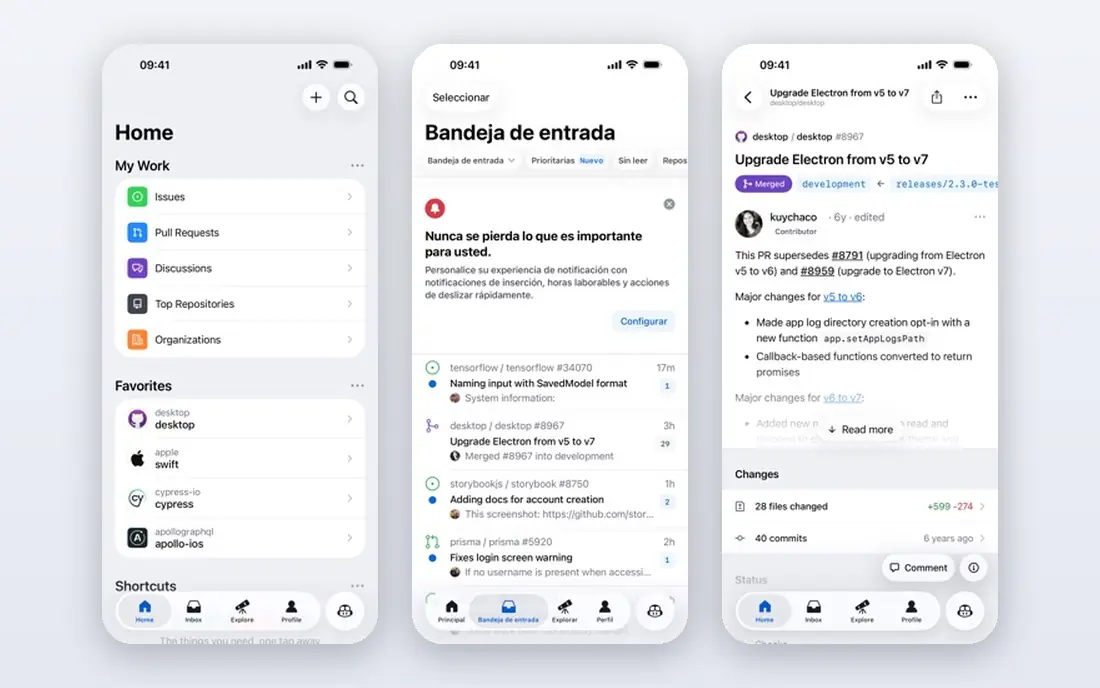
GitHub Copilot is our pick for most developers because it fits existing workflows. It offers inline completions, chat, multi-file edits and pull request help, without forcing you to switch editors. GitHub integration means it can use repository context, issues and pull requests where available.
The main limits are usage and review. Lower plans may cap chat or agent use, and suggestions still need checking, especially for security, edge cases and licensing. Use Copilot to speed up routine code, then test and review as you would for human-written code.
- Works in VS Code, JetBrains and other editors
- Strong GitHub integration
- Multi-model choice on paid plans
- Chat and agent usage can be capped on lower plans
- Quality varies by language and codebase
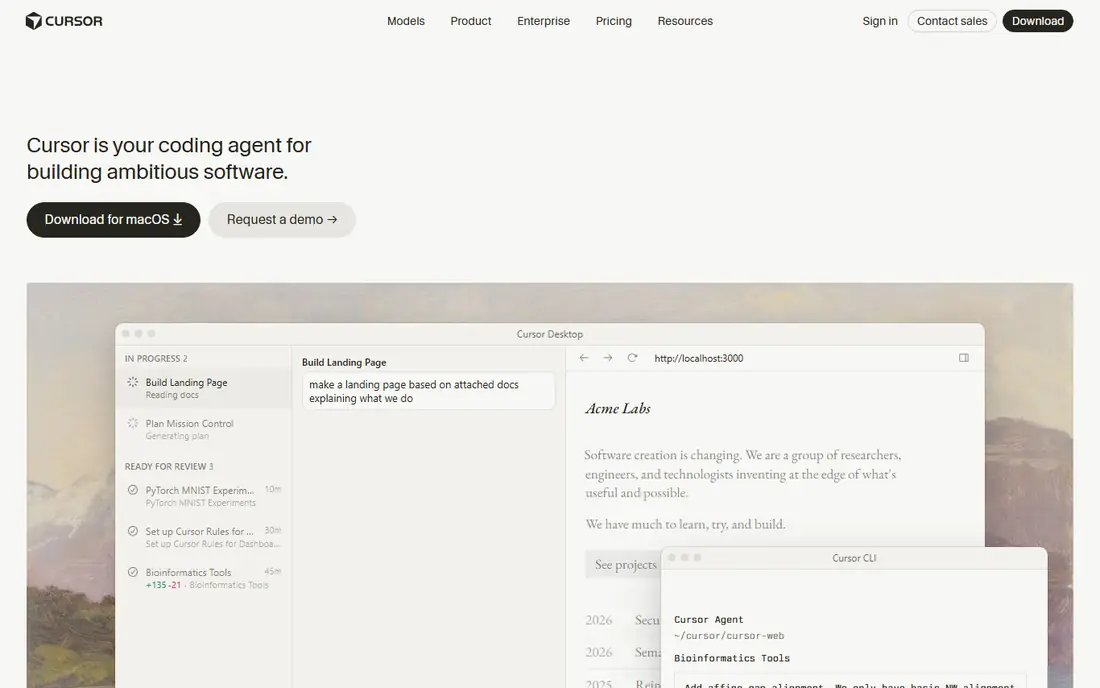
Cursor is a full editor with AI built into every step, from inline edits to chat with your codebase and agent mode for larger refactors. That agent focus suits developers who want to describe a change and let the tool work across files, with review at each step. Familiar VS Code extensions and shortcuts ease the switch.
Heavy users may hit usage limits on paid plans, and team admin features are less mature than GitHub Copilot Business. For individual developers and small teams who code daily, Cursor is a strong, focused choice.
- AI-first editor built on VS Code
- Agent mode for multi-file changes
- Model choice across providers
- Paid plans cap heavy model use
- Team features are less mature than Copilot Business

Claude Code runs in the terminal and handles multi-step coding tasks, from implementing features to fixing bugs and running tests. It can read a codebase, plan changes, edit files and report results, which suits developers who like command-line workflows. It is included with Claude Pro plans, with higher plans for heavy use.
The terminal focus is not for everyone, and agentic changes still need review and tests. Use Claude Code for well-scoped tasks, check diffs carefully, and run your test suite before merging.
- Strong agentic coding in the terminal
- Good at multi-step tasks
- Works across a codebase from the command line
- Heavy use needs higher-priced plans
- Terminal workflow does not suit every developer
Tabnine has long focused on privacy, with options for self-hosted and air-gapped deployment on enterprise plans, plus team models trained on private code. That makes it attractive for regulated teams in finance, health care and government, where code cannot leave internal systems.
Terms have changed after its acquisition, so check current availability and pricing on the official site before you commit. For teams with strict data rules, Tabnine remains worth evaluating, but confirm that the plan you need is still sold.
- Privacy-focused options including self-hosted deployment
- Works in many editors
- Team models for private code
- Availability and pricing have changed after acquisition
- Check current terms before buying
Amazon Q Developer, formerly CodeWhisperer, suits teams that build heavily on AWS. It helps with code completion, chat, debugging and cloud-specific tasks, plus code transformation for upgrades such as Java version moves. A free tier for individuals lets you test it without a paid plan.
Outside AWS, it is less general than Copilot or Cursor, and some features assume AWS services. For AWS shops, though, its cloud knowledge and transformation tools are a real advantage.
- Strong AWS knowledge for cloud code
- Code transformation for upgrades
- Free tier for individuals
- Less general-purpose than Copilot or Cursor
- Best value is inside AWS workflows
JetBrains AI is the natural pick if you already use IntelliJ IDEA, PyCharm, WebStorm or another JetBrains IDE. It offers completions, chat and code explanation inside the IDE, with a free tier for light use and a Pro plan for regular users. That tight integration means less context switching than a separate tool.
It is less useful if your team uses VS Code or other editors as its main tool. Credit limits also apply, so heavy agent use may need a higher plan or shared credits. For JetBrains users, though, it is the smoothest option.
- Deep integration with JetBrains IDEs
- Free tier with completions
- Pro plan at $10 per month
- Best value is inside JetBrains tools
- Credit limits apply on paid plans
Replit AI suits beginners, students and builders who want to create apps without local setup. Its agent can scaffold a full app from a prompt, run it in the browser, and help you iterate. That low barrier makes it good for prototypes, learning and small projects.
For large existing codebases or strict enterprise controls, a local editor tool such as Copilot or Cursor is usually better. Use Replit AI for fast prototypes and learning, then move serious projects to a full development setup when they grow.
- Build and run apps in the browser
- AI agent for full app creation
- No local setup needed
- Less suited to large existing codebases
- Pricing varies by usage and plan
Sourcegraph Cody is built on Sourcegraph code search, which gives it strong context across large repositories. It can answer questions about your codebase, explain code, and suggest changes with awareness of how parts of the system connect. That depth suits teams with large or legacy codebases.
The full value depends on Sourcegraph setup, and model choice is narrower than Copilot or Cursor. For teams already using Sourcegraph, Cody is a natural add-on. For others, test whether its codebase answers justify the setup.
- Strong codebase search and context
- Works across large repositories
- Chat and autocomplete
- Best value needs Sourcegraph setup
- Smaller model choice than some rivals
Windsurf, formerly Codeium, offers an AI editor with agent workflows for multi-file changes, plus autocomplete and chat. Its Cascade agent can plan and carry out larger tasks, with review steps built in. A free tier lets you test completions and basic agent use.
Pricing and ownership changed during 2026, so confirm current plans on the official site before you commit. For developers who want a free-friendly agent editor, Windsurf remains a useful option to compare with Cursor and Copilot.
- Agent-based editing with multi-file workflows
- Free tier for light use
- Cascade agent for larger tasks
- Pricing and ownership have changed in 2026
- Check current plans before buying
How we picked these
We compared official pricing, feature pages and documentation for AI programming tools available in October 2026. We favored tools with real editor or terminal integration, codebase context, model choice or strong single-model quality, and clear privacy terms. We left out tools that only generated snippets without editor integration, tools that had closed, and tools with no clear pricing or availability.
How to use AI coding tools safely
Treat AI code as a draft from a junior colleague. Read every change, check for security flaws such as injection, insecure defaults and leaked secrets, and run tests before merging. Avoid pasting sensitive code, keys or customer data into tools that do not meet your privacy rules, and use enterprise or self-hosted options where required. Keep a human in charge of architecture, since AI tools optimize for plausible code, not for your long-term design.
Choosing by workflow
Pick Copilot if you want broad editor support and GitHub integration. Pick Cursor or Windsurf if you want an AI-first editor with agents. Pick Claude Code if you prefer terminal agents, Tabnine for strict privacy, Amazon Q for AWS work, JetBrains AI for JetBrains IDEs, Replit AI for browser prototypes, and Cody for large codebase search. Try free tiers first, and judge tools by time saved on real tasks, not by demo quality.
FAQ
What is the best AI tool for programming?
For most developers, GitHub Copilot is the best all-round pick, thanks to editor support and GitHub integration. Cursor is best for an AI-first editor, while Claude Code suits terminal-based agentic work.
What are the best AI programming tools for beginners?
Replit AI is good for beginners who want to build in the browser, while Copilot and JetBrains AI offer gentle completions inside familiar editors. Start with free tiers, learn to read and test code, and do not rely on AI output you do not understand.
What is the best AI tool for programming in VS Code?
GitHub Copilot integrates deeply with VS Code, while Cursor is a VS Code-based editor with stronger agent features. Try Copilot first if you want to stay in VS Code, and Cursor if you want an AI-first editor experience.
Is AI-generated code safe to use?
AI code can contain bugs, security flaws and outdated patterns, so it must be reviewed and tested like any other code. Avoid pasting secrets or sensitive data into tools that lack proper privacy controls, and follow your team security rules.
Will AI tools replace programmers?
AI tools speed up routine coding, but they do not replace judgment, design, debugging and accountability. Programmers who review well, design systems and understand user needs remain essential, and AI works best as an assistant, not a replacement.