AI Tools for Electricians in 2026: The 5 Best Options Side by Side
Searching for the best AI tools for electricians? Here are 5 options with prices and free plans. Every pick includes one clear drawback. Decide faster.

- Editor's choice
 FieldEdge
Tracking customers, dispatches, and service history
Starts atSee websiteVisit fieldedge.comFull review - Great alternative
 Kickserv
Managing jobs, customers, and payments
Starts at$60 per monthVisit kickserv.comFull review - Also consider
 Housecall Pro
Home service firms wanting one option
Starts at$59 a monthVisit housecallpro.comFull review
Direct answer
Our first pick is FieldEdge, best for tracking customers, dispatches, and service history. Listed starting prices: Kickserv from $60 per month and Housecall Pro from $59 a month. Kickserv is the stronger choice for managing jobs, customers, and payments, while Housecall Pro suits home service companies wanting one option. Prices, free plans and limits for all 5 tools follow.
TL;DR:
- FieldEdge takes the first slot, best suited to tracking customers, dispatches, and service history.
- A fair warning about Housecall Pro: feature depth varies by business size.
- Housecall Pro is the lowest-priced starter here at $59 per month.
- Jobber suits all-in-one quoting, scheduling, and payments.
- FieldEdge, Jobber and the 3 others all need a premium plan or a trial, since no free plan is listed.
Last checked November 2026. Prices and plan details were read from the vendors' own pages in November 2026; vendors change plans often, so confirm the current price on the vendor site before you buy.
Quick comparison
| Tool | Best for | Starts at | Free plan? | |
|---|---|---|---|---|
| FieldEdge | Tracking customers, dispatches, and service history | See website | No | Visit |
| Kickserv | Managing jobs, customers, and payments | $60 per month | Free trial | Visit |
| Housecall Pro | Home service firms wanting one option | $59 a month | Free trial | Visit |
 ServiceTitan | Bigger home and commercial contractors | See website | Free trial | Visit |
 Jobber | All-in-one quoting, scheduling, and payments | See website | Not stated | Visit |
AI Tools for Electricians compared in detail
LinkVetted compared 5 AI tools for electricians. The goal is a practical shortlist: published prices, free plan facts, best-fit use cases and honest limits for every entry.
FieldEdge makes the most sense for tracking customers, dispatches, and service history. In practice, if your work is largely long construction projects instead of dispatched service calls, another tool may fit better.
Limits to weigh: Less suited to pure project work.
Also, dispatch visibility is the core strength here. Pricing for FieldEdge is not stated here, so ask the vendor for current figures. FieldEdge has no free tier.
- Keeps service history organized
- Field service app included
- Demo request needed before buying
Kickserv was built for managing jobs, customers, and payments. Kickserv is field service management software that offers management of jobs, customers, communication, and payments for home service companies.
Watch-outs: Narrower scope than bigger suites.
It is a reasonable fit for electricians who want the essentials of job tracking and customer contact without a sprawling system. On cost, Kickserv starts like this: $60 per month. On free options: Free trial.
- Handles communication and payments
- Centred on home service firms
- May not fit complicated commercial work
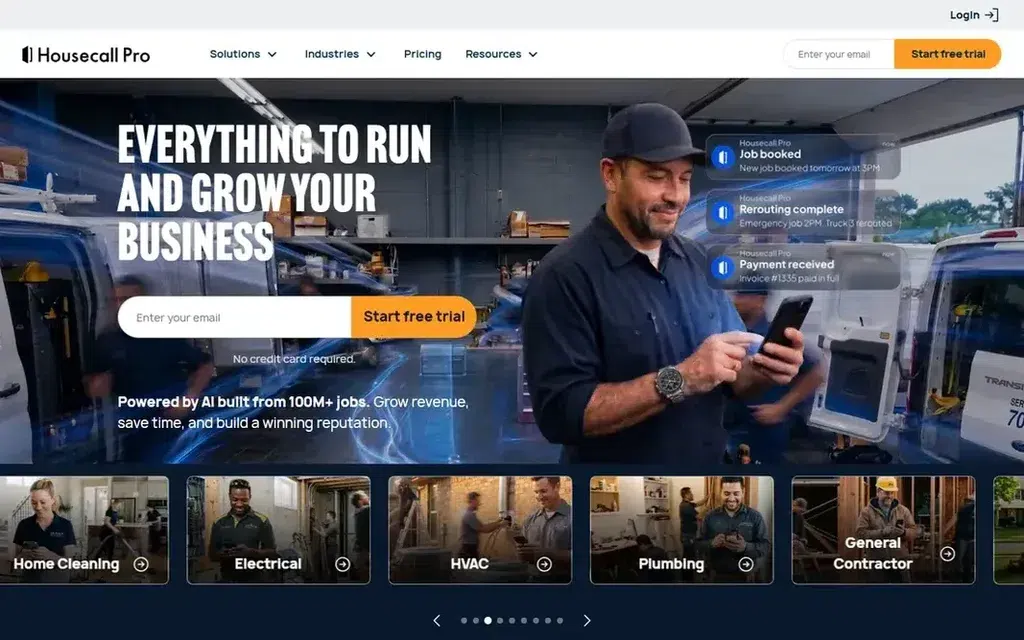
Think of Housecall Pro for home service companies wanting one option. Housecall Pro is a software option for home service companies, positioning itself as a single place to handle field service operations.
From a buyer's view, smaller operations may find they use only part of what is offered. Housecall Pro cost at the entry level: $59 per month. Free options: Free trial.
Where it is weaker: Feature depth varies by business size.
- Software targeted at home service firms
- Includes field service management needs
- May need time to configure

In short, ServiceTitan is for bigger home and commercial contractors. ServiceTitan describes its all-in-one software as built for home and commercial contractors, keeping service visits and construction projects running smoothly. As for the details, for a one-person electrical shop, the scope may exceed what you need day to day.
Expect more setup effort before the system matches how you work. Worth adding: look at more straightforward field service tools if your jobs are short and repeatable. Check the vendor site for ServiceTitan pricing; none is listed in this comparison. Free access: Free trial.
Where it falls short: Setup may take more planning.
- All-in-one software for contractors
- Manages service visits and construction projects
- Can be heavy for very small shops
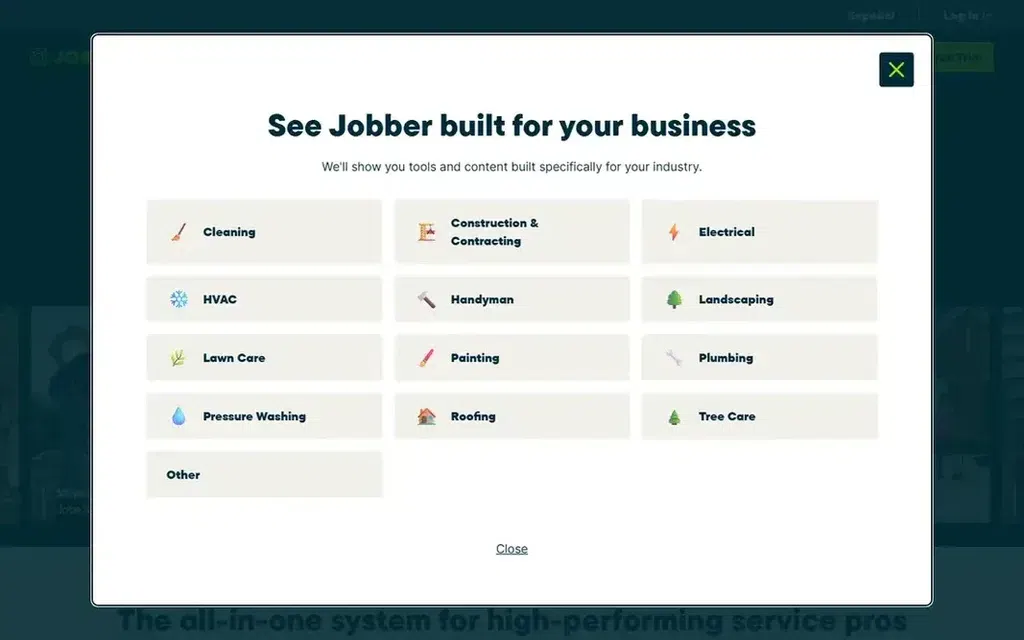
Jobber is a good fit for all-in-one quoting, scheduling, and payments. It is pitched at service companies that want to organize sales, operations, and customer communication without stitching multiple tools together. On top of that, if your work is mostly one-off projects with little repeat scheduling, a lighter tool may be enough.
Consider Jobber when repeat service work and quick invoicing are the priority. Beyond that, bigger commercial operations with complicated dispatch and project accounting may outgrow it. Jobber does not show a starting price in this comparison, so check the vendor site for current pricing. On free options: Not stated.
What Jobber does well: Fits home and commercial service companies.
Honest limits: May be more than a solo electrician needs.
- Easy-to-use app for sales and operations
- Quote, schedule, invoice
- Advanced needs may need other tools
How these tools were picked
Before you commit
- Ask FieldEdge, ServiceTitan and Jobber for a written quote, since no starting price is shown.
- Take the trial from Kickserv, Housecall Pro and ServiceTitan and push a live task through it before you pay.
- Read the limits listed for FieldEdge first: demo request needed before buying.
- The entry price of Housecall Pro is only the starting point; model the full cost with seats and extras.
- See whether FieldEdge offers onboarding or training, and whether it is included in the price.
FAQ
Do electricians need AI tools at all?
AI tools help most with admin work for example drafting quotes, writing customer messages, and summarizing job notes. Field service software still manages scheduling, dispatch, and invoicing.
What is the cheapest option for AI tools for electricians in this list?
On published monthly entry prices, Housecall Pro is the lowest here at $59 per month. Entry price is only part of the cost, because seats, add-ons and billing terms can change the total. For the full picture, the cards above cover all 5 entries of this AI tools for electricians list, including price, free plan and limits.
Can I try these tools before paying?
Often, yes. Kickserv, Housecall Pro and ServiceTitan offer a free trial. Use your own data and a real task during the test, and check what the free tier or trial limits before you rely on it. Prices, free plan details and limits for all 5 tools in this AI tools for electricians roundup sit on the individual cards above.
How are the tools for AI tools for electricians ordered?
The order follows typical fit for AI tools for electricians, with FieldEdge first and Jobber last, then price clarity and free access. It is editorial judgement, not a score, so another team could rank the tools differently.
Which tool fits a solo electrician?
A solo electrician normally wants straightforward job tracking, fast invoicing, and clear customer communication. Kickserv or Jobber are reasonable starting points, with a chat AI for writing help.
Do these tools publish their prices?
Not all of them. FieldEdge, ServiceTitan and Jobber publish no starting price, so expect a quote request for those. The rest, Kickserv included, show a starting price, though seats and billing terms still change the final cost.
Sources
- https://www.fieldedge.com
- https://www.kickserv.com
- https://www.housecallpro.com
- https://www.servicetitan.com
- https://www.getjobber.com