Best AI Tools for Creators in 2026: 9 Tools Compared
Compare the best AI tools for creators in 2026, with current pricing, strengths, limits, and picks for writing, video, images, voice, and design work.
- Editor's choice
 ChatGPT
Everyday writing and planning
Starts at$20 per monthVisit chatgpt.comFull review - Great alternative
 Canva
Fast social graphics and templates
Starts at$12 per monthVisit canva.comFull review - Also consider
 Midjourney
Stylised images
Starts at$10 per monthVisit midjourney.comFull review
TL;DR:
- ChatGPT and Canva cover the widest range of creator tasks, from drafts and scripts to finished social graphics.
- Midjourney and Adobe Firefly suit creators who need distinctive images, while Runway and Descript focus on video and audio editing.
- ElevenLabs is the strongest pick here for natural voiceover, and Opus Clip is built for turning long videos into short clips.
- Start with a free plan where one exists, and pay only when usage limits or commercial needs make the upgrade worthwhile.
- Check rights, disclosure rules, and platform policies before publishing AI generated work, since rules differ by platform and client.
Quick comparison
| Tool | Best for | Starts at | Free plan? | |
|---|---|---|---|---|
| ChatGPT | Everyday writing and planning | $20 per month | Yes | Visit |
| Canva | Fast social graphics and templates | $12 per month | Yes | Visit |
| Midjourney | Stylised images | $10 per month | No | Visit |
 Runway | Short AI video | $12 per month | Yes | Visit |
 Descript | Editing video by editing text | See website | Yes | Visit |
 Jasper | Brand voice marketing copy | See website | Free trial | Visit |
 Opus Clip | Short clips from long videos | See website | Yes | Visit |
 ElevenLabs | Voiceover and narration | $22 per month | Yes | Visit |
 Adobe Firefly | Images inside Adobe workflows | $9.99 per month | Yes | Visit |
The best AI tools for creators
Creators rarely need one tool for everything. The best stack pairs a strong writing or planning tool with one or two specialist tools for images, video, or voice, and that is how we organised this list.
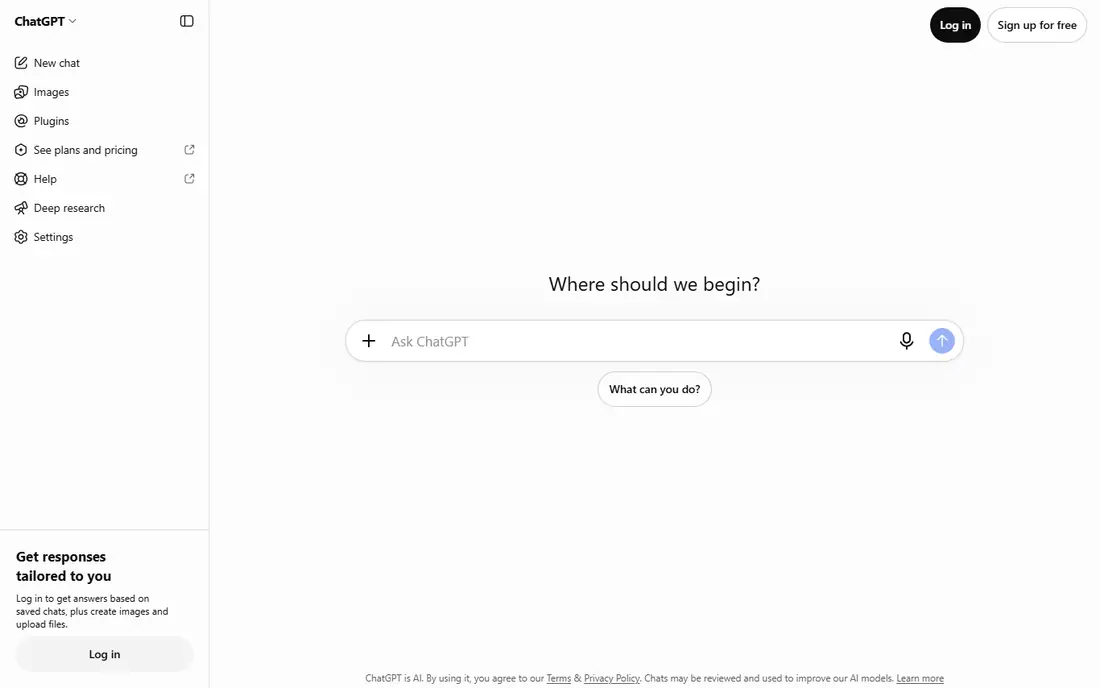
ChatGPT is our pick for most creators who want one general tool. It drafts newsletters, video scripts, course outlines, and social captions quickly, and it helps turn a rough idea into a workable structure. Paid plans add higher limits and image tools, which makes it useful for creators who publish several times a week.
The honest catch is that ChatGPT will sound confident even when a fact is wrong. Treat its first draft as a starting point, check names, dates, prices, and claims, and rewrite the parts that matter most in your own voice. Creators who do that get speed without handing over their judgement.
- Strong drafting and brainstorming
- Handles scripts, captions, and outlines
- Image generation is built into paid plans
- Output still needs fact checking
- Style can feel generic without clear prompts
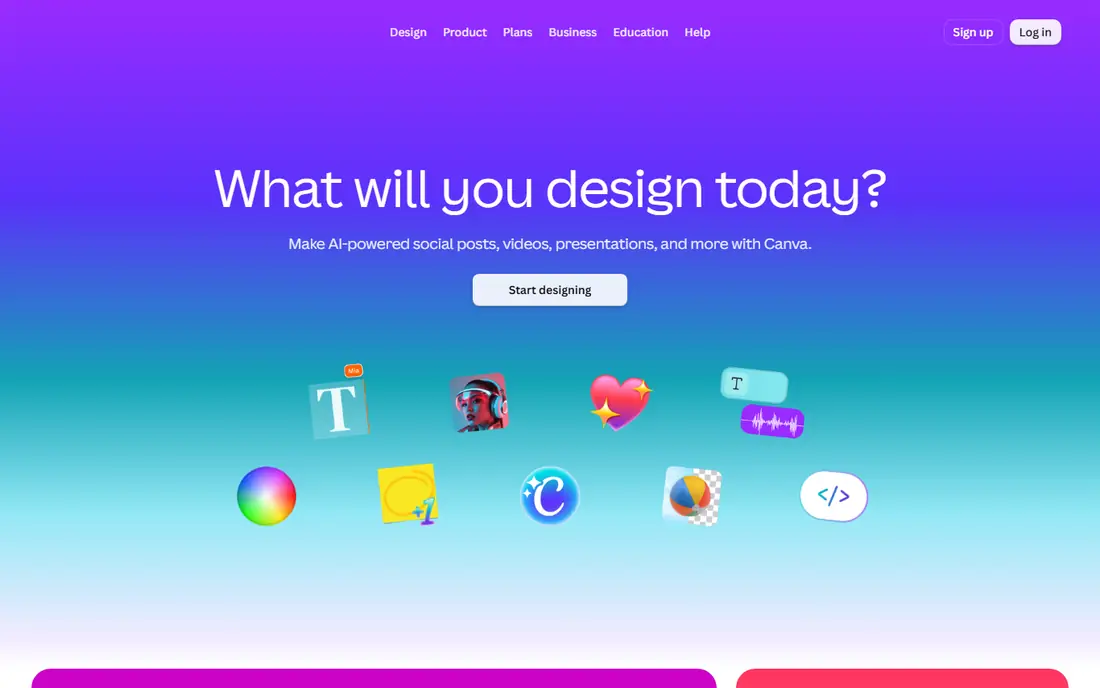
Canva suits creators who need polished visuals without learning a full design program. Its AI features help generate images, rewrite text, remove backgrounds, and build decks from a prompt. For solo creators and small teams, the template system saves hours on thumbnails, carousels, and presentation slides.
The trade-off is originality. A template used exactly as supplied will look like many other posts. Change colours, fonts, layout, and imagery, and use your own photos or brand assets where the post needs to stand out. Canva Pro is billed at $144 per year for one person, which works out to $12 per month on annual billing.
- Huge template library
- AI tools for images, text, and design
- Easy to resize work for each platform
- Designs can look familiar if templates are used unchanged
- Advanced print control is limited

Midjourney remains a favourite for creators who care about visual style above all else. It produces images that look designed rather than stock-like, which helps for book covers, album art, thumbnails, and concept work. Creators can iterate on a prompt, vary a result, and refine a look over several rounds.
It is less convenient than a tool built into a design app, and there is no free tier to test it properly. If you only need occasional images, Canva or ChatGPT may be enough. Midjourney earns its place for creators who generate images daily and want a consistent visual signature.
- Distinctive, polished image style
- Strong control over mood and composition
- Active community for prompt ideas
- No free plan
- Runs through Discord or its web editor, which takes some learning
Runway fits creators making short video content, product teasers, and visual experiments. It turns a prompt or a still image into moving footage, and its editing tools help clean up and extend that footage. For social creators, short clips are often the whole point, so the format fits the job.
Expect to generate more than you use. Some clips will have odd motion or detail errors, and longer stories are hard to hold together across many generations. Use Runway for moments, transitions, and b-roll style footage, and shoot or edit the core story with conventional tools.
- Text and image to video generation
- Useful editing and effects tools
- Credit based plans suit project work
- Clips are short
- Results vary and often need several tries
Descript changes how many creators edit podcasts and talking head videos. You edit the transcript, delete a sentence, and the video follows. That makes rough cuts far quicker than scrubbing a timeline, and it helps creators who think in words rather than waveforms.
Studio Sound and filler removal can lift a home recording a long way, but they cannot rescue a badly recorded room or a weak script. Descript is best as the editing hub for spoken content, with a traditional editor kept for complex visual work. Check current pricing on the vendor site before you commit, since plans and limits change.
- Transcript based editing is fast
- Filler word removal and studio sound help podcasts
- Screen recording is built in
- Heavy video effects work still belongs in a dedicated editor
- AI voice cloning needs care and consent
Jasper is a clearer fit for creators who sell services or run a content business than for casual posters. Its brand voice features let a team keep tone, terms, and style consistent across blog posts, ads, and email. Templates speed up routine marketing work without starting from a blank page each time.
The downside is scope. If you mainly want chat, research help, and occasional images, a general tool costs less and does more. Jasper makes sense when consistent marketing output is the main job and several people need to write in the same voice.
- Built for marketing teams
- Brand voice controls help keep copy consistent
- Templates cover ads, email, and blogs
- Less useful as a general chatbot
- Pricing is aimed at teams rather than casual users
Opus Clip is built for the repurposing workflow that many creators now rely on. Upload a podcast or long video, and it suggests short vertical clips with captions, ranked by likely interest. That turns one recording session into a week of short form posts.
Review every clip before posting. Automated picks can miss context, cut a thought in half, or highlight a line you would not want standing alone. Used as a first pass, with a human choosing the final clips, it is one of the biggest time savers on this list.
- Finds clip worthy moments automatically
- Adds captions and reframing for vertical video
- Saves hours of manual cutting
- Clip choices still need human review
- Quality depends on the source recording
ElevenLabs stands out for voice work. Its voices sound far less flat than older text to speech tools, which matters for narration, explainer videos, and audio versions of written work. Dubbing and voice design options give creators more control over tone and pacing.
Use voice cloning only with clear permission from the voice owner, and label AI narration where a platform or client expects it. The Creator plan starts at $22 per month, so check character limits against your typical script length before subscribing. For short weekly voiceovers, the free tier may be enough to judge quality.
- Natural sounding voices
- Voice cloning and dubbing options
- Good for narration, ads, and audiobooks
- Voice cloning raises consent and misuse risks
- Character limits shape how much you can produce per plan
Adobe Firefly suits creators already working in Photoshop, Illustrator, or Express. Generated images can move straight into a design file, and Adobe positions Firefly as trained on licensed content, which many commercial clients prefer. That matters when a client asks where an image came from.
Firefly is not the best choice for every artistic style, and creators outside Adobe may prefer a standalone image tool. Inside an Adobe workflow, though, the convenience is real, and the entry plan starts at $9.99 per month. Try the free tier first and compare results with Midjourney on your own briefs.
- Works with Adobe apps creators already use
- Commercially safer training approach
- Strong text and texture handling
- Less stylised than Midjourney for some looks
- Full value depends on Adobe subscriptions
How we picked these
We compared official feature pages, pricing pages, and app store listings, and we checked public reviews for recurring strengths and complaints. We favoured tools that exist and work now, cover a distinct creator job, and offer a free plan or trial where possible. We left out tools that only repackage another model with no clear editing, publishing, or workflow benefit.
We did not claim hands-on testing for every tool. Instead, we weighed what each tool is built for, what it costs, where it falls short, and who will actually benefit from paying for it. That is why this list mixes general tools with specialists, rather than ranking nine chatbots against each other.
What to check before you pay
Match the tool to your bottleneck
Start with the job that eats your time. If writing is slow, a writing tool helps most. If editing is slow, Descript or Opus Clip may save more hours than another image generator. A tool that solves a small annoyance is rarely worth a monthly fee.
Watch usage limits and rights
Credit systems, character limits, and monthly generations shape real cost. Read the plan details for the tier you intend to buy, not just the headline price. Also check commercial use terms, especially for client work, and keep records of licences where a client may ask.
Keep your voice in the work
AI output works best as a draft, a first cut, or a set of options. Add your own examples, opinions, and checks before publishing. Audiences follow creators for judgement and taste, and those are the parts no tool can supply for you.
FAQ
What is the best AI app for creators?
There is no single best app, because creators have different bottlenecks. ChatGPT is a strong general starting point, Canva covers design, Descript covers spoken editing, and ElevenLabs covers voice. Pick the tool that matches the work you do most often.
What are the best new AI tools for creators?
New tools appear often, but newer does not mean better. Check whether a new tool solves a real workflow problem, offers a free trial, and lets you export your work. Tools on this list have stayed useful because they fit a clear job, not because they are new.
Is there a best AI creator app that is free?
Yes, several tools here have free plans, including ChatGPT, Canva, Runway, Descript, Opus Clip, ElevenLabs, and Adobe Firefly. Free plans usually limit generations, credits, or exports, so they work best for trying a tool or for light use.
Can AI tools replace a human editor or designer?
They can speed up drafts and routine edits, but they do not replace judgement about story, accuracy, taste, and audience. The strongest results come from a human reviewing, correcting, and shaping AI output before it is published.
Do I need to disclose AI generated content?
Disclosure rules vary by platform, client, and content type. Many platforms and clients expect labels for AI images, video, or voice, and sponsored or commercial work often has stricter rules. Check the platform policy and your client agreement before publishing.
How much should a creator budget for AI tools?
Start free, then add one paid tool at a time. A single $10 to $22 per month subscription is enough for many creators, while a full stack of writing, image, video, and voice tools can pass $70 per month quickly. Cancel tools you have not used in the past month.