Best AI Tools for Content Creators in 2026: 8 Tools Compared
Discover the best ai tools for content creators in 2026. We compare 8 writing, video, design and editing tools for blogs, social media and YouTube channels.
- Editor's choice
 ChatGPT
Ideas, scripts and drafts
Starts atFreeVisit chatgpt.comFull review - Great alternative
 Jasper
Brand consistent marketing copy
Starts atSee websiteVisit jasper.aiFull review - Also consider
 Copy.ai
Marketing and sales workflows
Starts atSee websiteVisit copy.aiFull review
TL;DR:
- No single tool covers every creator job well, so build a small stack around writing, video and design.
- ChatGPT is the most flexible starting point for ideas, scripts and drafts, while specialist tools win at editing and clipping.
- Descript and Opus Clip save the most time for video creators, by editing from text and cutting long videos into shorts.
- Canva and Midjourney cover different design needs, with Canva for fast templates and Midjourney for distinctive images.
- Check AI credit limits and commercial terms before subscribing, since those limits shape real monthly output.
Quick comparison
| Tool | Best for | Starts at | Free plan? | |
|---|---|---|---|---|
| ChatGPT | Ideas, scripts and drafts | Free | Yes | Visit |
| Jasper | Brand consistent marketing copy | See website | Free trial | Visit |
| Copy.ai | Marketing and sales workflows | See website | Yes | Visit |
 Descript | Video and podcast editing | Free | Yes | Visit |
 Canva | Fast social design | Free | Yes | Visit |
 Grammarly | Editing and polishing copy | Free | Yes | Visit |
 Opus Clip | Long video to short clips | Free | Yes | Visit |
 Midjourney | Distinctive AI images | See website | No | Visit |
The best AI tools for content creators
These eight tools cover writing, editing, design and video repurposing for solo creators and small teams.

ChatGPT is the best first tool for most creators because it covers so many jobs in one place. It can brainstorm titles, outline a video, draft a newsletter, rewrite a caption and suggest hooks, all from a short brief. The free tier handles a lot of that work, which makes it a low risk starting point.
The catch is that raw output is rarely publish ready. Facts, prices and quotes need checking, and a full script read aloud can sound generic. Creators who treat it as a drafting partner and rewrite in their own voice get far more from it than those who publish first drafts.
- Flexible across writing, research and images
- Free tier is genuinely useful
- Huge template and guide ecosystem
- Output needs fact checking and editing
- Quality varies by prompt
- Paid features sit behind subscription

Jasper suits marketing teams that need a lot of copy in a consistent voice. Brand voice settings, campaign templates and multi brand support help a team produce blog posts, ads and emails that sound like they came from one source. That structure is the main reason to pay more than a general chatbot costs.
Solo creators may find it heavy. Setup takes effort, the price reflects team use, and the copy still needs a human pass for accuracy and tone. For teams with steady content volume, the workflow savings are real.
- Brand voice controls
- Campaign and multi brand workflows
- Collaboration features for teams
- Priced for teams rather than hobbyists
- Learning the setup takes time
- Output still needs human editing
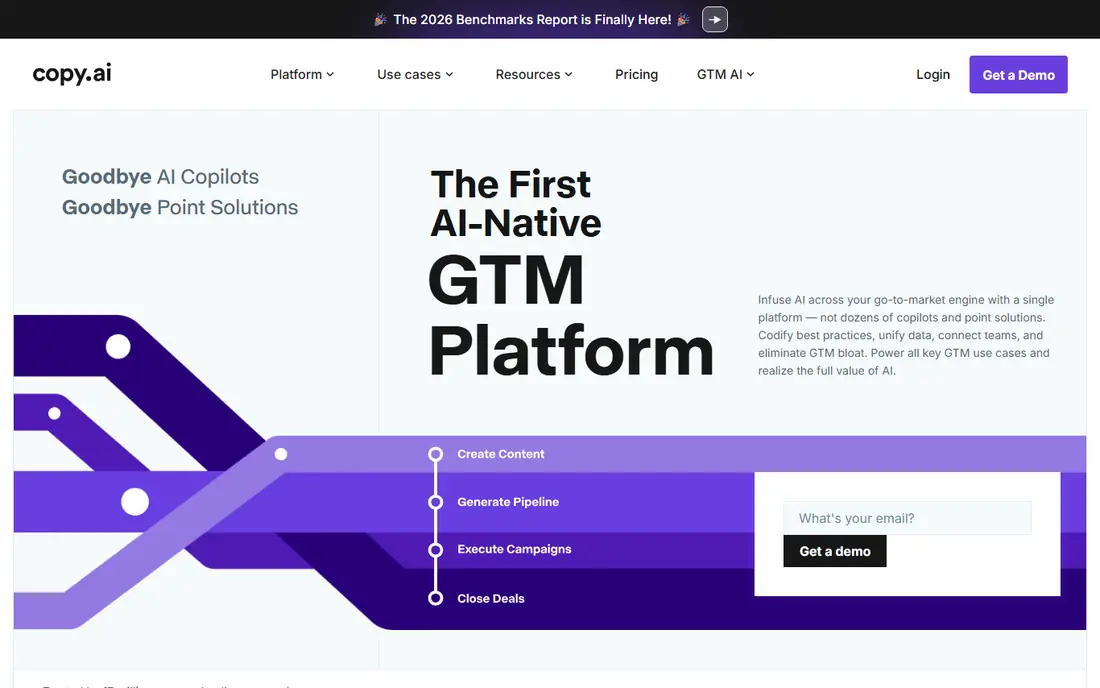
Copy.ai is built for teams that repeat the same content jobs, such as turning a product brief into social posts, emails and sales outreach. Workflows chain those steps together, which saves time once the process is set. It also lets teams use several models rather than being tied to one.
The free tier is a good test, but serious workflow use needs a paid plan. As with every writing tool here, output needs checking, especially for claims about a product. For small marketing teams, the workflow focus is the selling point.
- Workflow automation for repeatable copy
- Multiple models in one tool
- Useful for sales and marketing teams
- Advanced workflows sit on higher tiers
- Quality varies by use case
- Free tier has limits
Descript changes video editing for creators who hate timelines. It transcribes a recording, and deleting words from the transcript deletes them from the video. Filler word removal, studio sound and clip tools make it a strong all rounder for podcasts and YouTube videos.
Limits matter. Free and lower plans cap transcription hours and AI features, and transcripts need a review pass for names and technical terms. For creators who publish video or audio regularly, the time saved on rough cuts usually justifies a paid plan.
- Edit video by editing text
- Filler word removal
- Clip creation for social
- AI credits and hours have limits
- Advanced features need paid plans
- Transcription errors need review
Canva is the fastest route from idea to a finished thumbnail, carousel or short form graphic. Templates cover almost every platform size, and AI tools handle resizing, background removal and first draft copy. Brand kits keep colours and fonts consistent across a team.
The risk is sameness. A template used as is will look like thousands of other posts, so creators should customise layouts, images and type. For speed and volume, though, Canva remains the most practical design tool for non designers.
- Huge template library
- AI resize, background removal and writing help
- Easy brand kits
- Designs can look templated without custom work
- Advanced AI features need Pro
- Print quality needs care
Grammarly is best used as a final pass, not as a writing tool. It catches grammar slips, awkward phrasing and tone mismatches across blog posts, captions and emails, and it works inside browsers, documents and many apps. The free tier covers the core checks most creators need.
Blindly accepting every suggestion is a mistake, since it can smooth out a distinctive voice. It also does not verify facts, so claims still need human checking. As an editing safety net, it earns its place in a creator stack.
- Catches grammar, clarity and tone issues
- Works across browsers and apps
- Free tier covers basics
- Suggestions can flatten voice if accepted blindly
- Advanced tone and plagiarism checks need paid plans
- Not a fact checker
Opus Clip solves a specific and painful job, which is turning a long video into short clips for TikTok, Reels and Shorts. It picks highlight moments, adds captions, reframes for vertical video and ranks clips, so a creator can publish several shorts from one recording without manual editing.
Free credits run out fast and carry watermarks, so regular creators need a paid plan. Clip picks also need review, since an algorithm can miss context or pick a misleading moment. Used with a human pass, it multiplies the value of every long video.
- Finds highlights automatically
- Adds captions and vertical formatting
- Scores clips for potential reach
- Free credits are limited and watermarked
- Clip choices need human review
- Quality varies by source video
Midjourney is the pick for creators who want images with a distinct look rather than stock style graphics. Its output suits thumbnails, channel art, book covers and concept art, and style parameters give more control than a generic image tool. The community gallery is also a useful source of prompt ideas.
There is no free tier, so testing costs money, and good results need prompt practice. Creators should also check the commercial terms of their plan before using images in client work. For visual identity, the quality gap over free tools is clear.
- High quality, stylised image output
- Strong style control
- Large creative community
- No free tier
- Learning prompt craft takes time
- Commercial terms depend on plan
How we picked these
We compared official pricing pages, feature lists and creator focused reviews for tools in active use in October 2026. We looked for tools that solve a distinct creator job, from drafting to editing to clipping, rather than listing every chatbot on the market. We also checked free tiers, credit limits and commercial terms, since those shape what a creator can actually publish each month.
How to build a creator stack without overspending
Start with the bottleneck, not the bundle. If writing is slow, start with ChatGPT and Grammarly. If video editing eats your week, start with Descript. If short form growth matters, add Opus Clip. Add one tool at a time, and cancel anything you have not opened in three weeks.
Watch credit systems closely. Some tools charge per minute, per clip or per image, so a low monthly price can still cap output. Keep a human review step for facts, claims and clip context, and keep your own voice in the final draft. AI should speed up production, not replace the judgement that makes content worth watching.
Also protect your own voice. The fastest way to lose an audience is to publish polished but generic content that could come from any channel. Use AI for structure, first drafts and repurposing, then add personal stories, original opinions and verified facts that no model can supply from your own experience.
FAQ
What is the best AI tool for content creators?
ChatGPT is the best all rounder for ideas and drafts, but the best stack pairs it with a specialist. Descript suits video editors, Canva suits designers, and Opus Clip suits short form repurposing.
Are AI content tools free?
Many offer free tiers, including ChatGPT, Canva, Grammarly, Descript and Opus Clip. Free tiers usually limit credits, hours or exports, so regular creators often need a paid plan for steady output.
Can AI tools replace a human creator?
No. AI speeds up drafting, editing and repurposing, but it does not replace taste, fact checking or audience judgement. The best results come from AI drafts refined by a human who knows the audience.
Which AI tool is best for YouTube creators?
Descript for editing, Opus Clip for shorts, Canva for thumbnails and ChatGPT for scripts form a strong YouTube stack. Midjourney can add distinctive thumbnail and channel art.
Do AI generated images and text raise copyright issues?
Terms vary by tool and plan, and AI output can resemble existing work. Check each tool commercial terms, avoid copying identifiable styles or text, and keep records of prompts and licences for client work.
How much should a solo creator spend on AI tools?
Many solo creators start free and settle on a small stack costing well under the price of one agency hour per month. Upgrade only when a free limit actually blocks publishing, not when a new tool launches.